By using this site, you agree to our Privacy Policy and Terms of Service.
Accept
Absolute Geeks UAEAbsolute Geeks UAE
  • STORIES
    • TECH
    • AUTOMOTIVE
    • GUIDES
    • OPINIONS
  • REVIEWS
    • READERS’ CHOICE
    • ALL REVIEWS
    • ━
    • SMARTPHONES
    • CARS
    • HEADPHONES
    • ACCESSORIES
    • LAPTOPS
    • TABLETS
    • WEARABLES
    • SPEAKERS
    • APPS
  • WATCHLIST
    • TV & MOVIES REVIEWS
    • SPOTLIGHT
  • GAMING
    • GAMING NEWS
    • GAME REVIEWS
  • +
    • OUR STORY
    • GET IN TOUCH
Reading: You Can Now Add Boomerangs, Mentions & URLs To Your Instagram Story
Share
Notification Show More
Absolute Geeks UAEAbsolute Geeks UAE
  • STORIES
  • REVIEWS
  • WATCHLIST
  • GAMING
  • +
  • STORIES
    • TECH
    • AUTOMOTIVE
    • GUIDES
    • OPINIONS
  • REVIEWS
    • READERS’ CHOICE
    • ALL REVIEWS
    • ━
    • SMARTPHONES
    • CARS
    • HEADPHONES
    • ACCESSORIES
    • LAPTOPS
    • TABLETS
    • WEARABLES
    • SPEAKERS
    • APPS
  • WATCHLIST
    • TV & MOVIES REVIEWS
    • SPOTLIGHT
  • GAMING
    • GAMING NEWS
    • GAME REVIEWS
  • +
    • OUR STORY
    • GET IN TOUCH
Follow US

You Can Now Add Boomerangs, Mentions & URLs To Your Instagram Story

GEEK DESK
GEEK DESK
Nov 13
Instagram Story Instagram Stories

When Instagram first debuted Instagram Stories, denizens of the internet called foul play. It was nothing but a remake of Snapchat’s Story feature, utilising most of the same editing functions. But it seems that Facebook isn’t done with Instagram Story as a slew of new features has been added to the platform.

Boomerang is another one of Facebook’s Instagram spin-off apps, an app designed to let you share short moments in a reverse-loop GIF-like format. Now with the Instagram Story platform, you can swipe right to create a one second Boomerang clip, without having to install the Boomerang app itself. Which sort of makes you wonder why there is a standalone app.

Mentioning people seems to be Instagram’s way of tipping people off about your new story. That’s right, when you’re writing a wall of text to go along with your Instagram Story, you can drop the “@” symbol followed by someone’s username, notifying them that they’ve been tagged in your story. Furthermore, if you view someone’s story that has a mention in it, you can tap the mention to view that person’s profile.

Lastly, you’ll soon be able to add links to your story, in a similar manner to mentioning someone. Currently, this last feature is being beta tested with select, verified users. The addition of links lets users viewing the story to swipe up or tap said link to open the in-app browser. For instance, if you’re writing an article about a laptop, you can share it to your Instagram Story via a link overlaying a picture of the laptop.


Share
What do you think?
Happy0
Sad0
Love0
Surprise0
Cry0
Angry0
Dead0

WHAT'S HOT ❰

Ugreen 45W GaN charger brings angled display to budget fast charging
Spotify charts next chapter amid 20 years of music streaming shifts.
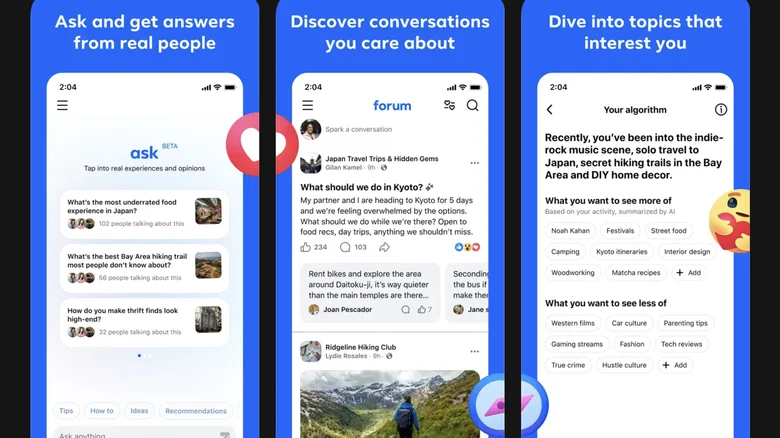
New Meta Forum app challenges Reddit with Facebook integration
Lego Donkey Kong sets arrive amid renewed game interest
How the Find N6 foldable refines large-screen productivity with AI tools
Absolute Geeks UAEAbsolute Geeks UAE
Follow US
AbsoluteGeeks.com was assembled during a caffeine incident.
© Absolute Geeks Media FZE LLC 2014–2026.
Proudly made in Dubai, UAE ❤️
Upgrade Your Brain Firmware
Receive updates, patches, and jokes you’ll pretend you understood.
No spam, just RAM for your brain.
Welcome Back!

Sign in to your account

Username or Email Address
Password

Lost your password?