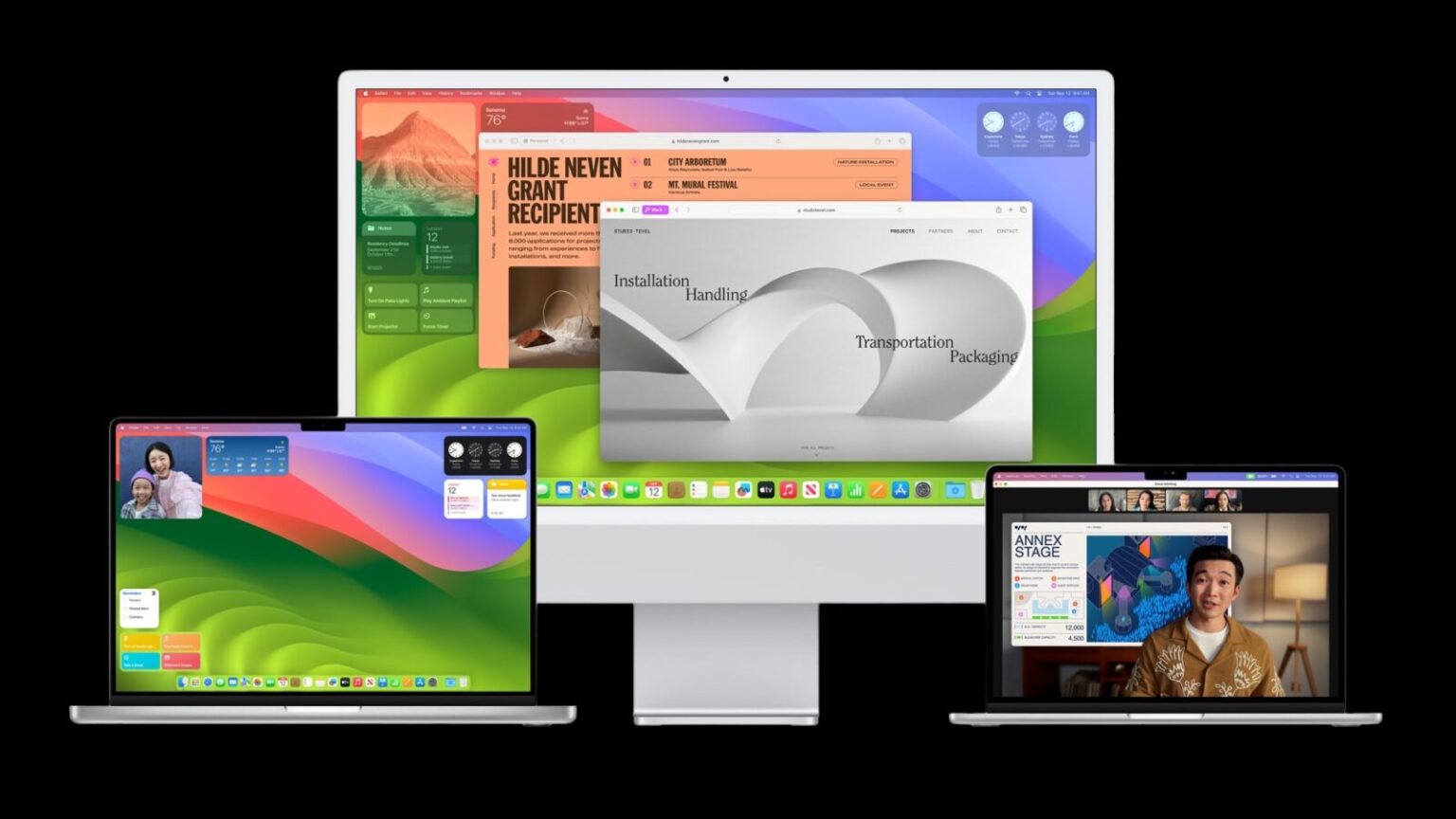
Apple has recently rolled out MacOS Sonoma 14.4, and it’s quite the update! Let’s dive into the details:
- New Features:
- Podcast Transcripts: Now you can read a transcript of a podcast episode separately or alongside listening to it. Within the transcript, you can search for specific words, jump ahead or back, and adjust the text size and contrast.
- Fresh Emojis: Express yourself with new emojis, including a mushroom, phoenix, lime, broken chain, and shaking heads. Additionally, you can manipulate 18 different people and body emojis to face different directions.
- Apple Messages for Business: This service now provides details on order status, flight notifications, fraud alerts, and other transactions.
- Bug Fixes:
- Security Patches: A whopping 64 security patches have been included in this update. These address vulnerabilities in various apps such as Messages, Music, Notes, Photos, Safari, Shortcuts, Siri, and Apple TV.
- Bluetooth and Graphics Driver Fixes: The update also tackles issues related to Bluetooth, the Image Capture tool, the Dock, Intel graphics drivers, and even Apple’s old Airport routers.
- Actively Exploited Vulnerabilities: Two vulnerabilities may have been actively exploited, both related to memory corruption affecting the MacOS kernel. A hacker with arbitrary kernel read and write capability could potentially bypass kernel memory protections, compromising data or executing other malicious actions.
- How to Update: To get the latest version, click the Apple icon, select System Preferences, head to General, choose Software Update, and click the Update Now button.
Remember, keeping your system up-to-date ensures better security and functionality. Happy updating!