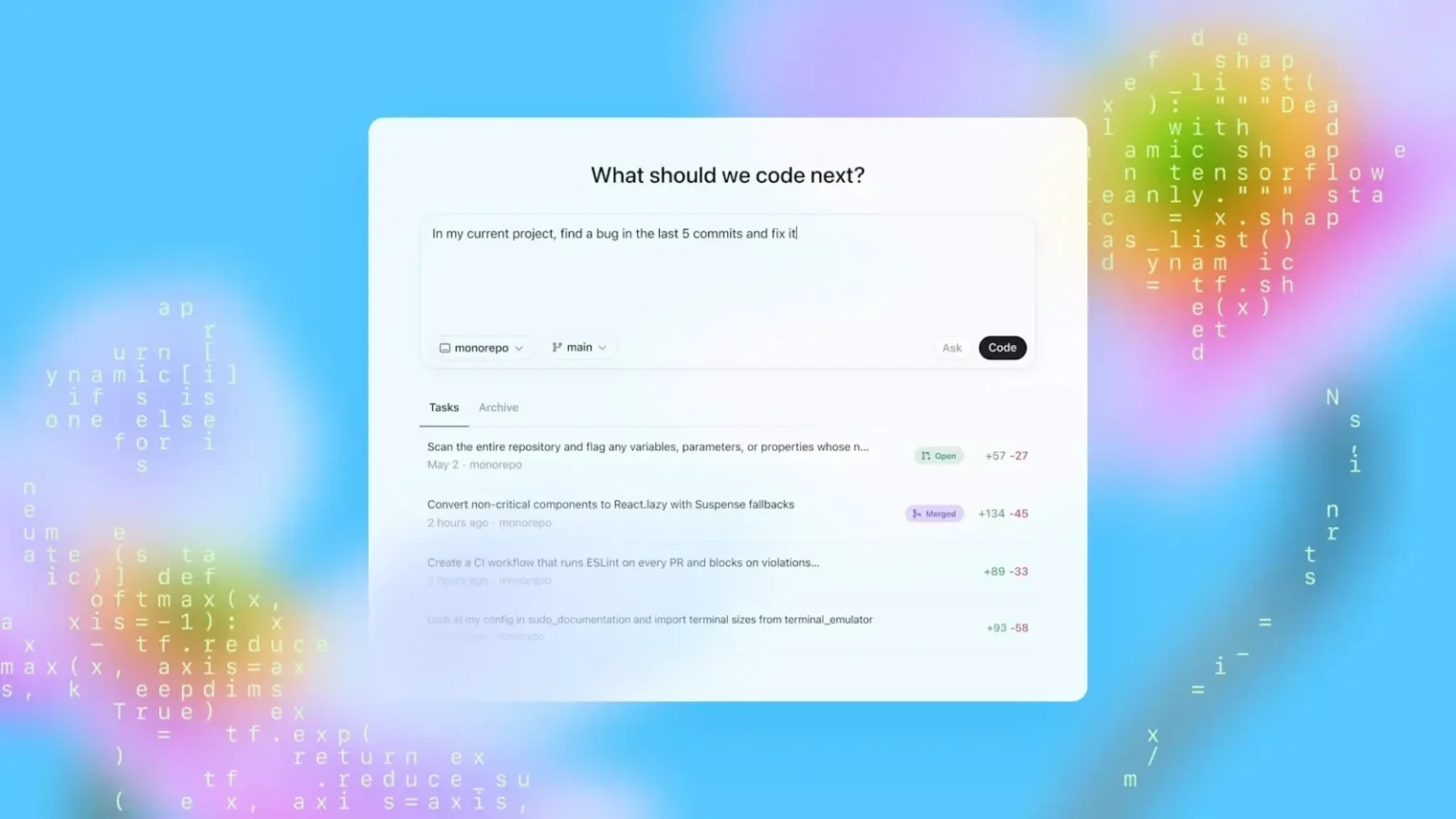
OpenAI has introduced a set of AI “pets” as optional floating overlays for its Codex coding agent, offering simple visual notifications during programming sessions. The feature, rolled out in early May 2026, lets users keep an eye on task progress without constantly switching back to the main window, such as when a prompt finishes running or when input is required.
These overlays function much like persistent desktop companions from earlier computing eras. Users can select from eight built-in designs, including cats and dogs, or generate custom ones through prompts in Codex itself. The community has already begun sharing creations online, ranging from characters out of Star Wars, Harry Potter, Pokémon, and Dragon Ball Z to stylized versions of public figures like former President Trump and Indian Prime Minister Narendra Modi. One of the more popular picks revives Microsoft’s early-2000s Office assistant, Mr. Clippy, tapping into a wave of nostalgia for clunky but memorable digital helpers.
Codex itself launched in 2025 as an AI agent focused on practical software engineering work—writing code, debugging, and helping less experienced users assemble basic tools. It has reportedly attracted millions of users in its first year, reflecting the rapid growth of AI-assisted coding platforms. The pets represent a lighter, more ambient addition to that workflow, aiming to make long coding sessions feel less solitary. Yet the approach also raises familiar questions about attention and productivity. Floating notifications, no matter how charming, risk becoming distractions in an already fragmented digital workspace, much as Clippy once irritated users with untimely suggestions.
The feature is currently available on the Windows and macOS desktop versions of Codex. There has been no mention yet of support for mobile platforms like iOS or Android, which could limit its appeal for developers who work across devices. Activation is straightforward: head to Settings > Appearance > Pets to choose or create one. To show or hide the overlay during a session, users can type /pet in the composer or use the Wake Pet and Tuck Away Pet commands via the Cmd+K or Ctrl+K shortcut menu.
This move fits into a broader pattern in AI development where companies layer personality and visual elements onto functional tools. Early experiments with animated assistants in the late 1990s and 2000s often prioritized cuteness over utility, sometimes at the expense of actual productivity. Today’s versions benefit from more sophisticated language models, but the core tension remains: do these digital companions genuinely reduce cognitive load, or do they simply add another layer of interface to monitor?
For developers already immersed in AI coding environments, the pets may offer a small morale boost during repetitive tasks. Others might view them as optional novelty, easily toggled off when focus is paramount. As AI agents handle more routine programming work, features like this highlight an ongoing effort to humanize the experience—though whether that leads to better code or just more pleasant waiting screens is something only time and user feedback will clarify. The pets arrive at a moment when coding tools are evolving quickly, balancing capability with the very human need for manageable, even occasionally whimsical, interfaces.