By using this site, you agree to our Privacy Policy and Terms of Service.
Accept
Absolute Geeks UAEAbsolute Geeks UAE
  • STORIES
    • TECH
    • AUTOMOTIVE
    • GUIDES
    • OPINIONS
  • REVIEWS
    • READERS’ CHOICE
    • ALL REVIEWS
    • ━
    • SMARTPHONES
    • CARS
    • HEADPHONES
    • ACCESSORIES
    • LAPTOPS
    • TABLETS
    • WEARABLES
    • SPEAKERS
    • APPS
  • WATCHLIST
    • TV & MOVIES REVIEWS
    • SPOTLIGHT
  • GAMING
    • GAMING NEWS
    • GAME REVIEWS
  • +
    • OUR STORY
    • GET IN TOUCH
Reading: Samsung One UI 7 rolls out: here’s what’s new and how to install
Share
Notification Show More
Absolute Geeks UAEAbsolute Geeks UAE
  • STORIES
    • TECH
    • AUTOMOTIVE
    • GUIDES
    • OPINIONS
  • REVIEWS
    • READERS’ CHOICE
    • ALL REVIEWS
    • ━
    • SMARTPHONES
    • CARS
    • HEADPHONES
    • ACCESSORIES
    • LAPTOPS
    • TABLETS
    • WEARABLES
    • SPEAKERS
    • APPS
  • WATCHLIST
    • TV & MOVIES REVIEWS
    • SPOTLIGHT
  • GAMING
    • GAMING NEWS
    • GAME REVIEWS
  • +
    • OUR STORY
    • GET IN TOUCH
Follow US

Samsung One UI 7 rolls out: here’s what’s new and how to install

GEEK DESK
GEEK DESK
Apr 7

Samsung has officially started rolling out the One UI 7 update to its Galaxy smartphone lineup. Built on Android 15, the update introduces several new features, design tweaks, and enhanced AI tools aimed at streamlining user experience across supported devices.

One UI 7 focuses heavily on artificial intelligence to offer smarter functionality throughout the interface. Users can expect improvements in photo editing, on-device search, and routine automation. AI now plays a central role in managing battery performance, adjusting device settings based on usage patterns, and delivering personalized suggestions.

Visually, the update brings subtle refinements to the UI, with smoother animations and a cleaner layout. Notification management has also been overhauled, making it easier to interact with alerts and manage app permissions. Multitasking features have been fine-tuned, particularly for foldable models and larger screen devices, offering a more desktop-like experience when multiple apps are open.

Voice interaction sees upgrades as well, with improved text-to-speech accuracy and expanded voice command support. Samsung’s digital assistant also benefits from tighter integration with apps and settings, allowing for more fluid control without needing to navigate menus manually.

The One UI 7 update is currently rolling out to flagship models first, including the Galaxy S24 series, Galaxy Z Fold 5, and Galaxy Z Flip 5. Devices launched within the last two years are expected to follow in phases, depending on region and carrier.

To install the update, users should head to Settings > Software Update > Download and Install. It’s recommended to back up device data and ensure sufficient battery life before proceeding.

This update positions Samsung’s Android 15-based skin to be more AI-aware and responsive to user needs, especially as mobile devices continue to emphasize smarter, adaptive software experiences.
Share
What do you think?
Happy0
Sad0
Love0
Surprise0
Cry0
Angry0
Dead0

WHAT'S HOT ❰

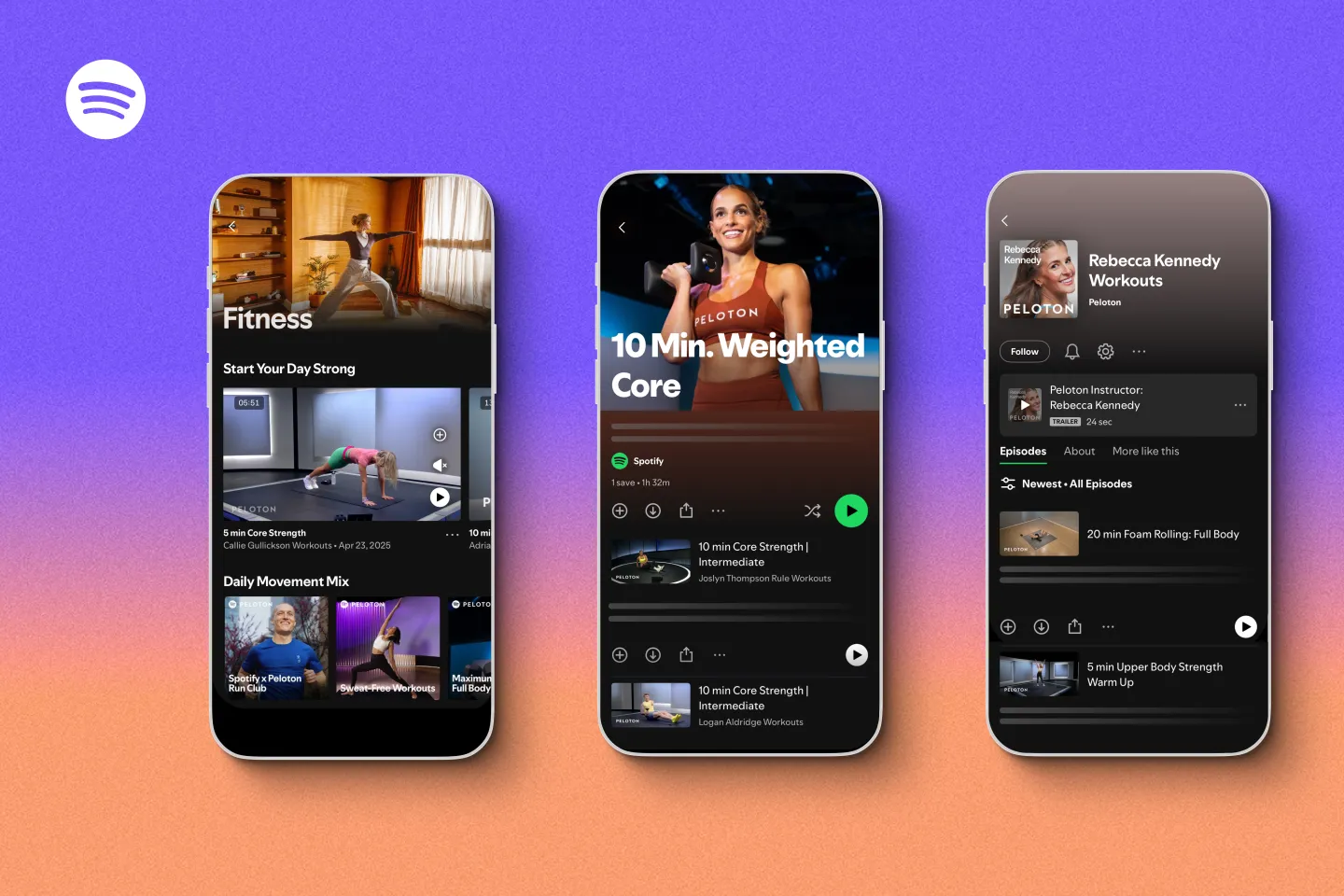
Spotify brings guided fitness content to users in the UAE
Clicks outlines Communicator roadmap with software previews in May and shipments in Q4
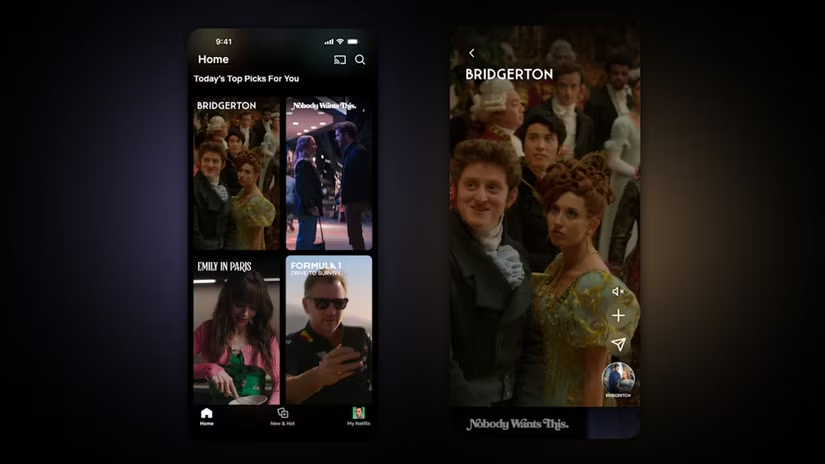
Netflix rolls out vertical video feed on mobile app as social media influence grow
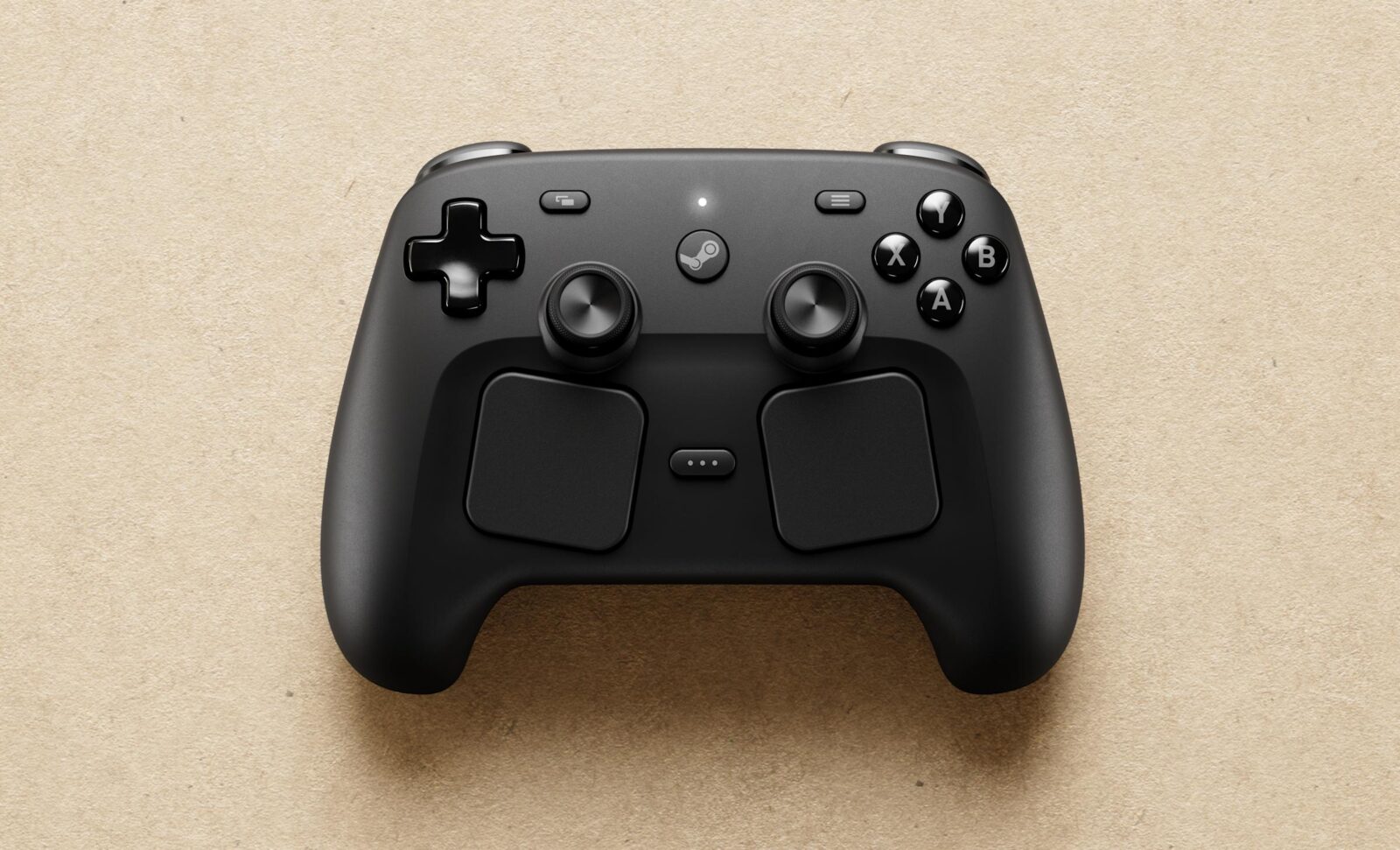
Valve sets May 4 release for new Steam Controller at $99 with ecosystem limitations
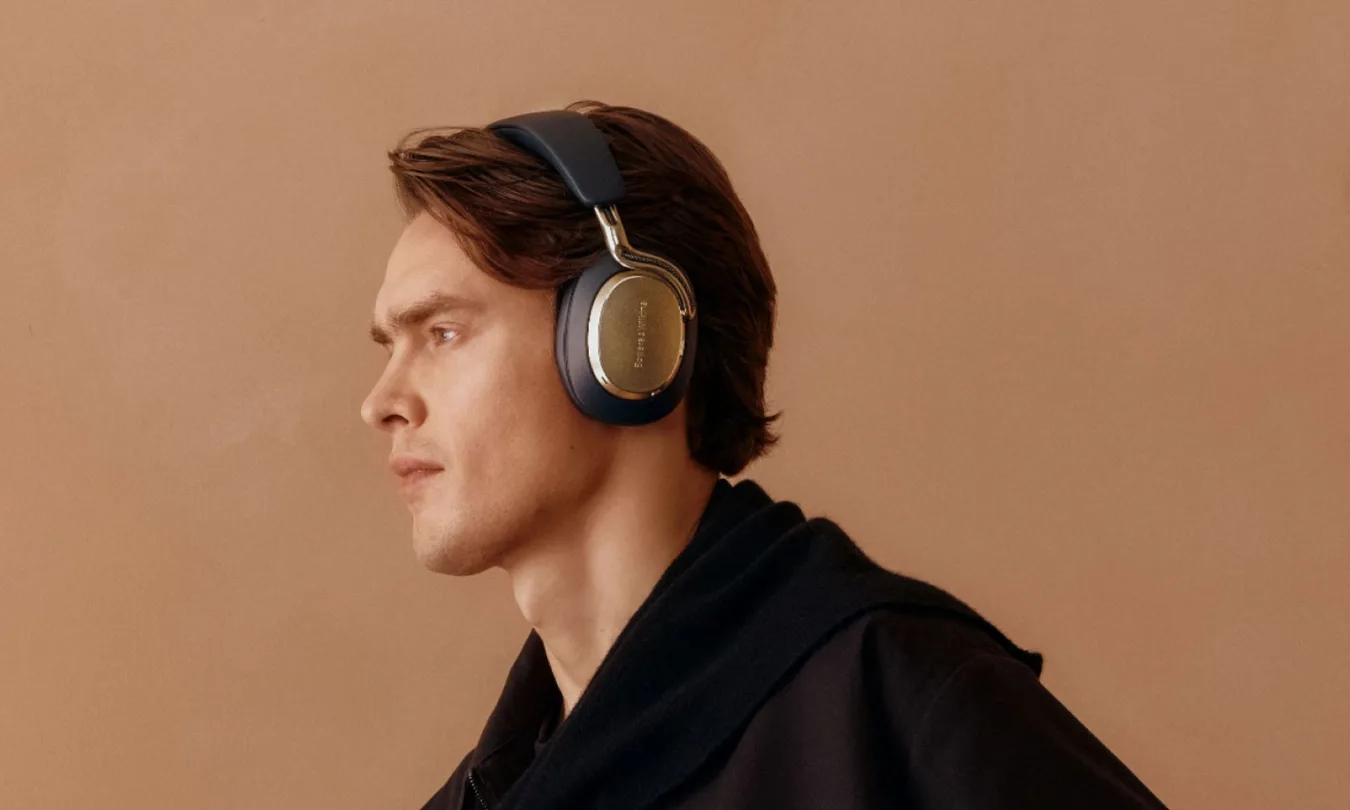
Bowers & Wilkins expands color options for Px8 S2, Px7 S3, and Pi8
Absolute Geeks UAEAbsolute Geeks UAE
Follow US
AbsoluteGeeks.com was assembled during a caffeine incident.
© Absolute Geeks Media FZE LLC 2014–2026.
Proudly made in Dubai, UAE ❤️
Upgrade Your Brain Firmware
Receive updates, patches, and jokes you’ll pretend you understood.
No spam, just RAM for your brain.
Welcome Back!

Sign in to your account

Username or Email Address
Password

Lost your password?