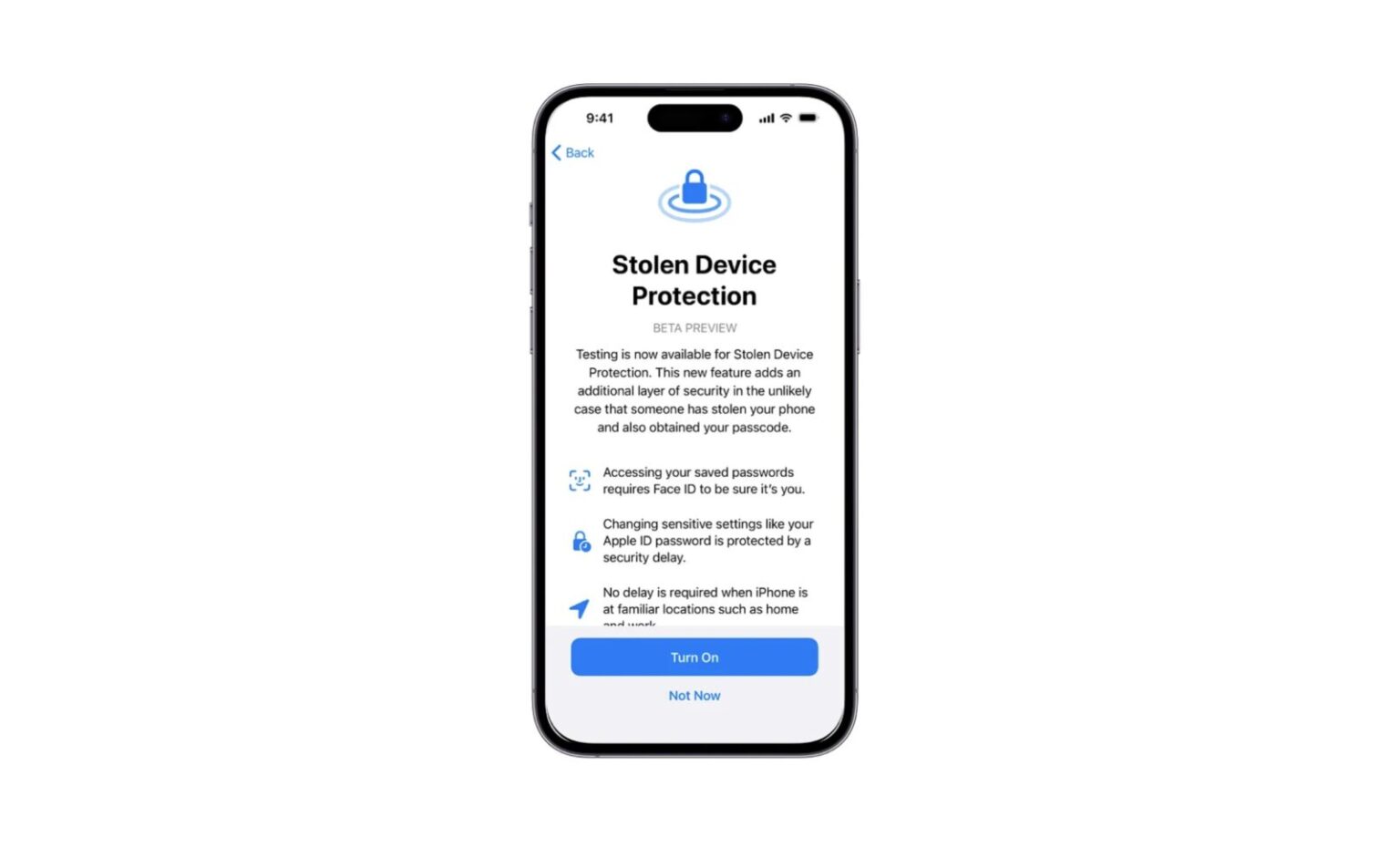
iOS 17.3 arrives with a security shield called Stolen Device Protection, making it way harder for thieves to access your precious iCloud info, bank accounts, and emails even if they snag your iPhone.
How does it work?
This update demands fingerprint or Face ID for crucial actions like opening your password vault or applying for a new Apple Card. Thieves won’t be able to bamboozle you into unlocking these gates!
Need to change your Apple ID password or iPhone passcode? Hold your horses. iOS 17.3 introduces Security Delay, requiring an hour wait after Face ID or Touch ID, followed by another fingerprint scan, before the change sticks. This ensures only the true you are making such sensitive tweaks.
This extra security only kicks in when you’re away from familiar turf like home or work. So relax, updating your phone at the office won’t involve jumping through hoops.
Additional new features in this update:
- Team up with friends and build collaborative playlists in Apple Music – the perfect soundtrack for any adventure!
- Stream content directly to select hotel TVs for ultimate vacation entertainment.
Ready to level up your iPhone security? Head to Settings > Face ID & Passcode and flip the switch on Stolen Device Protection. For more details, check out Apple’s website.