By using this site, you agree to our Privacy Policy and Terms of Service.
Accept
Absolute Geeks UAEAbsolute Geeks UAE
  • STORIES
    • TECH
    • AUTOMOTIVE
    • GUIDES
    • OPINIONS
  • REVIEWS
    • READERS’ CHOICE
    • ALL REVIEWS
    • ━
    • SMARTPHONES
    • CARS
    • HEADPHONES
    • ACCESSORIES
    • LAPTOPS
    • TABLETS
    • WEARABLES
    • SPEAKERS
    • APPS
  • WATCHLIST
    • TV & MOVIES REVIEWS
    • SPOTLIGHT
  • GAMING
    • GAMING NEWS
    • GAME REVIEWS
  • +
    • OUR STORY
    • GET IN TOUCH
Reading: Google Photos adds face blocking feature, giving you the power to take control of your digital past
Share
Notification Show More
Absolute Geeks UAEAbsolute Geeks UAE
  • STORIES
    • TECH
    • AUTOMOTIVE
    • GUIDES
    • OPINIONS
  • REVIEWS
    • READERS’ CHOICE
    • ALL REVIEWS
    • ━
    • SMARTPHONES
    • CARS
    • HEADPHONES
    • ACCESSORIES
    • LAPTOPS
    • TABLETS
    • WEARABLES
    • SPEAKERS
    • APPS
  • WATCHLIST
    • TV & MOVIES REVIEWS
    • SPOTLIGHT
  • GAMING
    • GAMING NEWS
    • GAME REVIEWS
  • +
    • OUR STORY
    • GET IN TOUCH
Follow US

Google Photos adds face blocking feature, giving you the power to take control of your digital past

GEEK DESK
GEEK DESK
Aug 20

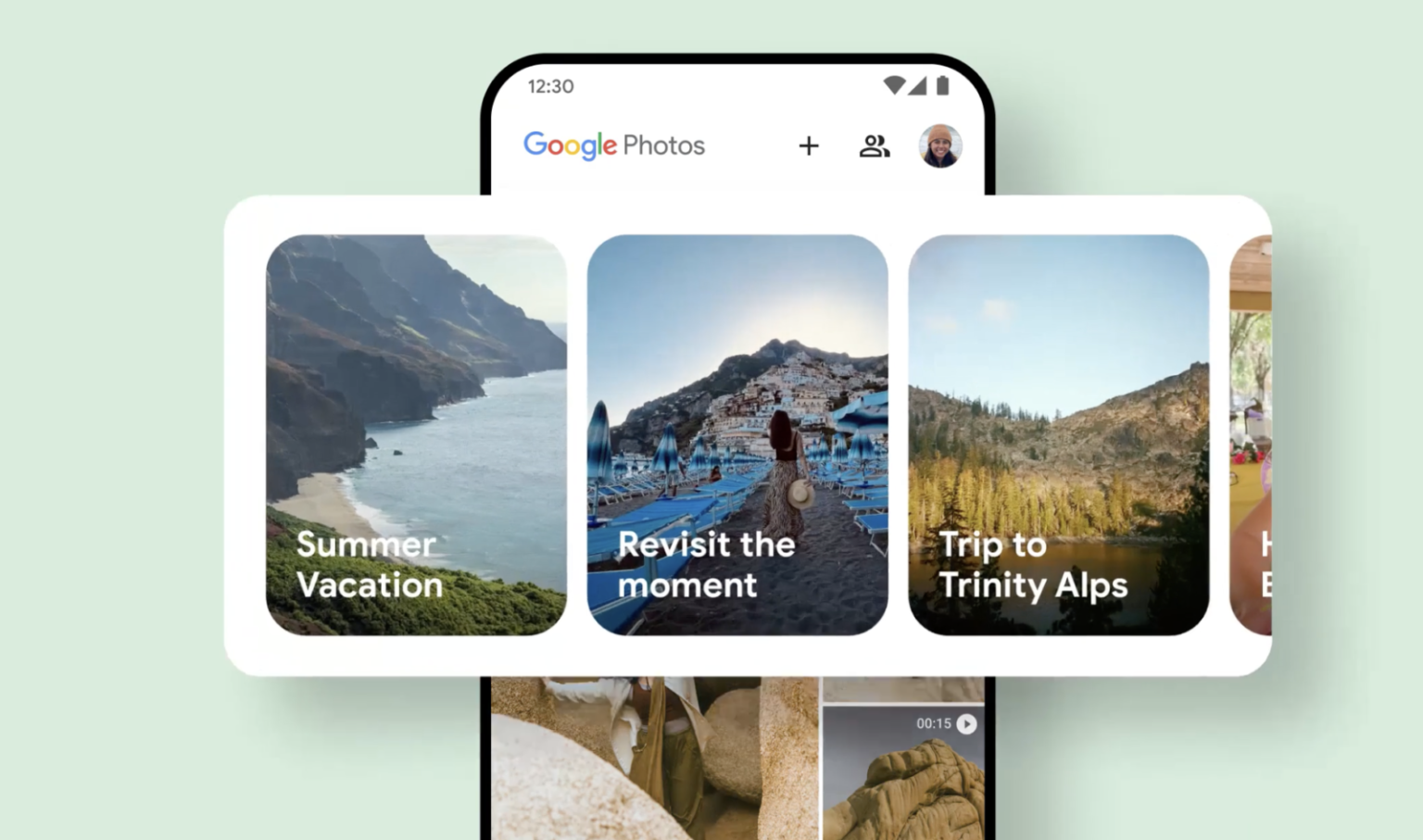
Ever get that bittersweet pang of nostalgia mixed with a tinge of dread when a certain someone’s face pops up in your Google Photos Memories? That ex you’d rather forget, that embarrassing family reunion… Well, Google’s got your back!

The latest update to Google Photos finally gives you the power to curate your digital memories, letting you decide who (or what) you want to see less of. The new “Show less” and “Block” features are here to rescue you from those unwanted blasts from the past.

“Block” is your digital bouncer, ensuring that a specific person’s face is completely erased from your Memories, even if they were part of happy group photos. If you’re not ready for such a drastic measure, “Show less” allows you to limit their appearances, sparing you from those dedicated memory reels that might bring up unwanted emotions.

But it’s not just about people. Maybe you’d rather forget that disastrous vacation or that awkward family gathering. The new date-hiding feature lets you banish specific dates from your Memories, ensuring those cringe-worthy photos stay hidden in the depths of your photo library.

So, go ahead, embrace the power of digital decluttering! Google Photos is putting you in the driver’s seat, allowing you to craft a more positive and personalized experience. Now, your Memories can truly reflect the moments you cherish most, without any unwanted surprises.

How to use:

  1. Open the Google Photos app.
  2. Tap your profile photo in the top right, then go to Photos settings.
  3. Select Preferences, then Memories
  4. Open Hide people and pets
  5. Under “Show less” or “Blocked,” tap select faces.
  6. Pick the faces you want to hide.
  7. Click Done.
Share
What do you think?
Happy0
Sad0
Love0
Surprise0
Cry0
Angry0
Dead0

WHAT'S HOT ❰

Hisense partners with Phantom Blade Zero to promote its gaming displays
Grok Voice mode heads to Apple CarPlay, expanding beyond Tesla vehicles
OpenAI adds playful AI pets as floating companions in its Codex coding tool
Fallout Nuka Girl collectible returns with limited exclusive edition
Xiaomi prepares high-performance YU7 GT SUV for May launch
Absolute Geeks UAEAbsolute Geeks UAE
Follow US
AbsoluteGeeks.com was assembled during a caffeine incident.
© Absolute Geeks Media FZE LLC 2014–2026.
Proudly made in Dubai, UAE ❤️
Upgrade Your Brain Firmware
Receive updates, patches, and jokes you’ll pretend you understood.
No spam, just RAM for your brain.
Welcome Back!

Sign in to your account

Username or Email Address
Password

Lost your password?