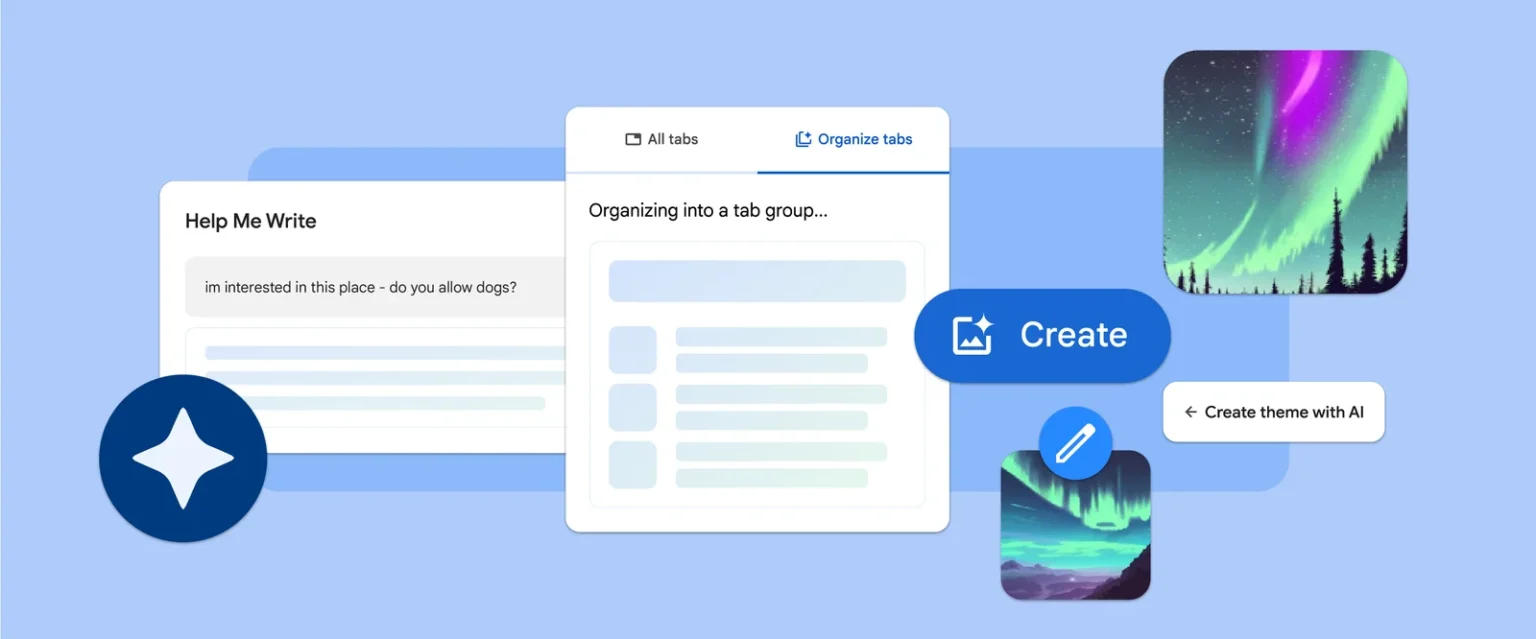
The latest Chrome update brings new tools powered by machine learning and artificial intelligence, making browsing the web even easier and more personalized. These features are currently in the experimental stage, available to US users on Macs and Windows PCs starting today, and will roll out to other regions soon.
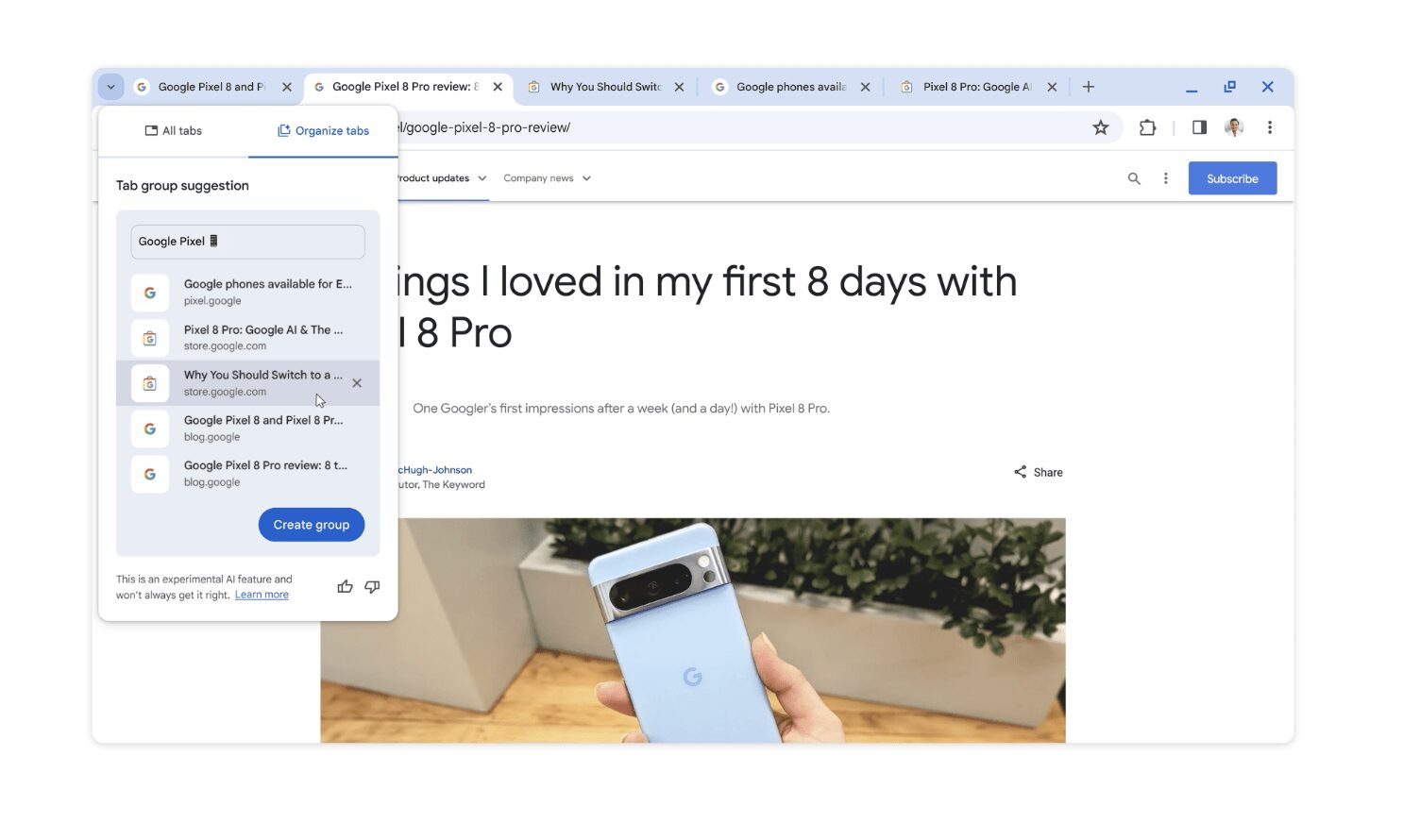
Organize tabs effortlessly with Tab Organizer:
Juggling multiple open tabs can be chaotic. Tab Organizer uses AI to automatically suggest and create groups based on your open tabs, streamlining your browsing experience. Whether you’re researching a project, planning a trip, or shopping online, Tab Organizer helps you stay organized and focused.
Create stunning browser themes with AI:
Remember the amazing AI-generated wallpapers from Android 14 and Pixel 8? Now, you can use the same technology to personalize your Chrome browser! The new “Create with AI” feature allows you to choose a subject, mood, visual style, and color to generate unique theme designs tailored to your preferences. Get inspired by the Chrome team’s creations or unleash your creativity and design your own dream theme.

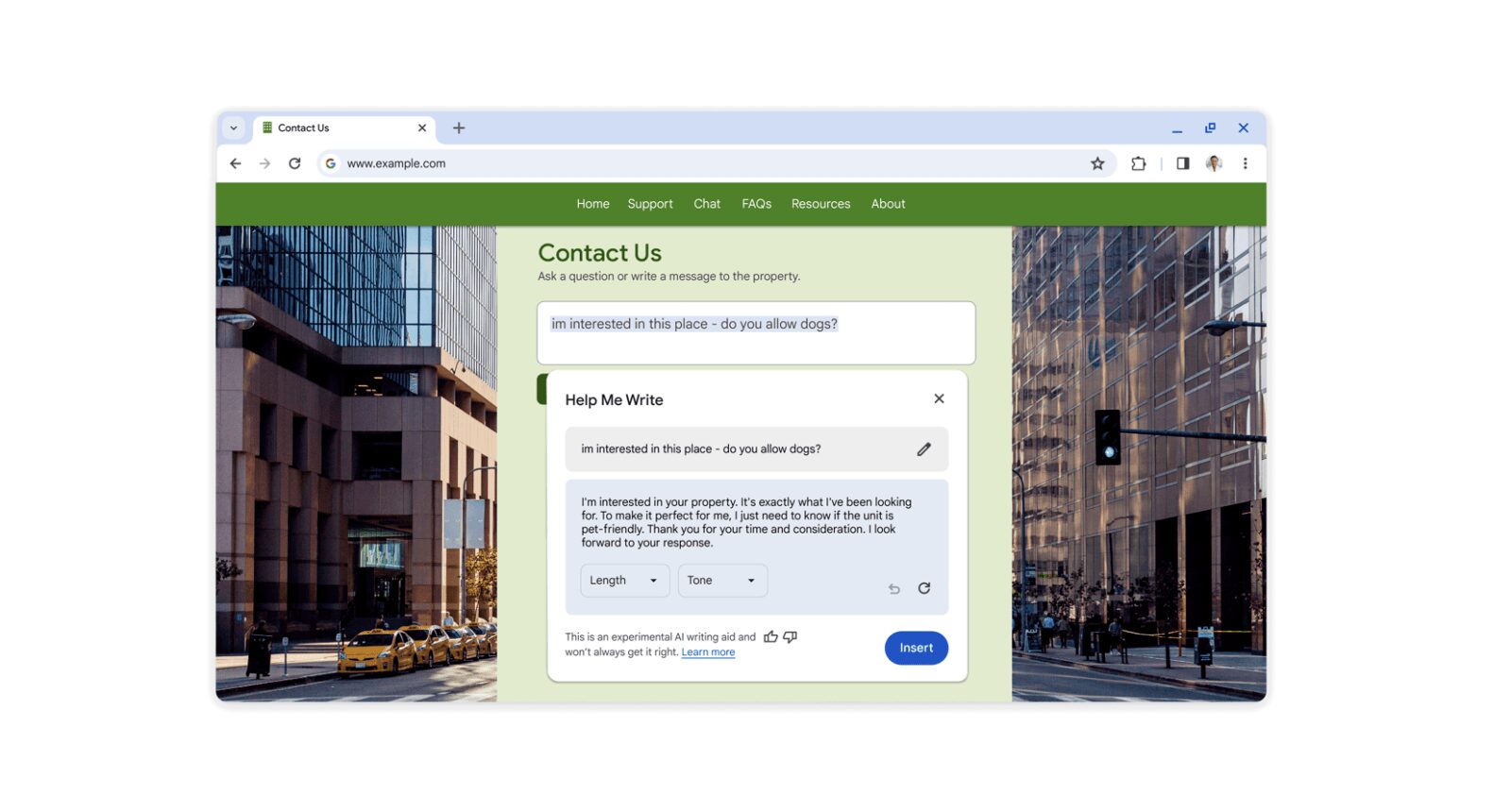
Get writing assistance with AI:
Struggling to find the right words online? Coming soon in Chrome, the “Help me write” feature leverages AI to assist you in drafting emails, reviews, forum posts, and more. Simply right-click in any text box and let the AI help you express yourself clearly and confidently.
Google says this is just the beginning of Chrome’s journey with AI and machine learning.
Ready to try these experimental features?
- Update your Chrome browser to version M121 on your Mac or Windows PC.
- Sign in to Chrome and navigate to “Settings” > “Experimental AI.”
- Enable the features you want to try and start exploring the power of AI in your browsing experience.