By using this site, you agree to our Privacy Policy and Terms of Service.
Accept
Absolute Geeks UAEAbsolute Geeks UAE
  • STORIES
    • TECH
    • AUTOMOTIVE
    • GUIDES
    • OPINIONS
  • REVIEWS
    • READERS’ CHOICE
    • ALL REVIEWS
    • ━
    • SMARTPHONES
    • CARS
    • HEADPHONES
    • ACCESSORIES
    • LAPTOPS
    • TABLETS
    • WEARABLES
    • SPEAKERS
    • APPS
  • WATCHLIST
    • TV & MOVIES REVIEWS
    • SPOTLIGHT
  • GAMING
    • GAMING NEWS
    • GAME REVIEWS
  • +
    • OUR STORY
    • GET IN TOUCH
Reading: Apple introduces AI-powered ‘Clean Up’ in photos with the latest iOS 18.1 update
Share
Notification Show More
Absolute Geeks UAEAbsolute Geeks UAE
  • STORIES
    • TECH
    • AUTOMOTIVE
    • GUIDES
    • OPINIONS
  • REVIEWS
    • READERS’ CHOICE
    • ALL REVIEWS
    • ━
    • SMARTPHONES
    • CARS
    • HEADPHONES
    • ACCESSORIES
    • LAPTOPS
    • TABLETS
    • WEARABLES
    • SPEAKERS
    • APPS
  • WATCHLIST
    • TV & MOVIES REVIEWS
    • SPOTLIGHT
  • GAMING
    • GAMING NEWS
    • GAME REVIEWS
  • +
    • OUR STORY
    • GET IN TOUCH
Follow US

Apple introduces AI-powered ‘Clean Up’ in photos with the latest iOS 18.1 update

GEEK DESK
GEEK DESK
Aug 29

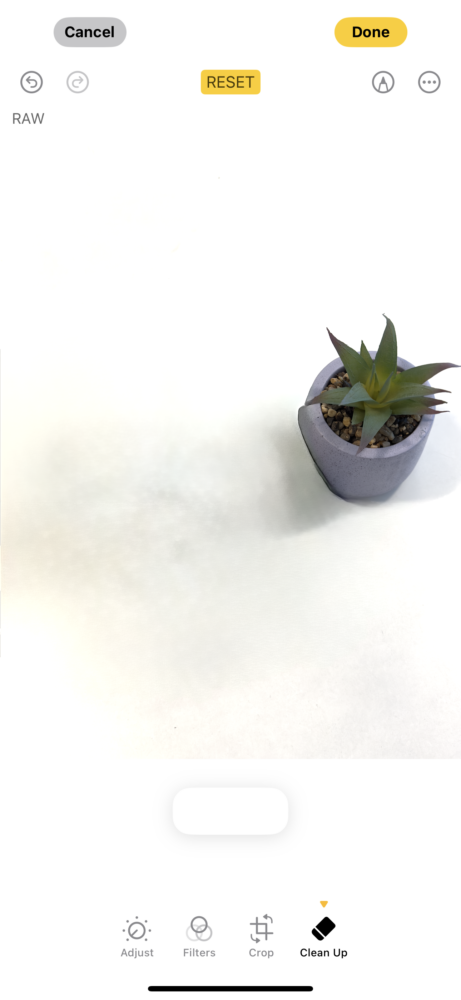
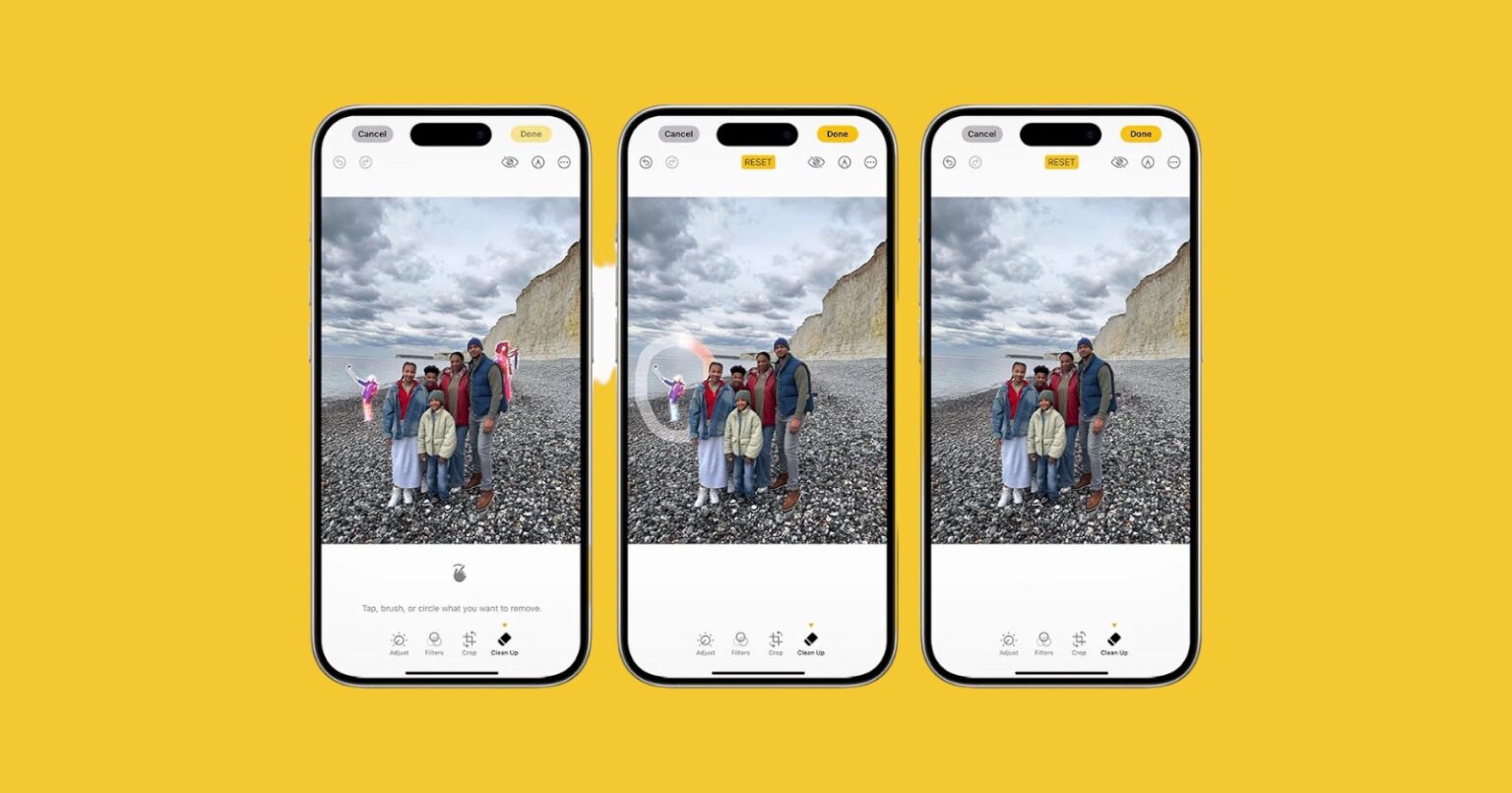
Apple has stepped up its game in the AI-powered photo editing arena with the latest developer betas for iOS 18.1, iPadOS 18.1, and macOS 15.1 Sequoia. Tucked within this update is a brand-new feature called “Clean Up,” a tool that allows users to seamlessly remove unwanted objects from their photos with the help of artificial intelligence.

Clean Up works much like Google’s popular Magic Eraser feature, which has been available to Google Photos users for some time now. Apple’s implementation promises to intelligently detect and remove objects from images while maintaining the overall integrity of the photo. The system is sophisticated enough to understand shadows and reflections associated with the removed object, ensuring a natural and realistic fill for the resulting gap.

Users can simply tap on an object to remove it, thanks to the smart detection capabilities of the feature. For more precise control, there’s also the option to circle or brush over unwanted elements, giving users the power to curate their photos exactly as they envision them.

This move signifies Apple’s continued foray into the world of AI-powered features, following the introduction of the first set of Apple Intelligence features with the iOS 18.1 dev beta in July. These features included writing tools, notification summaries, natural language search, and more, showcasing Apple’s dedication to enhancing user experience through artificial intelligence.

The Clean Up feature is a welcome addition to the Photos app, providing users with a powerful and intuitive way to perfect their pictures. Additionally, Apple has also expanded the ability to see a summary of notifications for all apps, including third-party apps.

Finally, it’s worth noting, when announced in June, Apple stated that its AI features would only be available in US English. Although Apple Intelligence functions in other countries, the initial betas required users to change their device’s region to the US.However, it appears that Apple is eliminating this requirement.
Share
What do you think?
Happy0
Sad0
Love0
Surprise0
Cry0
Angry0
Dead0

WHAT'S HOT ❰

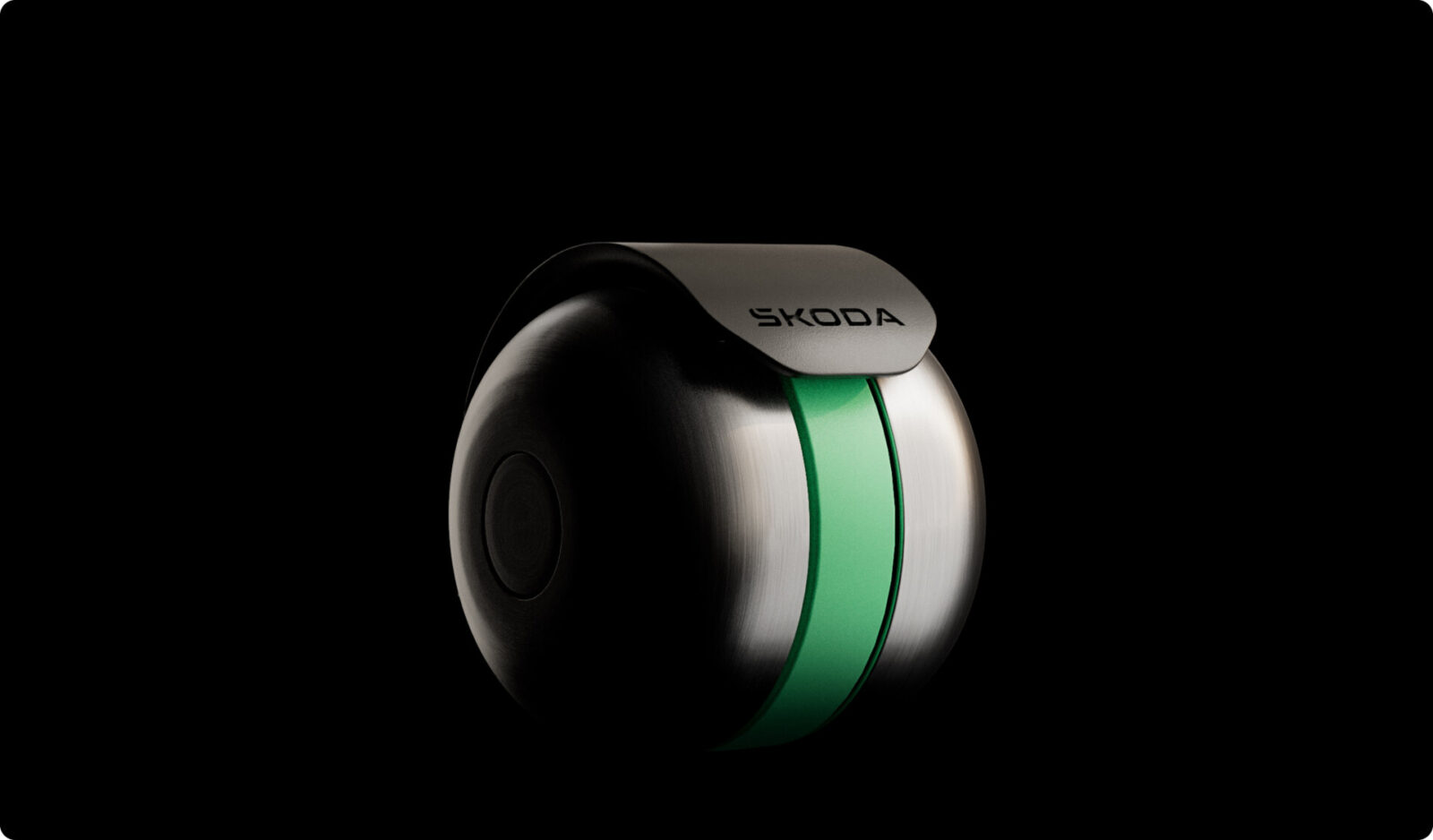
Skoda DuoBell bicycle bell targets noise-cancelling headphone safety gap
Dyson haircare tools styled after Devil Wears Prada 2 characters ahead of sequel release
Spotify brings guided fitness content to users in the UAE
Clicks outlines Communicator roadmap with software previews in May and shipments in Q4
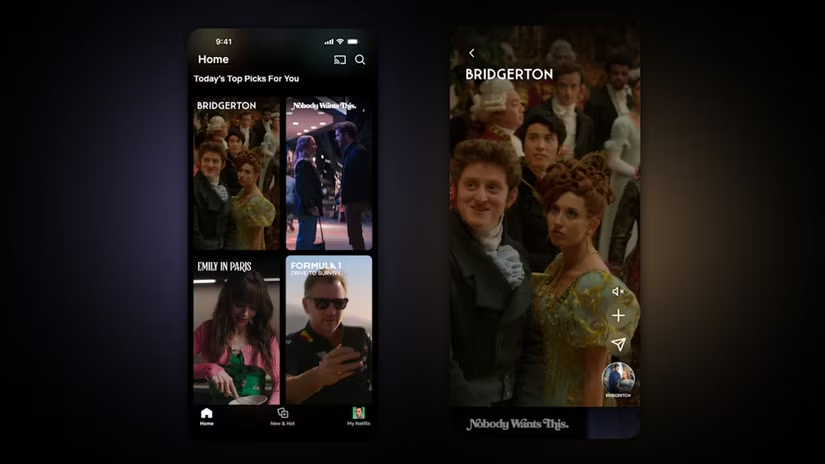
Netflix rolls out vertical video feed on mobile app as social media influence grow
Absolute Geeks UAEAbsolute Geeks UAE
Follow US
AbsoluteGeeks.com was assembled during a caffeine incident.
© Absolute Geeks Media FZE LLC 2014–2026.
Proudly made in Dubai, UAE ❤️
Upgrade Your Brain Firmware
Receive updates, patches, and jokes you’ll pretend you understood.
No spam, just RAM for your brain.
Welcome Back!

Sign in to your account

Username or Email Address
Password

Lost your password?