By using this site, you agree to our Privacy Policy and Terms of Service.
Accept
Absolute Geeks UAEAbsolute Geeks UAE
  • STORIES
    • TECH
    • AUTOMOTIVE
    • GUIDES
    • OPINIONS
  • REVIEWS
    • READERS’ CHOICE
    • ALL REVIEWS
    • ━
    • SMARTPHONES
    • CARS
    • HEADPHONES
    • ACCESSORIES
    • LAPTOPS
    • TABLETS
    • WEARABLES
    • SPEAKERS
    • APPS
  • WATCHLIST
    • TV & MOVIES REVIEWS
    • SPOTLIGHT
  • GAMING
    • GAMING NEWS
    • GAME REVIEWS
  • +
    • OUR STORY
    • GET IN TOUCH
Reading: Canon Zoemini Printer Review
Share
Notification Show More
Absolute Geeks UAEAbsolute Geeks UAE
  • STORIES
    • TECH
    • AUTOMOTIVE
    • GUIDES
    • OPINIONS
  • REVIEWS
    • READERS’ CHOICE
    • ALL REVIEWS
    • ━
    • SMARTPHONES
    • CARS
    • HEADPHONES
    • ACCESSORIES
    • LAPTOPS
    • TABLETS
    • WEARABLES
    • SPEAKERS
    • APPS
  • WATCHLIST
    • TV & MOVIES REVIEWS
    • SPOTLIGHT
  • GAMING
    • GAMING NEWS
    • GAME REVIEWS
  • +
    • OUR STORY
    • GET IN TOUCH
Follow US

Canon Zoemini Printer Review

GEEK DESK
GEEK DESK
Dec 7

Despite the fact that most our photos being shared, stored and browsed online these days, there are still a good number of these photos that should definitely make out of the cloud world and be printed. 

The Canon Zoemini is a compact, slim and rechargeable battery-powered portable photo printer that produces small sized images (2×3-inches) which can be used as stickers as well through an app on your smartphone. Hardware wise, the device has a power button on the side and a charging port at the back. Pushing and lifting the back cover reveals the paper container. The printer takes Zink paper, which uses inkless technology to print the images. The papers used can be peeled off and be used as stickers. 

How to use:

To use the printer, you’ll need to download the Canon Mini Print app, which allows you to edit and print the photos and connect to the device via Bluetooth. The printer comes with 10 sheets to get you started. 

The app is pretty straight forward to use, there are options to browse your photo gallery, take a new image and edit by changing layouts, zoom in and out, edit colors, change orientation, add emojis and other fun icons, and plenty of other customization options. 

There’s also the option (click the icon on the right under the print icon) to split images over 4 prints so that you can create a jigsaw style 6×4 image.

On average, each print takes around 30 seconds. Print quality is pretty good, the colors are vibrant and does the job as expected from a portable, on the go printer.  

The Canon Zoemini is definitely a good choice for those love to print small photos on the go as souvenirs or stickers. It’s light, small and fits perfectly in small bags. 

Share
What do you think?
Happy0
Sad0
Love1
Surprise0
Cry0
Angry0
Dead0

WHAT'S HOT ❰

Driverless taxis begin public operations on selected Dubai streets
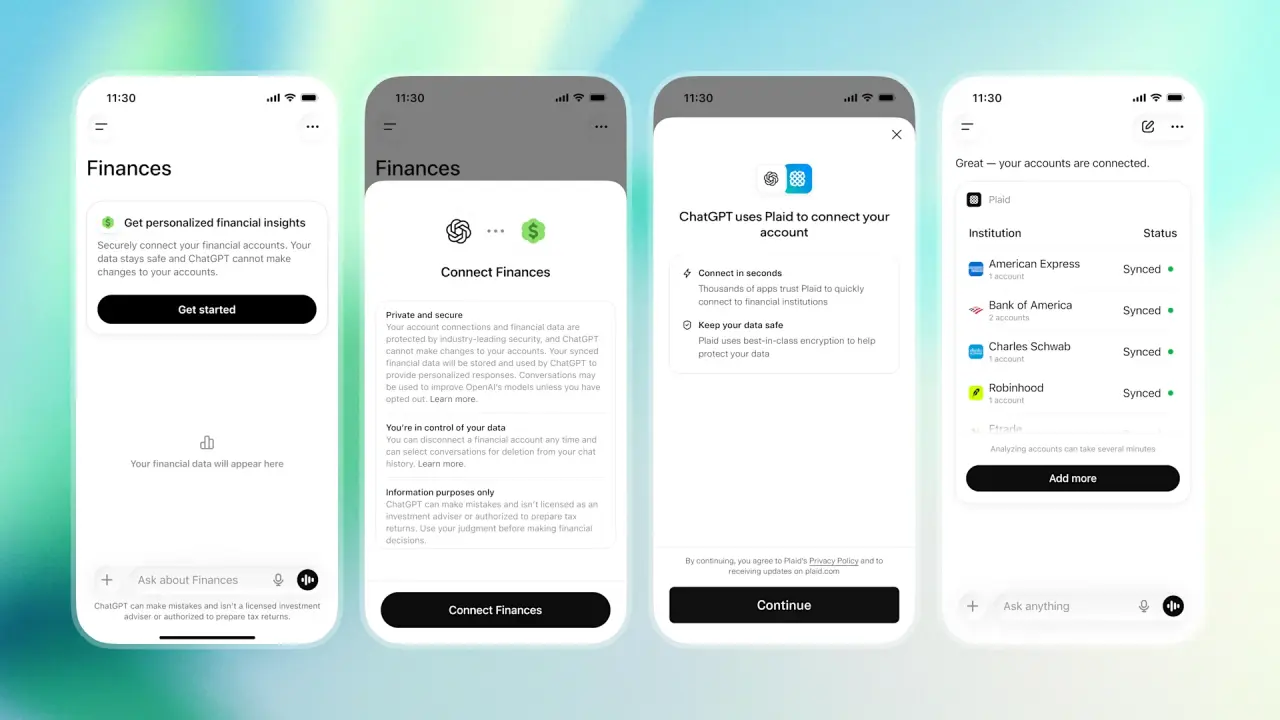
ChatGPT is getting direct access to bank data for personalized advice
Xbox’s new all-caps branding experiment is already dividing fans
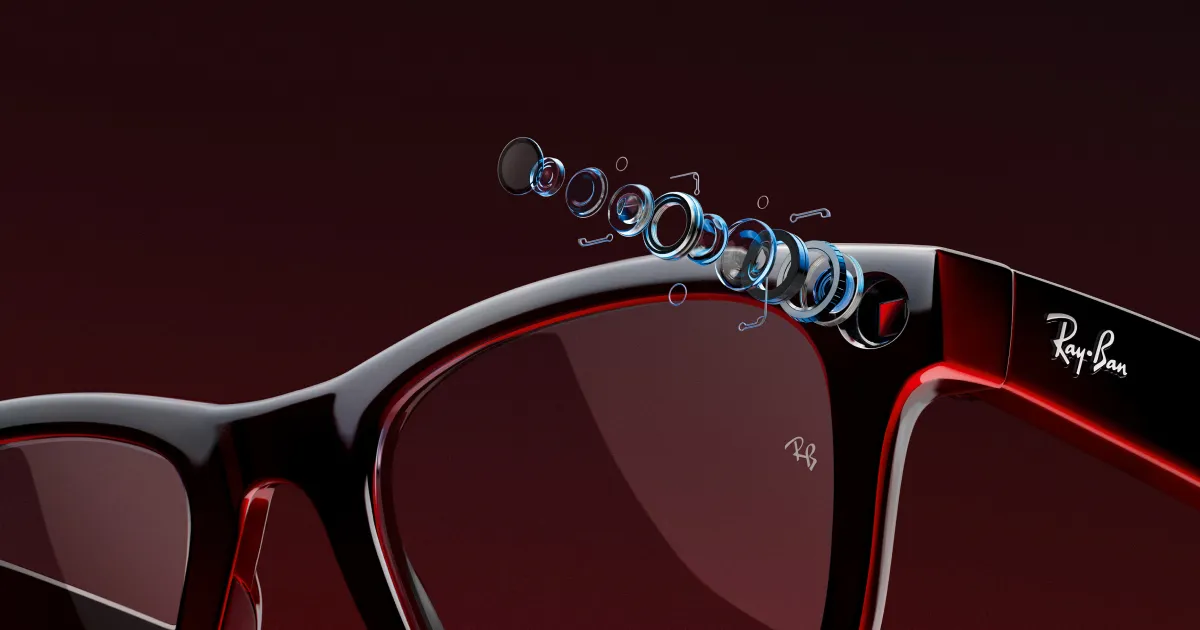
Meta’s Ray-Ban smart glasses now let users write messages in the air
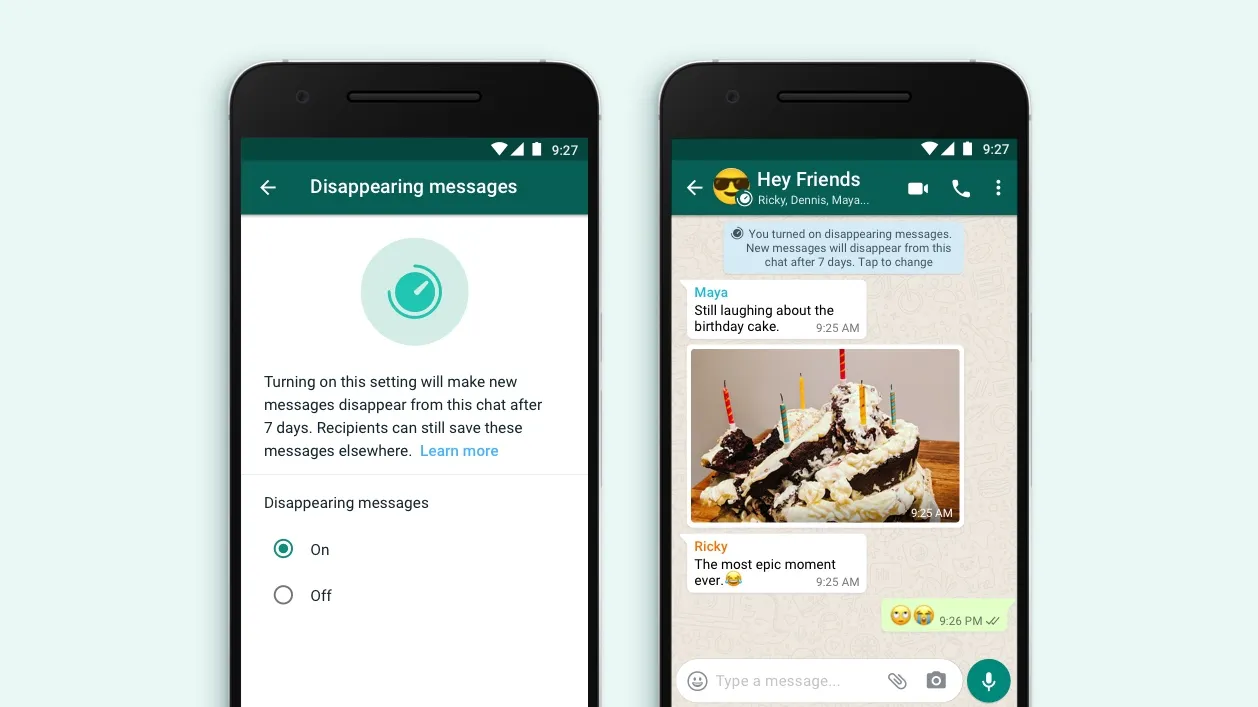
WhatsApp’s new disappearing message timer waits until you actually read the message
Absolute Geeks UAEAbsolute Geeks UAE
Follow US
AbsoluteGeeks.com was assembled during a caffeine incident.
© Absolute Geeks Media FZE LLC 2014–2026.
Proudly made in Dubai, UAE ❤️
Upgrade Your Brain Firmware
Receive updates, patches, and jokes you’ll pretend you understood.
No spam, just RAM for your brain.
Welcome Back!

Sign in to your account

Username or Email Address
Password

Lost your password?