

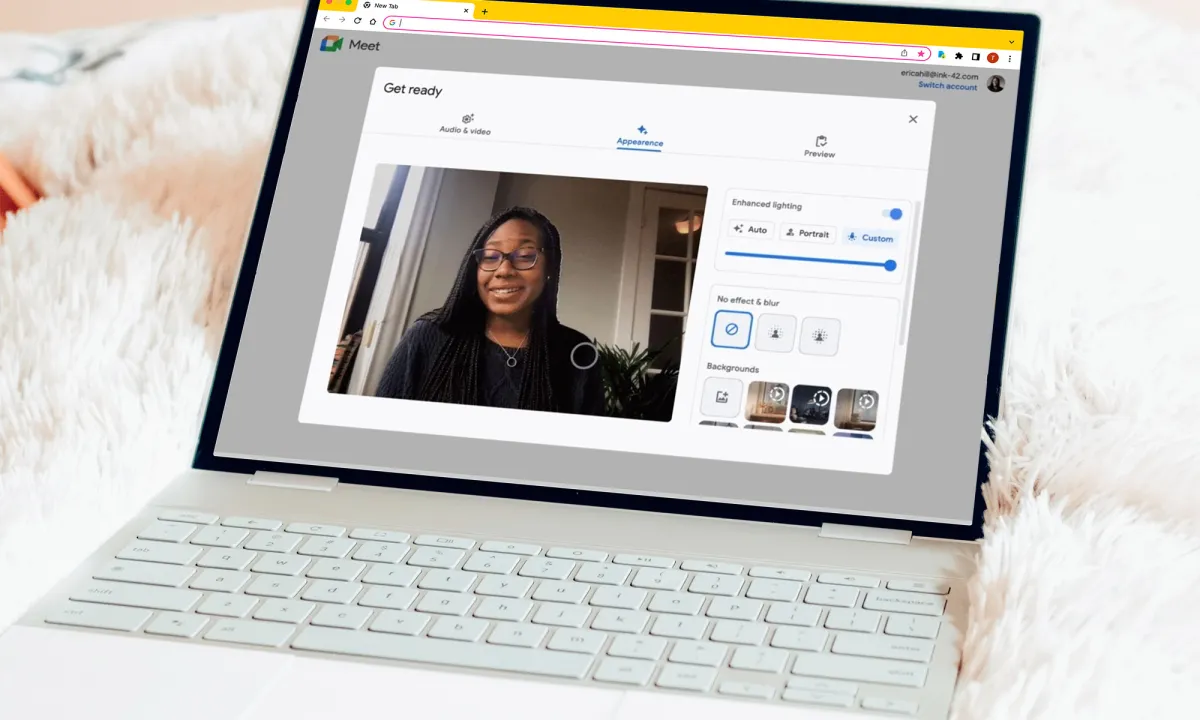
Google is taking virtual presence to a new level with its latest update to Google Meet, introducing AI-powered makeup effects designed to help users look polished on camera with almost no effort. The feature builds on Meet’s earlier “Touch-up” option and is now rolling out across desktop and mobile, offering a selection of 12 customizable makeup styles that range from subtle and professional to bold and expressive.
Unlike older beauty filters that often looked artificial or lagged when users moved, Google’s new system relies on advanced face-tracking and rendering models to ensure the virtual makeup appears natural and stays perfectly aligned, even as users shift position, smile, or take a sip of coffee. Once you’ve chosen a style, Meet will also remember your preferences for future calls — meaning you can join your next meeting looking camera-ready in seconds.
This seemingly lighthearted update carries a more practical purpose: improving confidence and comfort during the now-routine experience of video communication. As remote work, online classes, and virtual meetings remain part of daily life, Google is making the case that personal presentation tools can be as essential as background blurs or noise cancellation. By integrating what once required third-party apps directly into Meet, the company continues to refine its platform around accessibility and ease of use.
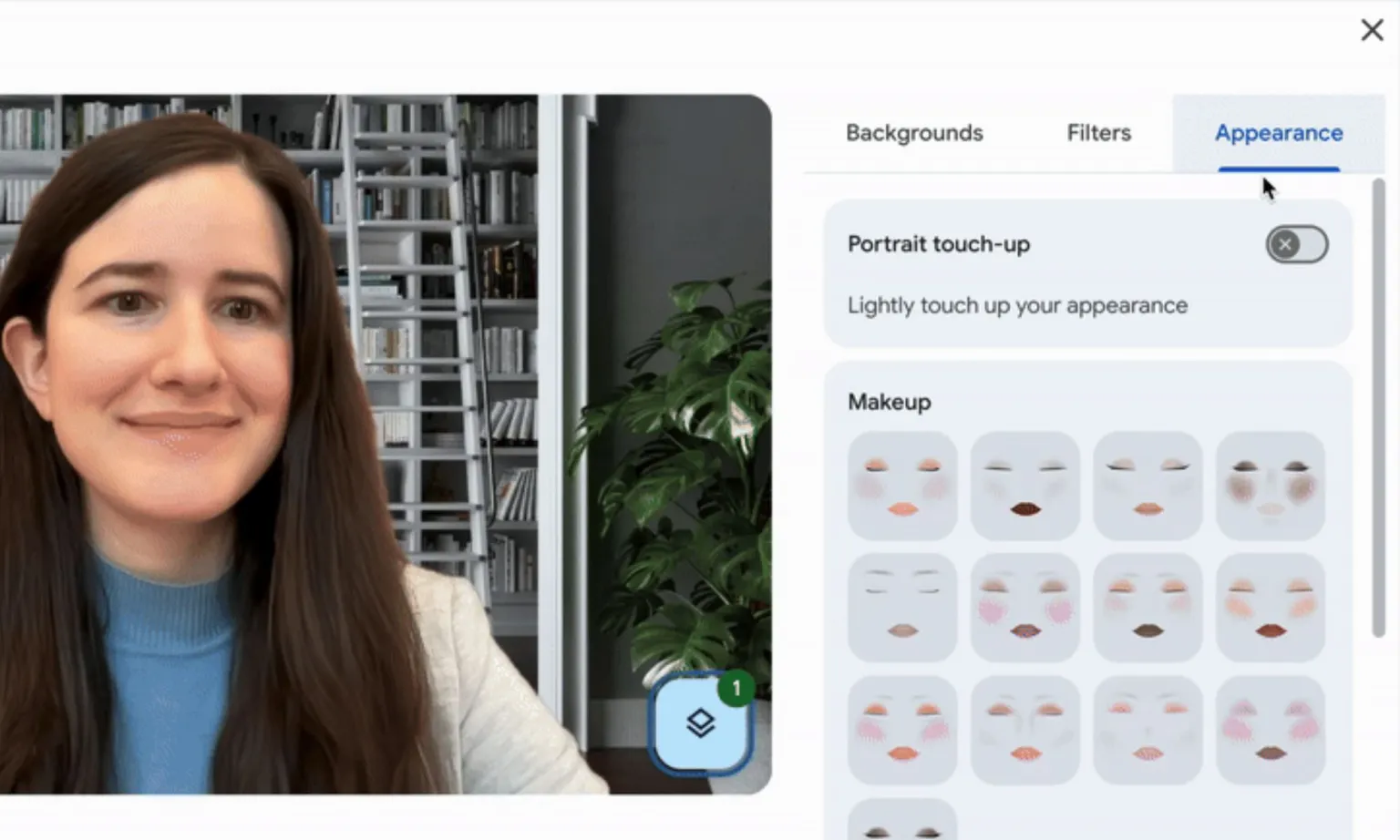
The new makeup options are part of Google’s broader trend toward AI-assisted personalization across its Workspace ecosystem. Earlier updates added automatic lighting adjustments, portrait retouching, and background effects. This latest step — bringing cosmetic simulation into the mix — shows how Google is positioning Meet not just as a productivity tool but as a digital environment where self-expression and professionalism coexist.
For users, the change means less time spent preparing for spontaneous calls and fewer concerns about lighting, blemishes, or fatigue showing on camera. For Google, it’s another small but telling example of how AI is quietly becoming an invisible layer in everyday applications, streamlining small details that collectively improve digital presence.
While it’s easy to joke about “AI makeup,” this is the kind of practical, quality-of-life enhancement that illustrates how generative and adaptive technology can meet users where they are — literally, in front of the webcam.