

• the feed
    • Tech
    • Auto
    • Guides
    • Opinions
  • Reviews
    • READERS’ CHOICE
    • ALL REVIEWS
    • ━
    • SMARTPHONES
    • CARS
    • HEADPHONES
    • ACCESSORIES
    • LAPTOPS
    • TABLETS
    • WEARABLES
    • SPEAKERS
    • APPS
  • screen time
    • TV & MOVIE REVIEWS
    • SPOTLIGHT
  • GAMING
    • GAMING NEWS
    • GAME REVIEWS
  • quick bytes
Reading: Microsoft Planner boosts productivity with new Goals feature
Font ResizerAa
Font ResizerAa
  • menu
  • SEARCH
  • the feed
    • TECH
    • AUTOMOTIVE
    • GUIDES
    • OPINIONS
  • REVIEWS
    • READERS’ CHOICE
    • ALL REVIEWS
    • ━
    • SMARTPHONES
    • CARS
    • HEADPHONES
    • ACCESSORIES
    • LAPTOPS
    • TABLETS
    • WEARABLES
    • SPEAKERS
    • APPS
  • screen time
    • TV & MOVIE REVIEWS
    • SPOTLIGHT
  • GAMING
    • GAMING NEWS
    • GAME REVIEWS
  • quick bytes
Follow US

Microsoft Planner boosts productivity with new Goals feature

GEEK DESK
GEEK DESK
Sep 6, 2024

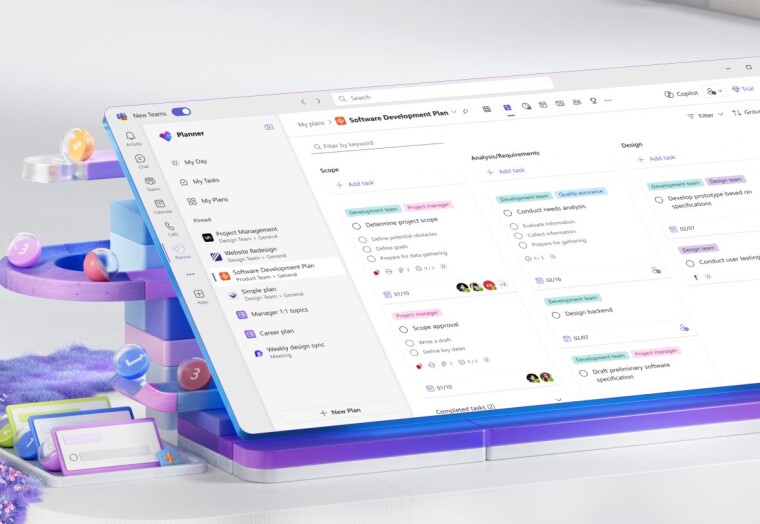
Microsoft Planner has taken a significant step towards enhancing its project management capabilities with the introduction of its new Goals feature. This new functionality allows users to establish and monitor objectives directly within their plans, ensuring teams stay aligned and focused on their targets.

This addition is part of a broader effort to make the new Microsoft Planner a unified work management platform that integrates the strengths of To Do, Planner, Project, and Copilot. This positions Planner to handle various work scenarios,from personal task lists to complex enterprise-level projects.

A standout feature of the Goals update is the ability to link individual tasks to specific goals. This provides a clear picture of how each task contributes to the overall project objectives. Users can also leverage the AI-powered Copilot to help create goals tailored to their specific needs.

To ensure focus and efficiency, Microsoft has limited the number of goals per plan to 10. Accessing and managing these goals is straightforward within the new Planner interface. Users with a Planner Plan 1 or greater subscription can find the dedicated “Goals” view in the navigation header. From there, they can easily add new goals, specifying details like title,end date, status, and even color-coding for visual organization.

This new Goals feature promises to bring enhanced clarity and direction to project execution within Microsoft Planner. By facilitating goal setting, tracking, and linking tasks directly to objectives, it streamlines workflows and encourages better organization within teams.
What do you think?
Happy0
Sad0
Love0
Surprise0
Cry0
Angry0
Dead0
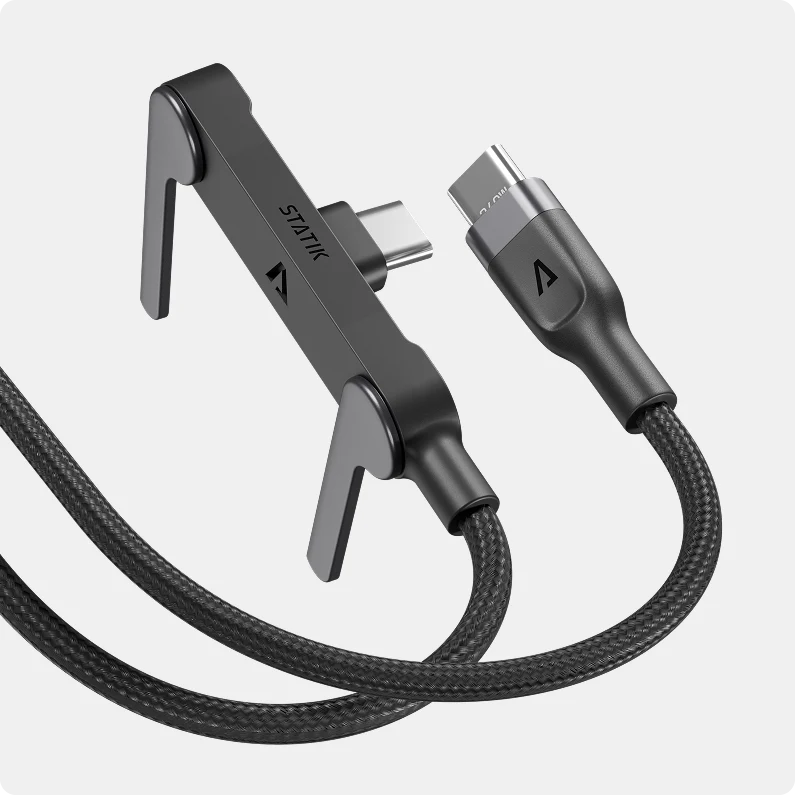
Statik PowerStand makes your boring USB-C cable surprisingly useful
Motorola Signature 27 Extreme packs a ridiculous 200MP zoom camera
Huawei Watch GT 7 hits UAE with massive 21-day battery
Honor of Kings just turned its MOBA into battle royale
Adidas drops massive 67-piece Pokémon collection for its 30th anniversary
TORRAS FlashEye-Dot makes iPhone charging much easier to understand
Follow US
Caffeine. Chaos. Content.
© Absolute Geeks Media FZE LLC 2014–2026.
Proudly made in Dubai, UAE ❤️
Contact · About · Editorial Policy · Privacy Policy
Welcome Back!

Sign in to your account

Username or Email Address
Password

Lost your password?