
• Stories
    • Tech
    • Auto
    • Guides
    • Opinions
  • Reviews
    • READERS’ CHOICE
    • ALL REVIEWS
    • ━
    • SMARTPHONES
    • CARS
    • HEADPHONES
    • ACCESSORIES
    • LAPTOPS
    • TABLETS
    • WEARABLES
    • SPEAKERS
    • APPS
  • Entertainment
    • TV & MOVIE REVIEWS
    • SPOTLIGHT
  • GAMING
    • GAMING NEWS
    • GAME REVIEWS
  • m
Reading: Microsoft Designer exits preview: free for all on Windows, iOS, and Android
Font ResizerAa
Font ResizerAa
  • menu
  • SEARCH
  • STORIES
    • TECH
    • AUTOMOTIVE
    • GUIDES
    • OPINIONS
  • REVIEWS
    • READERS’ CHOICE
    • ALL REVIEWS
    • ━
    • SMARTPHONES
    • CARS
    • HEADPHONES
    • ACCESSORIES
    • LAPTOPS
    • TABLETS
    • WEARABLES
    • SPEAKERS
    • APPS
  • Entertainment
    • TV & MOVIE REVIEWS
    • SPOTLIGHT
  • GAMING
    • GAMING NEWS
    • GAME REVIEWS
  • m
Follow US

Microsoft Designer exits preview: free for all on Windows, iOS, and Android

GEEK DESK
GEEK DESK
Jul 17, 2024

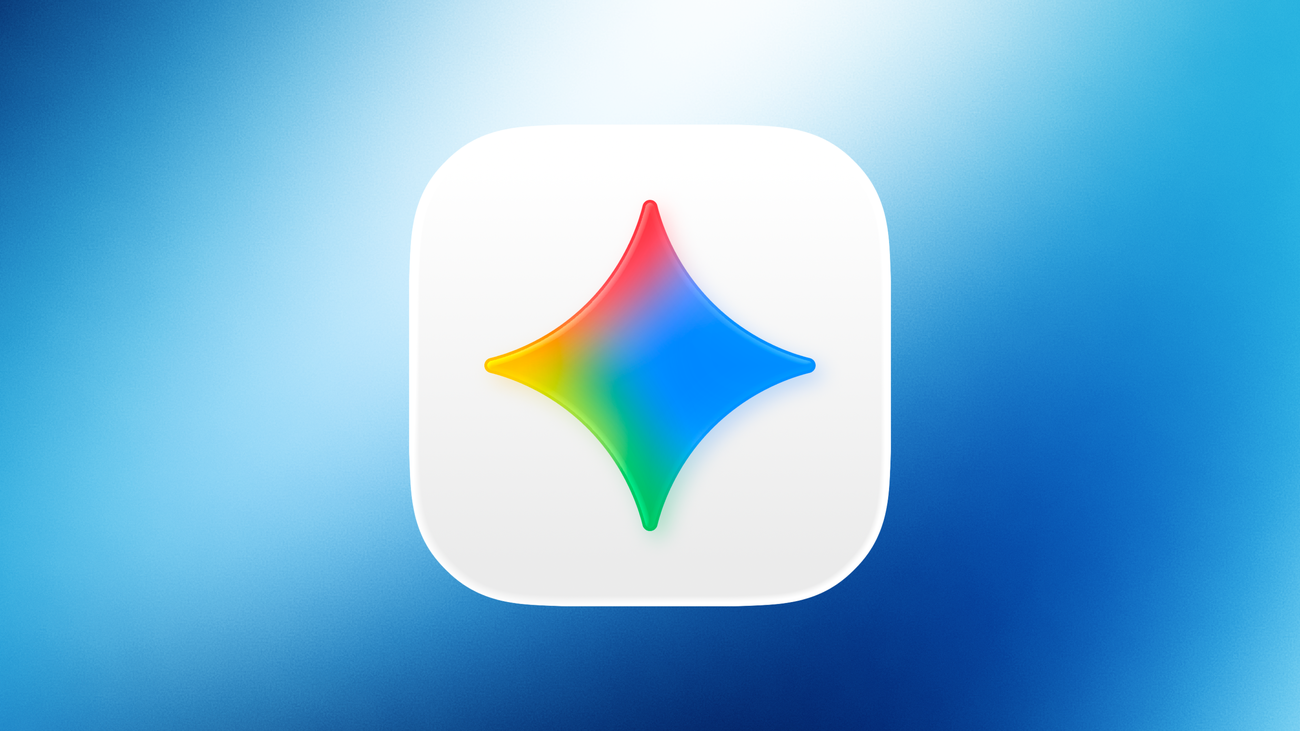
Microsoft Designer, the AI-powered creative tool, is finally shedding its beta status and launching as a free app on Windows, iOS, and Android. Previously available only on the web and Microsoft Edge, Designer now lets anyone with a personal Microsoft account unleash their creativity on the go.

Beyond its AI image generation capabilities, Designer offers a wealth of features for both novice and experienced creators. You can use text prompts to generate unique images or explore a vast selection of templates for creating greeting cards, social media posts, icons, wallpapers, and even coloring book pages!

The app also lets you easily edit and customize your creations, with tools for restyling images, adding decorative AI-generated borders, removing backgrounds or unwanted objects, and even adding text and branding. There’s also an avatar creator that lets you craft a personalized digital persona.

Microsoft is further integrating Designer across its product ecosystem. Copilot Pro subscribers can access Designer’s features directly within Word and PowerPoint, and Windows Insiders will find Designer tools integrated into the Photos app. Similar features are also on the horizon for Microsoft Edge.

The free version of Designer comes with 15 daily boosts for AI-powered image creation and editing. For those who need more, a Copilot Pro subscription bumps that limit up to 100 boosts per day.

With its diverse features, ease of use, and free availability across multiple platforms, Microsoft Designer is poised to become a go-to tool for anyone looking to add a touch of creativity to their digital projects.

What do you think?
Happy0
Sad0
Love0
Surprise0
Cry0
Angry0
Dead0
TikTok removed 15.5 million MENA videos in just three months
Alienware’s new OLED monitors push 4K gaming and 560Hz extremes
MEFCC 2026: John Cena, One Piece, Crunchyroll & More
ChatGPT Images 2.5 adds Sketch, faster generation and smarter editing
Meta Muse wants control of your inbox, calendar and wallet
iOS 26.6.2 fixes an iPhone update problem you might have missed
Follow US
Caffeine. Chaos. Content.
© Absolute Geeks Media FZE LLC 2014–2026.
Proudly made in Dubai, UAE ❤️
Contact · About · Editorial Policy · Privacy Policy
Welcome Back!

Sign in to your account

Username or Email Address
Password

Lost your password?