

• Stories
    • Tech
    • Auto
    • Guides
    • Opinions
  • Reviews
    • READERS’ CHOICE
    • ALL REVIEWS
    • ━
    • SMARTPHONES
    • CARS
    • HEADPHONES
    • ACCESSORIES
    • LAPTOPS
    • TABLETS
    • WEARABLES
    • SPEAKERS
    • APPS
  • Entertainment
    • TV & MOVIE REVIEWS
    • SPOTLIGHT
  • GAMING
    • GAMING NEWS
    • GAME REVIEWS
  • m
Reading: Huawei’s HarmonyOS NEXT can run Android apps after all
Font ResizerAa
Font ResizerAa
  • menu
  • SEARCH
  • STORIES
    • TECH
    • AUTOMOTIVE
    • GUIDES
    • OPINIONS
  • REVIEWS
    • READERS’ CHOICE
    • ALL REVIEWS
    • ━
    • SMARTPHONES
    • CARS
    • HEADPHONES
    • ACCESSORIES
    • LAPTOPS
    • TABLETS
    • WEARABLES
    • SPEAKERS
    • APPS
  • Entertainment
    • TV & MOVIE REVIEWS
    • SPOTLIGHT
  • GAMING
    • GAMING NEWS
    • GAME REVIEWS
  • m
Follow US

Huawei’s HarmonyOS NEXT can run Android apps after all

GEEK DESK
GEEK DESK
Dec 9, 2024

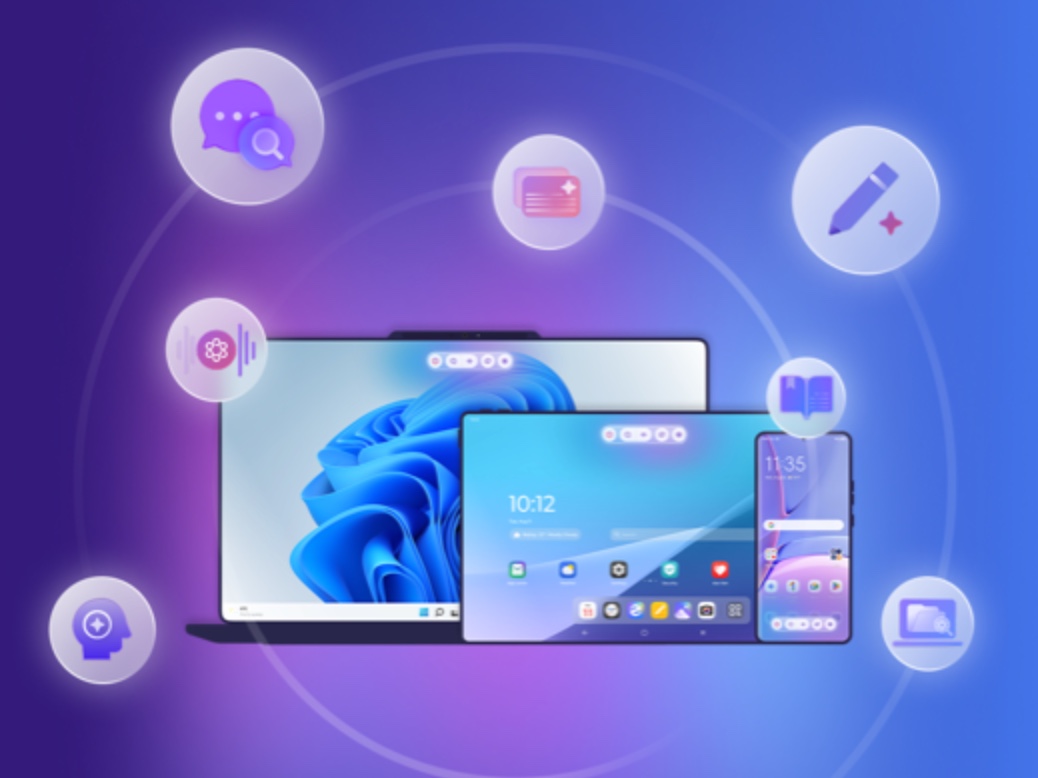
Despite initial claims that Huawei’s upcoming HarmonyOS NEXT would only support native apps and not Android apps, it appears there is a way for users to run Android apps on the new operating system.

HarmonyOS NEXT, which is set to be pre-installed on all Huawei devices released in 2025, is a significant departure from previous versions of HarmonyOS. It is built on the Harmony kernel and utilizes the Cangjie programming language and the Pangu AI model, with no Android code included.

However, a recent discovery by a beta tester has revealed an Android emulator called “EasyAbroad” available on the AppGallery, Huawei’s app store. This emulator allows users to install and run popular Android apps such as YouTube, Instagram, Facebook, Google Maps, and more.

“EasyAbroad” is particularly targeted towards Huawei users outside of China who require access to Google Mobile Services (GMS). It provides a workaround for the restrictions imposed on Huawei by the U.S. Entity List, which prevents the company from pre-installing GMS on its devices.

The emulator utilizes microG, an open-source implementation of Google libraries, to provide essential GMS functionality without requiring a Google account or connection to Google servers.

While “EasyAbroad” offers a solution for running Android apps on HarmonyOS NEXT, it does have some limitations. App icons cannot be placed directly on the home screen, and there may be issues with receiving notifications from certain apps.
What do you think?
Happy0
Sad0
Love0
Surprise0
Cry0
Angry0
Dead0
A new Disney+ app is coming to MENA, and it’s more than just a redesign
Luna Band skips subscriptions and makes personalisation its focus
Best Sony back-to-school: four upgrades for studying, gaming and campus life
UGREEN enters AI smart homes with HomeAgent and wild MagFlow cooling
Google is giving UAE university students Gemini AI free for year
OpenAI launches GPT-6 Astra, and its benchmark scores look absurd
Follow US
Caffeine. Chaos. Content.
© Absolute Geeks Media FZE LLC 2014–2026.
Proudly made in Dubai, UAE ❤️
Contact · About · Editorial Policy · Privacy Policy
Welcome Back!

Sign in to your account

Username or Email Address
Password

Lost your password?