

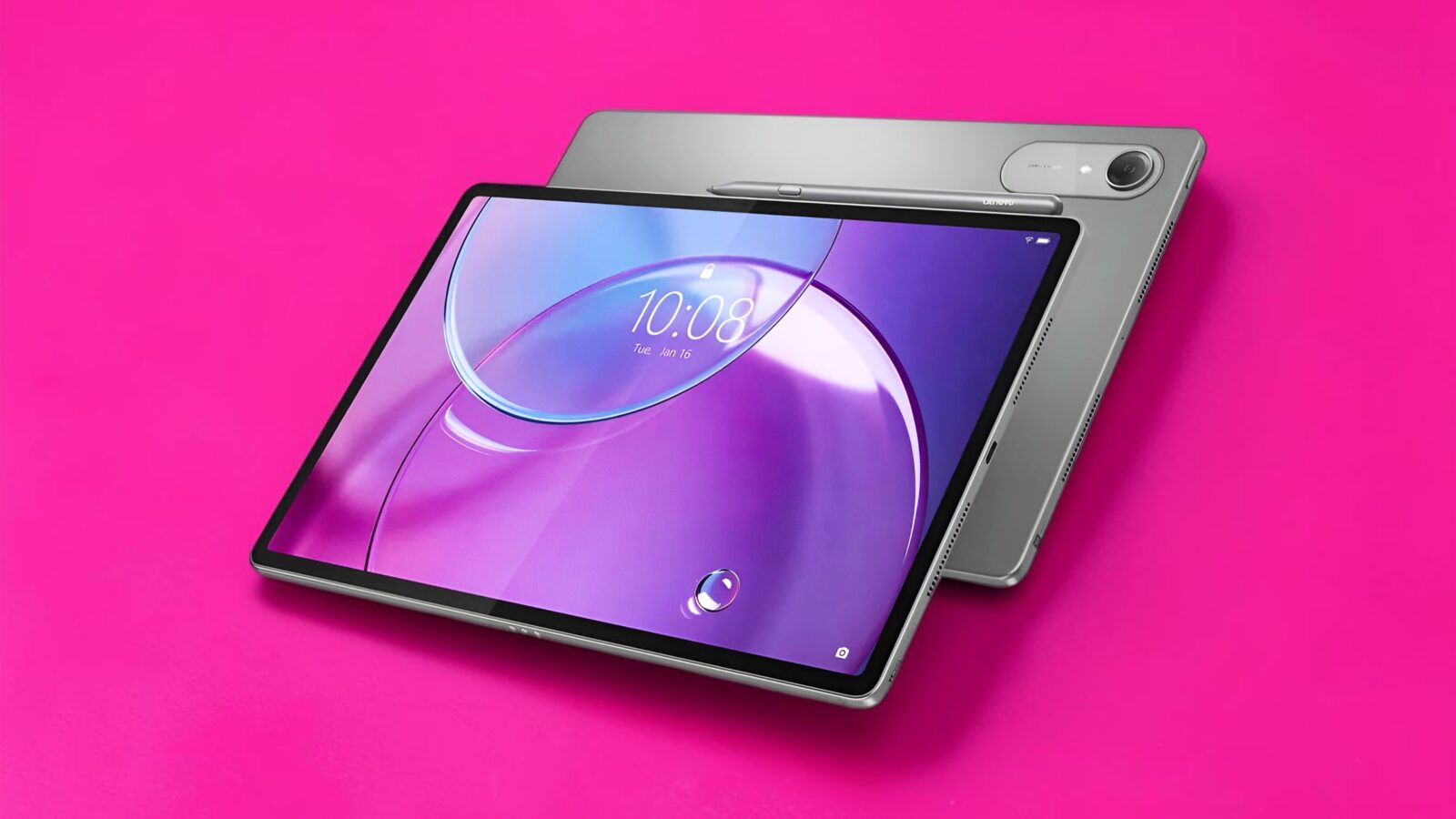
TL;DR: The Lenovo Idea Tab Pro Gen 2 packs a 13-inch 3.5K 144Hz display, Snapdragon 8s Gen 4, 12GB RAM and genuinely study-focused AI. Better still, the ZAHD0780AE configuration includes the keyboard and pen, turning it into a much more complete productivity package. Android remains the final boss.
Android tablets have spent years suffering from an identity crisis. Some desperately want to replace my laptop, others are basically enormous Netflix machines, and a few seem designed primarily to convince me that buying the tablet was merely the opening level before the accessory DLC arrives. The Lenovo Idea Tab Pro Gen 2 feels considerably more focused. This is a big-screen Android tablet built around studying, reading, note-taking and productivity, but with enough hardware muscle that I certainly wouldn’t restrict it to PDFs and lecture notes.
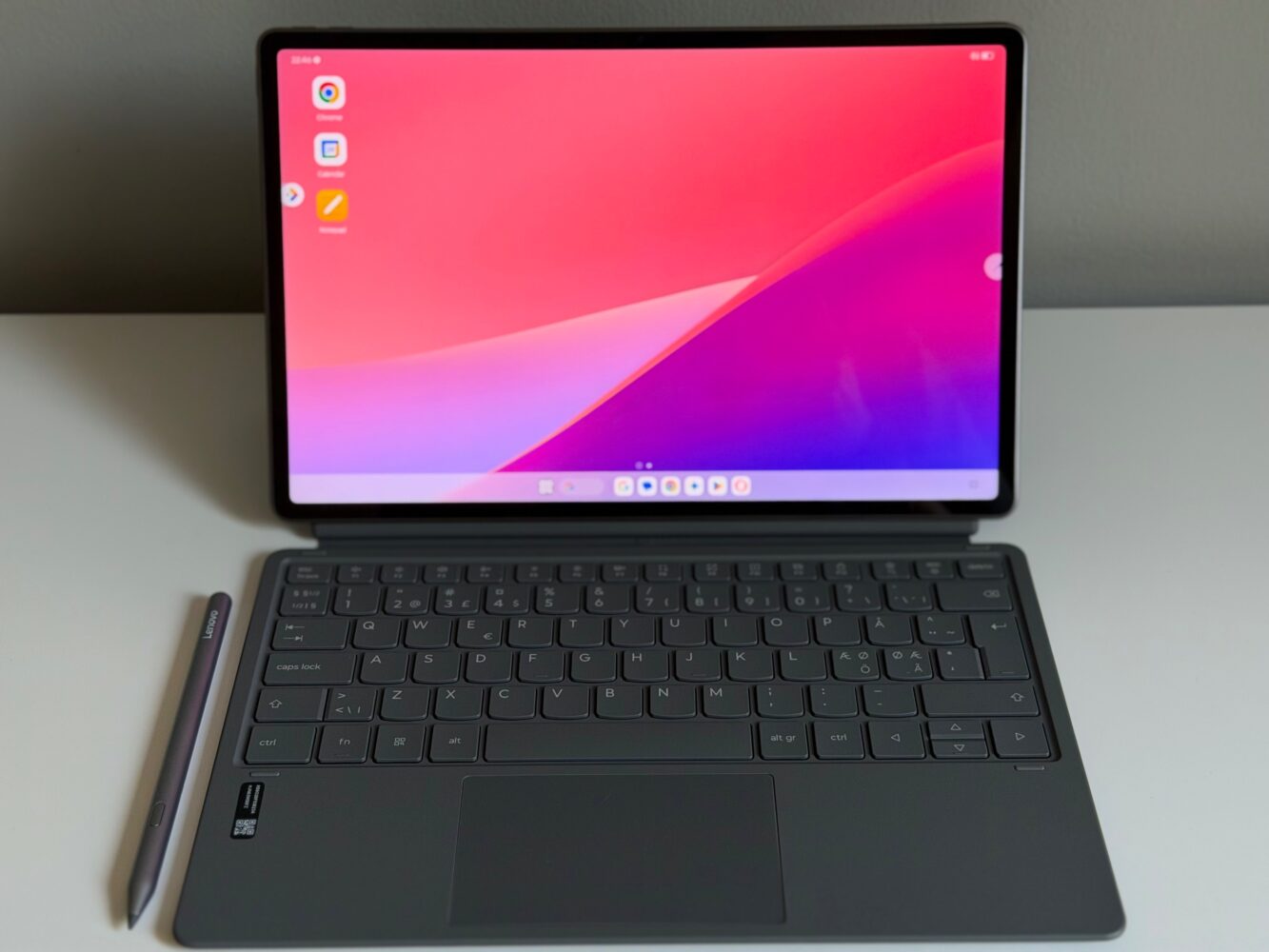
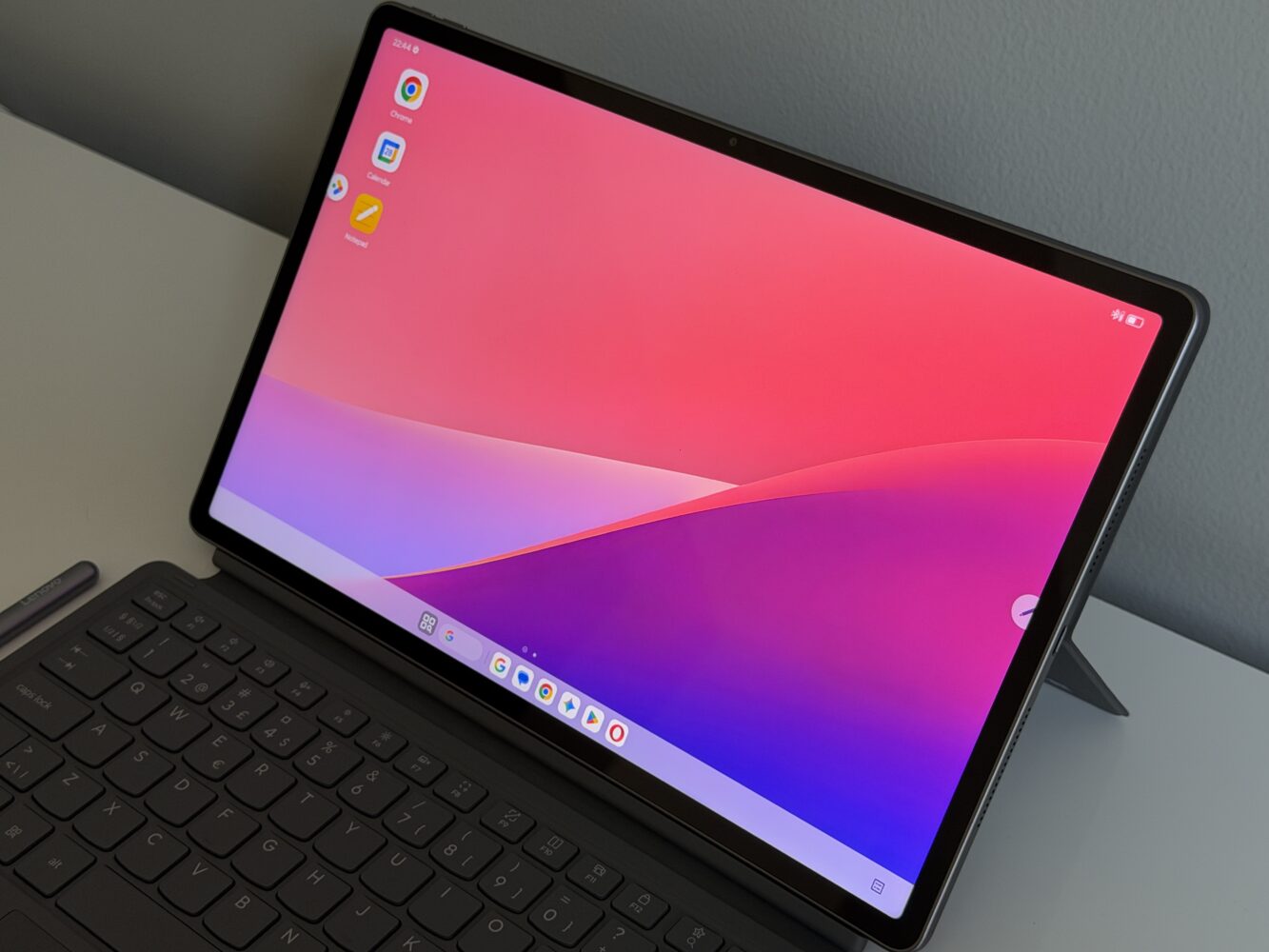
The configuration I’m looking at is particularly interesting: a 13-inch 3.5K 144Hz display, Snapdragon 8s Gen 4, 12GB of RAM and 256GB of storage, with the Tab Pen Plus and 2-in-1 Keyboard Pack included in this bundle. There’s also a 10,200mAh battery, quad JBL speakers, expandable storage and a collection of AI-assisted study tools. On paper, that makes the Idea Tab Pro Gen 2 less of a casual Android tablet and more of a portable study station that occasionally looks over at my laptop and starts measuring the curtains.
The 13-inch display is basically a portable study desk
The first thing that gets my attention is that enormous 13-inch PureSight Pro LCD. It runs at 3540 x 2190 with a 16:10 aspect ratio, 319ppi and a 144Hz refresh rate, alongside 99% DCI-P3 coverage. Brightness is rated at 600 nits typically and up to 800 nits in High Brightness Mode. That’s a seriously ambitious display specification for a tablet primarily pitching itself at students, and I’m absolutely fine with lecture notes receiving this unnecessarily luxurious treatment.
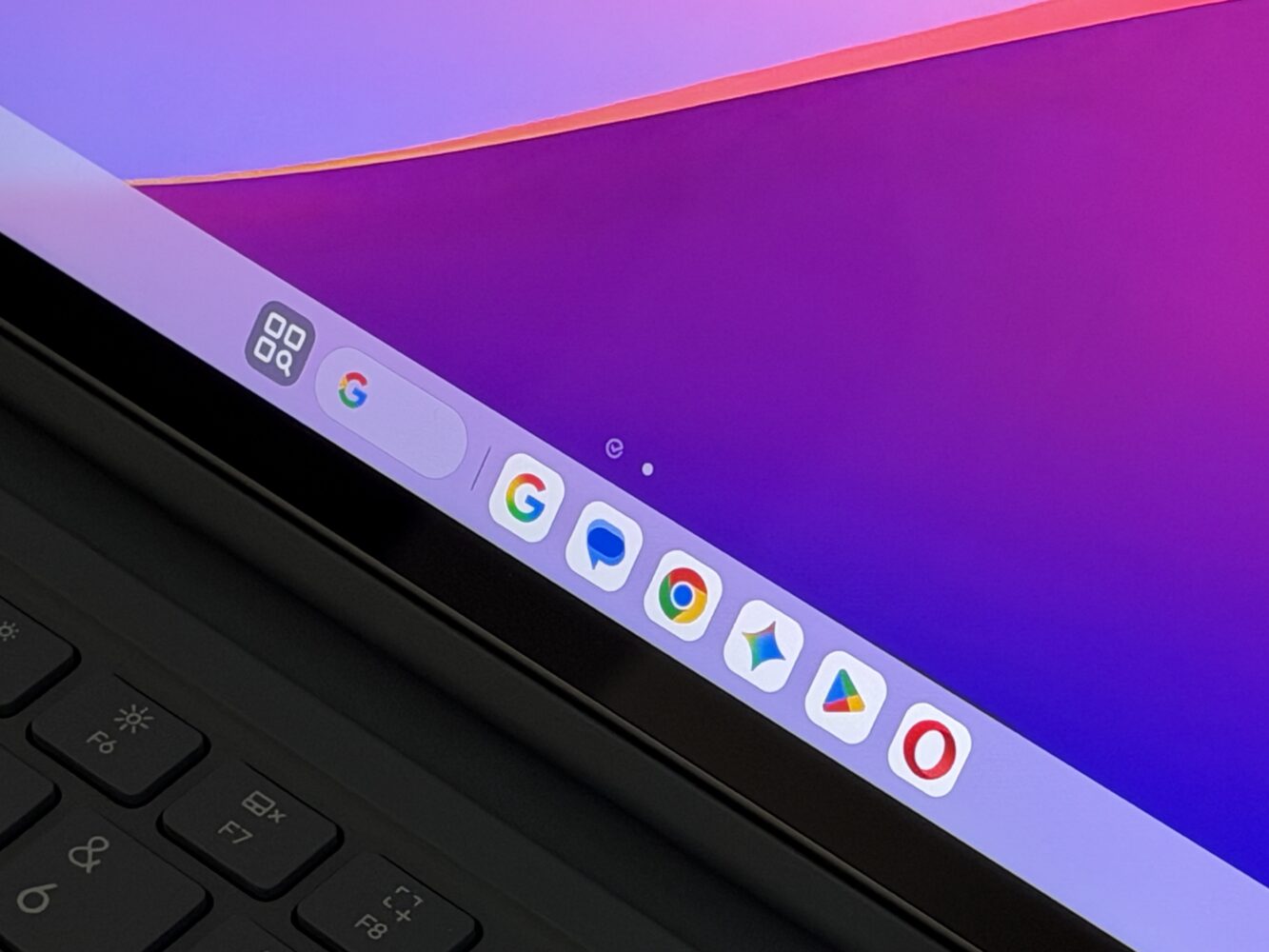
More importantly, the specifications make sense for the way I’d actually use a tablet like this. A 16:10 panel gives documents and split-screen apps plenty of room, while 144Hz should make scrolling, animations and pen interaction feel considerably smoother. There’s also a Matte Edition on select configurations, which adds a paper-like anti-glare surface while retaining the same resolution and refresh rate. I haven’t tested that version, so I can’t judge how convincing the paper effect is, but for someone spending hours reading and scribbling notes, it’s arguably the configuration I’d be most curious about.
Snapdragon 8s Gen 4 gives it some serious muscle
Underneath all that educational ambition sits the Snapdragon 8s Gen 4, accompanied by Adreno 825 graphics and a Hexagon NPU. My configuration combines that platform with 12GB of RAM and 256GB of storage, which immediately puts it well above the cheap Android-tablet category where opening three apps simultaneously feels like asking the hardware to calculate hyperspace coordinates. This is a genuinely powerful foundation for multitasking, productivity and entertainment.
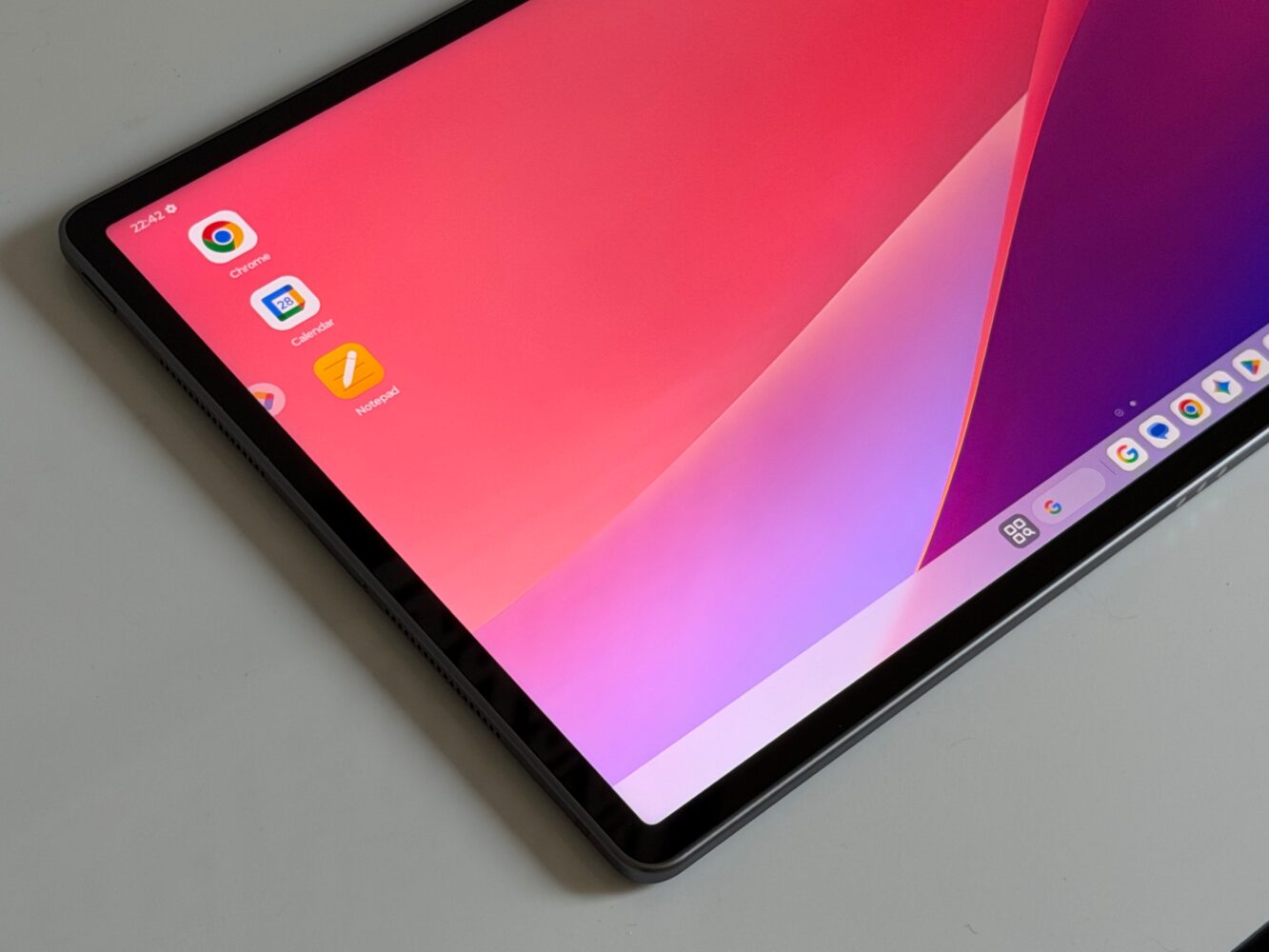
I don’t have benchmark or sustained gaming results to throw around, so I’m not going to magically produce numbers because they would look impressive in a chart. What interests me more is the amount of performance headroom available for the tablet’s intended workload. The Idea Tab Pro Gen 2 isn’t merely equipped for documents, web browsing and streaming; its hardware gives it much broader ambitions. There’s also a microSD slot, and expandable storage on a modern high-end-ish tablet is one of those increasingly rare features that immediately earns geek points from me.
Lenovo’s AI actually has homework to do
AI features are rapidly becoming the new stickers manufacturers slap onto everything, so I’m considerably more interested when they solve an identifiable problem. Smarter Reader is the feature that makes the most sense to me here. It supports up to 42 document formats and lets me use the stylus to interact with study material in ways that go beyond simply drawing fluorescent lines across paragraphs.
I can highlight information or circle something with a heart or star to save important material into Lenovo Notepad, while drawing a question mark around something can invoke AI Explain for additional clarification. Lenovo AI Notes and Live Transcript expand the idea further, while Smart AI Input can help generate, refine or translate text within supported workflows. I still wouldn’t hand my education over to an algorithm and disappear for a four-year gaming marathon, but this is the kind of AI integration I want: tools embedded around tasks I’m already performing rather than an AI button desperately searching for a reason to exist.
The pen and keyboard completely change the proposition
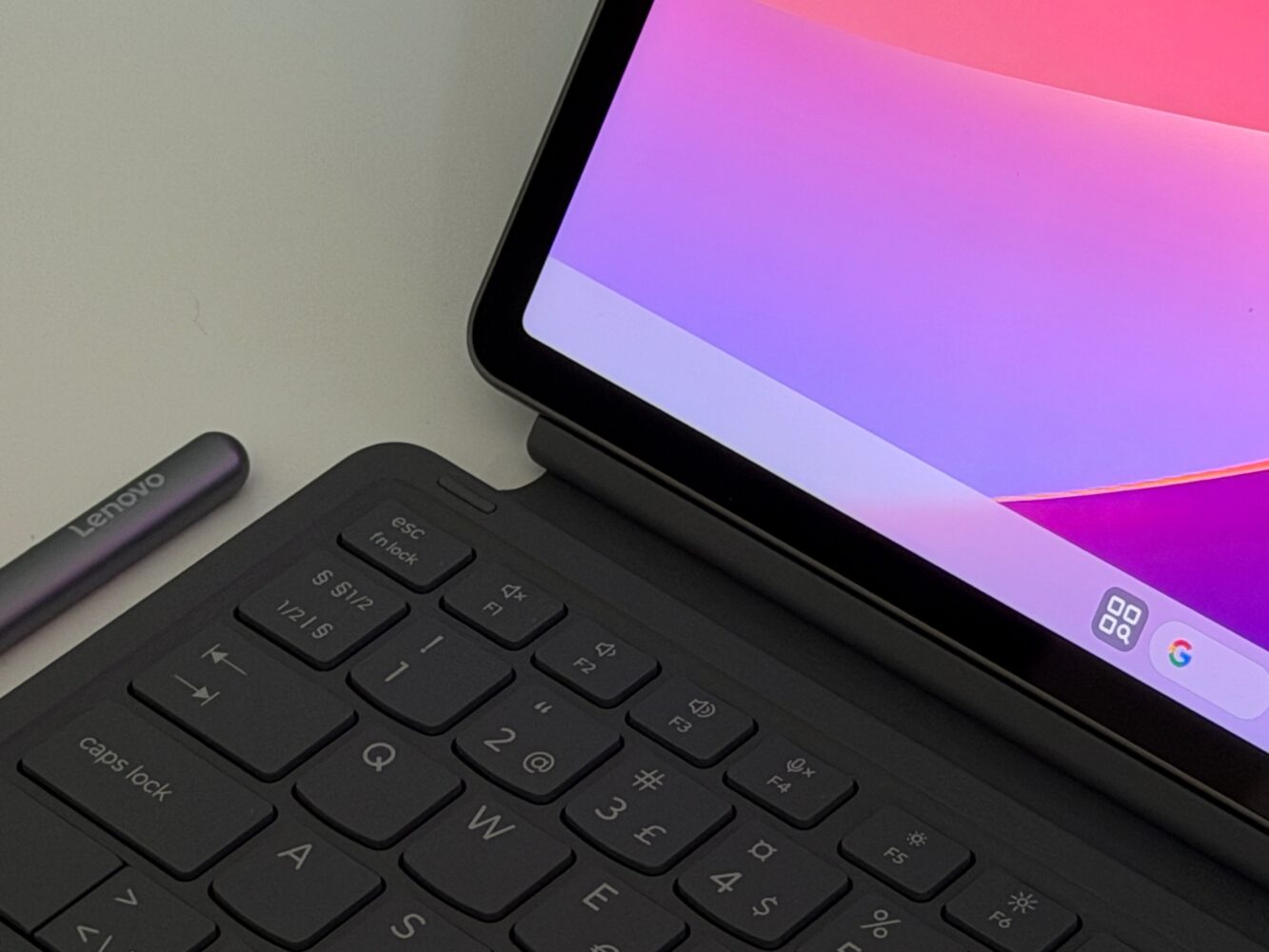
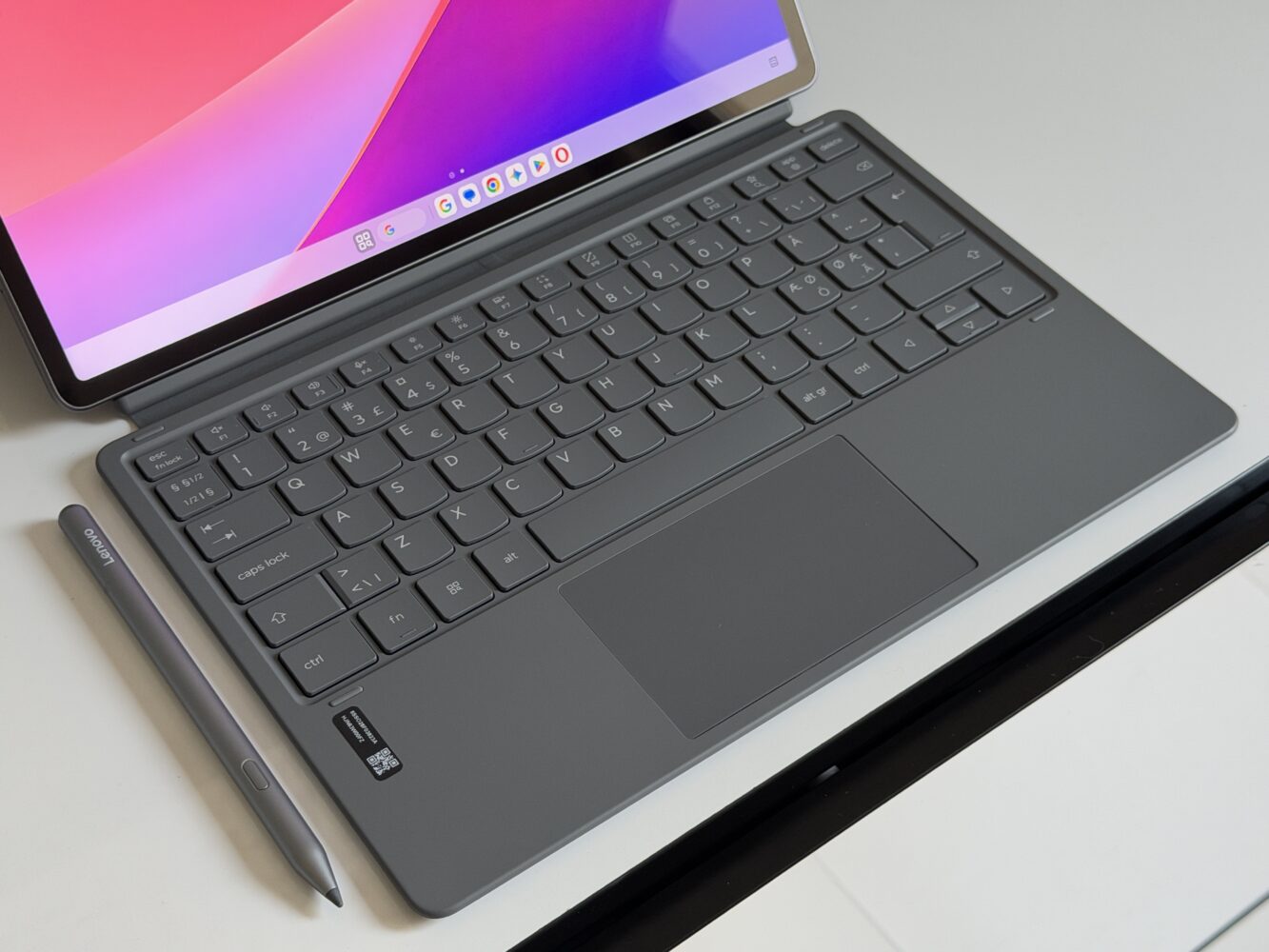
The included Tab Pen Plus is a major part of what makes this particular bundle interesting to me. It supports 4,096 levels of pressure sensitivity alongside palm rejection and tilt detection, while Bluetooth auto-pairing removes some of the usual accessory friction. There’s even an anti-lost alert, which sounds hilariously minor until your stylus performs its traditional disappearing act five minutes before you actually need it.
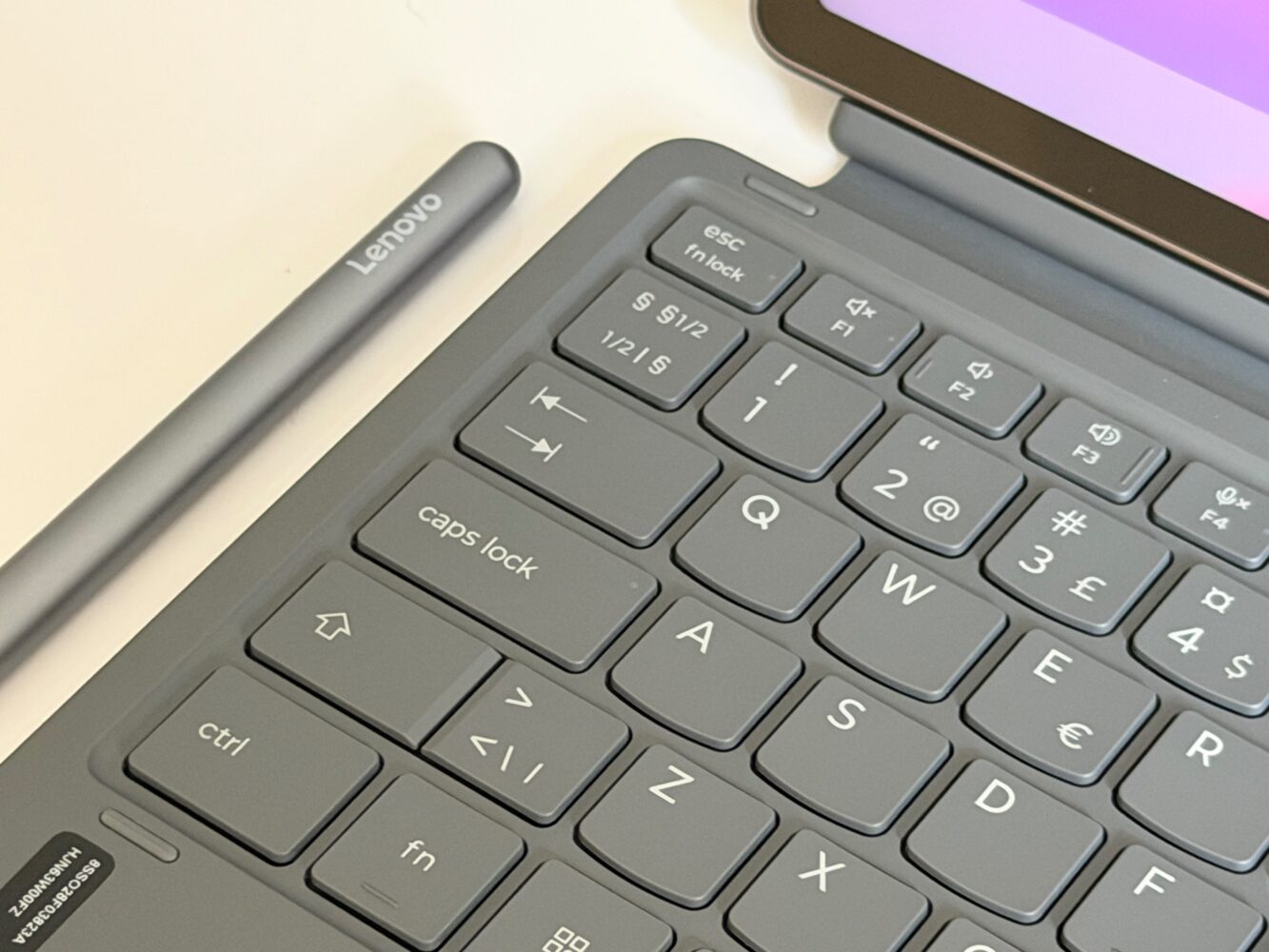
Combined with the huge display and Lenovo’s study software, the pen turns the Idea Tab Pro Gen 2 into something much closer to a digital notebook. Reading a document, marking important information, pulling material into notes and asking for clarification can all form part of the same workflow. That’s considerably more compelling than simply supporting a stylus and expecting me to invent reasons to use it. Here, the hardware and software actually seem to have attended the same meeting.
Add the keyboard and things get suspiciously laptop-like
The 2-in-1 Keyboard Pack is the other piece that changes the personality of this tablet. Attach it and suddenly that 13-inch screen, Snapdragon processor and 12GB of RAM start looking suspiciously like a lightweight laptop alternative. Smart AI Input can also generate, refine or translate text within supported workflows, which fits much more naturally when I’m sitting down to type something substantial.
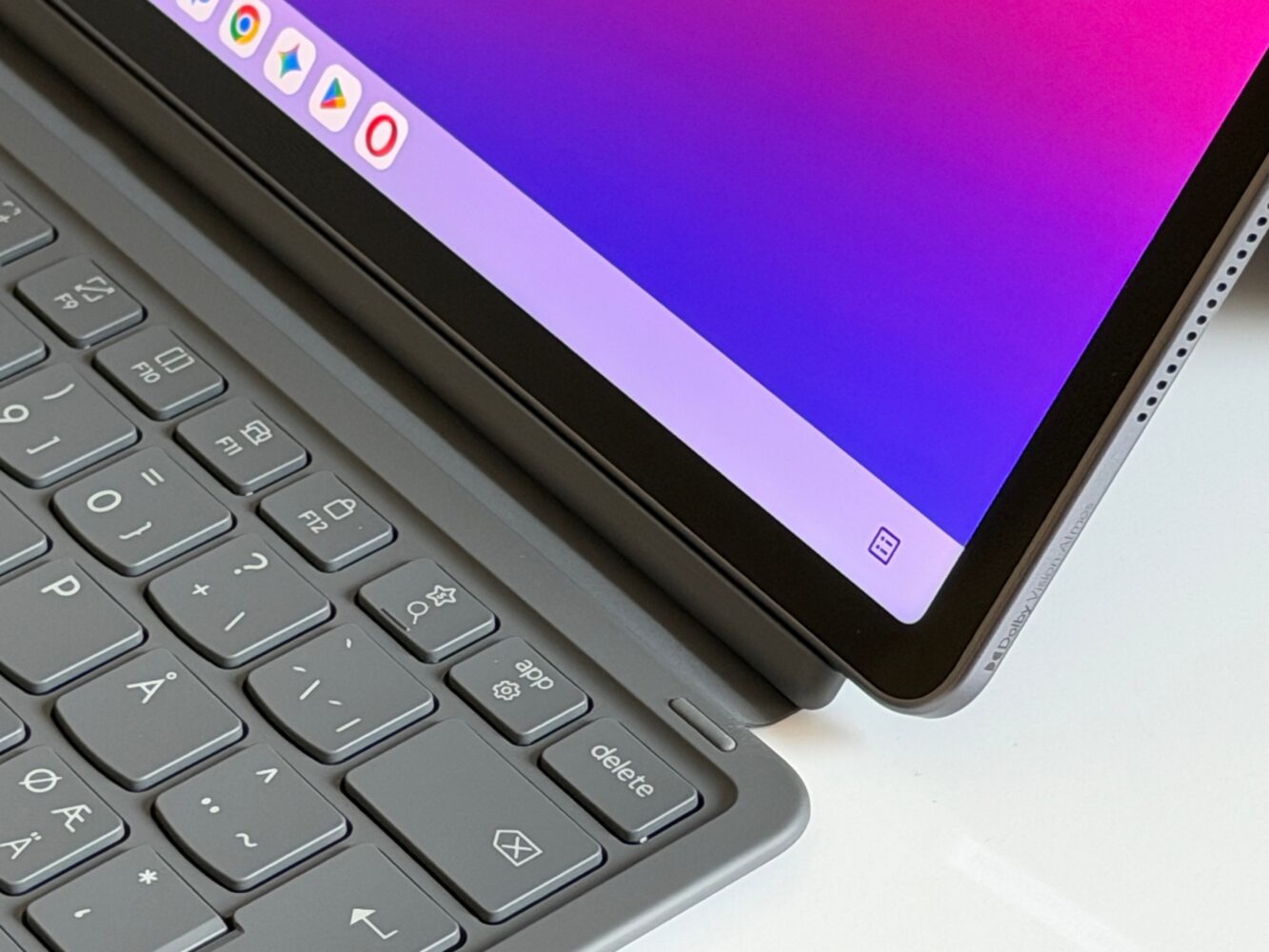
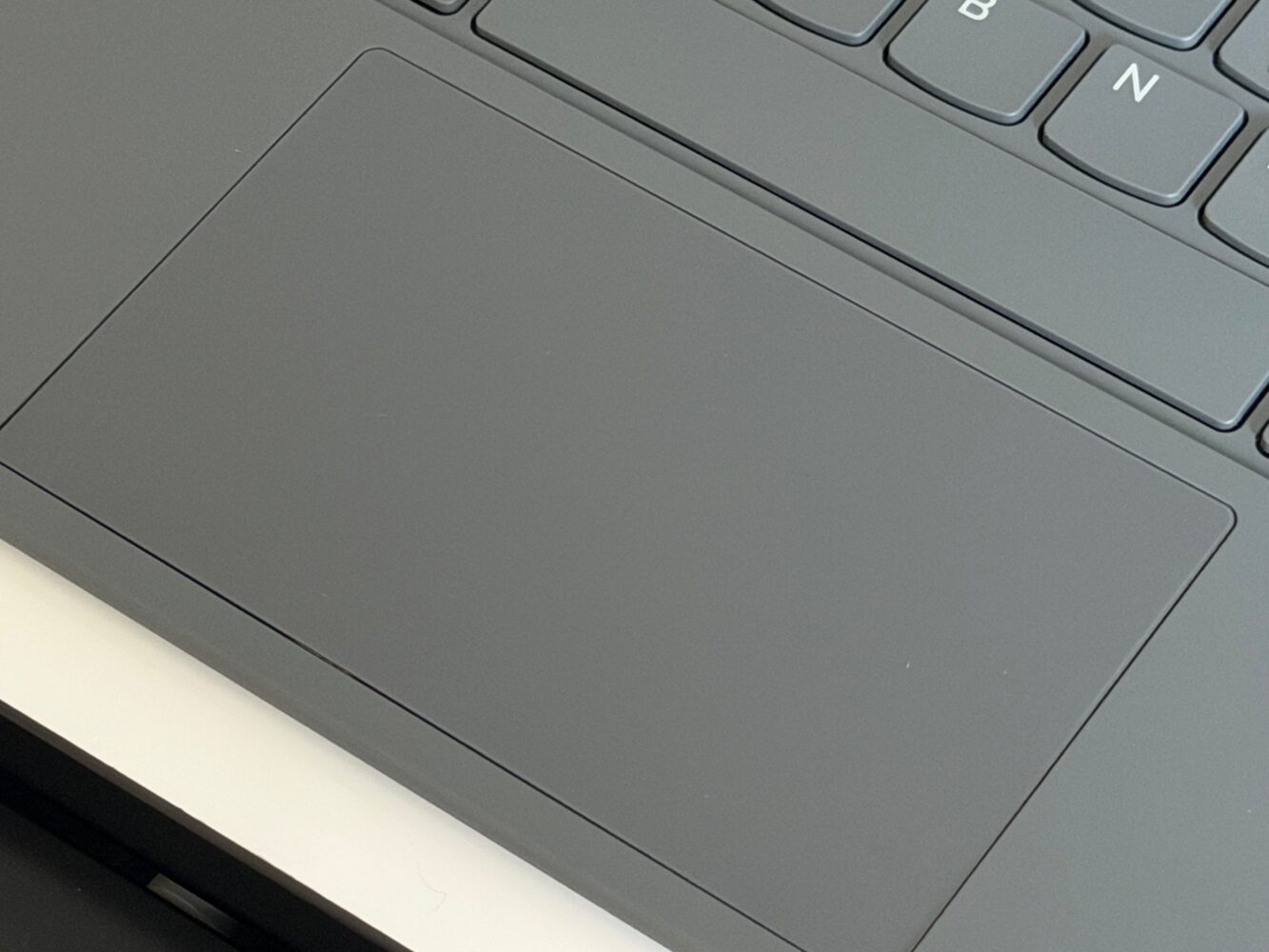
I’m still reluctant to call any Android tablet a universal laptop replacement because attaching a keyboard doesn’t summon desktop software from another dimension. The answer depends entirely on what I need to accomplish. For research, documents, presentations, browsing, reading and general productivity, this setup makes plenty of sense; specialist desktop applications can quickly change that conversation. Still, having both the keyboard and pen in this configuration means I get the complete productivity experience rather than discovering half the headline features require another trip to the checkout.
At 598g, this is portable rather than tiny
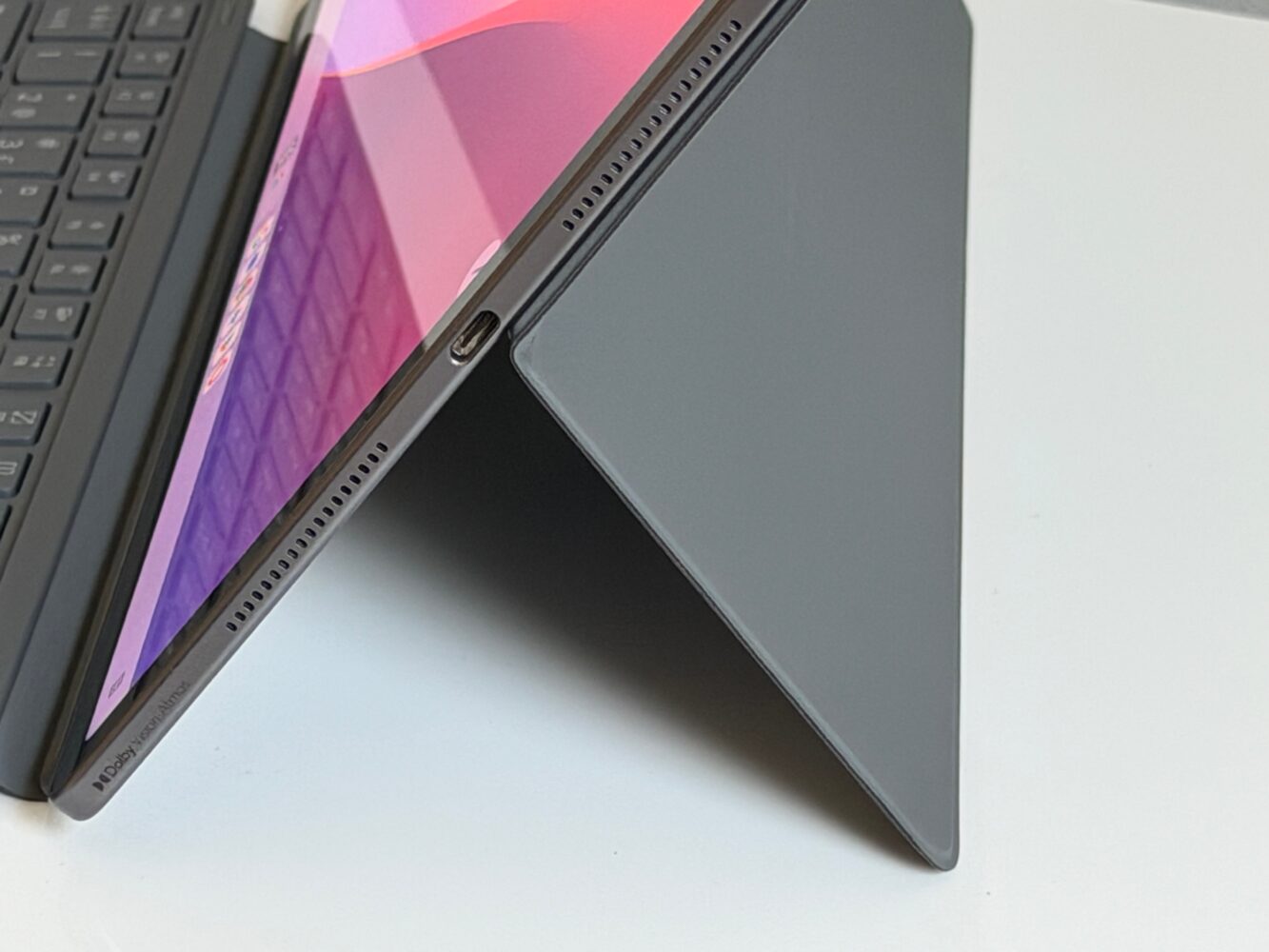
For something carrying a 13-inch screen and 10,200mAh battery, the Idea Tab Pro Gen 2 keeps its dimensions surprisingly sensible. The tablet itself is around 6.2mm thick and weighs approximately 598g before accessories. That’s slim, but this is still a large tablet, and adding the keyboard inevitably pushes the overall package closer to laptop territory.
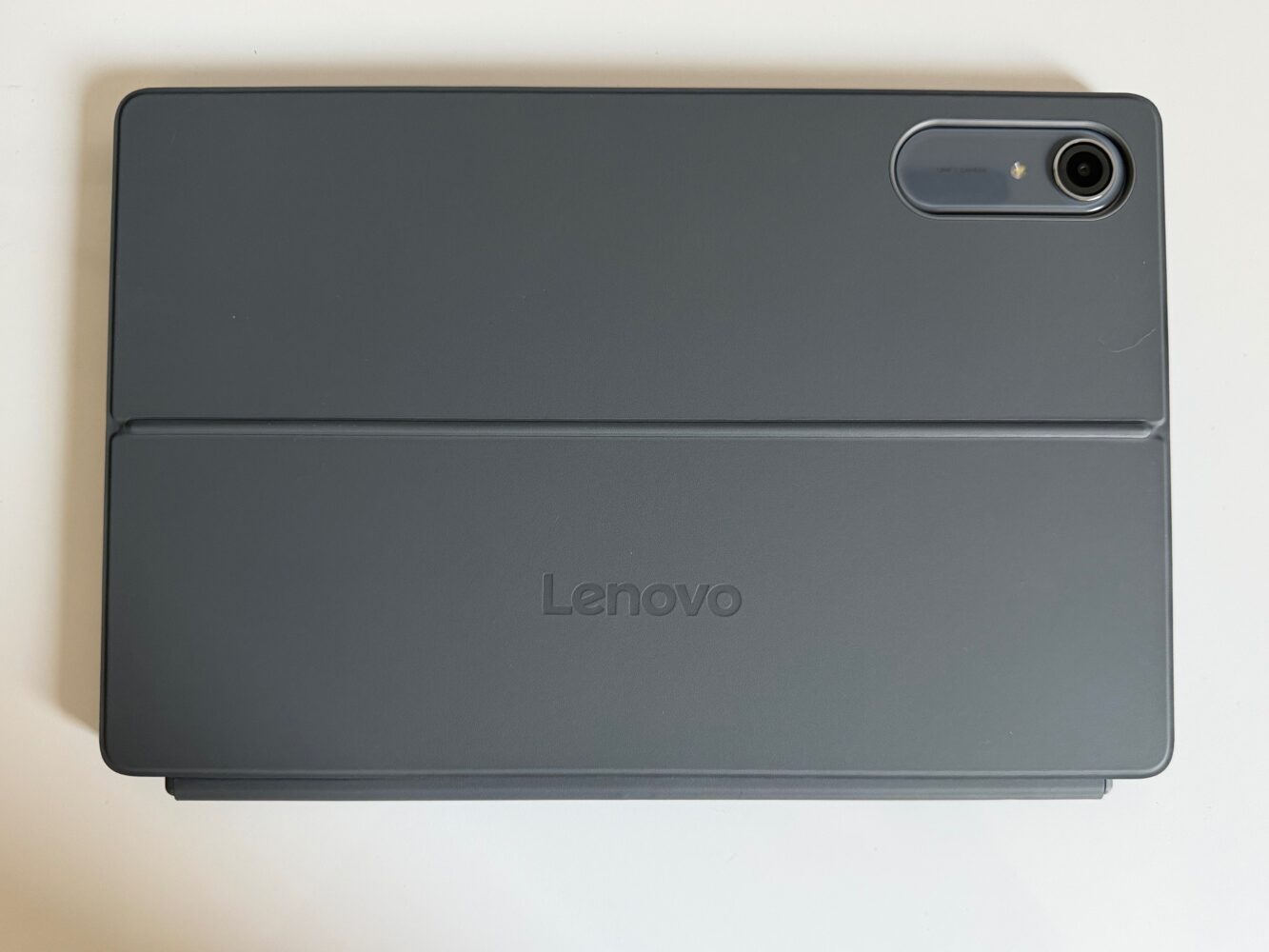
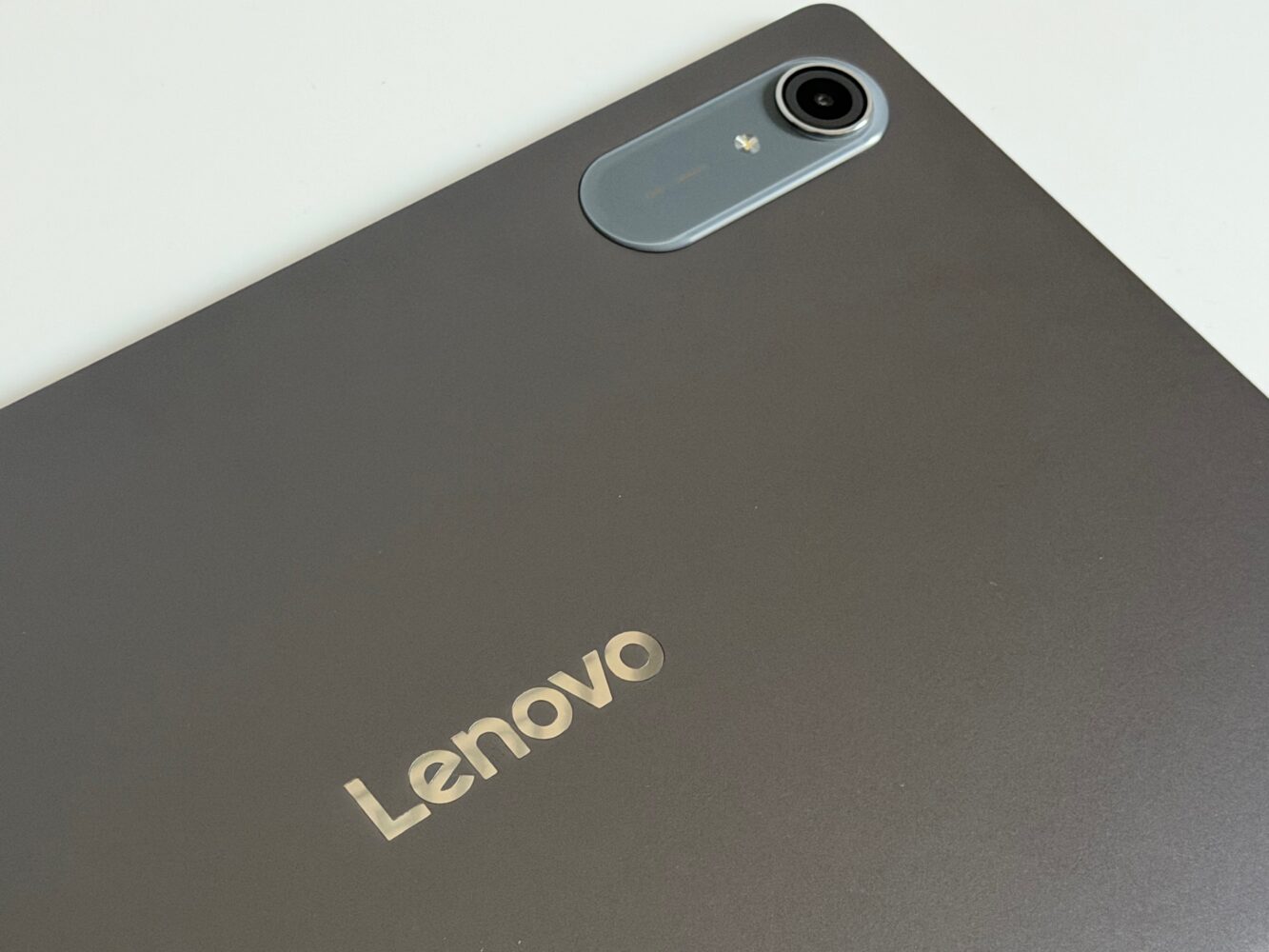
I don’t necessarily see that as a problem because a device like this lives or dies by screen space. I’d rather have enough room for documents, split-screen apps and handwritten notes than shave a few centimetres off simply so the spec sheet can shout “compact.” Colour choices include Luna Grey, Cloud Grey and Jelly Mint depending on configuration and availability, with my ZAHD0780AE configuration finished in Luna Grey. It’s understated, which feels appropriate for something likely to spend half its life surrounded by textbooks, notebooks and increasingly cold cups of coffee.
A 10,200mAh battery has a lot of pixels to feed
Inside is a 10,200mAh battery with support for 45W charging. That’s a reassuringly large capacity, although it’s worth remembering what needs feeding: a 13-inch 3.5K display capable of refreshing at 144Hz alongside a fairly powerful Snapdragon chipset. Big battery meets big screen; somewhere, physics is sitting back with popcorn.
A battery-life figure of around 12.5 hours is associated with this configuration, but I wouldn’t treat that as a guaranteed everyday result. Brightness, refresh rate, gaming, video playback, Wi-Fi usage and background applications can dramatically change tablet endurance, and I don’t have my own controlled runtime result to replace that figure. What I can say is that the 10,200mAh capacity and 45W charging are appropriate choices for this class of hardware. A tablet designed to survive lectures, research and evening entertainment shouldn’t be desperately sniffing around for a USB-C cable by lunchtime.
Four JBL speakers make procrastination considerably more cinematic
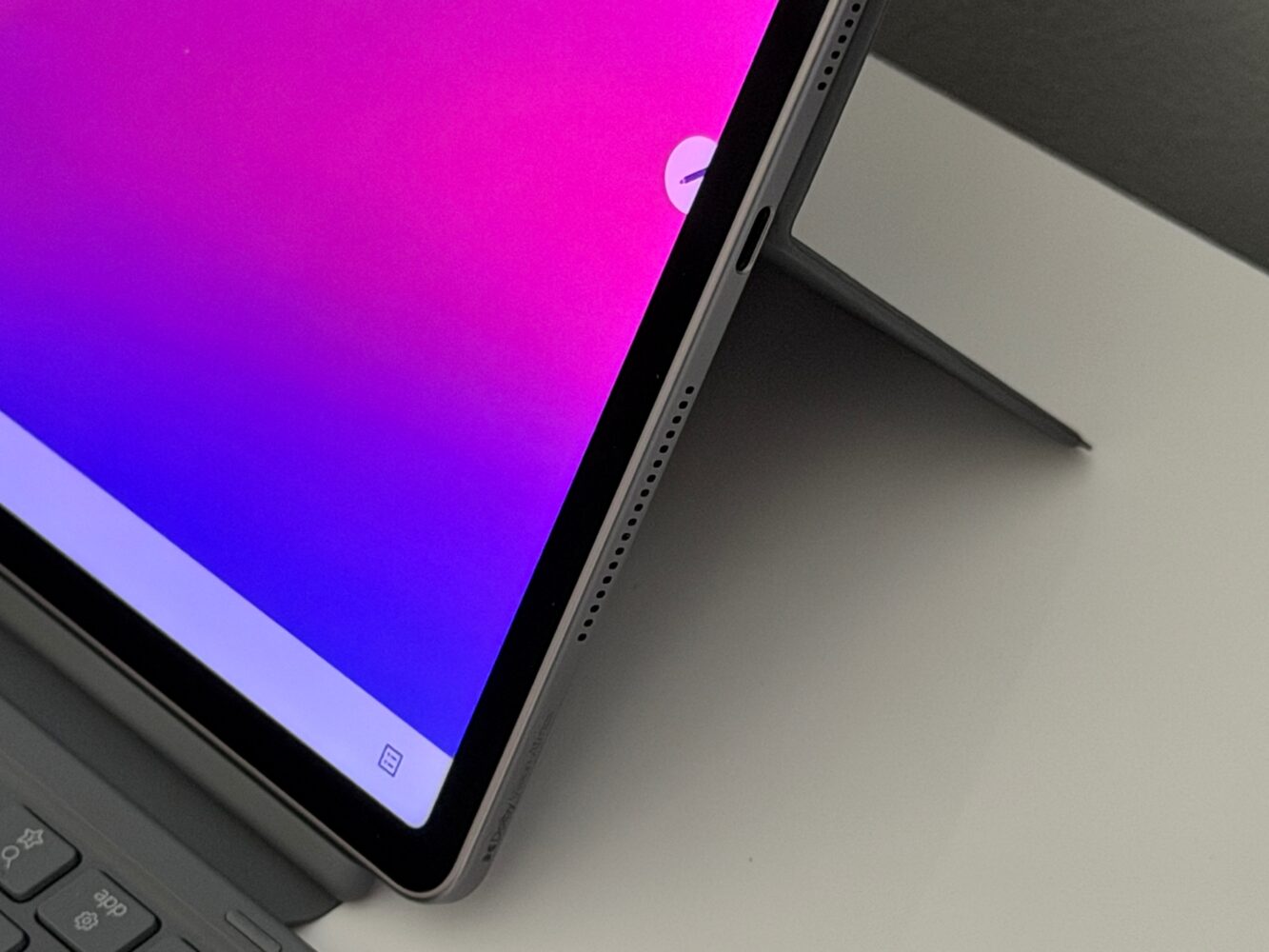
The Idea Tab Pro Gen 2 packs four JBL speakers with Dolby Atmos, which feels appropriate considering the enormous high-resolution screen attached to them. I can’t tell you how much bass they produce or whether they’ll turn a dorm room into IMAX without actually listening to them, but a quad-speaker arrangement is exactly what I want from a tablet this size. Productivity is important, but eventually every study tablet fulfils its destiny and becomes a movie screen.
The camera hardware is much more utilitarian. There’s a 13MP autofocus camera at the rear and an 8MP fixed-focus camera at the front, and I suspect the latter will matter more for video calls and online classes than the rear sensor will for photography. I’m perfectly happy with that priority. Anyone standing at a tourist attraction taking photos with a 13-inch tablet has already chosen chaos, and no megapixel count can save them.
Smart Connect understands that your tablet doesn’t live alone
Smart Connect is another part of the Idea Tab Pro Gen 2 that makes sense to me because I don’t use technology in isolation. The idea is to make photos, files and shared content accessible across compatible PCs, phones and tablets, including workflows spanning Windows, Android and iOS. For the way I actually work, moving between a laptop, phone and tablet without constantly emailing files to myself is far more useful than another flashy feature buried six menus deep.
Connectivity is suitably modern too, with Wi-Fi 7 and Bluetooth 6 alongside USB-C. That USB connection supports transfer speeds up to 5Gbps, Power Delivery 3.0 and DisplayPort 1.4a, so connecting the tablet to an external display is part of the equation. The ZAHD0780AE configuration I’m looking at is Wi-Fi rather than cellular, however, which is worth remembering if permanent mobile connectivity is important. Apparently even a tablet this ambitious occasionally expects me to remember hotspotting exists.
The Idea Tab Pro Gen 2 understands the assignment
What I like most about the Idea Tab Pro Gen 2 is how consistently its hardware supports its purpose. The 13-inch 3.5K display provides space for documents and multitasking, 144Hz keeps everything moving smoothly, the Tab Pen Plus handles handwritten input, Smarter Reader makes annotation more intelligent, and the keyboard transforms the whole thing into a credible writing setup. Snapdragon 8s Gen 4, 12GB of RAM and expandable storage then provide enough performance headroom that the tablet shouldn’t feel like it’s permanently studying for an exam it isn’t prepared to take.
There are still areas where specifications can’t give me the complete answer. Battery endurance, sustained gaming performance, thermals, display quality, pen latency, keyboard feel and the everyday usefulness of those AI tools all need proper testing before I’d make definitive claims about them. At 598g before the keyboard, this isn’t exactly an e-reader with delusions of grandeur either. But I can already appreciate the clarity of Lenovo’s approach: instead of building another generic Android rectangle, it has built one around a specific way of working.
Verdict
The Lenovo Idea Tab Pro Gen 2 is the kind of Android tablet I find easy to understand. I’m getting a huge 13-inch 3.5K 144Hz display, Snapdragon 8s Gen 4 performance, 12GB of RAM, expandable storage, a 10,200mAh battery and AI tools built around reading, writing and note-taking rather than simply occupying space on the feature list. With the keyboard and Tab Pen Plus included in this configuration, it becomes an especially compelling package for students, note-takers and anyone wanting one device to bounce between productivity, media and gaming.
There are compromises. Android still determines how far I can push the laptop-replacement fantasy, two major OS upgrades feels conservative for hardware this capable, and several important performance questions require proper hands-on testing rather than spec-sheet prophecy. Even so, the Idea Tab Pro Gen 2 has something many Android tablets struggle to establish: a clear purpose. Lenovo has built a tablet for getting work done, given it enough power to have fun afterwards, and thankfully remembered to pack the pen.