

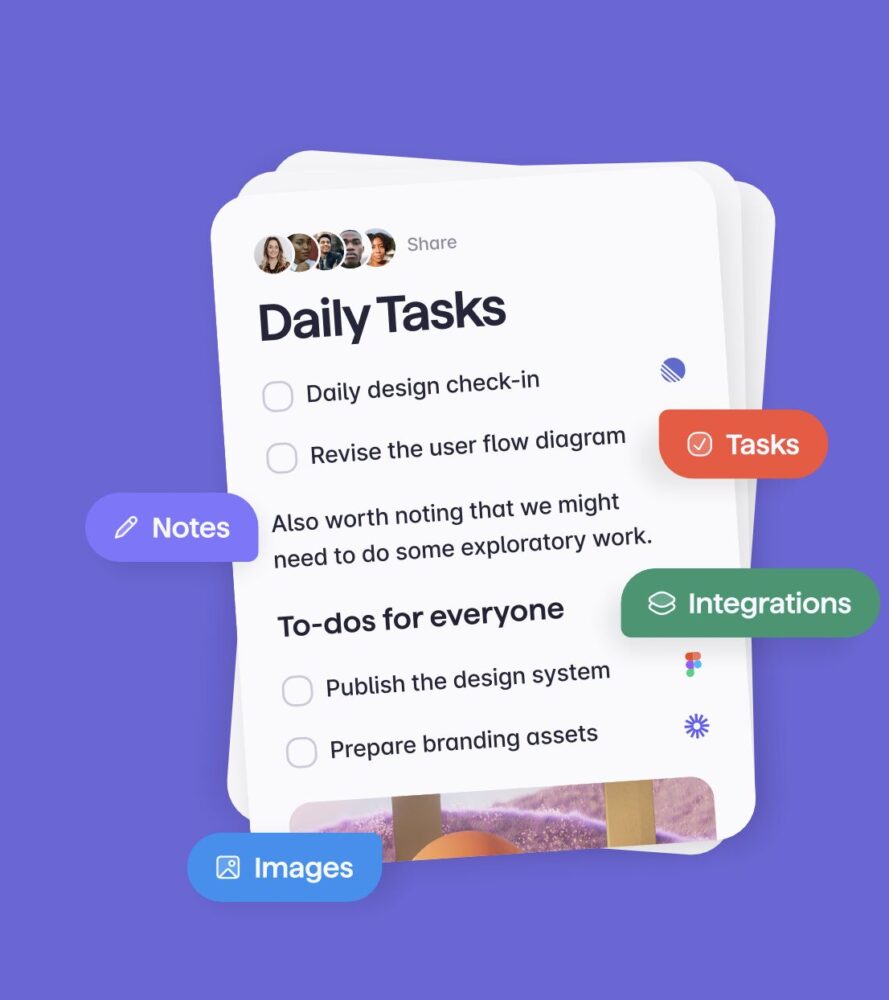
Remember Wunderlist, the beloved to-do list app with its delightful design and useful features? Well, prepare to rekindle that fondness with Superlist, a new app created by some of the original Wunderlist team. While it’s not a copy, Superlist captures the same essence, offering a very visually appealing and functional platform for managing tasks, notes, and lists of all kinds.


Beyond Simple Tasks
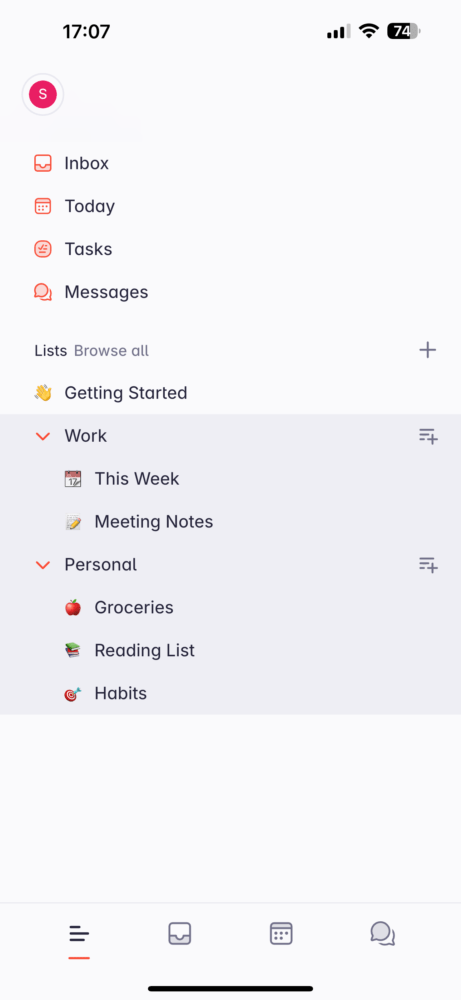
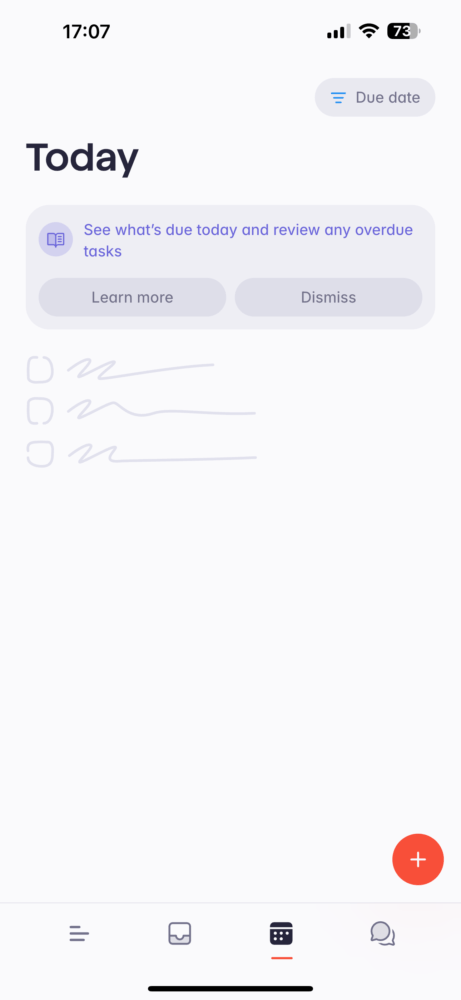
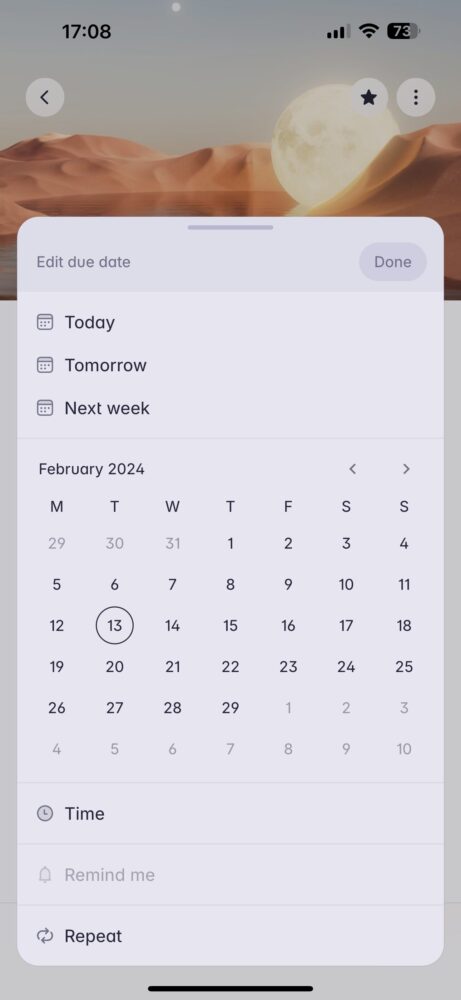
Superlist goes beyond the confines of a traditional to-do list app. It’s a “lists” product, allowing you to create project-specific lists and fill them with notes, files, tasks, images, and anything else relevant. The app automatically recognizes and organizes your tasks, presenting a “Today” list with everything from all your projects that requires immediate attention. You can even switch between personal and professional tasks with a simple toggle, keeping everything organized without feeling overwhelming. Your Inbox is also present to aggregate all the team collaboration and notifications.

Integration Powerhouse
Superlist integrates with various tools like Gmail, Slack, and GitHub (some are available for pro version only), allowing you to pull in or push out tasks effortlessly. One particularly handy feature is turning starred emails into tasks, ensuring you never miss important replies. Superlist even utilizes AI to help identify key points within messages and convert them into tasks.

Business-Centric Focus
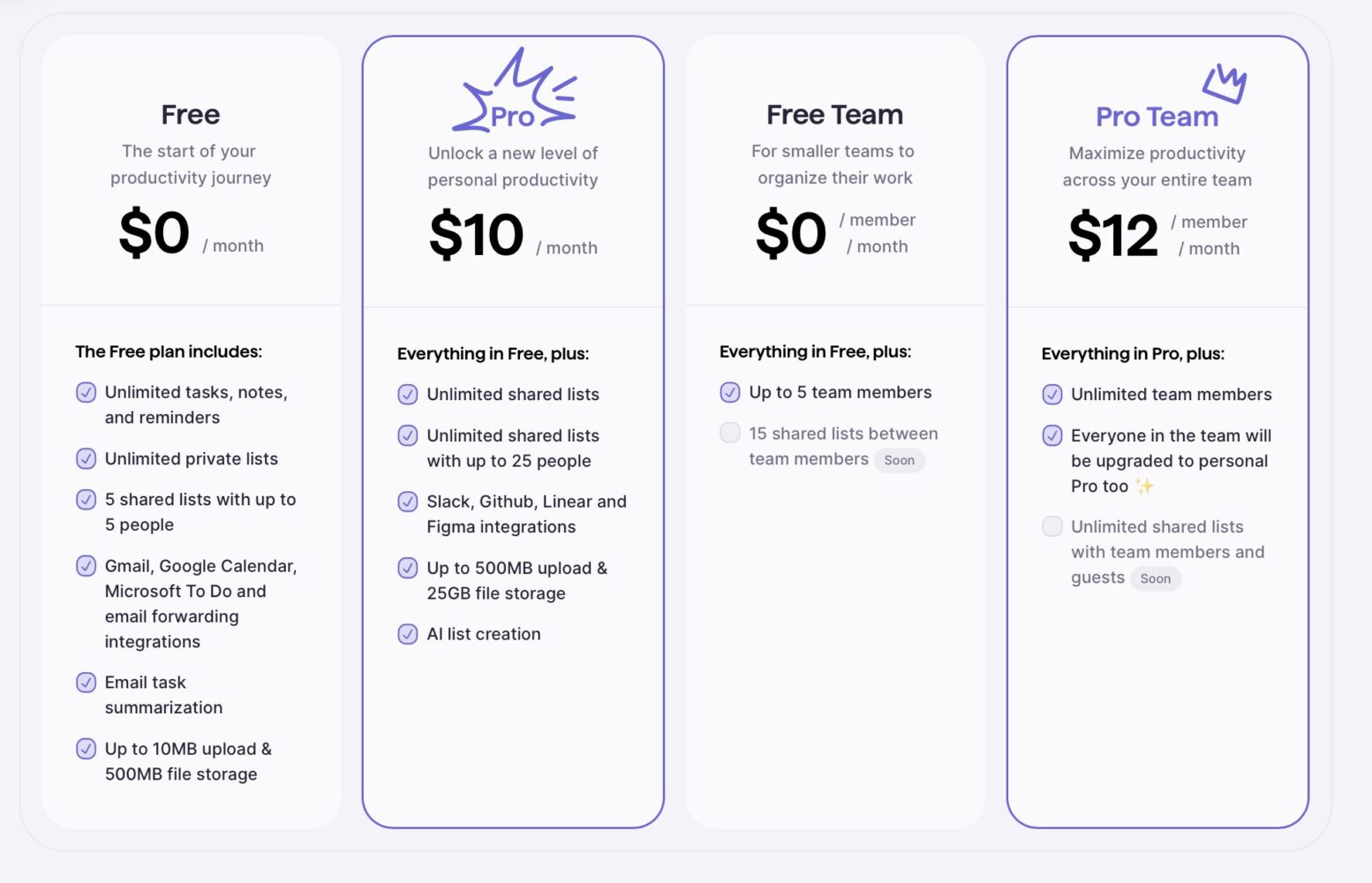
Superlist prioritizes business users and team collaboration. The Pro account unlocks more collaborators, uploads, AI features, and integrations, but the free version should suffice for most individual users.
Verdict
Superlist shows immense potential, capturing the essence of Wunderlist while offering a fresh approach to task management. If you’re looking for a visually appealing and flexible list-based system, Superlist is definitely worth a try. Keep an eye on its progress, as it has the potential to become a major player in the to-do list game.
Superlist is available to download for iOS, android and Mac here.