By using this site, you agree to our Privacy Policy and Terms of Service.
Accept
Absolute Geeks UAEAbsolute Geeks UAE
  • STORIES
    • TECH
    • AUTOMOTIVE
    • GUIDES
    • OPINIONS
  • REVIEWS
    • READERS’ CHOICE
    • ALL REVIEWS
    • ━
    • SMARTPHONES
    • CARS
    • HEADPHONES
    • ACCESSORIES
    • LAPTOPS
    • TABLETS
    • WEARABLES
    • SPEAKERS
    • APPS
  • WATCHLIST
    • TV & MOVIES REVIEWS
    • SPOTLIGHT
  • GAMING
    • GAMING NEWS
    • GAME REVIEWS
  • +
    • OUR STORY
    • GET IN TOUCH
Reading: Spotify adds a creative touch: design your own playlist cover art
Share
Notification Show More
Absolute Geeks UAEAbsolute Geeks UAE
  • STORIES
    • TECH
    • AUTOMOTIVE
    • GUIDES
    • OPINIONS
  • REVIEWS
    • READERS’ CHOICE
    • ALL REVIEWS
    • ━
    • SMARTPHONES
    • CARS
    • HEADPHONES
    • ACCESSORIES
    • LAPTOPS
    • TABLETS
    • WEARABLES
    • SPEAKERS
    • APPS
  • WATCHLIST
    • TV & MOVIES REVIEWS
    • SPOTLIGHT
  • GAMING
    • GAMING NEWS
    • GAME REVIEWS
  • +
    • OUR STORY
    • GET IN TOUCH
Follow US

Spotify adds a creative touch: design your own playlist cover art

GEEK DESK
GEEK DESK
Oct 23

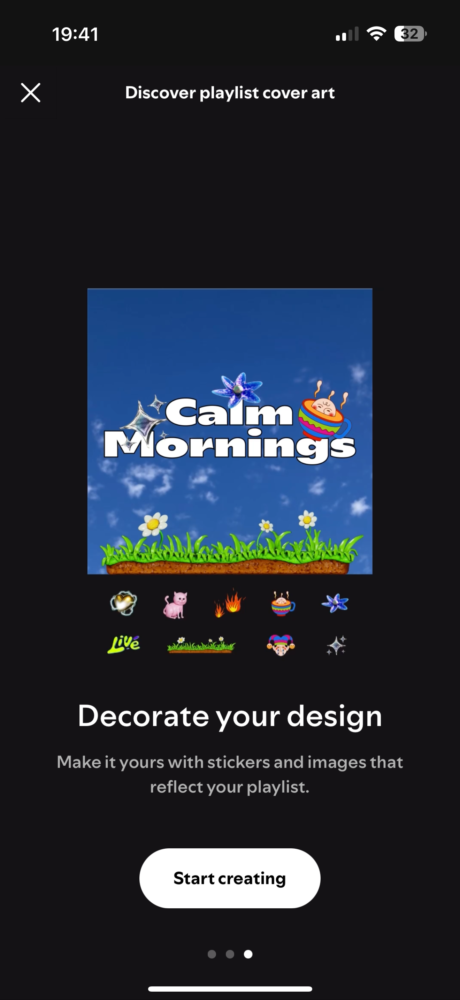
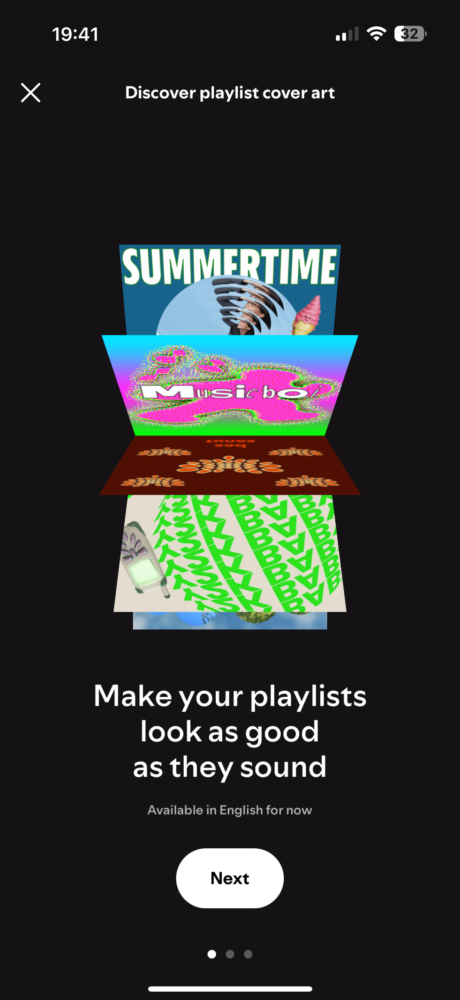
Spotify is rolling out a new feature that allows users to personalize their playlists with custom-designed cover art. Available in beta for both free and premium users in 65 markets, this feature adds a fun and creative element to the music streaming experience.

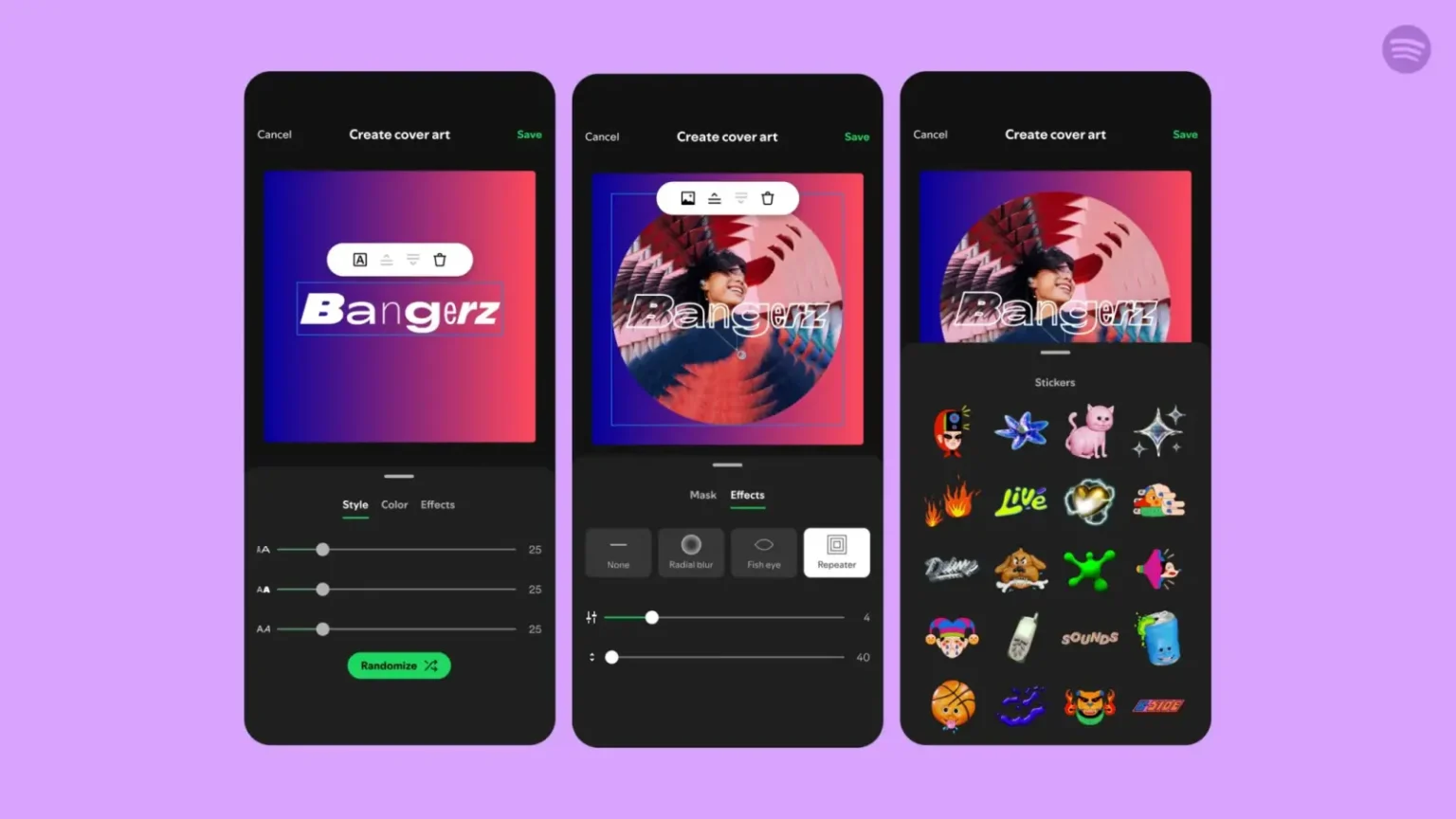
Previously, users could only upload existing images as playlist covers. Now, with the updated mobile app (iOS and Android), you can design unique artwork directly within Spotify. To access this feature, simply open the three-dot menu on a playlist page and select “Create cover art.”

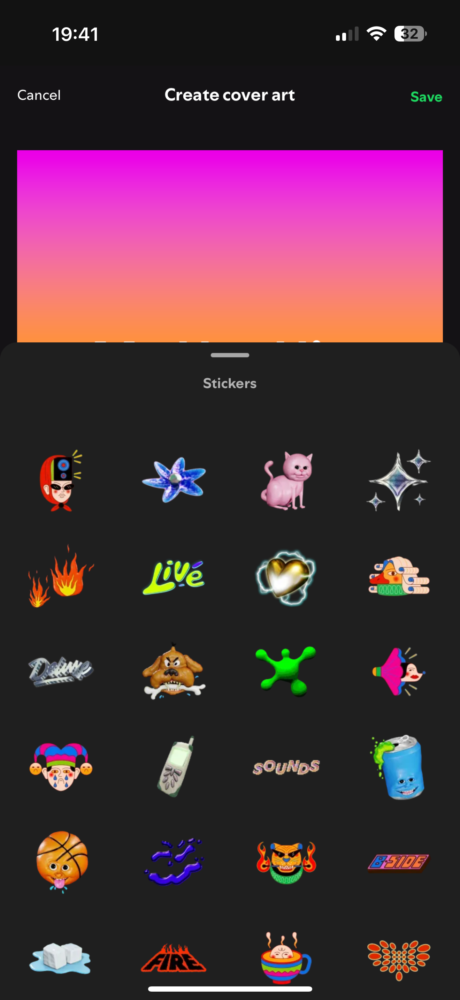
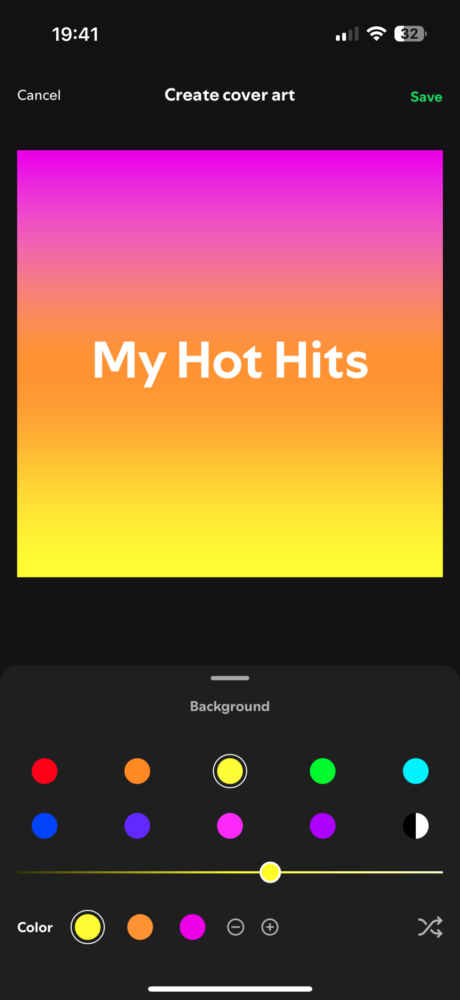
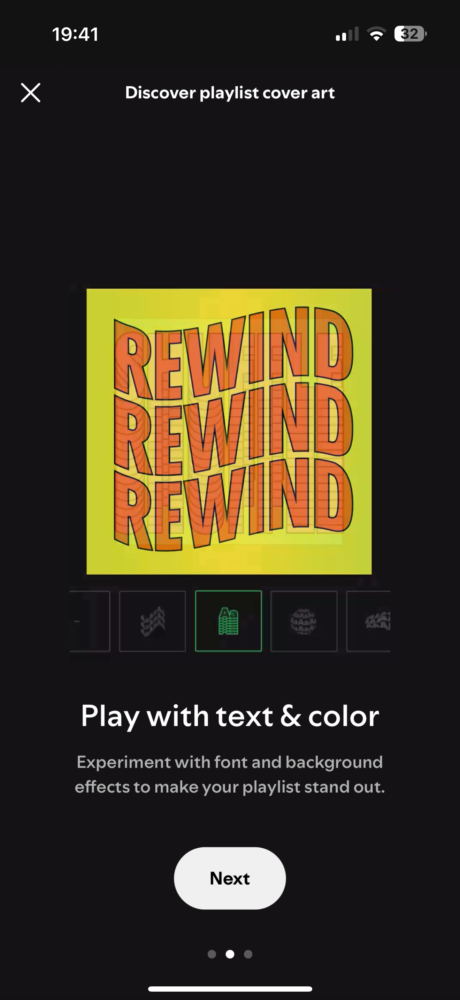
From there, you can either upload a photo from your camera roll or start with a blank canvas. Spotify provides a variety of tools to customize your cover art, including:

  • Text styles, colors, and effects: Personalize your text with different fonts, colors, and visual effects.
  • Background colors and gradients: Choose a background that complements your artwork.
  • Stickers: Add fun and expressive stickers to your cover art.

While each playlist can only have one custom cover art saved at a time, you can always create and save multiple versions if you like to switch things up.
This new feature reflects Spotify’s ongoing efforts to enhance user personalization and provide a more engaging experience. It also strengthens Spotify’s competitive edge against other music streaming services like Apple Music and YouTube Music.

This update follows other recent additions to Spotify, such as the beta testing of AI-powered personalized playlists and the expansion of music videos for premium users. These enhancements demonstrate Spotify’s commitment to innovation and its dedication to providing a comprehensive and enjoyable music streaming experience.
Share
What do you think?
Happy0
Sad0
Love0
Surprise0
Cry0
Angry0
Dead0

WHAT'S HOT ❰

Huawei launches watch fit 5 series pre-orders in the uae with practical fitness features
HONOR opens sales for 600 Series with emphasis on AI camera and large battery
Olivia Rodrigo to front FC Barcelona jersey for El Clásico in latest Spotify partnership
HP expands HyperX lineup with Clutch Talon controller and Cloud Stinger 3 headsets
Urban Armor Gear (UAG) acquires Nomad Goods in latest mobile accessories consolidation
Absolute Geeks UAEAbsolute Geeks UAE
Follow US
AbsoluteGeeks.com was assembled during a caffeine incident.
© Absolute Geeks Media FZE LLC 2014–2026.
Proudly made in Dubai, UAE ❤️
Upgrade Your Brain Firmware
Receive updates, patches, and jokes you’ll pretend you understood.
No spam, just RAM for your brain.
Welcome Back!

Sign in to your account

Username or Email Address
Password

Lost your password?