
iPhone users can finally rejoice as the long-awaited arrival of retro game emulators on the App Store is becoming a reality. While Apple’s adoption of these emulators has been slow, exciting options are emerging.
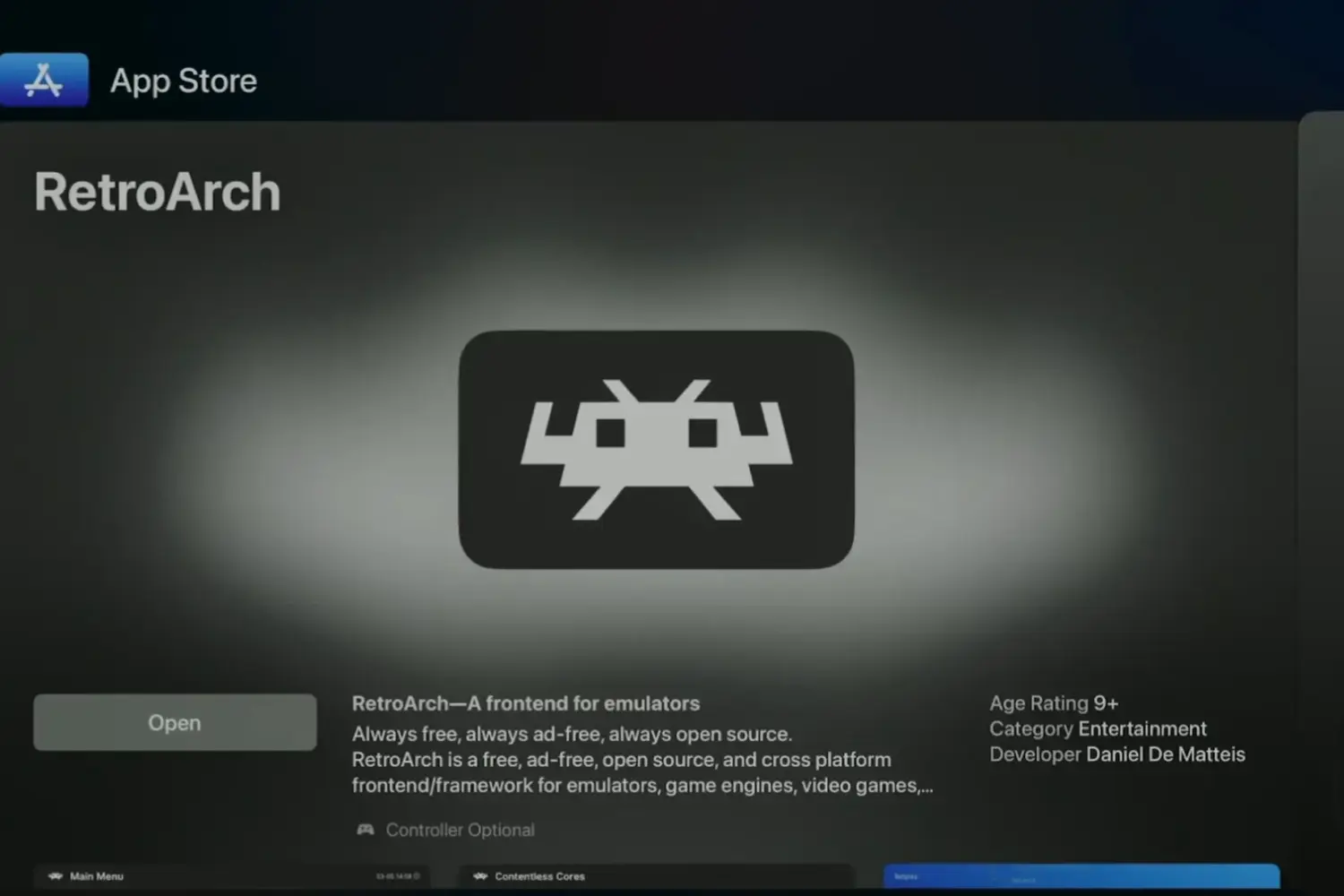
While Delta has been the go-to emulator app, it lacks Apple TV support. Enter RetroArch, a versatile emulator developed by Daniel de Matteis that runs on iPhone, iPad, and, most importantly, Apple TV.
RetroArch is a free, open-source frontend for various emulators, game engines, and media players. It lets you relive the classics on your Apple TV, emulating consoles like Atari, Game Boy, Super Nintendo, PlayStation 1, and even Nintendo 64.
Features of RetroArch:
- Netplay for multiplayer fun
- Soft patching for game modifications
- RetroAchievements integration
- Save states for convenience
- MFi controller support for authentic gameplay
- Customizable key remapping
- Gyro controls
- Cheats for a little extra help
- Custom overlays for a personalized look
- Shaders for visual enhancements
- Fast forward and rewind
- Game artwork for a nostalgic touch
- AI translations for international games
- Advanced latency management for smooth performance
Playing ROMs with RetroArch on Apple TV:
While not the most intuitive process, playing ROMs with RetroArch on Apple TV is surprisingly easy. Follow these steps:
- Open the RetroArch app on your Apple TV.
- Use the provided link (http://TV.local/) on your iPhone, ensuring both devices are on the same network.
- Navigate to Apple TV > RetroArch > downloads.
- Upload your downloaded ROM files.
- Open RetroArch on Apple TV and find your uploaded games.
For the best experience, use a Made for iPhone controller like a PlayStation 5 or Xbox One controller. While RetroArch on Apple TV is still in its early stages with some minor sound issues, it marks a significant milestone for Apple TV as a gaming platform.
Classic console emulation has finally made its way to Apple TV via RetroArch – the first emulator publicly available on the App Store for tvOS. https://t.co/TYglmhbDxK pic.twitter.com/U1NZqOTRmX
— Sigmund Judge (@sigjudge) May 15, 2024
Get ready to relive the glory days of retro gaming on your Apple TV with RetroArch, available on the App Store now!