

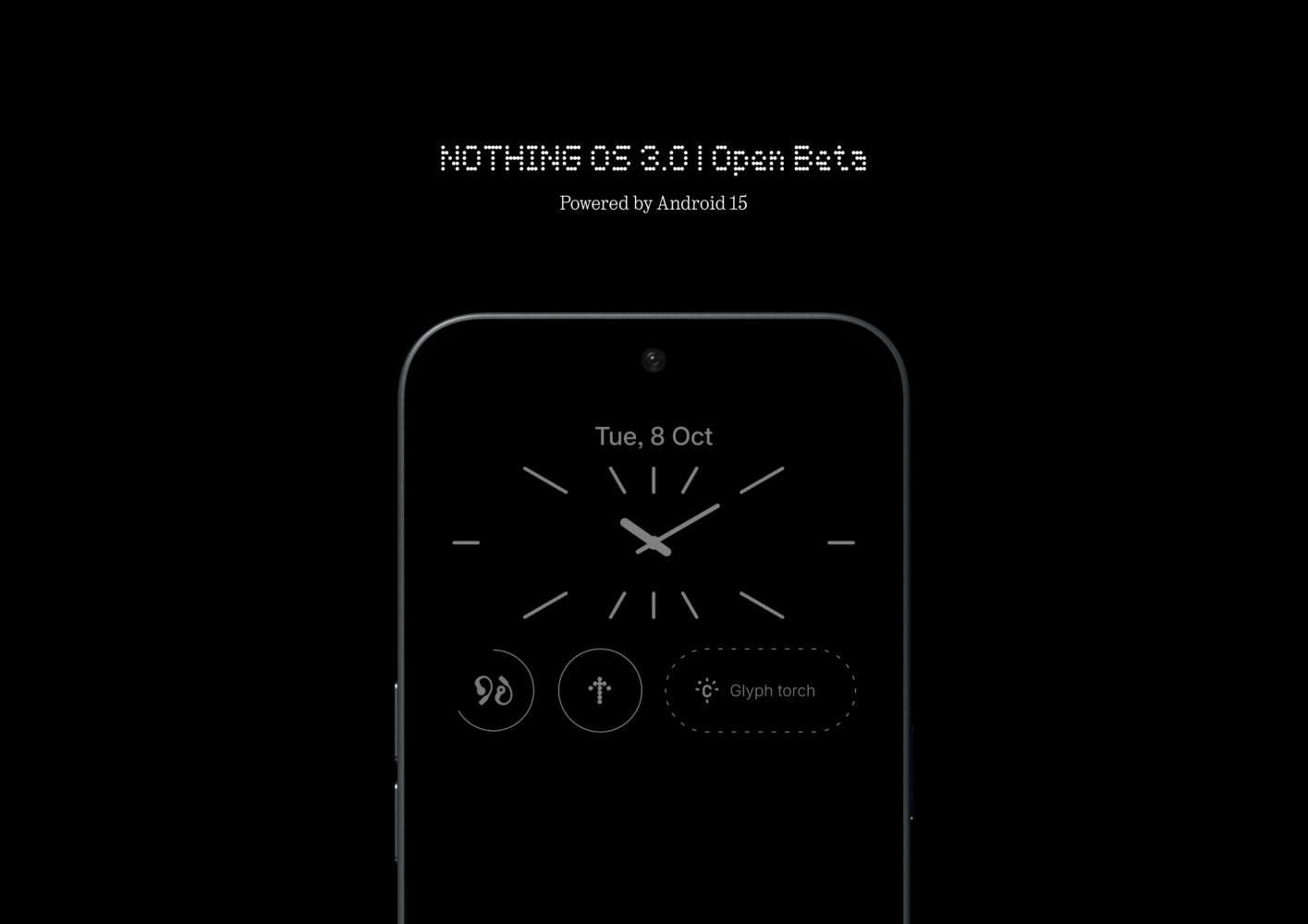
Nothing has officially launched the open beta program for its highly anticipated Android 15-based operating system, Nothing OS 3.0. Phone (2a) users can dive into the beta immediately, with Phone (2) owners gaining access in November, and Phone (1), Phone (2a) Plus, and CMF Phone 1 users joining the program in December.
While official details are scarce, a preview of Nothing OS 3.0 reveals a significant user interface overhaul, smarter app organization, and a host of feature enhancements.
A Fresh Look and Feel
One of the most striking changes in Nothing OS 3.0 is the redesigned user interface. The notification and Quick Settings area has been refreshed with a cleaner, more dynamic aesthetic. While retaining a familiar Android feel, Nothing has incorporated its signature design language for a cohesive and visually appealing experience. Notably, Quick Settings tiles are now resizable, offering greater customization.
The Settings app has also been reorganized for improved navigation. Key features are grouped into distinct sections, making it easier to locate specific settings. A dedicated “Special features” section houses options for gestures, RAM booster, and game mode.
AI Takes Center Stage
Nothing OS 3.0 introduces an AI-powered Smart App Drawer that intelligently categorizes apps based on usage patterns. This promises a more intuitive and personalized user experience. Customization options have also been expanded, allowing users to change the system font, personalize the lock screen, and more.
Android 15 Enhancements
As an Android 15-based operating system, Nothing OS 3.0 inherits several new features introduced by Google. These include the ability to archive apps to free up storage, adjust color contrast for improved accessibility, and utilize passkeys for enhanced security.
Refined Details
The update also includes a range of smaller refinements, such as a “Current” card in the wallpaper picker that displays the current wallpaper and provides quick access to the wallpaper editor.
This is just the first beta release, and Nothing is expected to add more features and refinements in future updates. The open beta program offers users an opportunity to experience the latest iteration of Nothing OS and provide valuable feedback before its official release.