By using this site, you agree to our Privacy Policy and Terms of Service.
Accept
Absolute Geeks UAEAbsolute Geeks UAE
  • STORIES
    • TECH
    • AUTOMOTIVE
    • GUIDES
    • OPINIONS
  • REVIEWS
    • READERS’ CHOICE
    • ALL REVIEWS
    • ━
    • SMARTPHONES
    • CARS
    • HEADPHONES
    • ACCESSORIES
    • LAPTOPS
    • TABLETS
    • WEARABLES
    • SPEAKERS
    • APPS
  • WATCHLIST
    • TV & MOVIES REVIEWS
    • SPOTLIGHT
  • GAMING
    • GAMING NEWS
    • GAME REVIEWS
  • +
    • OUR STORY
    • GET IN TOUCH
Reading: Microsoft’s Copilot gets a makeover, expands Designer Tool capabilities
Share
Notification Show More
Absolute Geeks UAEAbsolute Geeks UAE
  • STORIES
    • TECH
    • AUTOMOTIVE
    • GUIDES
    • OPINIONS
  • REVIEWS
    • READERS’ CHOICE
    • ALL REVIEWS
    • ━
    • SMARTPHONES
    • CARS
    • HEADPHONES
    • ACCESSORIES
    • LAPTOPS
    • TABLETS
    • WEARABLES
    • SPEAKERS
    • APPS
  • WATCHLIST
    • TV & MOVIES REVIEWS
    • SPOTLIGHT
  • GAMING
    • GAMING NEWS
    • GAME REVIEWS
  • +
    • OUR STORY
    • GET IN TOUCH
Follow US

Microsoft’s Copilot gets a makeover, expands Designer Tool capabilities

GEEK DESK
GEEK DESK
Feb 9

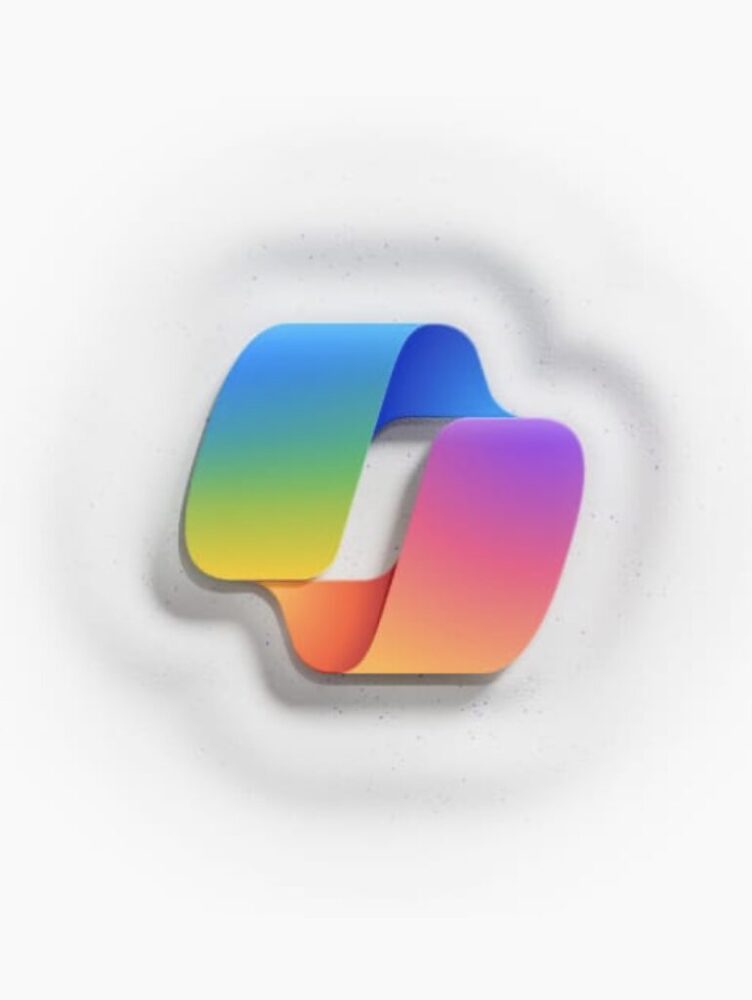
Microsoft’s Copilot just got a makeover! Not only does it have a brand new, sleek look on its website and mobile apps, but it also learned a cool new trick – creating and editing images!

Now, you can just fire up Copilot and browse a carousel of cool prompts with images to spark your creativity. Plus, the responses you get from the bot are cleaner and easier to read than before.

If you’re more of a mobile user, don’t worry, Copilot’s got you covered too. The app update brings the same image prompts and even lets you switch on a “GPT-4 mode” for extra fancy results.

But the real magic happens in Copilot’s Designer tool. It’s like having a mini AI artist in your pocket! You can now tweak images you create, like adding a pop of color or blurring the background, all within the chat window. And the best part? It’s completely free for everyone, not just premium subscribers.

Speaking of premium, if you’re a Copilot Pro user, you get even more superpowers. You can resize and regenerate images, perfect for switching between portrait and landscape formats. Plus, there’s a super cool “Designer GPT” feature coming soon, which will be like a dedicated art studio within Copilot, just for you.
Share
What do you think?
Happy0
Sad0
Love0
Surprise0
Cry0
Angry0
Dead0

WHAT'S HOT ❰

Huawei launches watch fit 5 series pre-orders in the uae with practical fitness features
HONOR opens sales for 600 Series with emphasis on AI camera and large battery
Olivia Rodrigo to front FC Barcelona jersey for El Clásico in latest Spotify partnership
HP expands HyperX lineup with Clutch Talon controller and Cloud Stinger 3 headsets
Urban Armor Gear (UAG) acquires Nomad Goods in latest mobile accessories consolidation
Absolute Geeks UAEAbsolute Geeks UAE
Follow US
AbsoluteGeeks.com was assembled during a caffeine incident.
© Absolute Geeks Media FZE LLC 2014–2026.
Proudly made in Dubai, UAE ❤️
Upgrade Your Brain Firmware
Receive updates, patches, and jokes you’ll pretend you understood.
No spam, just RAM for your brain.
Welcome Back!

Sign in to your account

Username or Email Address
Password

Lost your password?