By using this site, you agree to our Privacy Policy and Terms of Service.
Accept
Absolute Geeks UAEAbsolute Geeks UAE
  • STORIES
    • TECH
    • AUTOMOTIVE
    • GUIDES
    • OPINIONS
  • REVIEWS
    • READERS’ CHOICE
    • ALL REVIEWS
    • ━
    • SMARTPHONES
    • CARS
    • HEADPHONES
    • ACCESSORIES
    • LAPTOPS
    • TABLETS
    • WEARABLES
    • SPEAKERS
    • APPS
  • WATCHLIST
    • TV & MOVIES REVIEWS
    • SPOTLIGHT
  • GAMING
    • GAMING NEWS
    • GAME REVIEWS
  • +
    • OUR STORY
    • GET IN TOUCH
Reading: Google Gemini on iPhone: everything you need to Know
Share
Notification Show More
Absolute Geeks UAEAbsolute Geeks UAE
  • STORIES
    • TECH
    • AUTOMOTIVE
    • GUIDES
    • OPINIONS
  • REVIEWS
    • READERS’ CHOICE
    • ALL REVIEWS
    • ━
    • SMARTPHONES
    • CARS
    • HEADPHONES
    • ACCESSORIES
    • LAPTOPS
    • TABLETS
    • WEARABLES
    • SPEAKERS
    • APPS
  • WATCHLIST
    • TV & MOVIES REVIEWS
    • SPOTLIGHT
  • GAMING
    • GAMING NEWS
    • GAME REVIEWS
  • +
    • OUR STORY
    • GET IN TOUCH
Follow US

Google Gemini on iPhone: everything you need to Know

GEEK DESK
GEEK DESK
Feb 14

Google recently made some significant changes to its AI platform. The Bard name has been replaced with Google Gemini, which will also be integrated into Google’s productivity apps under the same name. Additionally, Gemini Advanced, a premium tier similar to ChatGPT Plus, has been introduced, offering 2TB of data storage bundled with the Google One cloud service for AED 77 subscription fee.

For Android users, Gemini will replace Google Assistant as the default virtual assistant. Unfortunately, iPhone users don’t have a dedicated Gemini app yet, but it’s already integrated within the Google app itself. Enabling it is a simple process:

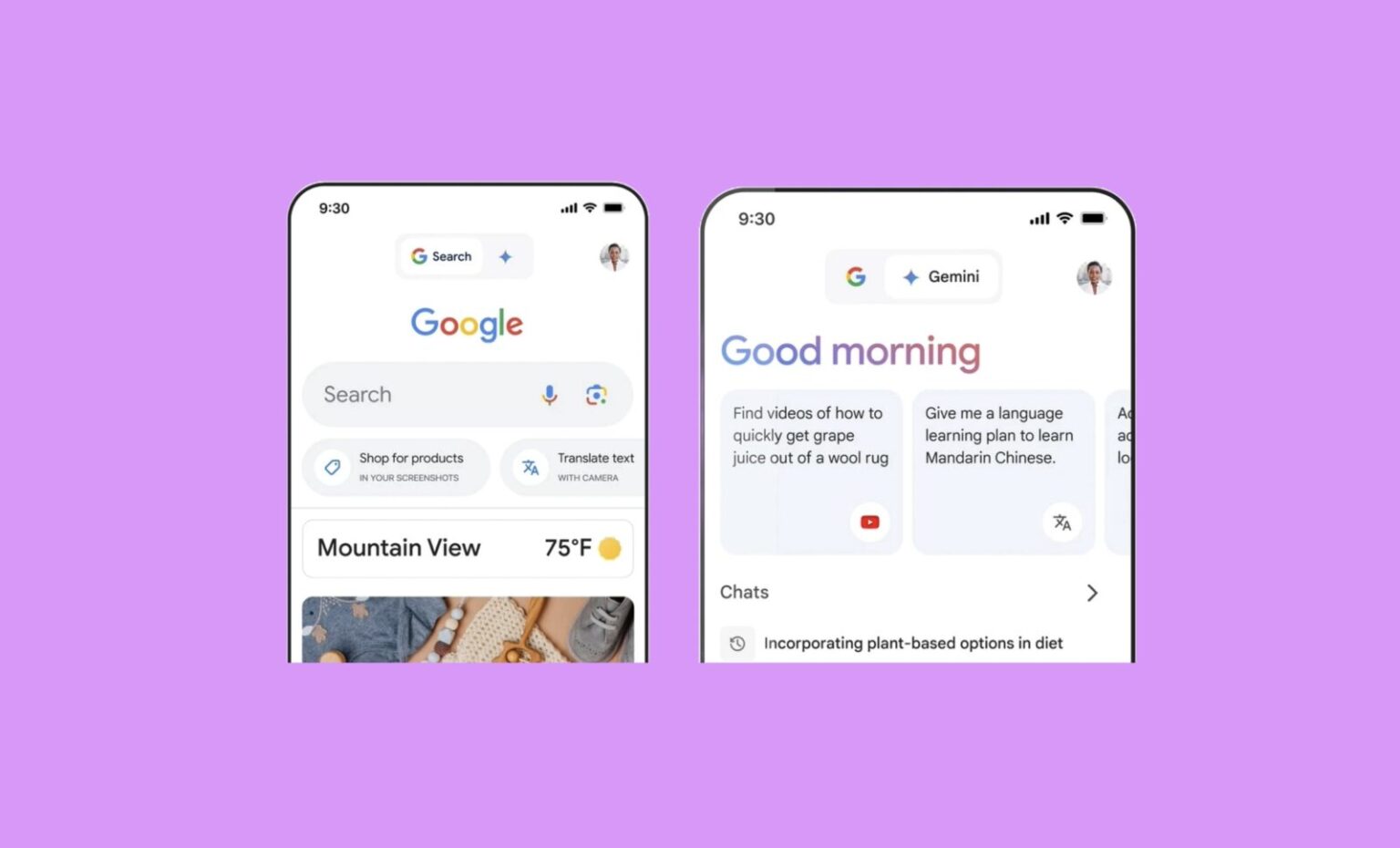
  1. Open the updated Google app on your iPhone. If you have the latest version, you’ll see a new tab with a blue star at the top, labeled “Gemini.”
  2. Toggle between Google Search and Gemini. This allows you to choose between the traditional search experience and the interactive AI assistant.
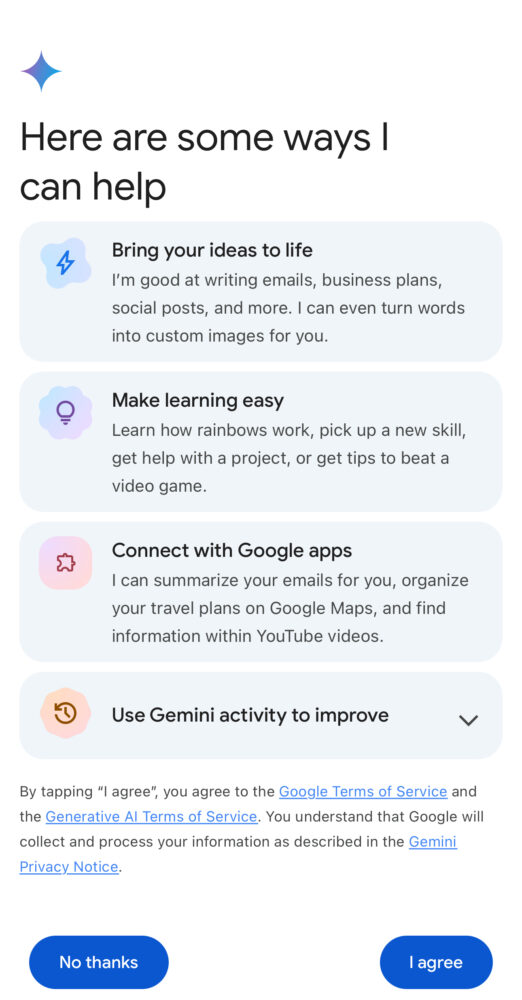
  3. Agree to the terms of service. Be aware that Google collects all Gemini data to improve the AI model.
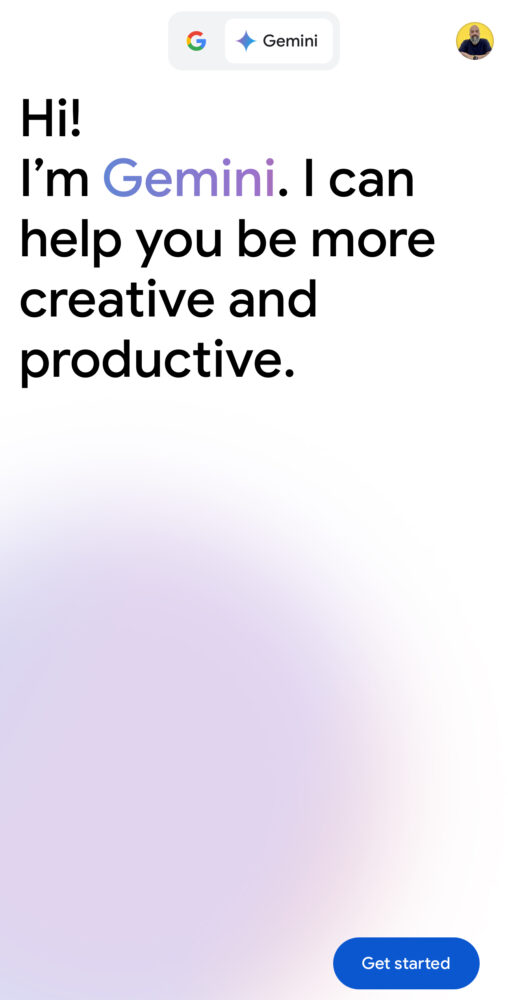
  4. Start interacting with Gemini! You can use text, voice, or even upload images for multimodal chats.
Currently, there’s no way to replace Siri with Gemini on iPhone. However, you can set the Action button on iPhone 15 Pro models to open the Google app, providing quicker access to Gemini if you plan to use it frequently.
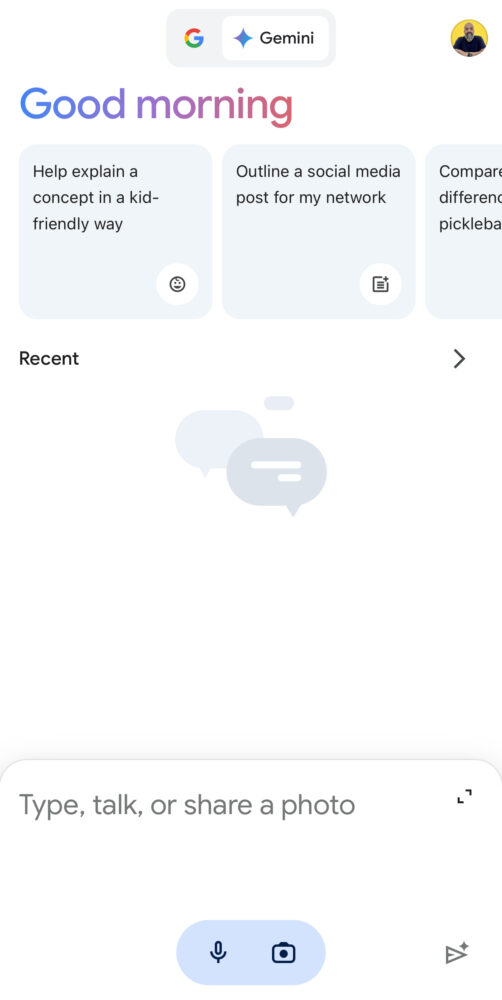
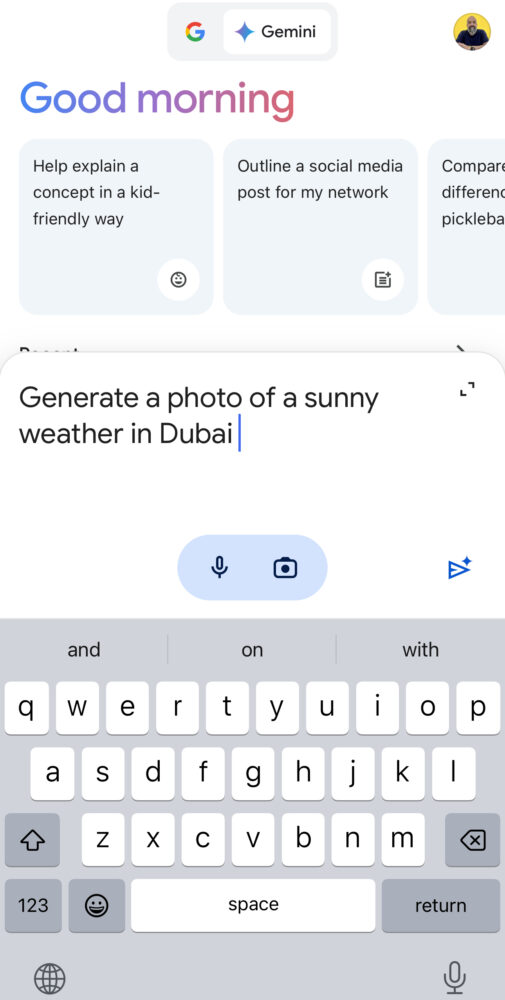
Overall, Google Gemini offers a promising AI assistant experience for both Android and iPhone users, with convenient integration and diverse interaction options. However, its limited availability on iPhone and privacy concerns are important factors to consider.

Share
What do you think?
Happy0
Sad0
Love0
Surprise0
Cry0
Angry1
Dead0

WHAT'S HOT ❰

Huawei launches watch fit 5 series pre-orders in the uae with practical fitness features
HONOR opens sales for 600 Series with emphasis on AI camera and large battery
Olivia Rodrigo to front FC Barcelona jersey for El Clásico in latest Spotify partnership
HP expands HyperX lineup with Clutch Talon controller and Cloud Stinger 3 headsets
Urban Armor Gear (UAG) acquires Nomad Goods in latest mobile accessories consolidation
Absolute Geeks UAEAbsolute Geeks UAE
Follow US
AbsoluteGeeks.com was assembled during a caffeine incident.
© Absolute Geeks Media FZE LLC 2014–2026.
Proudly made in Dubai, UAE ❤️
Upgrade Your Brain Firmware
Receive updates, patches, and jokes you’ll pretend you understood.
No spam, just RAM for your brain.
Welcome Back!

Sign in to your account

Username or Email Address
Password

Lost your password?