

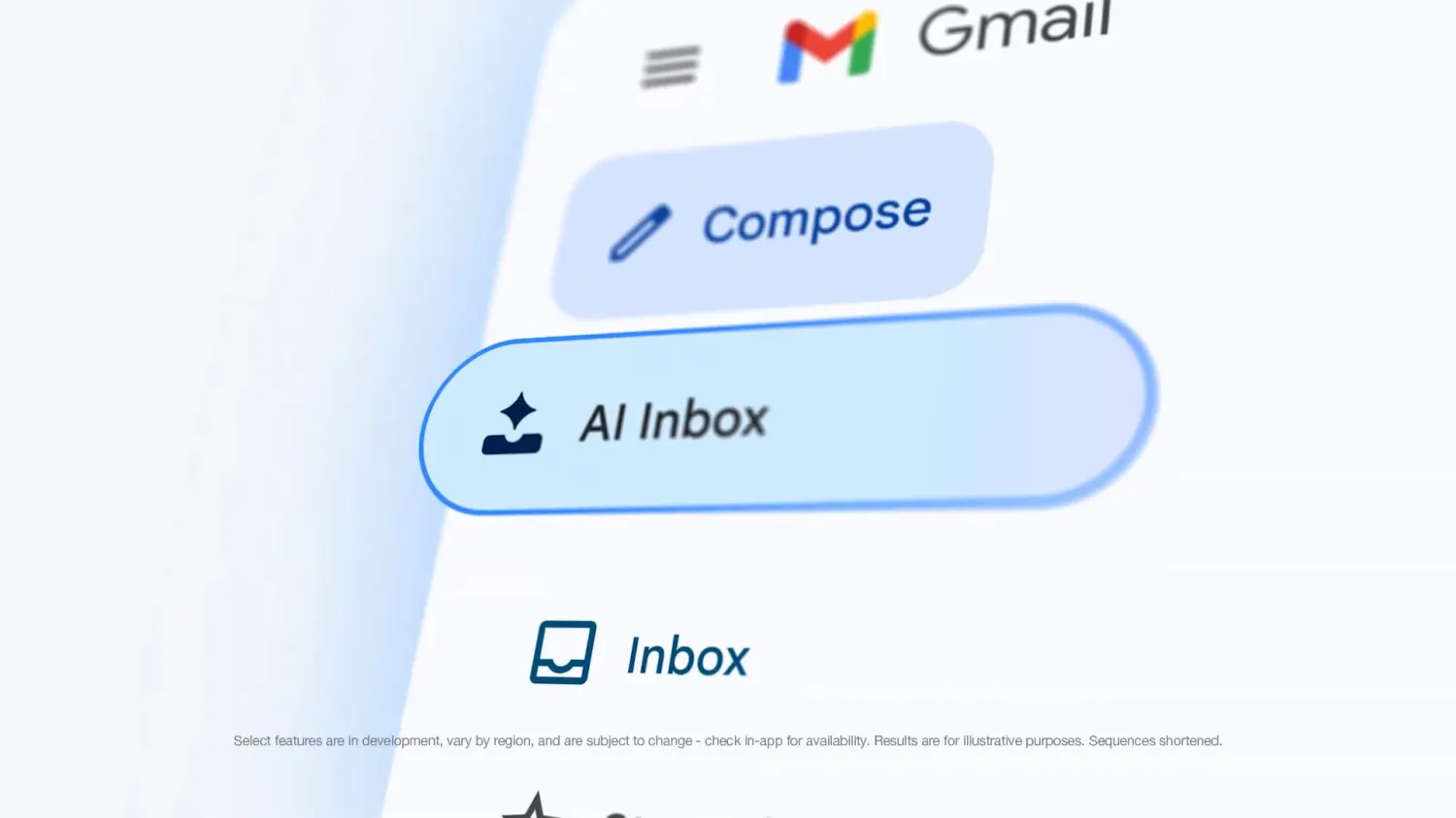
Google is rolling out two notable AI enhancements to Gmail on mobile, expanding features previously seen on the web and deepening the integration of generative tools into everyday email workflows. On Android and iOS, the new AI Inbox section now sits prominently in the bottom navigation bar between the main Gmail tab and Chat, creating a four-tab layout that also includes Meet. A secondary entry point appears in the navigation drawer below the traditional Inbox.
The interface presents a summary greeting that highlights outstanding tasks and discussion threads, followed by sections for suggested to-dos and topics to catch up on. Google positions this as a shift toward task-oriented email management rather than message-by-message processing. For now, AI Inbox remains in beta and is restricted to Google AI Ultra subscribers, reflecting the company’s tiered approach to its more advanced AI capabilities.
At the same time, Google is updating its Help me write feature with greater contextual awareness and personalization. When drafting emails, the tool can now pull relevant details from connected Google Drive files and prior Gmail conversations based on the user’s prompt, automatically incorporating them into the draft. It can also analyze a user’s past writing to match tone and style more closely. The goal is to reduce the friction of switching between apps, searching for information, and reformatting content.
Google highlights practical applications across customer responses, team updates, progress reports, feedback requests, project introductions, and even teacher-parent communications or grant proposals. These changes are available to subscribers on Google AI Plus, Pro, and Ultra plans, as well as qualifying Business, Enterprise, and Education accounts.
Gmail has long served as a testing ground for Google’s productivity experiments, evolving from a simple inbox to a hub for integrated tasks, chat, and now AI assistance. Features like Smart Compose and earlier writing aids laid the groundwork, but the latest updates lean more heavily on large language models to handle context across Workspace apps. In theory, this could save time for heavy users who juggle documents, threads, and recurring responsibilities. In practice, the effectiveness will depend on the accuracy of the pulled information and how well the AI interprets subtle intent.
There are trade-offs worth noting. Gating these tools behind paid AI subscriptions continues the trend of fragmenting what was once Gmail’s broadly accessible experience, potentially leaving free users further behind as capabilities advance. Privacy-conscious users may also weigh the implications of deeper scanning across Drive and Gmail, even if Google maintains its standard commitments around data use for these features. Past rollouts of AI in Workspace have shown promise for routine tasks but occasional clumsiness with nuance or complex requests.
Overall, these Gmail updates represent incremental but meaningful progress in embedding AI directly into communication tools. They signal Google’s intent to make email feel less like an endless list and more like a guided productivity layer. Whether the changes meaningfully reduce inbox fatigue or simply add another layer of algorithmic mediation remains to be seen as broader access rolls out and users test them in real workflows.