
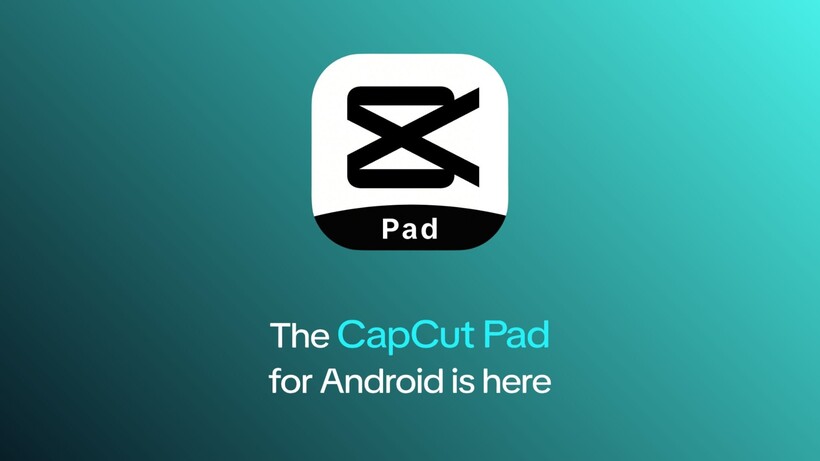
CapCut has released a dedicated tablet application for Android called CapCut Pad, addressing a longstanding gap in how video editors function on larger screens. For years, Android tablet owners relied on a phone app simply stretched to fit the display, which improved space usage but lacked purposeful design for the bigger canvas. The desktop version offered deeper tools yet sacrificed portability. CapCut Pad attempts to bridge this divide by delivering a more considered workflow tailored to tablets while remaining mobile-first.
The most noticeable improvement lies in the interface. A larger workspace now accommodates expanded timelines, media libraries, and editing controls, making multi-layer projects feel less cramped. The layout has been rethought rather than merely scaled, resulting in a cleaner separation of tools that better utilizes the extra real estate. Core functions remain intact, including keyframe animation, chroma key compositing, slow-motion controls, video stabilization, and an extensive selection of fonts and effects. Export options reach up to 4K at 60 frames per second with HDR support, capabilities that position it closer to traditional desktop software than most mobile alternatives.
Cross-device continuity stands out as a practical strength. Projects started on a phone can transfer smoothly to the tablet or even desktop versions, supporting creators who move between devices during production. This kind of flexibility has become essential in a fragmented tech environment where users rarely stay on one platform.
CapCut Pad launches free on the Google Play Store without immediate subscription walls or locked features. That accessibility sets it apart in a category where many pro-style tools eventually introduce paywalls. However, the long-term sustainability of this model remains uncertain, especially as CapCut, owned by ByteDance, balances user growth against monetization pressures seen in similar creative apps.
Mobile video editing has evolved rapidly since early apps like iMovie for iOS demonstrated the potential of touch-based timelines. Android has often lagged in offering tablet-optimized experiences, with many users turning to workarounds or iPad alternatives for serious work. CapCut Pad does not fundamentally reinvent the process, yet it finally gives Android tablet users a more capable middle ground between phone simplicity and desktop complexity. Early impressions suggest it handles everyday creator tasks effectively, though power users may still encounter limitations in advanced color grading or collaborative features compared to full desktop suites.
The release reflects broader trends in content creation, where short-form video dominates but demand grows for polished outputs on portable hardware. For casual users and semi-professionals, the app lowers barriers considerably. That said, its success will depend on consistent updates, performance stability across different tablet hardware, and how well it maintains openness without eventually mirroring the freemium restrictions common in this space.