
TL;DR: The MacBook Neo is the perfect accessible MacBook for anyone starting university today—blending lightweight aluminum design, zippy A18 Pro performance, marathon battery life, seamless iPhone/iPad/AirPods ecosystem integration, and macOS Tahoe smarts at a wallet-friendly price. It turns note-taking, research, multitasking, Windows switching, and versatile side hustles into effortless daily wins without compromising on quality or fun.
MacBook Neo
Picture me as that fresh-faced freshman stepping into university life for the first time, backpack heavy with textbooks and nerves, wondering how on earth I was going to juggle lectures, late-night essays, and the first sparks of real independence. Back then my old laptop felt like a reluctant sidekick that constantly let me down at the worst moments. If I could rewind and hand that younger version of myself the perfect tool to crush this new chapter, it would absolutely be the MacBook Neo. This machine isn’t some overbuilt pro rig meant for Hollywood editors. It’s the smart, welcoming entry point into the Apple ecosystem that makes everyday university demands feel exciting instead of exhausting, delivering reliable power, effortless portability, and an intuitive vibe that grows with you from day one.
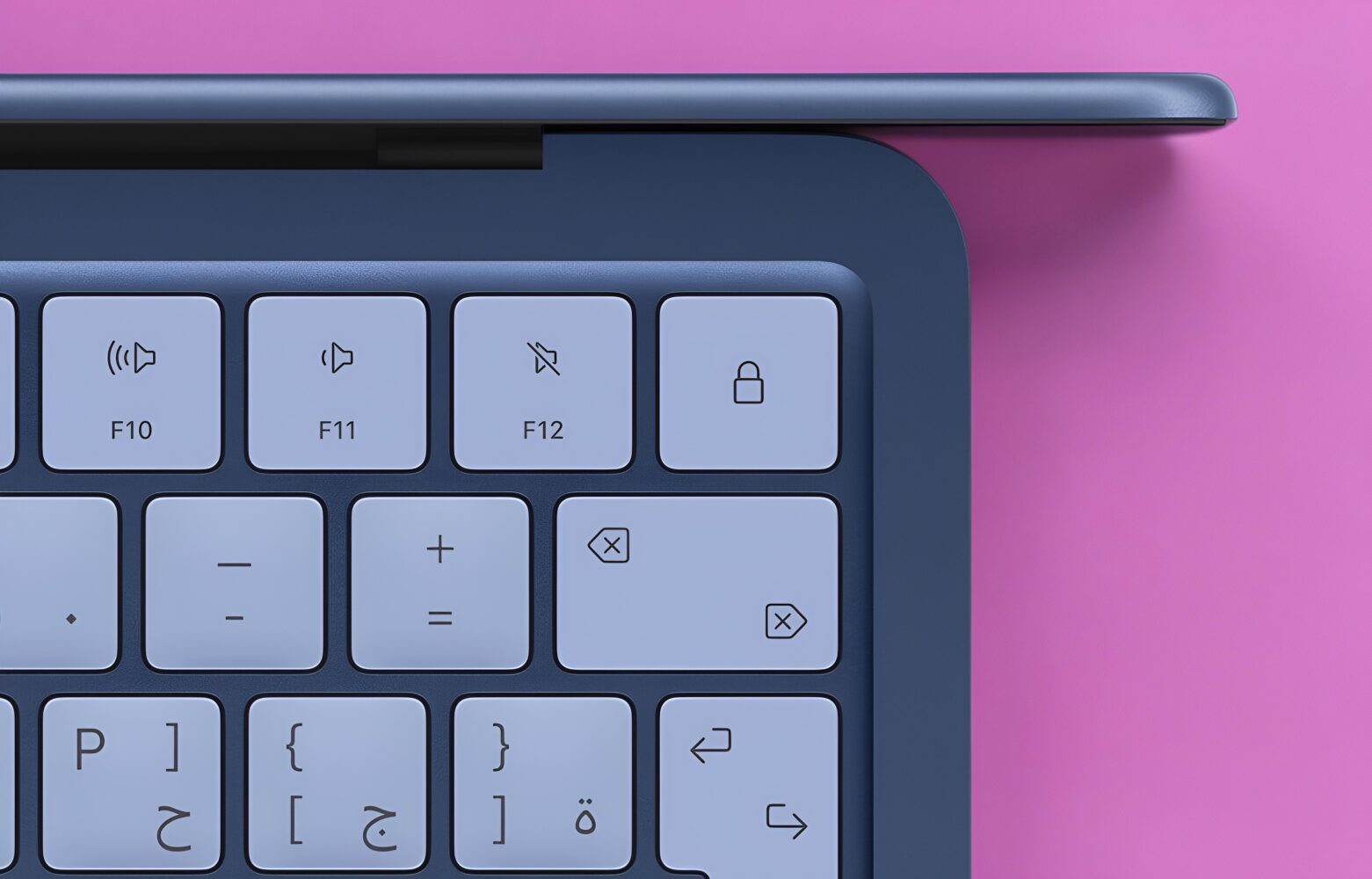
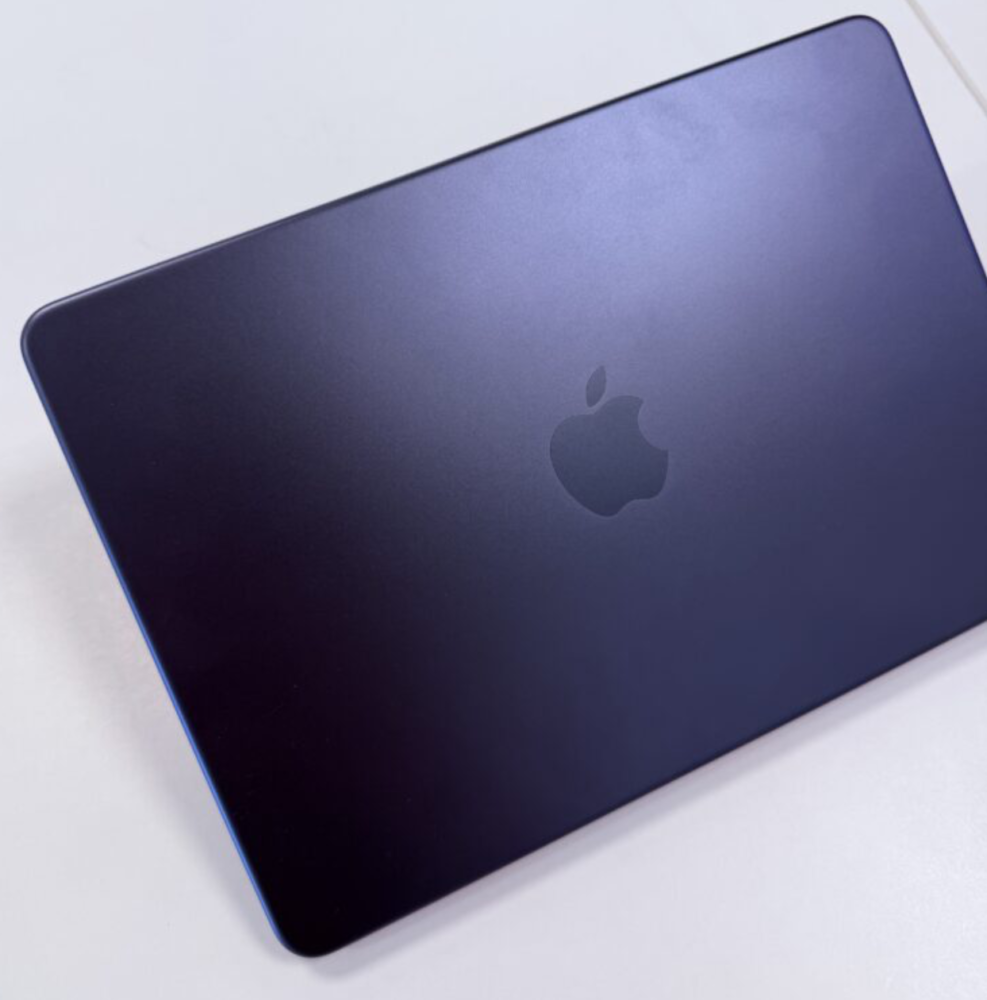
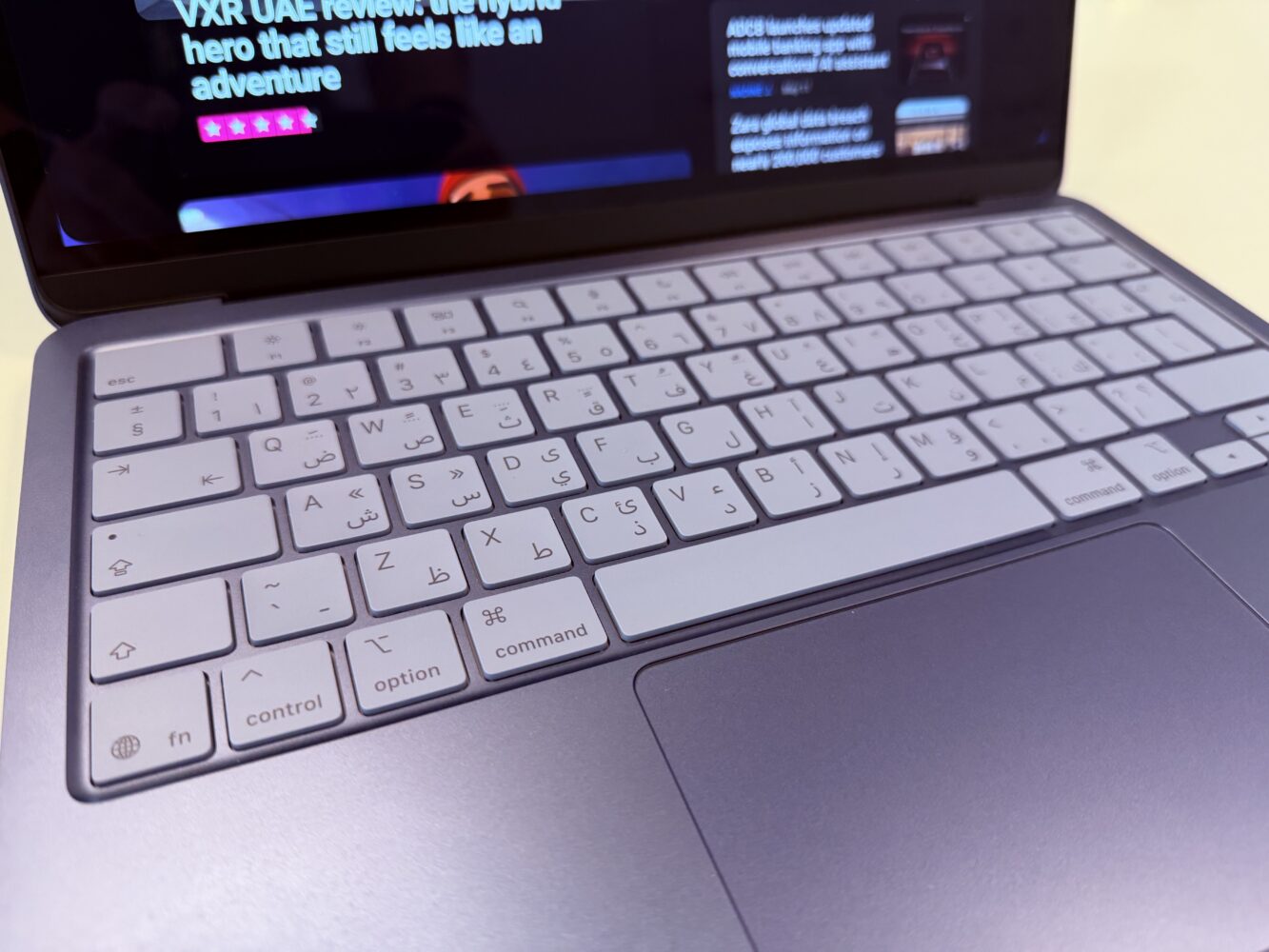
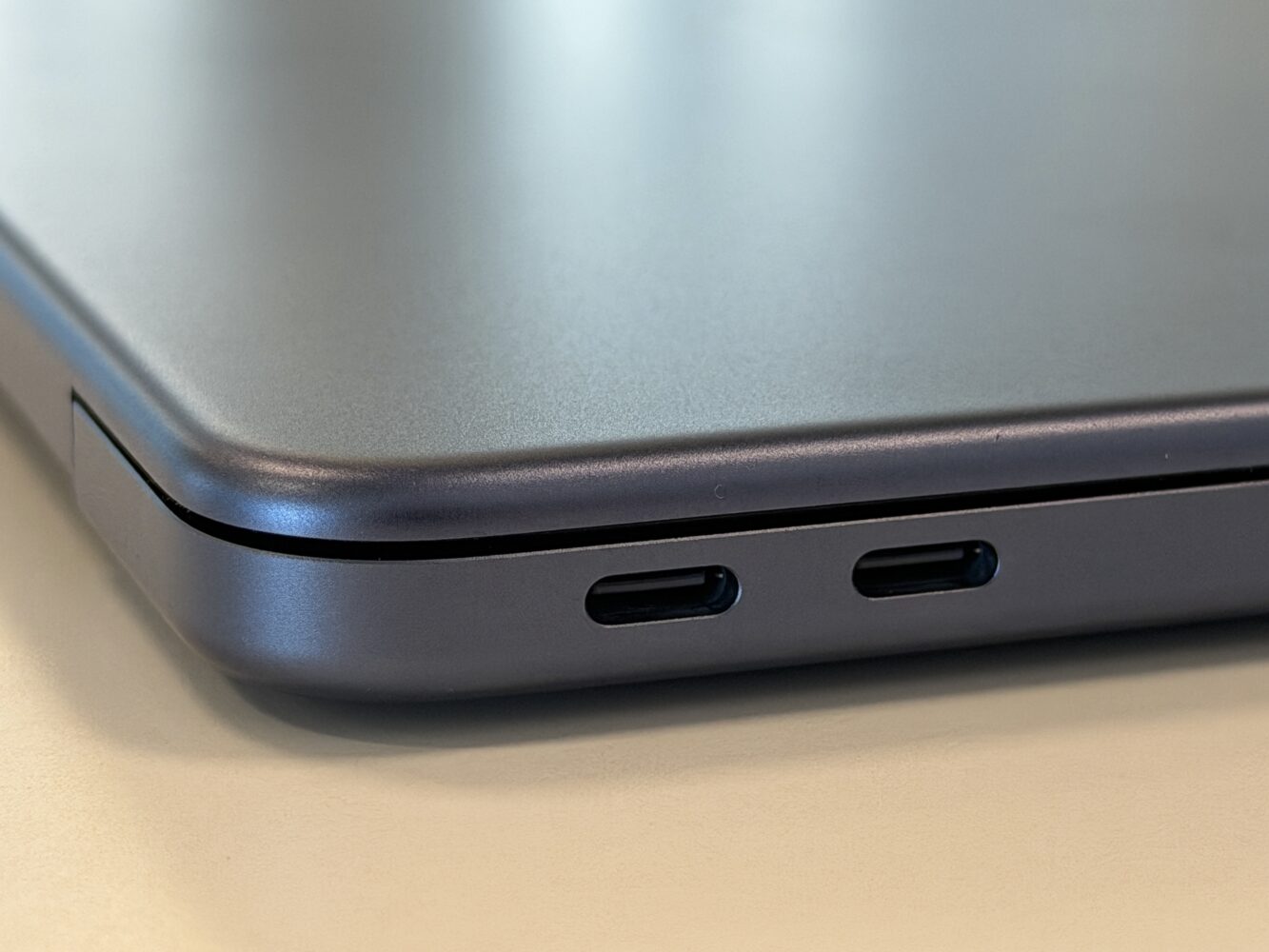
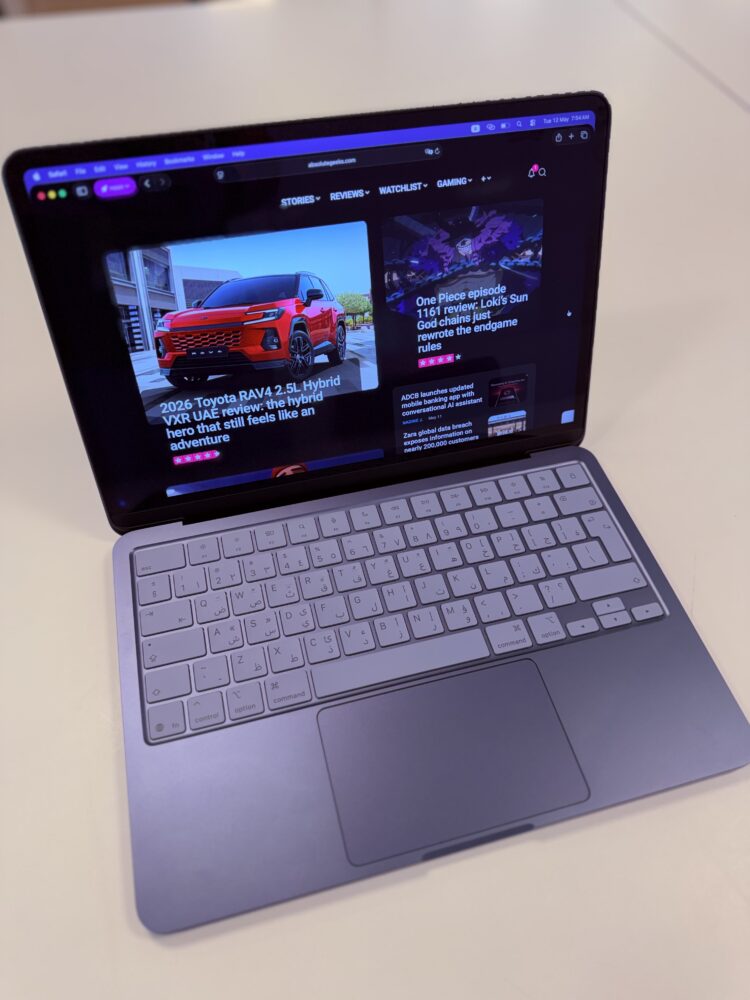
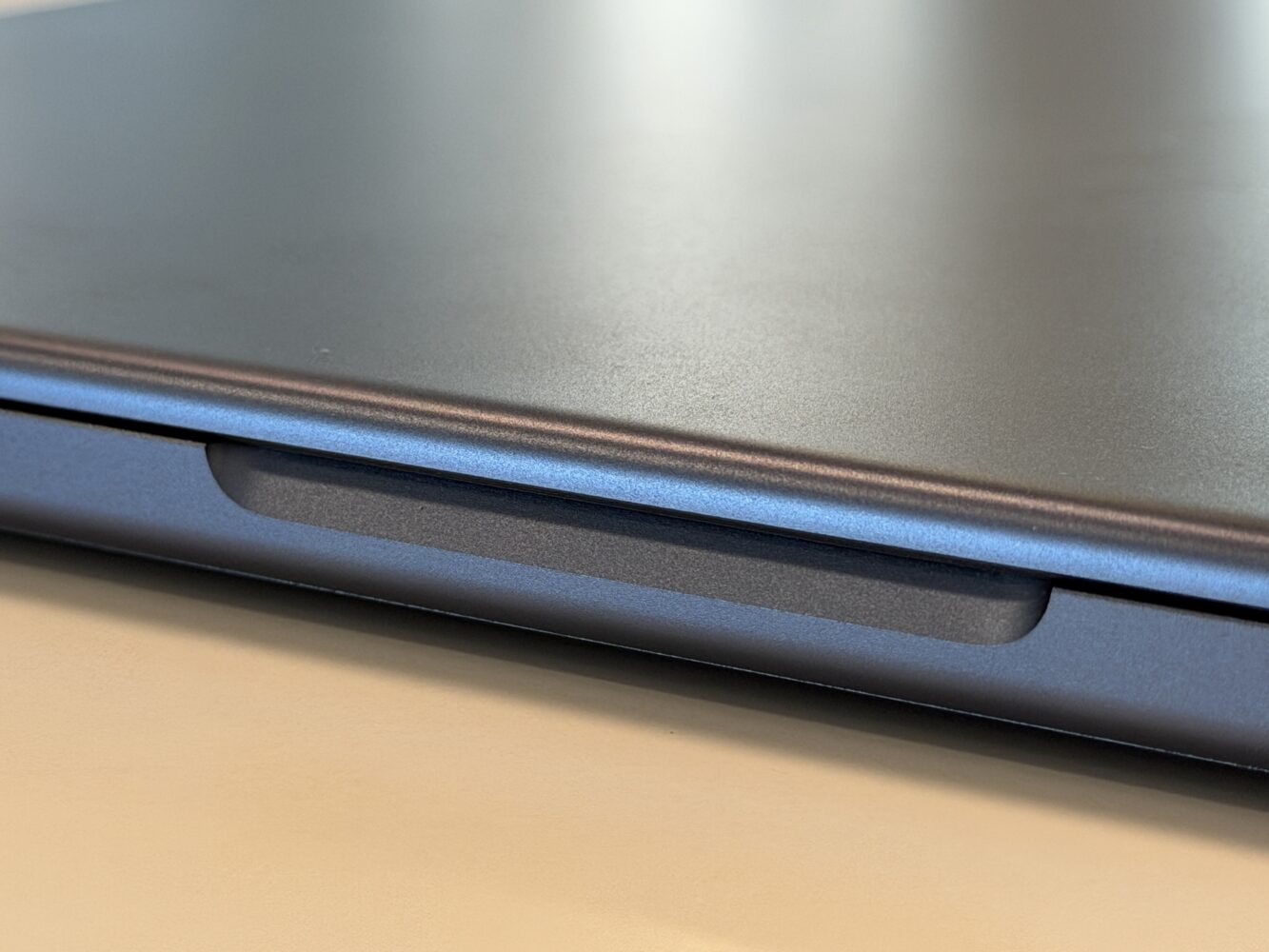
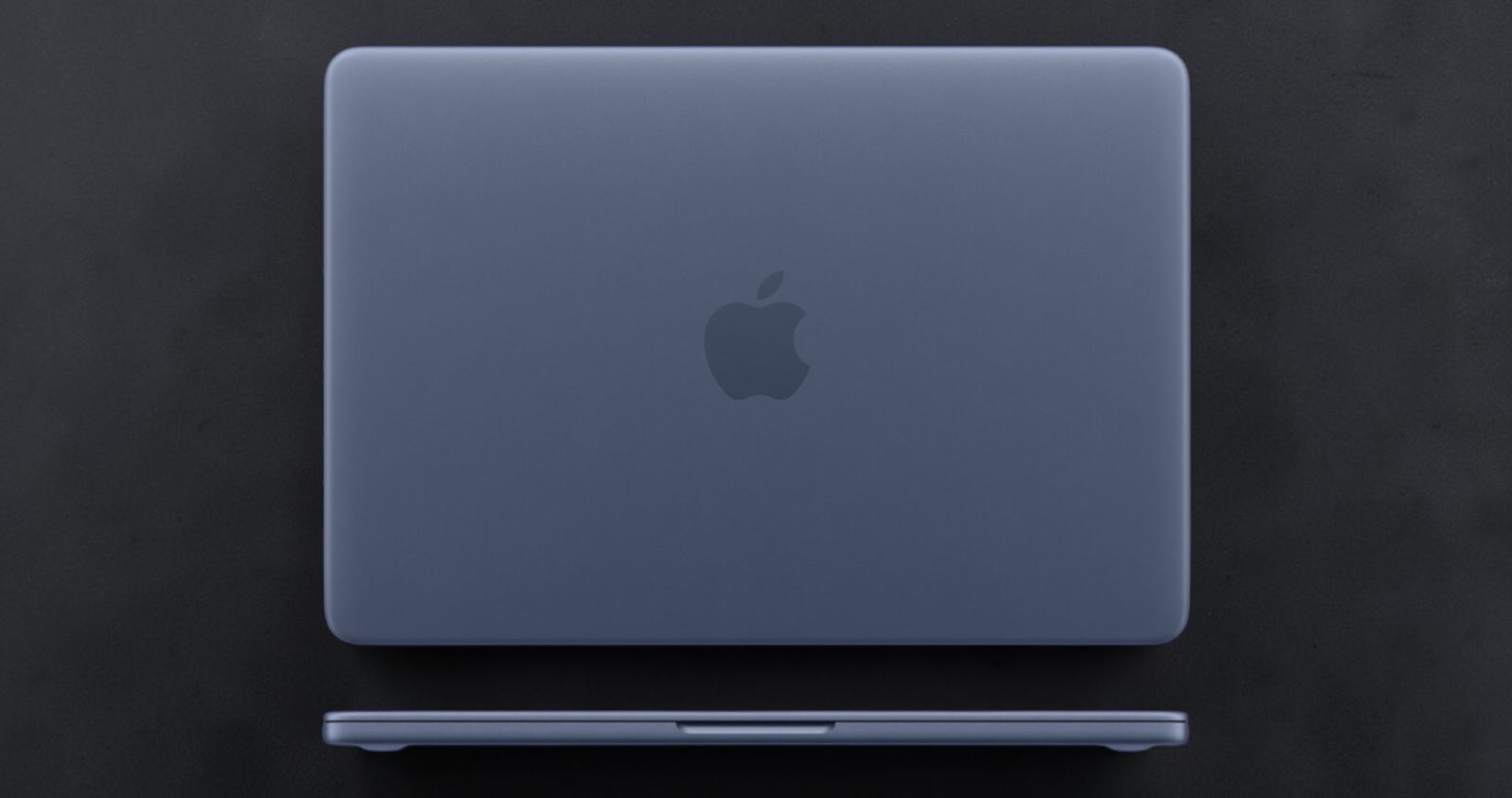
I’ve spent the past month treating the MacBook Neo like my own personal freshman-year simulator, recreating those whirlwind days of back-to-back classes, group projects, and spontaneous side-hustle ideas. At just 1.3KG and a slim 0.5 inches thick, it disappears into any backpack without weighing you down during those endless campus treks between buildings. The durable aluminum enclosure has those softly rounded corners that make it genuinely comfortable to carry one-handed while you’re balancing a coffee and your dorm key. The four stunning colors—Silver for that classic understated cool, Blush for a warm personal touch, Citrus for bright optimistic energy, or Indigo for those thoughtful late-night sessions (my favorite)—let it feel like an extension of your personality rather than just another gadget. Even the keyboard keys match the body, so every tap lands with a satisfying sense of belonging right from the start.
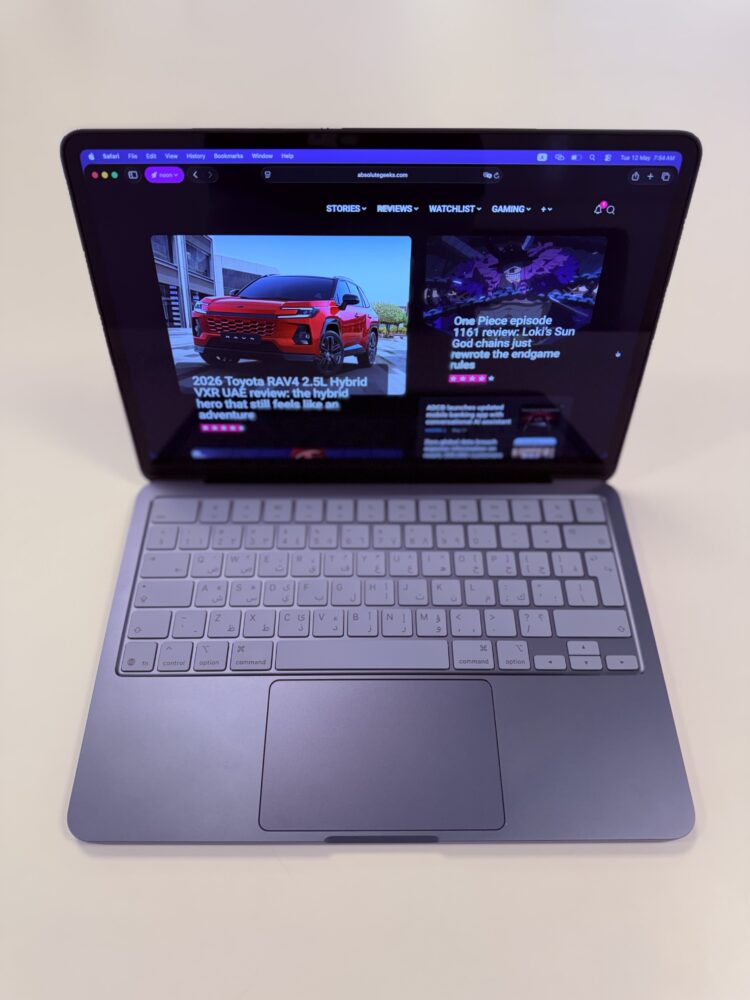
Everyday Productivity That Turns Note-Taking, Research, and Multitasking Into Pure Flow
University life is one giant juggling act, and the MacBook Neo handles note-taking, research marathons, multitasking, planning, and staying organized with the quiet grace of a seasoned pro who’s been there before. I fire up the built-in Notes app and everything syncs instantly, letting me jot down ideas, sketch quick mind maps, or even dictate thoughts on the fly while walking between classes. For deeper research dives, Safari tabs stack up without slowing things down thanks to the A18 Pro chip’s 6-core CPU, 5-core GPU, and 16-core Neural Engine paired with 8GB of unified memory. I had multiple browser windows open for source material, a Numbers spreadsheet tracking project deadlines, and Pages open for drafting essays all at once, and the whole experience stayed snappy and completely silent because the design is fanless.
Apple Intelligence weaves in like the smartest study buddy you never knew you needed, summarizing long research PDFs on-device in seconds while keeping your data private, or cleaning up messy voice memos into polished bullet points ready for your next outline. Planning sessions feel effortless too. I use Reminders and Calendar to map out my week, and the Focus modes keep distractions at bay so I actually stay organized instead of drowning in tabs. During one simulated all-nighter, I bounced between note-taking from recorded lectures, cross-referencing sources, multitasking across apps, and even throwing together a quick Canva mockup for a side project. The machine never flinched, never overheated, and the battery held strong through it all.
That battery life is the real hero for university schedules. Up to 16 hours of video streaming or 11 hours of wireless web work on a single charge means you can power through morning lectures, afternoon library sessions, evening work, and still have juice left for some decompression without hunting for outlets like a desperate Pokémon trainer. It’s the kind of freedom that lets you focus on learning and creating rather than babysitting hardware.
The Windows-to-Mac Switch That Feels Like Coming Home in Record Time
If you’re rolling into university straight from a Windows machine like most of us did, the thought of switching can feel daunting at first. Will your files make the journey? Will macOS feel alien? The MacBook Neo makes the transition smoother than sliding into your favorite hoodie after a long day. Migration Assistant handles the heavy lifting, beaming over documents, photos, emails, bookmarks, and even some apps from your old PC with almost zero fuss.
Getting comfortable with macOS happens faster than you expect because everything is designed to anticipate what you need. The clean desktop greets you with a menu bar at the top and the Dock along the bottom for quick access to your most-used apps. Tap the Apple menu to dive into System Settings, where customizing your appearance, wallpaper, and screensaver turns the laptop into something that feels uniquely yours right away. Spotlight is my daily superpower—just hit Command-Space and type to find apps, files, math solutions, or even web answers without digging around. Finder becomes your new best friend for organizing course notes into color-coded folders, tagging everything for instant search, and tweaking the sidebar so your most important class materials are always one click away.
Keyboard shortcuts turn you into a productivity ninja almost overnight. Copy, paste, print, quit apps—everything speeds up once muscle memory kicks in. Need a screenshot of a lecture slide or a quick screen recording for your group project? Command-Shift-5 brings up a clean tool where you select exactly what you want, set a timer if needed, and save it wherever you like. Right-click on Mac is simply Control-click or a customized trackpad tap, and the large Multi-Touch trackpad makes gestures feel natural—two-finger scrolling, pinch to zoom, four-finger App Exposé. Function keys handle brightness and volume out of the box, or you tap Fn or Globe to use them the old-school way. Within a weekend of tinkering, I felt completely at home, like macOS had been waiting for me all along.
Ecosystem Value That Makes iPhone, iPad, and AirPods Feel Like One Seamless Team
The real magic of the MacBook Neo shines brightest when you already have an iPhone, and it becomes even more powerful if you add an iPad or AirPods into the mix—especially for first-time Apple users stepping into this world. Setup is ridiculously simple. Bring your iPhone close and the MacBook Neo pulls your Wi-Fi details, Apple ID, photos, messages, and passwords straight from iCloud. After that, Continuity features turn your devices into one extended brain. Universal Clipboard lets you copy a quote on your iPhone and paste it straight into an essay on the MacBook Neo. Handoff means you can start drafting notes on your phone during a commute and pick up exactly where you left off the second you open the laptop.
iPhone Mirroring lets you control your phone right from the Mac screen—drag photos over, check apps, all without digging your phone out of your pocket. Live Activities pop real-time updates like food deliveries or ride shares directly into the menu bar, perfect when you’re buried in textbooks. AirDrop zaps lecture photos or project files to your iPad instantly for sketching or annotation. Pair it with AirPods and your study playlists or podcast episodes follow you effortlessly from phone to laptop to iPad without skipping a beat. For first-time ecosystem explorers, this interconnected flow feels like pure wizardry, turning what used to be clunky workarounds into one fluid rhythm that supports everything from group study sessions to creative brainstorming.
Versatility That Grows With You From Studying to Side Projects, Freelance, and Early Startups
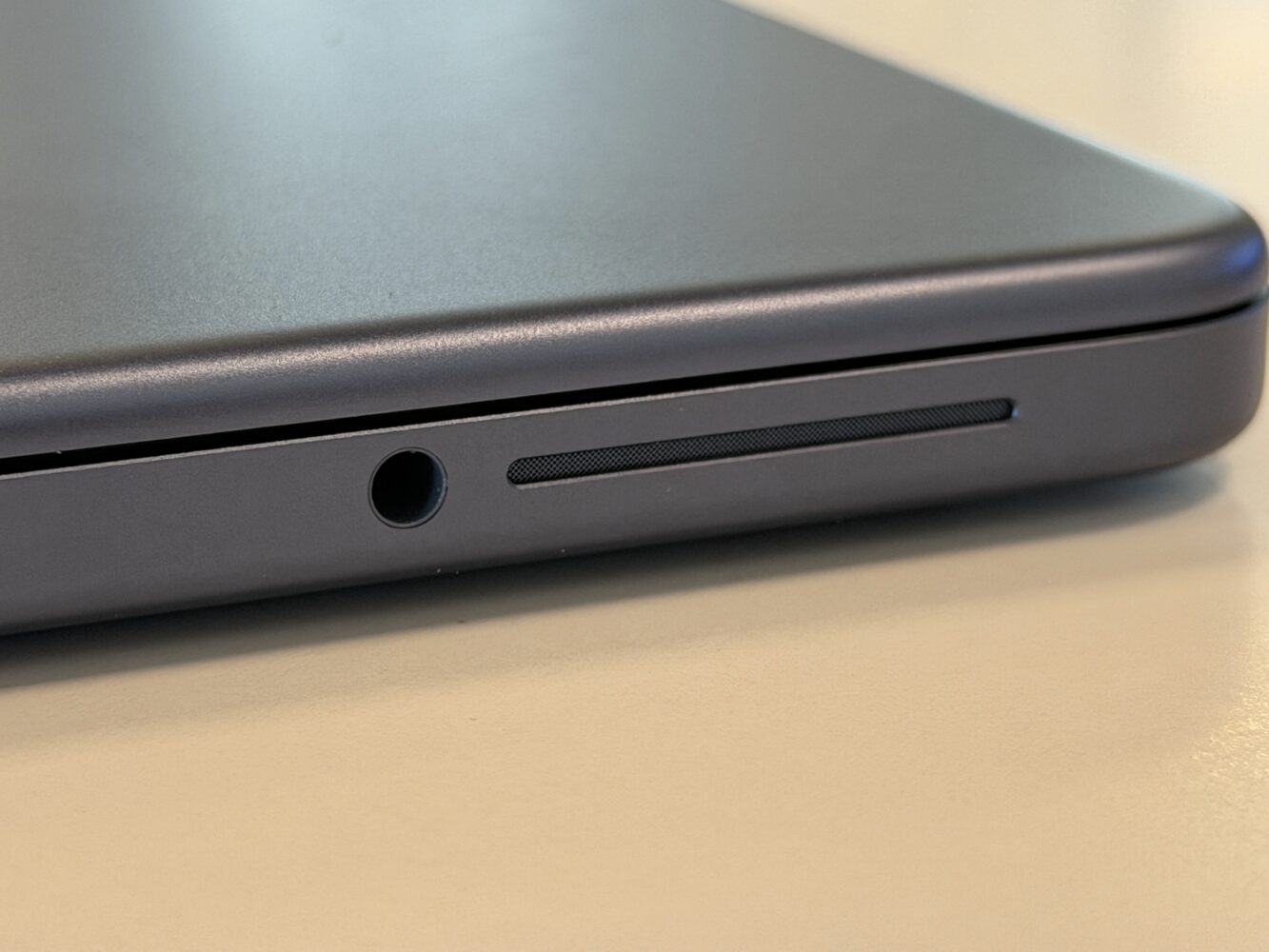
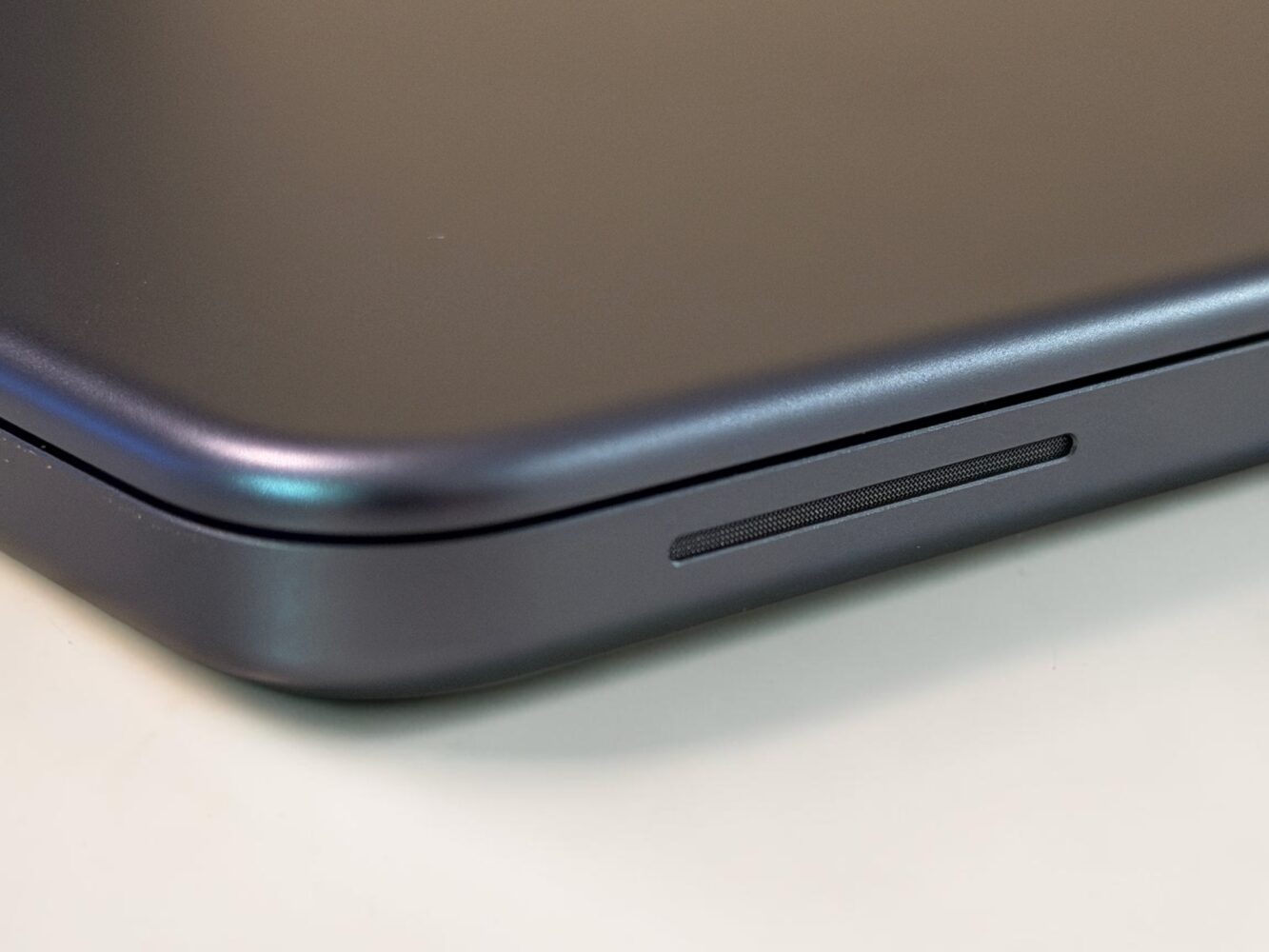
The MacBook Neo isn’t locked into just one lane. It shines across the full spectrum of university life and beyond, from intense studying sessions to side projects, freelance gigs, and even those first tentative steps into early-stage startups. I used it to power through research papers and lecture notes one minute, then switched seamlessly to editing a quick video. The 13-inch Liquid Retina display with its crisp resolution and solid brightness makes textbooks pop, videos look immersive, and screen shares during group projects feel premium. Dual side-firing speakers with Spatial Audio turn quiet dorm nights into surprisingly rich movie or music experiences, while the 1080p FaceTime HD camera and beamforming mics keep you looking and sounding sharp on Zoom calls for freelance clients or startup pitch practice.
Affordability Meets Performance as the Smartest First Step Into the Apple Experience
What seals the deal is how the MacBook Neo nails that perfect balance of affordability and performance, making it the smartest accessible entry into the Apple ecosystem without any real compromises on quality. Starting at a student-friendly price—especially sweet with education pricing—it delivers premium aluminum build, industry-leading efficiency, long-term software support, and thoughtful details like the color-matched keyboard that cheaper machines simply can’t match. The A18 Pro chip punches way above its weight for everyday university workloads, while the recycled materials and efficient design make it feel like a responsible long-term investment rather than a disposable tool.
MacBook Neo Full Review
After living with the MacBook Neo through these simulated university scenarios, I’m convinced it’s the companion that grows with you through every chapter. It handles the daily grind of note-taking, research, and organization, makes switching from Windows feel effortless, unlocks ecosystem magic with your iPhone, iPad, and AirPods, and gives you the versatility to explore studying, side projects, freelance, and early startup ideas without breaking the bank. In a world full of flashy promises, this machine quietly delivers honest excellence tailored exactly for the journey you’re about to begin.