
TL;DR: The EPOMAKER Magcore65 Lite delivers impressive value with crisp inductive analogue switches, excellent build quality in a portable 65% layout, strong gaming features like dual key strokes and 8K polling, plus reliable tri-mode connectivity. It’s a thoughtful daily driver that punches well above its price, earning a solid recommendation for gamers and productivity users seeking performance without premium costs.
EPOMAKER Magcore65 Lite
In the chaotic world of mechanical keyboards, where flagship models often demand flagship prices for features that sometimes feel more like marketing checkboxes than genuine daily drivers, the EPOMAKER Magcore65 Lite arrives like a breath of fresh, unpretentious air. This unassuming 65% layout board has been quietly winning me over during weeks of real-world abuse across intense gaming sessions, marathon writing binges, and everything in between. Far from another flashy RGB explosion trying too hard to impress, it focuses on delivering premium-like performance at a price that makes you double-check the tag. What emerges is a keyboard that feels like it was designed by someone who actually uses these things every single day rather than a committee chasing specs.
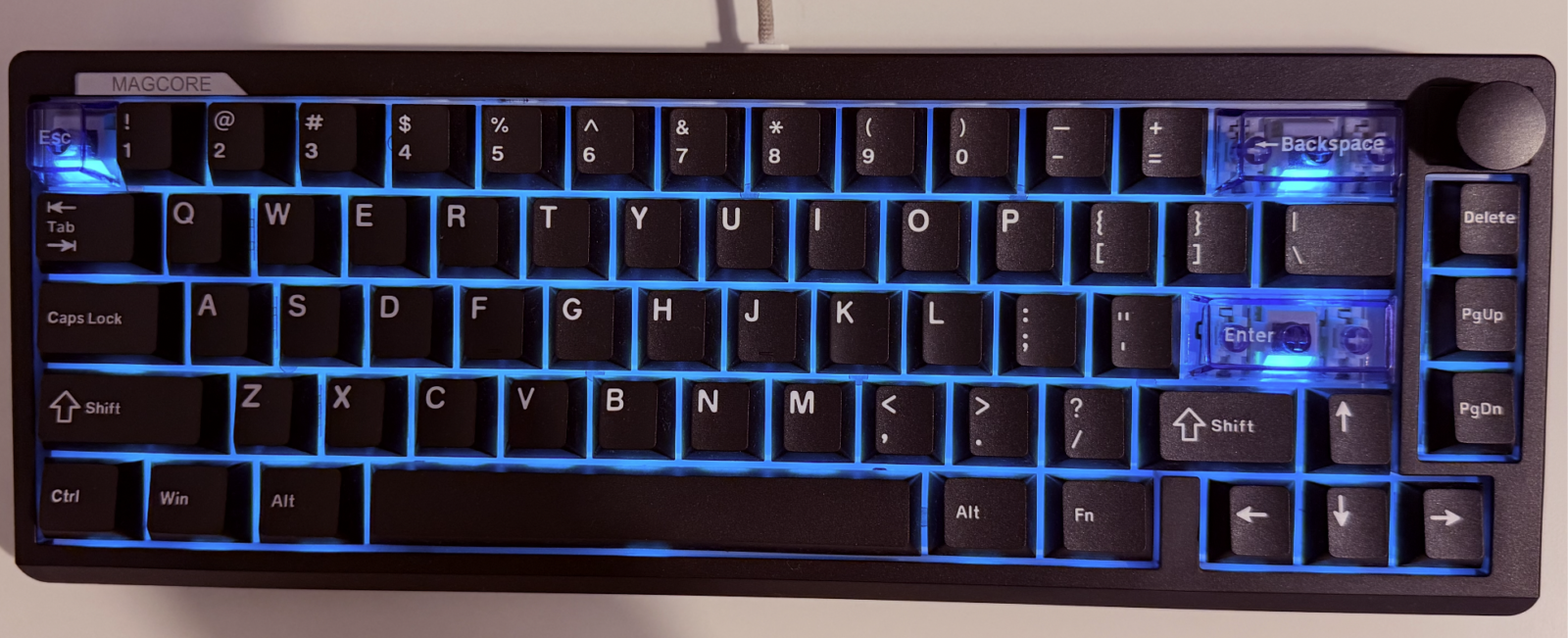
From the moment you pull it out of the box, the Magcore65 Lite projects surprising confidence for what is essentially a budget-friendly option. The plastic case might sound basic on paper, but in practice it delivers a dense, reassuring heft that plants itself firmly on your desk without any annoying wobble or flex. I’ve owned far more expensive aluminum boards that felt lighter and cheaper in the hand. That compact 65% footprint strikes a perfect balance: you retain essential navigation keys and arrows for productivity without sacrificing the desk real estate that serious mouse-slingers need during competitive shooters or sprawling open-world adventures.
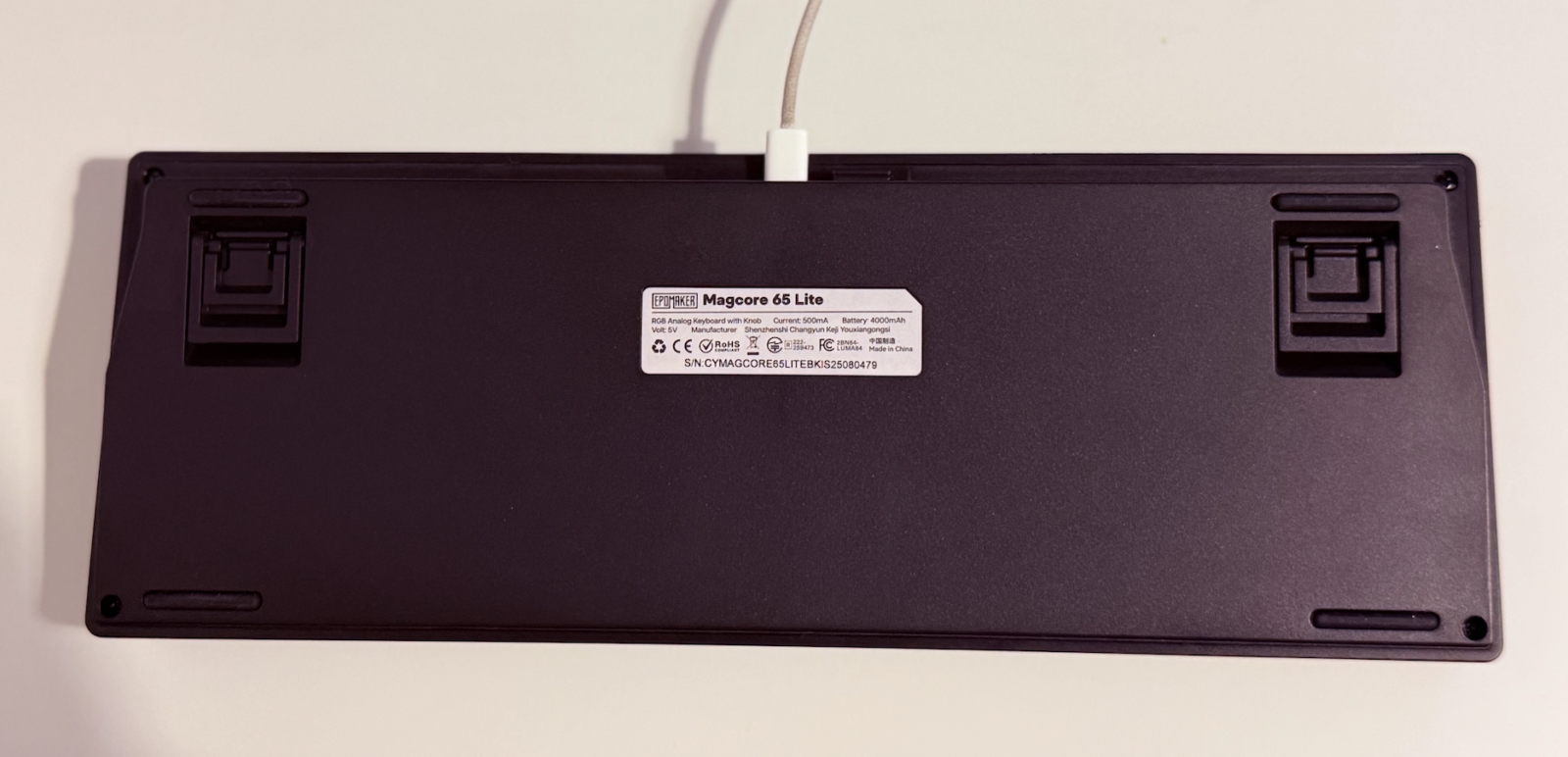
Whether I was dodging bullets in fast-paced FPS titles or navigating complex spreadsheets during work calls, that extra mouse room proved invaluable. It also slips effortlessly into a backpack alongside a laptop, making it an ideal travel companion for digital nomads who refuse to compromise on typing quality just because they’re working from a café in Dubai or a hotel room halfway across the globe.
The Typing Experience That Keeps You Coming Back
What truly separates the EPOMAKER Magcore65 Lite from the sea of competent-but-forgettable compact boards is how satisfying it feels under the fingers hour after hour. The custom Core inductive switches deliver a crisp, linear action that somehow manages to feel both refined and energetic at the same time. There’s no hint of that hollow plasticky rattle you often encounter in cheaper boards. Instead, each keystroke offers smooth travel with a clean, defined bottom-out that gives just enough tactile confirmation without crossing into fatigue territory.
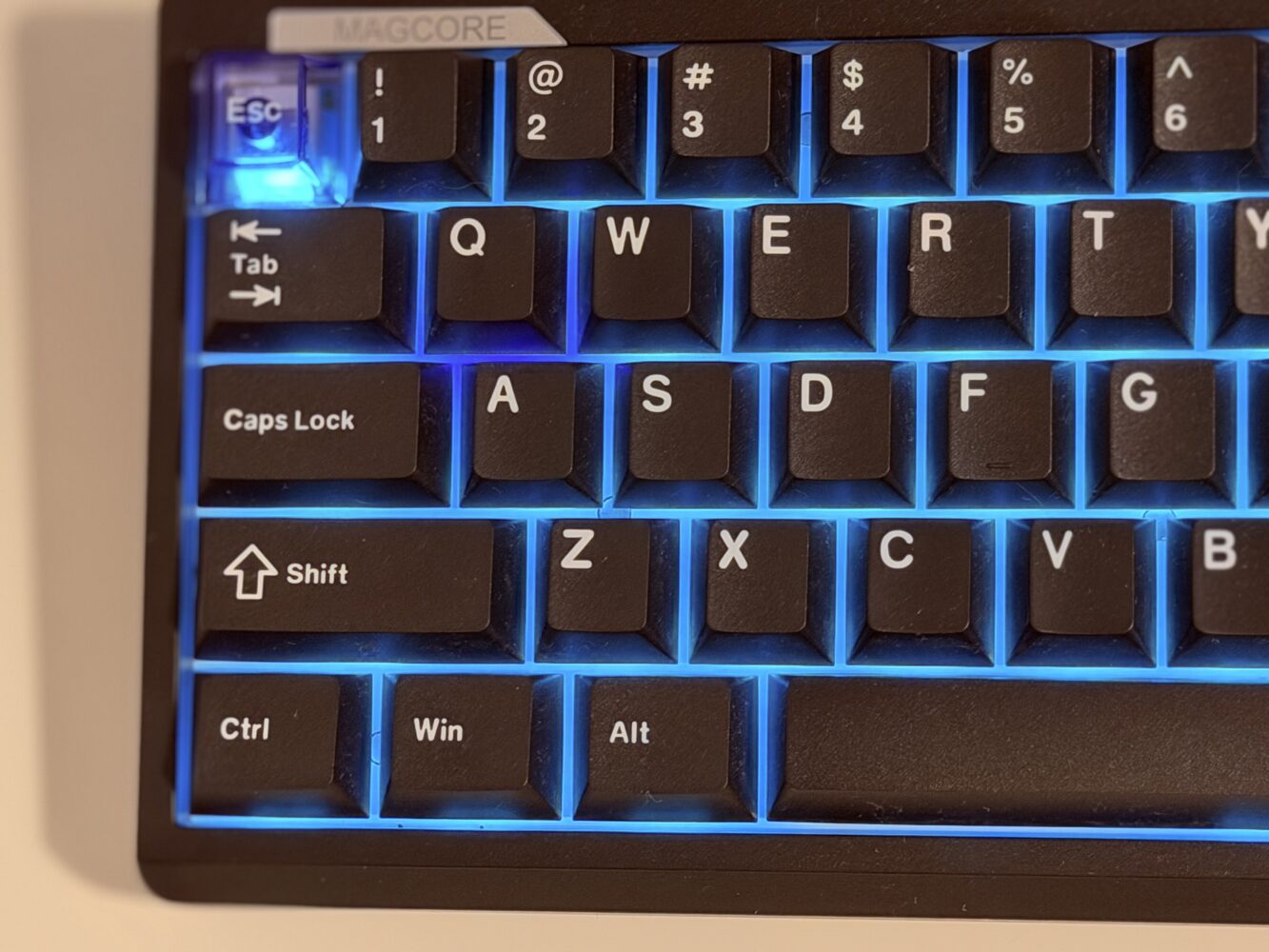
During extended writing sessions that stretched well past midnight, my fingers never felt the usual creeping exhaustion that plagues lighter or mushier switches. The slight loudness of these linears actually adds to the satisfying soundtrack of productivity rather than distracting from it. If you’re someone who enjoys that mechanical clack as background music to your thoughts, you’ll appreciate it. Office warriors sharing spaces might want to consider their environment though.
Beyond basic typing, these Hall-effect inspired analogue switches unlock genuine gameplay advantages that feel almost unfair at this price point. Setting custom actuation points per key transforms how you interact with games. I configured lighter presses for walking in immersive RPGs and deeper presses for sprinting, creating a more natural, controller-like feel without actually using a controller. In racing games, the ability to feather inputs instead of binary on/off presses elevated my lap times noticeably. It’s the kind of feature that starts as a novelty but quickly becomes essential once you’ve experienced it.
Design Details That Show Real Thought
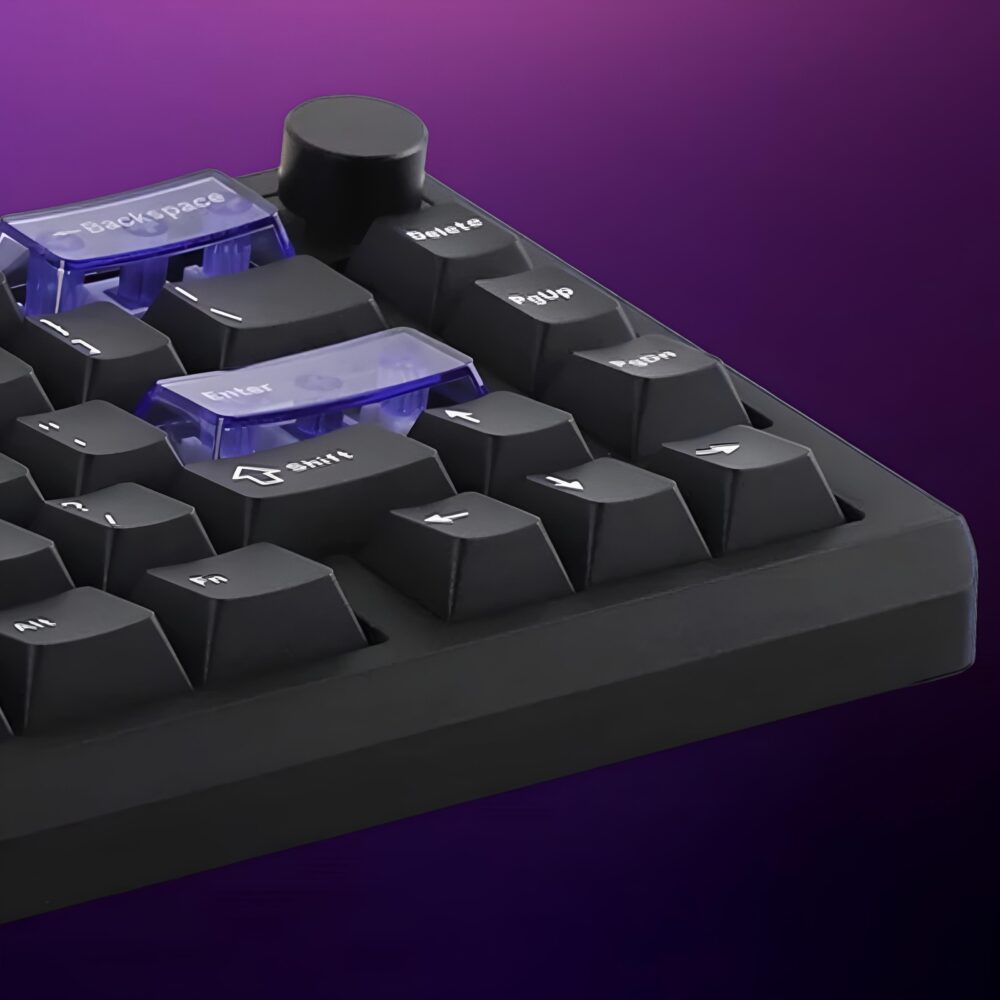
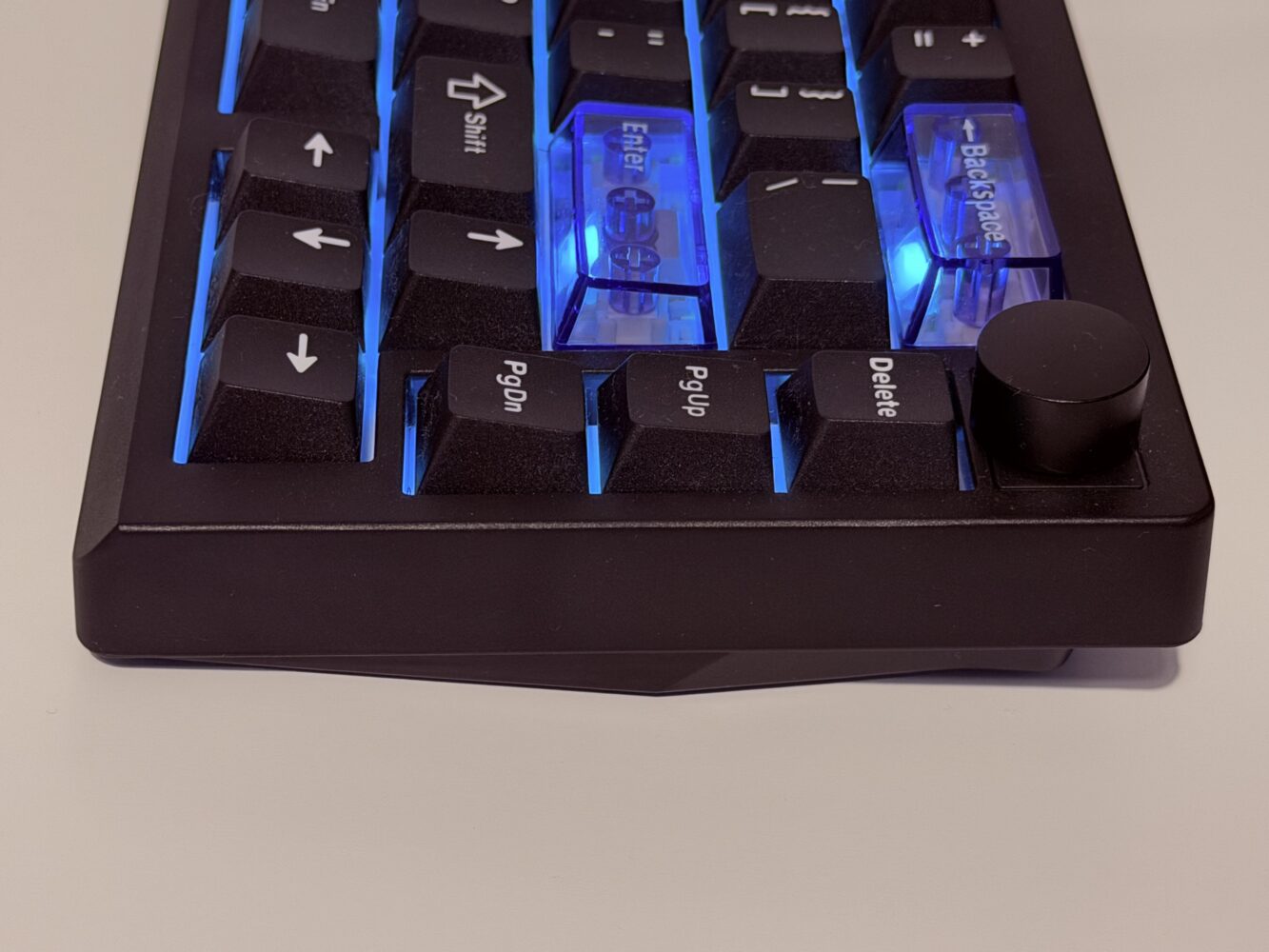
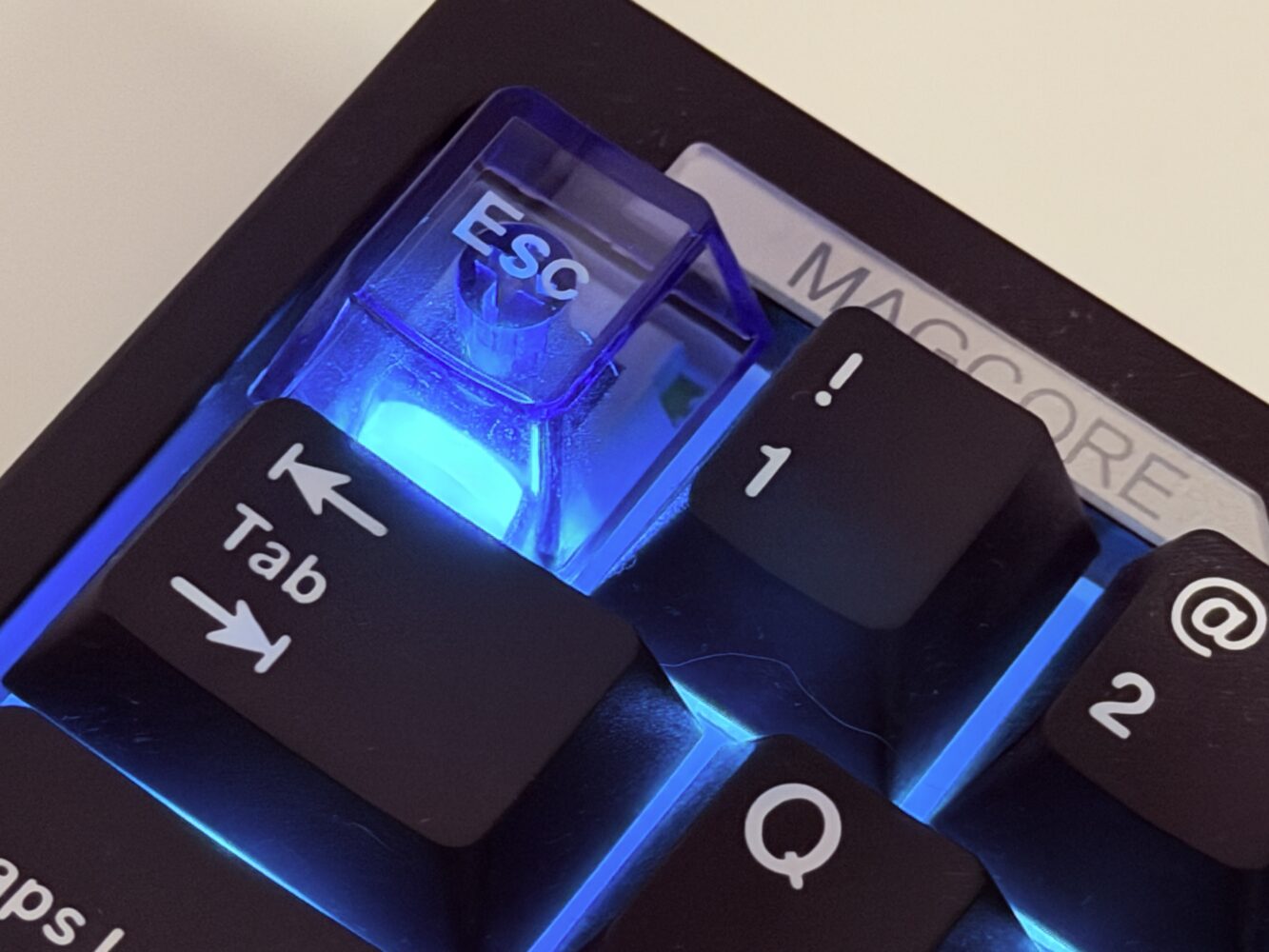
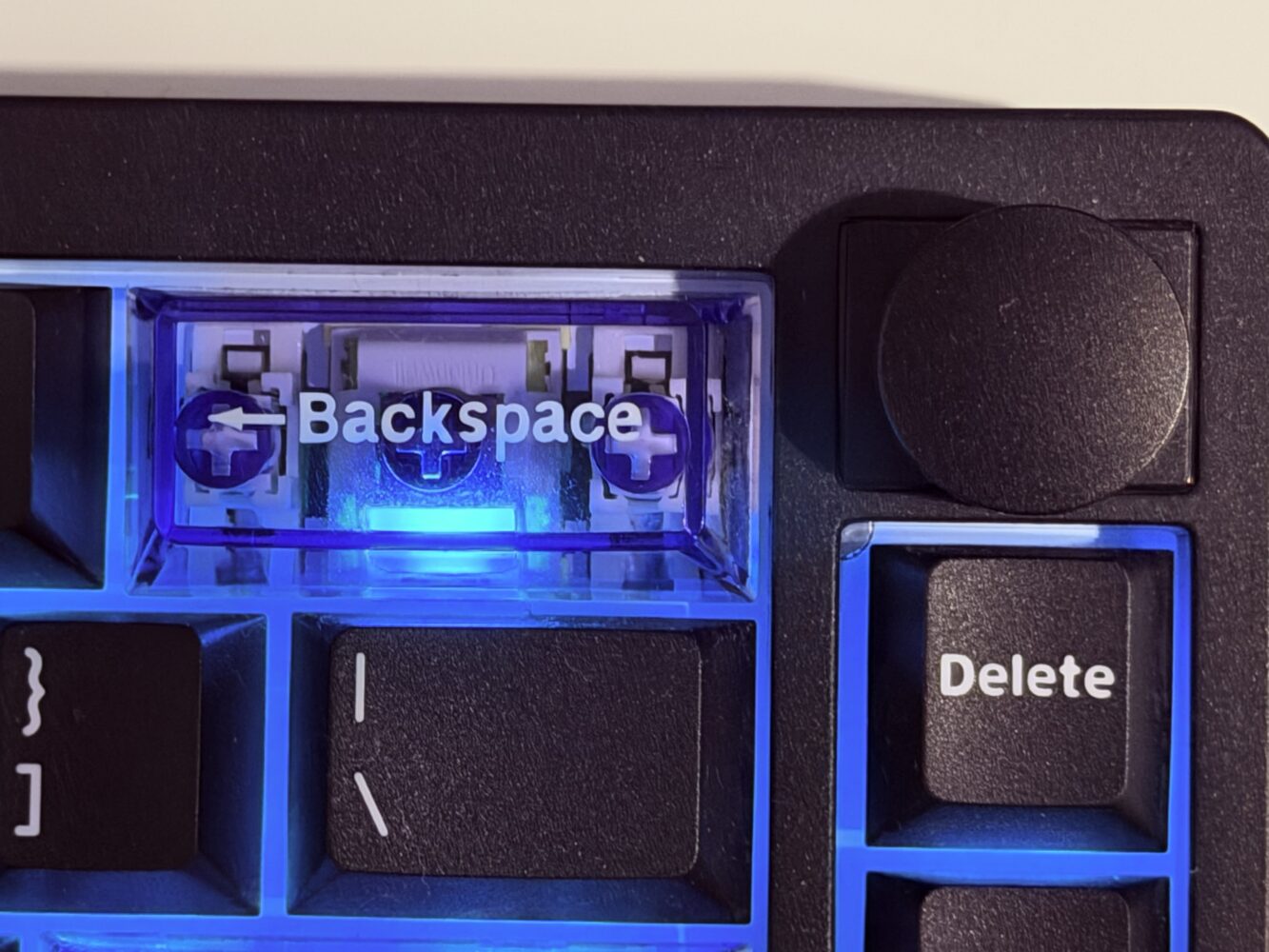
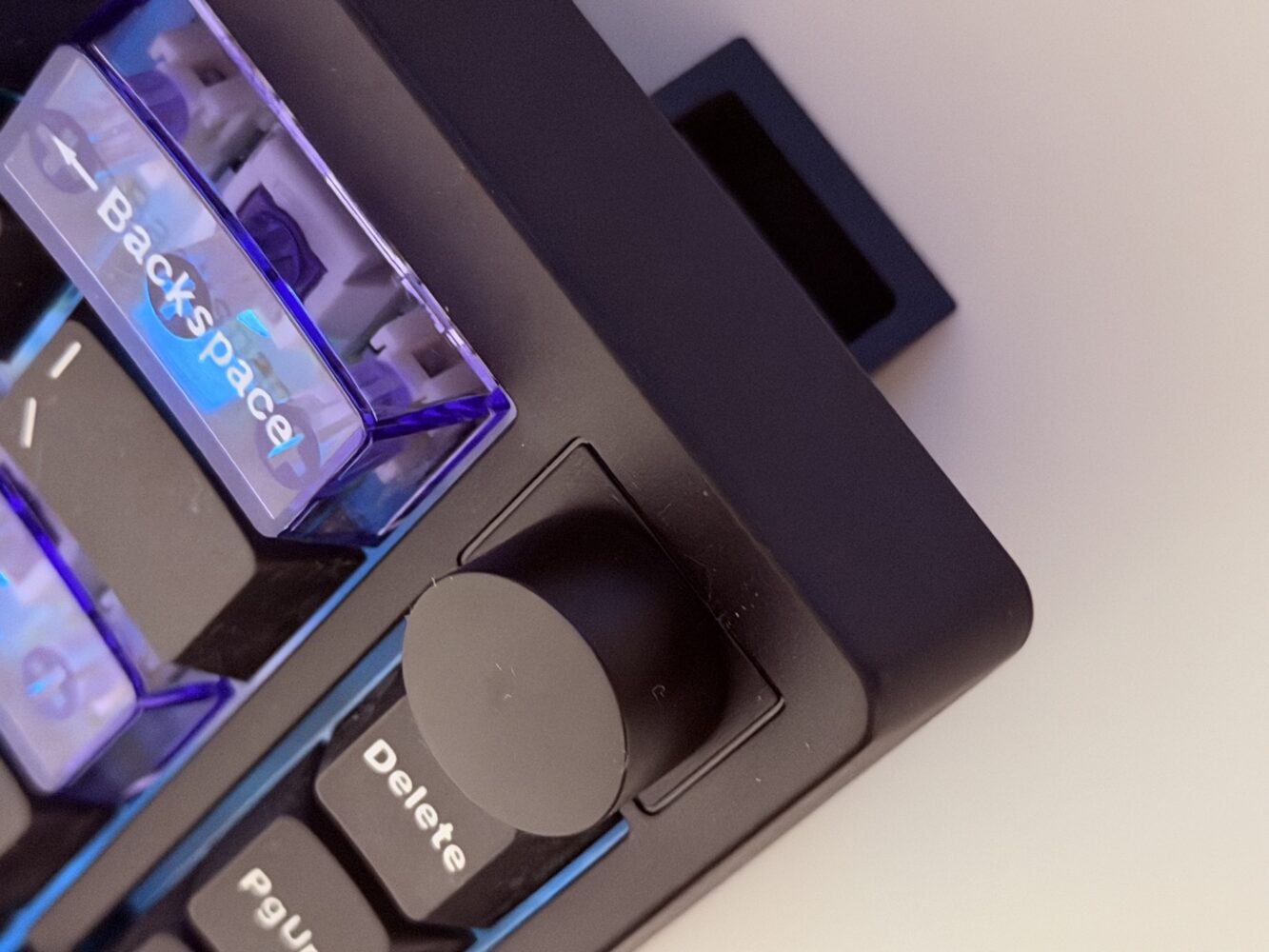
EPOMAKER clearly sweated the small stuff here, and those thoughtful touches accumulate into something greater than the sum of their parts. The three transparent blue keycaps on Esc, Backspace, and Enter add subtle character that catches the light beautifully when the RGB is active. They prevent the board from feeling sterile while avoiding the garish territory that turns some gaming peripherals into desktop eyesores. In low-light conditions, the south-facing LEDs create a clean, even glow that enhances the overall premium impression.
The inclusion of a multifunctional dial proves once again that every keyboard benefits from one. Whether adjusting volume during intense multiplayer sessions, scrubbing through video timelines while editing content, or tweaking screen brightness on the fly, having that tactile control under your left hand quickly becomes addictive. It’s responsive enough to feel precise without any annoying lag or overshoot.
Connectivity options cover every conceivable scenario with tri-mode support including wired, 2.4GHz wireless, and Bluetooth. The 2.4GHz connection particularly impressed me with its rock-solid stability even when my desk looked like a wireless device graveyard. Wake-from-sleep behavior is snappy too, eliminating those frustrating moments where the first few keystrokes vanish into the void. For anyone juggling multiple devices throughout the workday, this reliability removes friction and keeps the creative flow uninterrupted.
Gaming Performance That Punches Well Above Its Weight
When the lights go down and the competitive juices start flowing, the Magcore65 Lite reveals its serious side. The 8K polling rate over USB might seem like overkill for most users, but paired with the low-latency analogue capabilities, it contributes to an incredibly responsive experience in fast-paced titles. Those adjustable dual key stroke functions let you bind completely different actions to the same key based on press depth.

I found myself experimenting with creative bindings that simply wouldn’t be possible on traditional mechanical switches. The result is gameplay that feels more nuanced and expressive. Battery life holds up remarkably well even with RGB enabled and 2.4GHz active. I routinely went several days between charges during normal mixed use, and stretching it further by switching to Bluetooth or dimming the lights is always an option for longer trips.
Software Done Right: Simple, Effective, Non-Intrusive
One area where budget keyboards frequently stumble is software, but EPOMAKER smartly sidesteps common pitfalls with a web-based offline interface. No bloated background applications fighting for system resources here. Everything from per-key actuation tuning to RGB customization and macro creation happens through a clean local web page. It’s functional rather than flashy, prioritizing practicality over unnecessary animations.
The RGB implementation itself deserves praise for being vibrant without veering into overwhelming territory. Effects range from subtle productivity-friendly gradients to more playful gamer-oriented patterns. The transparent accent caps interact wonderfully with the underglow, creating depth and visual interest that elevates the entire aesthetic.
Verdict
The EPOMAKER Magcore65 Lite proves that you don’t need to spend a fortune to get a genuinely excellent compact mechanical keyboard packed with modern features. Its blend of satisfying typing feel, versatile analogue gaming capabilities, reliable connectivity, and smart design touches creates something special in the budget segment. While minor quibbles exist around switch volume and software polish, they hardly detract from the overall package. This is the kind of board that quietly becomes indispensable once it lands on your desk.