


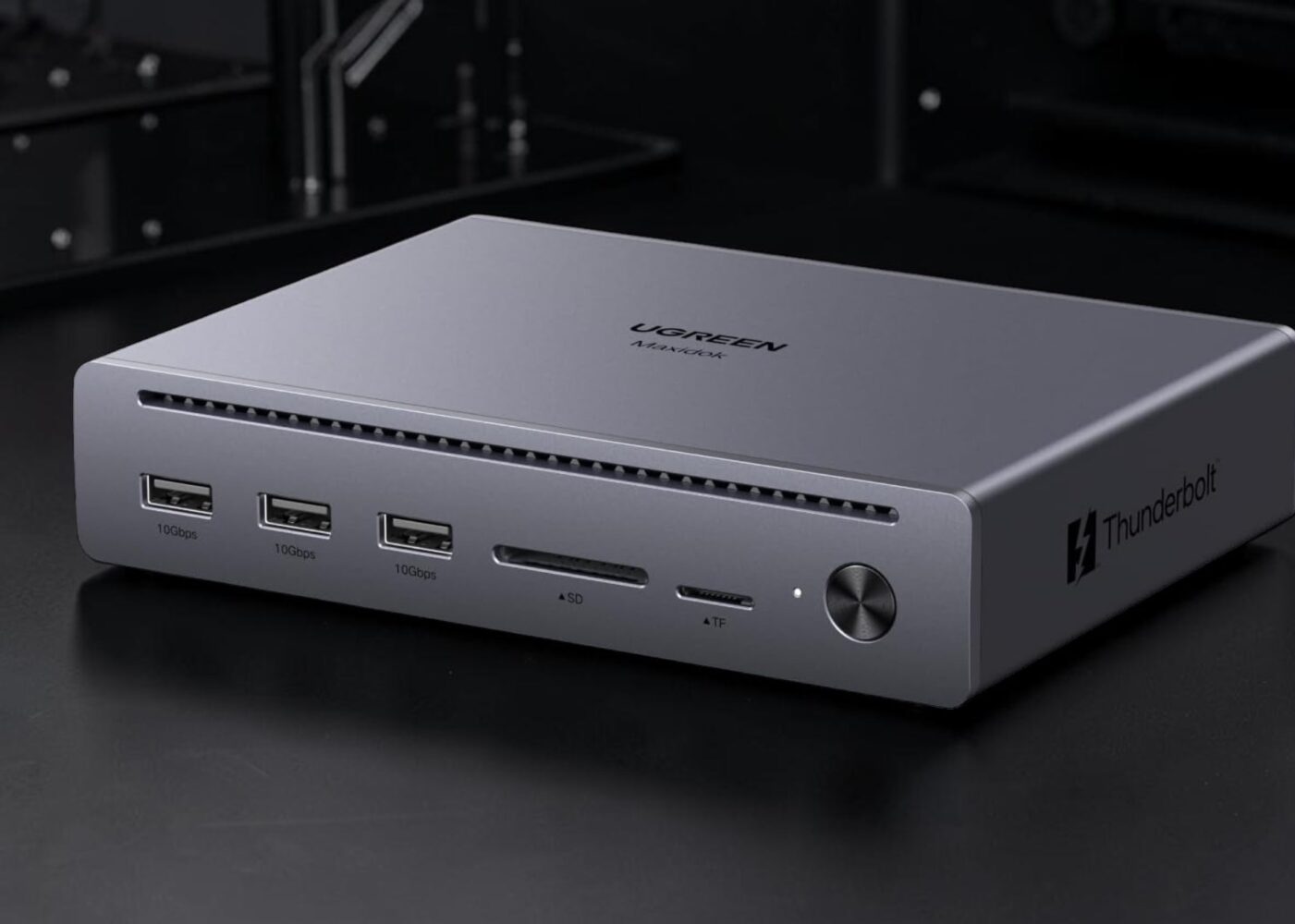
TLDR: The Ugreen Maxidok 10-in-1 Thunderbolt 5 dock is a premium, tank-like all-metal hub that delivers on the Thunderbolt 5 hype with excellent build quality, a durable attached braided cable, blazing-fast data transfers, and solid reliability.
Ugreen Maxidok 10-in-1
I remember when my desk looked like a scene from a cyberpunk horror movie. I had cables snaking across my keyboard, three different dongles fighting for territory, and a power brick for my laptop that could double as a home defense weapon. We’ve all been there, trapped in the cable management trenches, just trying to get a second monitor to play nice with a peripheral.
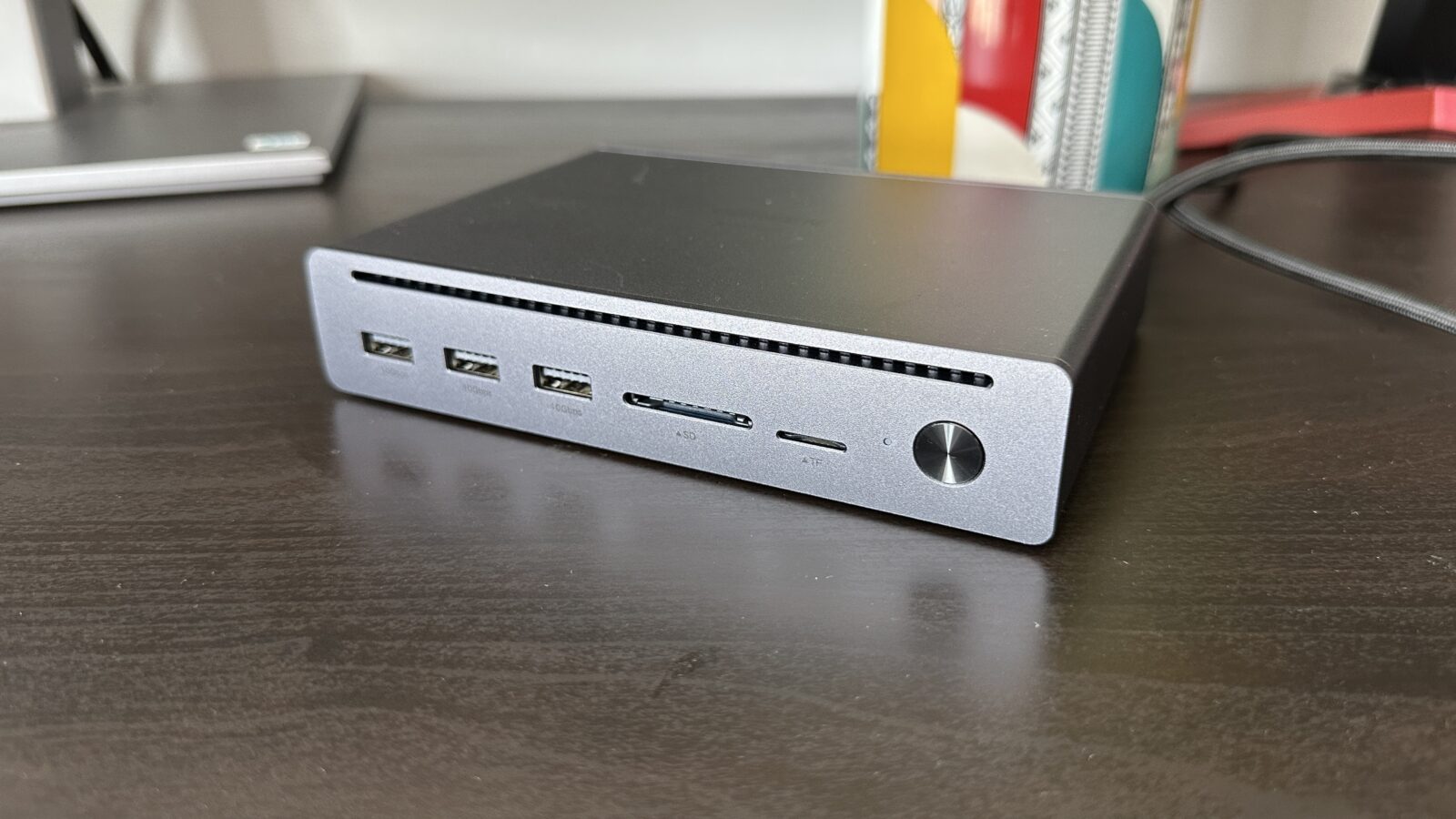
The Ugreen Maxidok 10-in-1 Thunderbolt 5 Docking Station arrived at my door promising a way out of that mess, and for the first time in a while, I think the hardware actually matches the marketing hype. Thunderbolt 5 is the headline here, and while we’ve been hearing about 80Gbps and 120Gbps bandwidth for what feels like an eternity, having it sitting on your desk in a piece of polished metal is a very different feeling.
This thing is a tank. The first thing you notice when you unbox it is the superior all-metal build. It doesn’t have that hollow, plasticky resonance that plagues so many mid-range hubs. It feels like a solid billet of aluminum that was machined to survive a direct hit from a falling coffee mug. It’s dense, it stays where you put it on the desk, and the finish has that premium matte texture that perfectly complements a modern MacBook or a high-end Windows workstation.
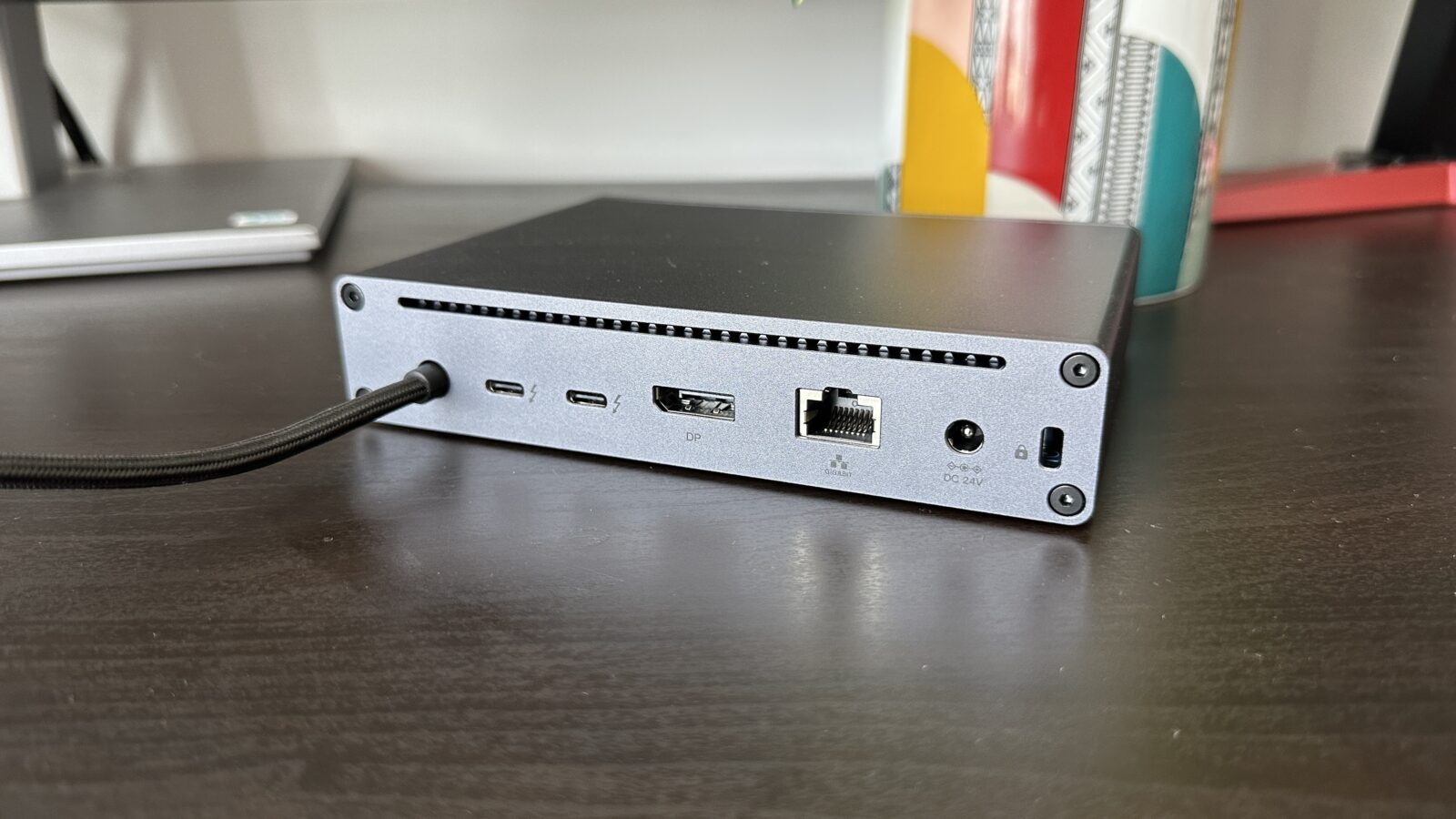
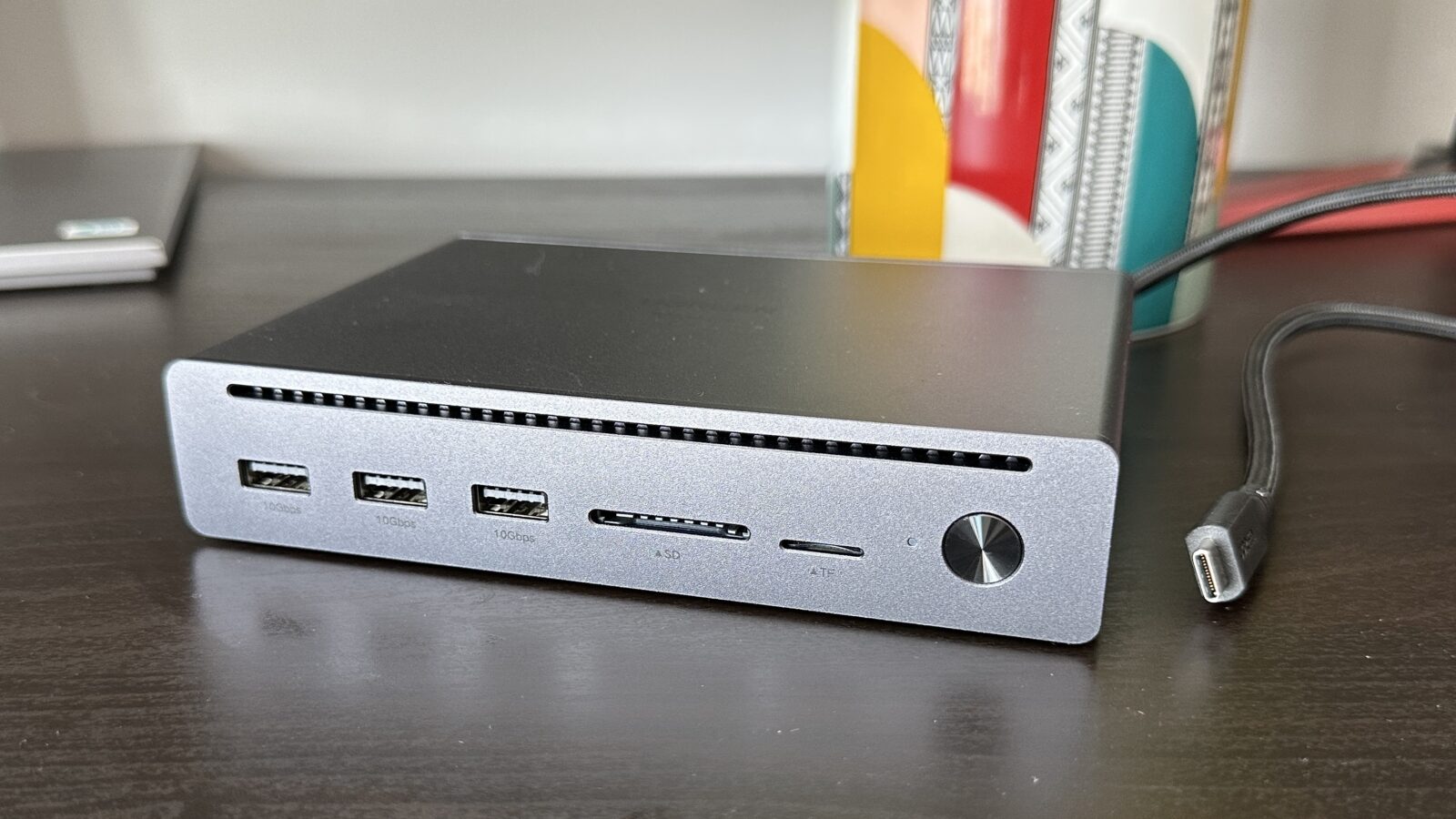
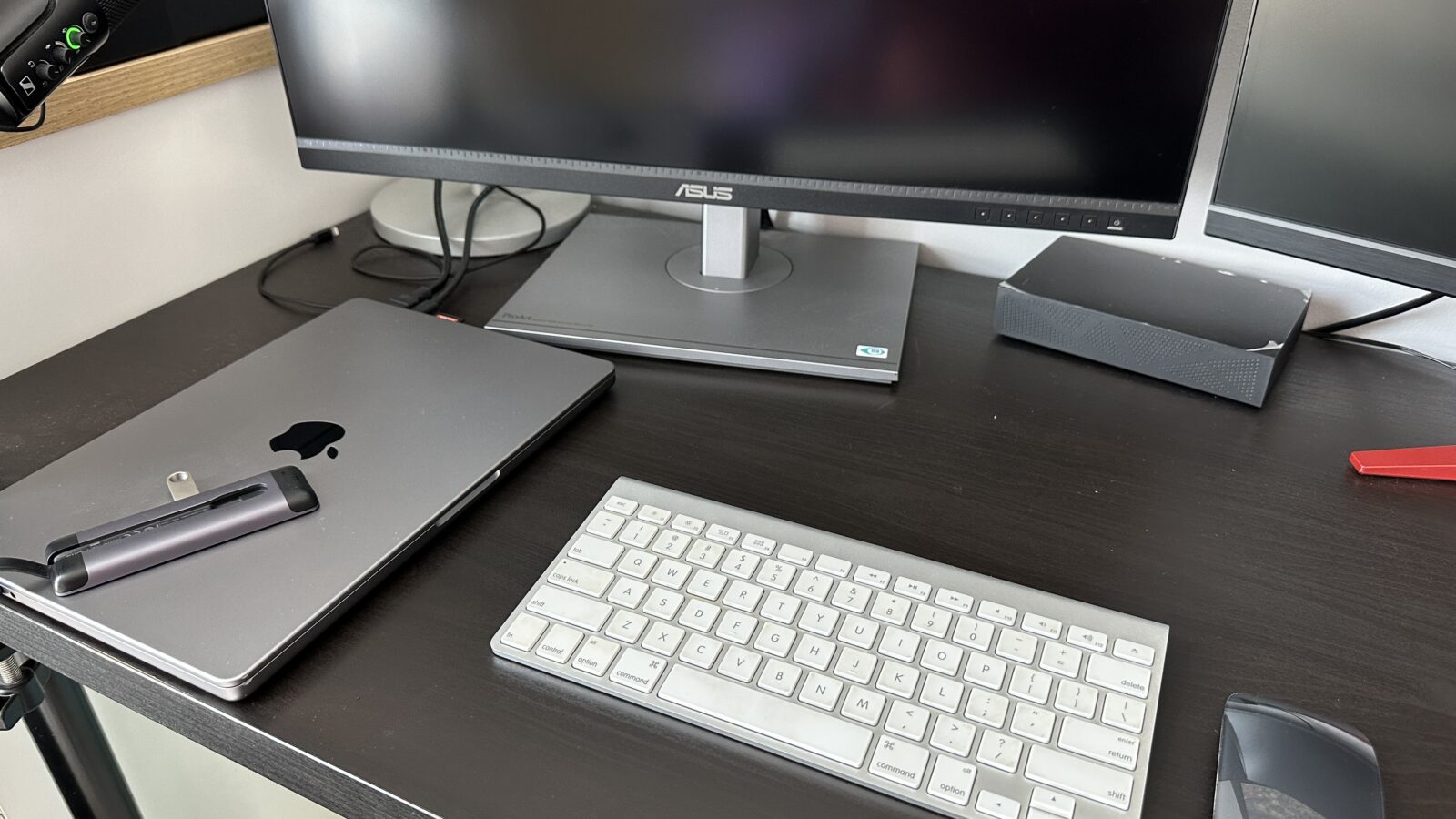
Speaking of quality, I have to give a massive shoutout to attached USB-C cable. Usually, the “free” cables bundled with docks are either too short to be useful or feel like they were made from recycled garden hoses. Ugreen has integrated an excellent high-quality braided cable that feels genuinely durable. It has just the right amount of flex and a premium weave that makes you feel like you aren’t going to fray the internal wiring every time you move your laptop two inches to the left. The fact that it is permanently attached can be a bit of a worry if it fails, but given how durable it feels, you could probably tow your car with it without it failing, thought I don’t recommended trying it at home.
Making Sense of the Port Selection and the Bandwidth Beast
The real magic of the Maxidok is how it helps declutter the setup while also adding a massive amount of utility to a single laptop port. We’re talking about the kind of bandwidth that makes 4K editing off an external drive feel like you’re working on local storage. In my testing, moving massive 100GB video project folders felt less like a chore and more like a brief intermission. The Thunderbolt 5 ports on the back are the stars of the show, allowing for data throughput that genuinely justifies the upgrade from the older Thunderbolt 4 standard.
Around the back, you’ll find that Gigabit Ethernet port which is a godsend for those of us who don’t trust our building’s shaky Wi-Fi during a critical Zoom call or a high-stakes gaming session. It’s rock solid and provides that low-latency peace of mind you just can’t get from a wireless signal. You also get a dedicated DisplayPort, which is great for those high-refresh-rate monitors that form the centerpiece of any respectable geek’s battlestation.
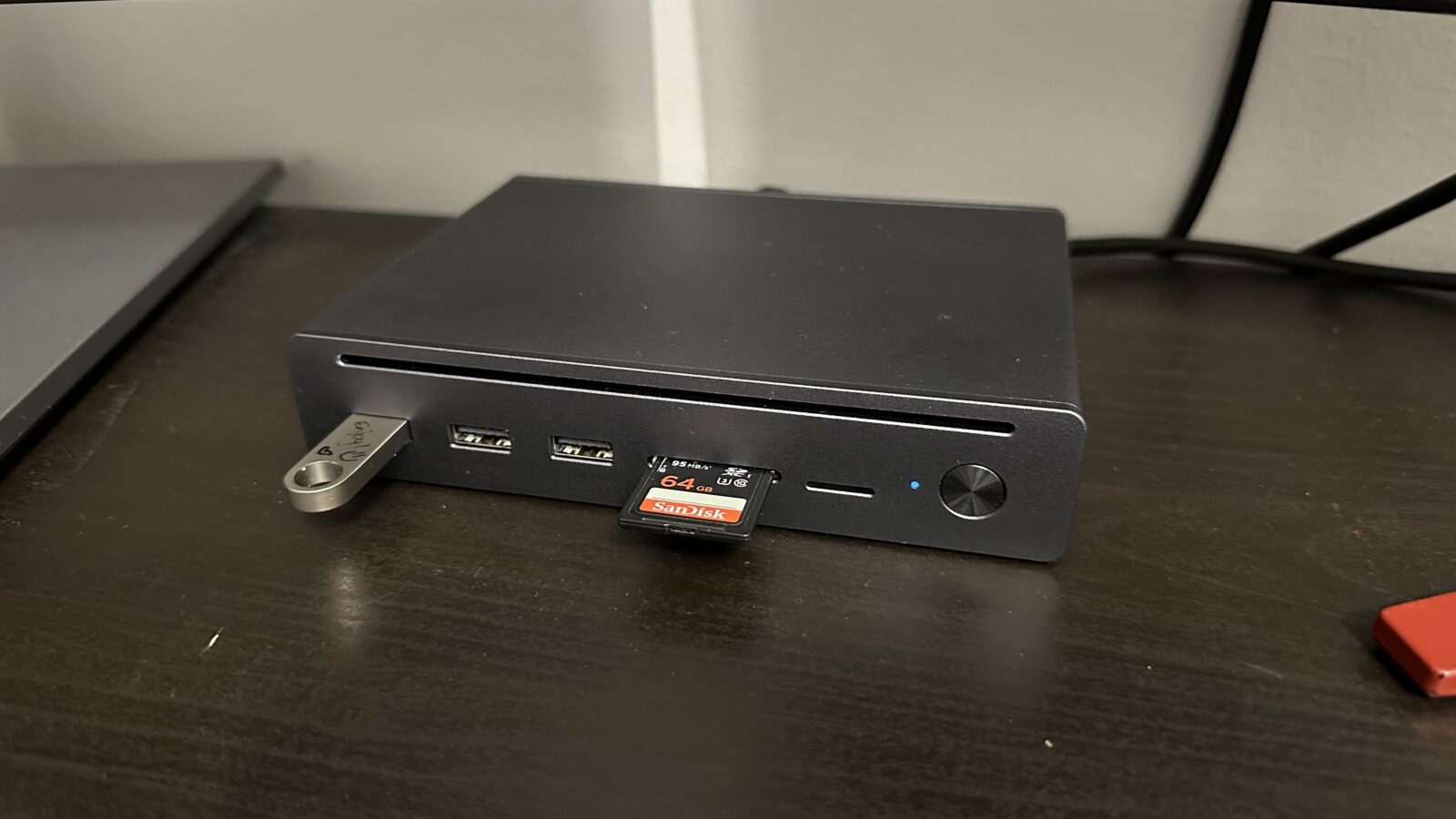
However, the port selection does lead me to one of those “scratch your head” moments that often happen in the world of tech design. The inclusion of three USB-A ports on a cutting-edge Thunderbolt 5 dock feels like a bit of a throwback. Don’t get me wrong, I still have a dusty mechanical keyboard and a legacy mouse that need those ports, but having all of them on the front without a single front-facing USB-C port is a puzzling choice.
I found myself constantly reaching around to the back of the unit whenever I wanted to plug in a modern SSD or a fast-charging cable for my phone. Swapping one of those front USB-A ports for a high-speed USB-C connector would have turned this from a great dock into a perfect one. It’s a minor workflow hiccup, but when you’re aiming for the “ultimate desktop solution,” those front-facing ergonomics matter more than you’d think.
Navigating the Power Brick and the HDMI Mystery
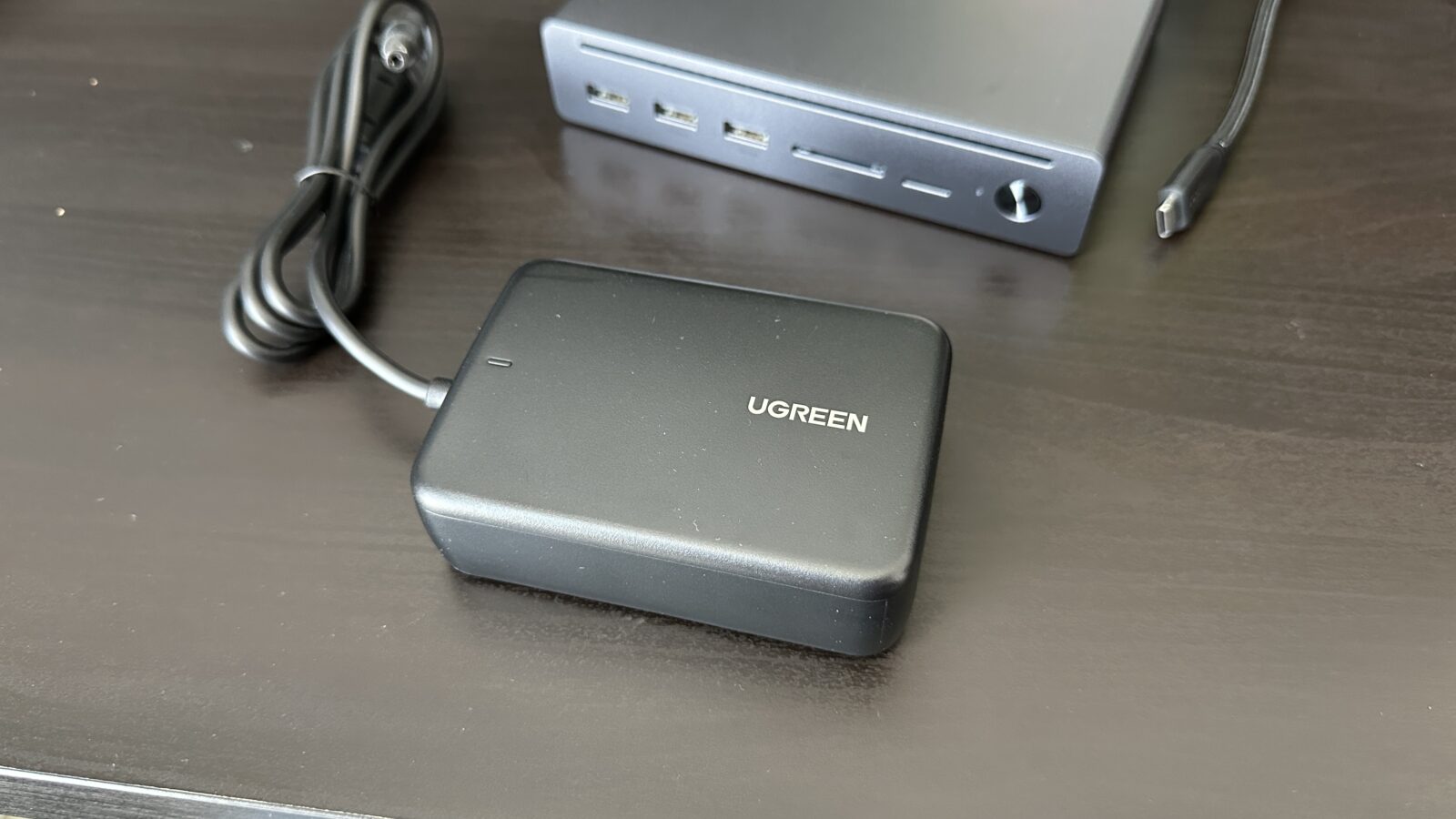
Let’s talk about the elephant in the room, or rather, the brick on the floor. There is a dedicated power brick for this station, which is to be expected given the sheer amount of power output we’re dealing with here. You can’t push 100W of passthrough charging and power a dozen peripherals through a tiny wall wart. Thankfully, the brick itself is surprisingly small compared to some of the monstrosities I’ve seen from competitors. It’s easy enough to tuck away behind a desk leg or inside a cable management tray.
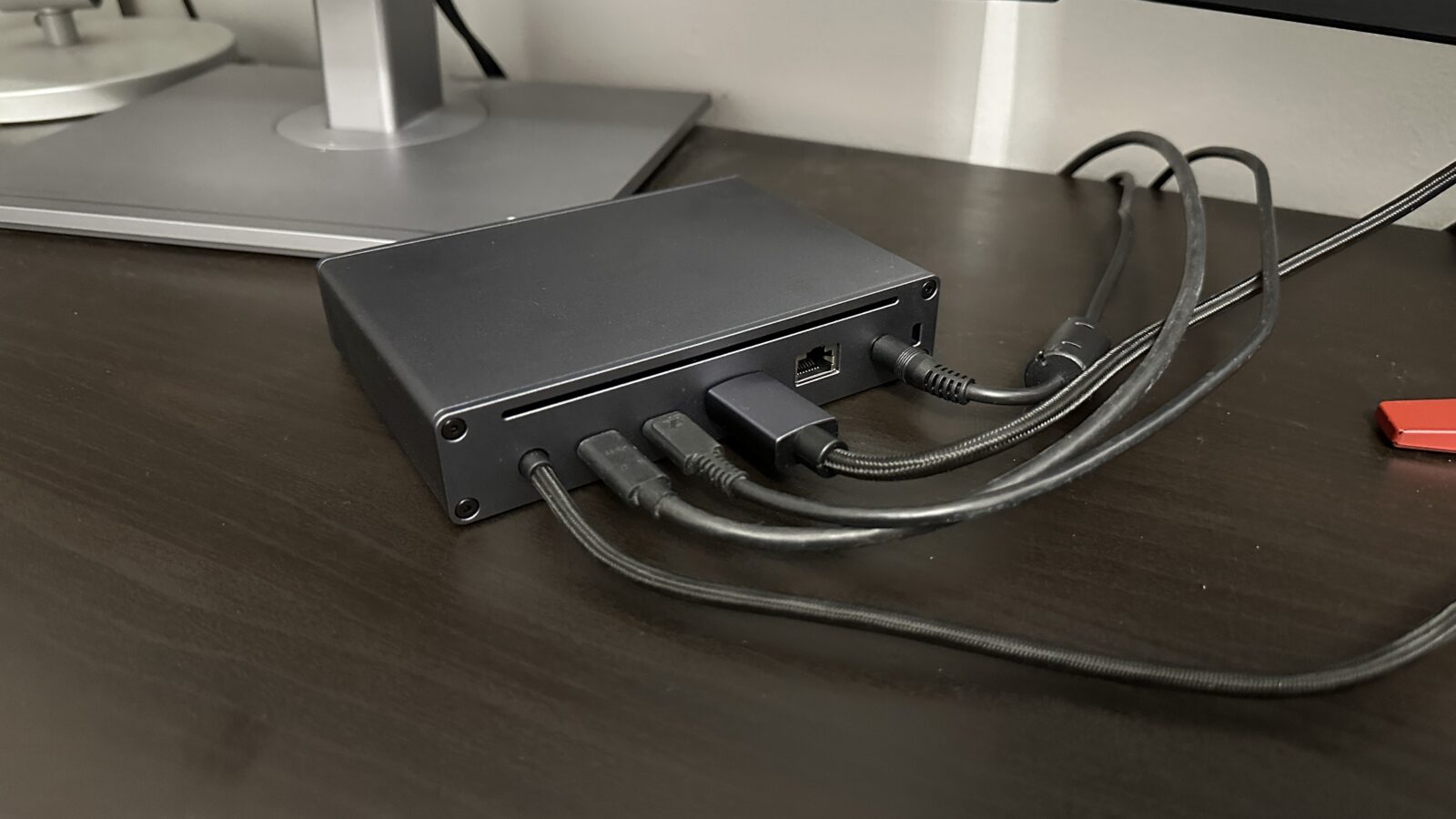
The second major quirk is the complete absence of an HDMI port. In 2026, it feels a bit bold to assume everyone has moved over to DisplayPort or Thunderbolt-native monitors. I had to dig through my drawer of forgotten electronics to find a DisplayPort to HDMI adapter just to get my secondary screen up and running. It’s not a dealbreaker for the tech-savvy crowd who likely already has a hoard of adapters, but it’s an extra step that could have been avoided with a more universal port selection.
The choice to lean so heavily into USB-A while omitting HDMI is a confusing aesthetic and functional contradiction. It’s as if the designers wanted to embrace the future with Thunderbolt 5 but couldn’t quite let go of the mid-2010s peripheral market. It results in a device that is incredibly powerful but requires a specific set of cables or adapters to really shine in a multi-monitor environment.
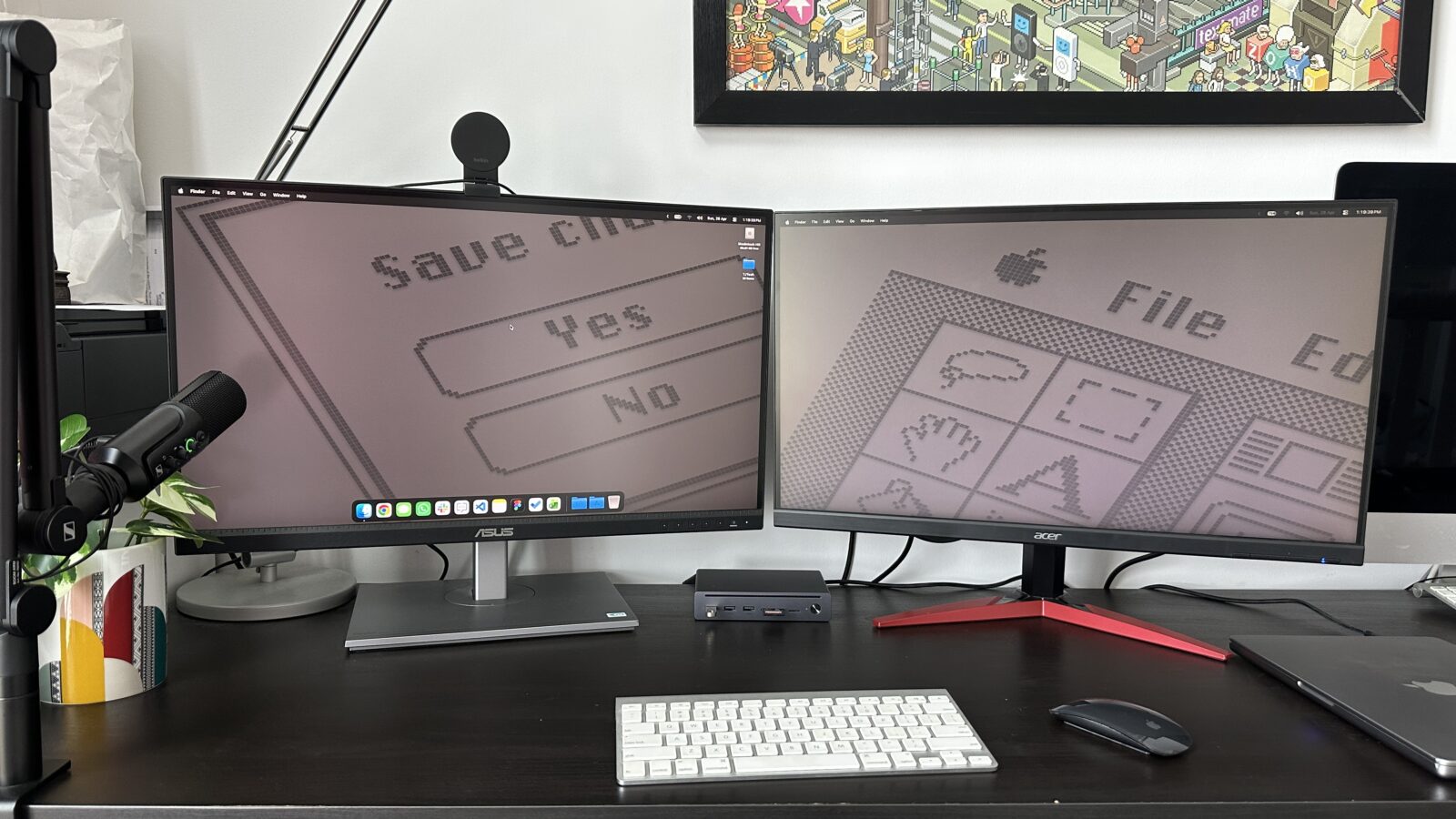
Despite those small gripes, the reliability has been flawless. I haven’t experienced any of the weird flickering or sudden disconnects that used to plague my older hubs when they got too warm. The all-metal chassis does a fantastic job of dissipating heat, and even after a full day of pushing multiple displays and high-speed data transfers, the Maxidok only felt mildly warm to the touch. It’s the kind of “set it and forget it” hardware that makes your professional life significantly less stressful.
A New Standard for the Desktop Professional
When you weigh the pros and cons, the Ugreen Maxidok 10-in-1 stands out as a top-tier contender in the burgeoning Thunderbolt 5 market. It solves the primary problem most of us face: the slow, agonizing death of our laptop’s port longevity. By offloading everything to this single, sturdy hub, you’re saving your machine’s ports from wear and tear while gaining a level of connectivity that was unthinkable just a few years ago.
The card reader on the front is another highlight for the creative crowd. It’s fast, reliable, and handles high-capacity SD and microSD cards without breaking a sweat. For someone who is constantly offloading footage from a drone or a mirrorless camera, having those slots right there on the desk is a massive time-saver. It’s these small touches of utility that make the Maxidok feel like a tool designed for people who actually do work on their computers.
Is it the perfect dock? Not quite, but it’s dangerously close. If you can live with the lack of native HDMI and don’t mind reaching around the back for your USB-C peripherals, you are getting some of the most advanced connectivity hardware currently available. It’s a sleek, powerful, and incredibly well-built piece of kit that finally brings the promise of Thunderbolt 5 to the desktop in a meaningful way.
If you’re building a new setup or just tired of your current cable nightmare, this is a highly recommended upgrade. It feels like a piece of professional equipment rather than a consumer toy, and in an era of disposable tech, that kind of build quality is worth its weight in gold. Ugreen has taken a massive leap forward here, and I’m excited to see how the rest of the industry tries to catch up to this level of industrial design.
Verdict
The Ugreen Maxidok 10-in-1 is a masterclass in industrial design that finally brings the blistering speeds of Thunderbolt 5 to a compact, desk-friendly form factor. While the lack of an HDMI port and the absence of a front-facing USB-C port are minor annoyances, the rock-solid reliability, premium metal build, and massive bandwidth headroom make it an essential upgrade for power users looking to future-proof their workspace.