

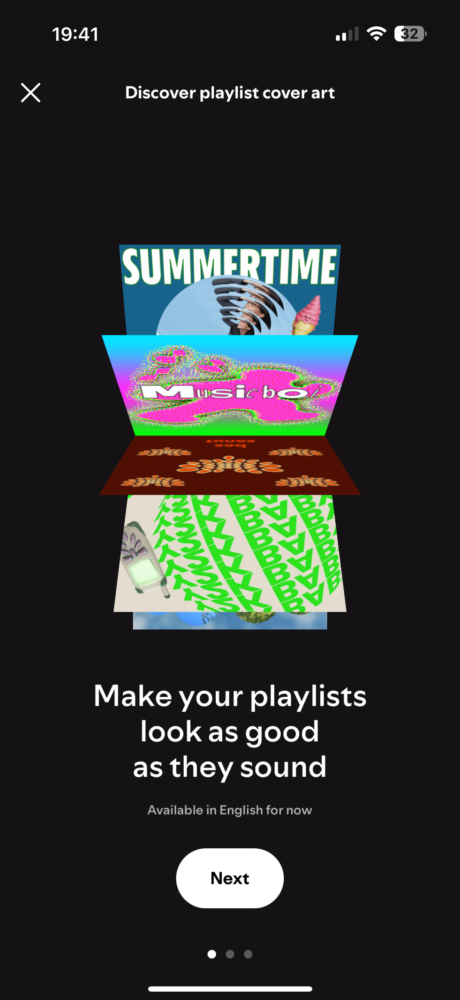
Spotify is rolling out a new feature that allows users to personalize their playlists with custom-designed cover art. Available in beta for both free and premium users in 65 markets, this feature adds a fun and creative element to the music streaming experience.
Previously, users could only upload existing images as playlist covers. Now, with the updated mobile app (iOS and Android), you can design unique artwork directly within Spotify. To access this feature, simply open the three-dot menu on a playlist page and select “Create cover art.”
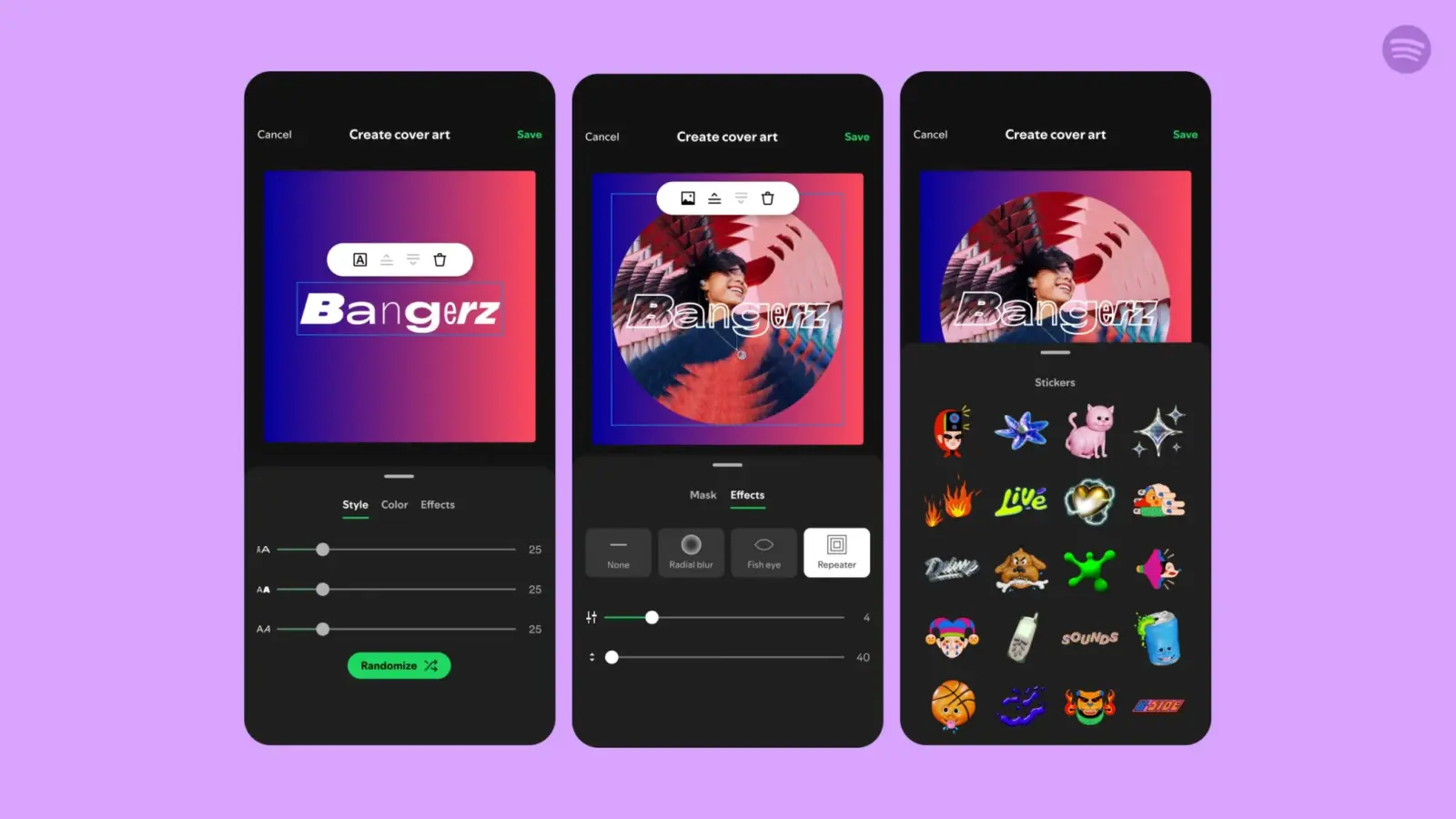
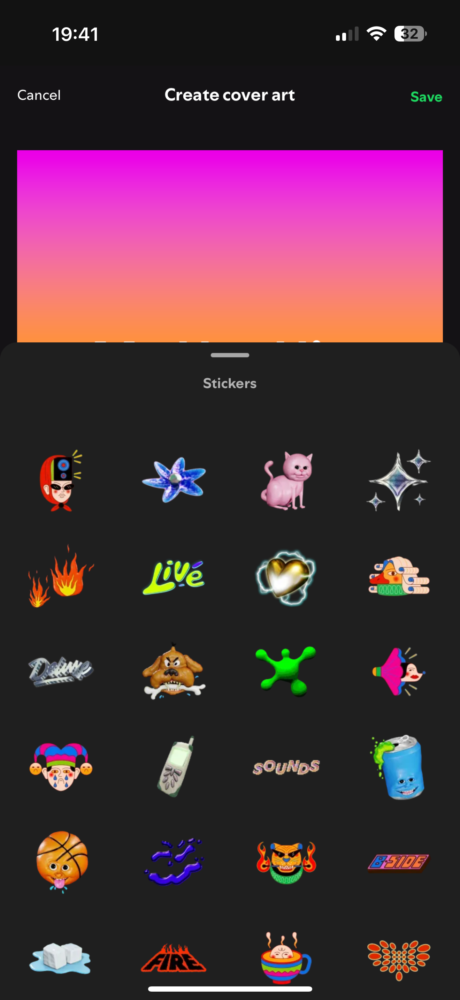
From there, you can either upload a photo from your camera roll or start with a blank canvas. Spotify provides a variety of tools to customize your cover art, including:
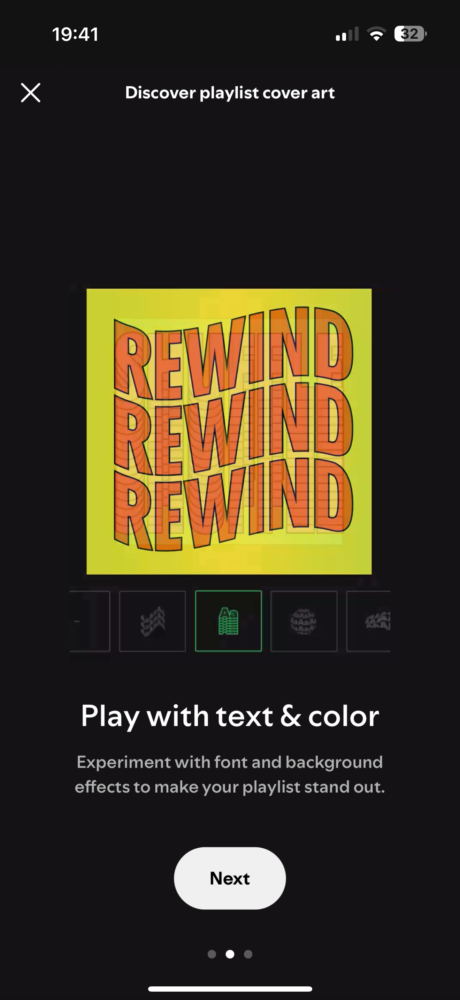
- Text styles, colors, and effects: Personalize your text with different fonts, colors, and visual effects.
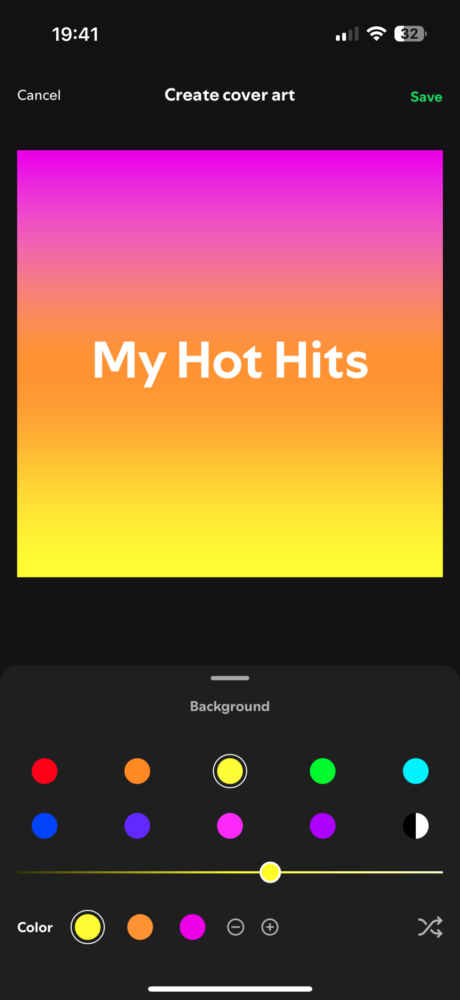
- Background colors and gradients: Choose a background that complements your artwork.
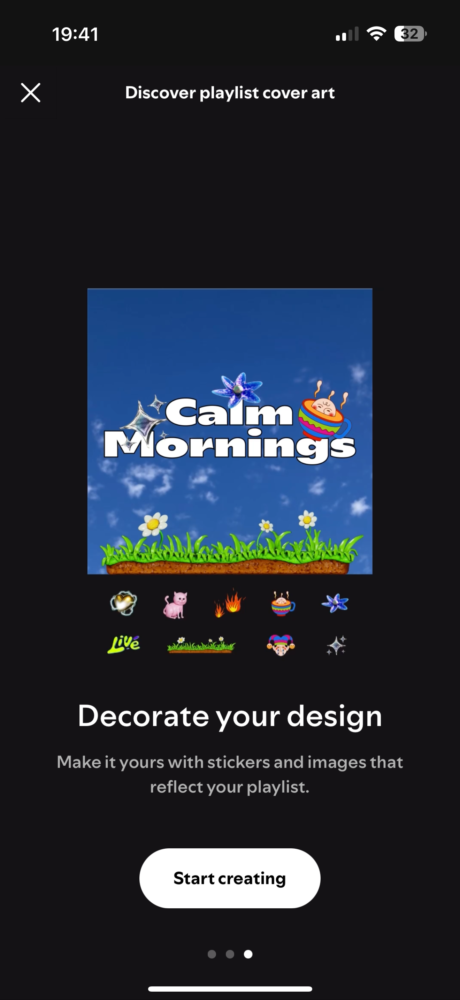
- Stickers: Add fun and expressive stickers to your cover art.
While each playlist can only have one custom cover art saved at a time, you can always create and save multiple versions if you like to switch things up.
This new feature reflects Spotify’s ongoing efforts to enhance user personalization and provide a more engaging experience. It also strengthens Spotify’s competitive edge against other music streaming services like Apple Music and YouTube Music.
This update follows other recent additions to Spotify, such as the beta testing of AI-powered personalized playlists and the expansion of music videos for premium users. These enhancements demonstrate Spotify’s commitment to innovation and its dedication to providing a comprehensive and enjoyable music streaming experience.