
• Stories
    • Tech
    • Auto
    • Guides
    • Opinions
  • Reviews
    • READERS’ CHOICE
    • ALL REVIEWS
    • ━
    • SMARTPHONES
    • CARS
    • HEADPHONES
    • ACCESSORIES
    • LAPTOPS
    • TABLETS
    • WEARABLES
    • SPEAKERS
    • APPS
  • Entertainment
    • TV & MOVIE REVIEWS
    • SPOTLIGHT
  • GAMING
    • GAMING NEWS
    • GAME REVIEWS
Reading: WhatsApp introduces new filters and backgrounds for video calls
Font ResizerAa
Font ResizerAa
  • menu
  • SEARCH
  • STORIES
    • TECH
    • AUTOMOTIVE
    • GUIDES
    • OPINIONS
  • REVIEWS
    • READERS’ CHOICE
    • ALL REVIEWS
    • ━
    • SMARTPHONES
    • CARS
    • HEADPHONES
    • ACCESSORIES
    • LAPTOPS
    • TABLETS
    • WEARABLES
    • SPEAKERS
    • APPS
  • Entertainment
    • TV & MOVIE REVIEWS
    • SPOTLIGHT
  • GAMING
    • GAMING NEWS
    • GAME REVIEWS
Follow US

WhatsApp introduces new filters and backgrounds for video calls

GEEK DESK
GEEK DESK
Oct 2, 2024

WhatsApp continues to enhance its video calling experience with the introduction of new filters and backgrounds. This update allows users to personalize their calls with a touch of fun and creativity, while also offering increased privacy.

The new filters and backgrounds aim to make video calls more engaging and personalized. With 20 different filter options, users can experiment with various effects, from adding a splash of color to creating a vintage vibe.

For those who prefer to keep their surroundings private, the new background feature offers a variety of options to choose from, such as a cozy living room, a professional office setting, or a relaxing beach scene. This can be especially useful for users who make video calls from busy or cluttered environments.
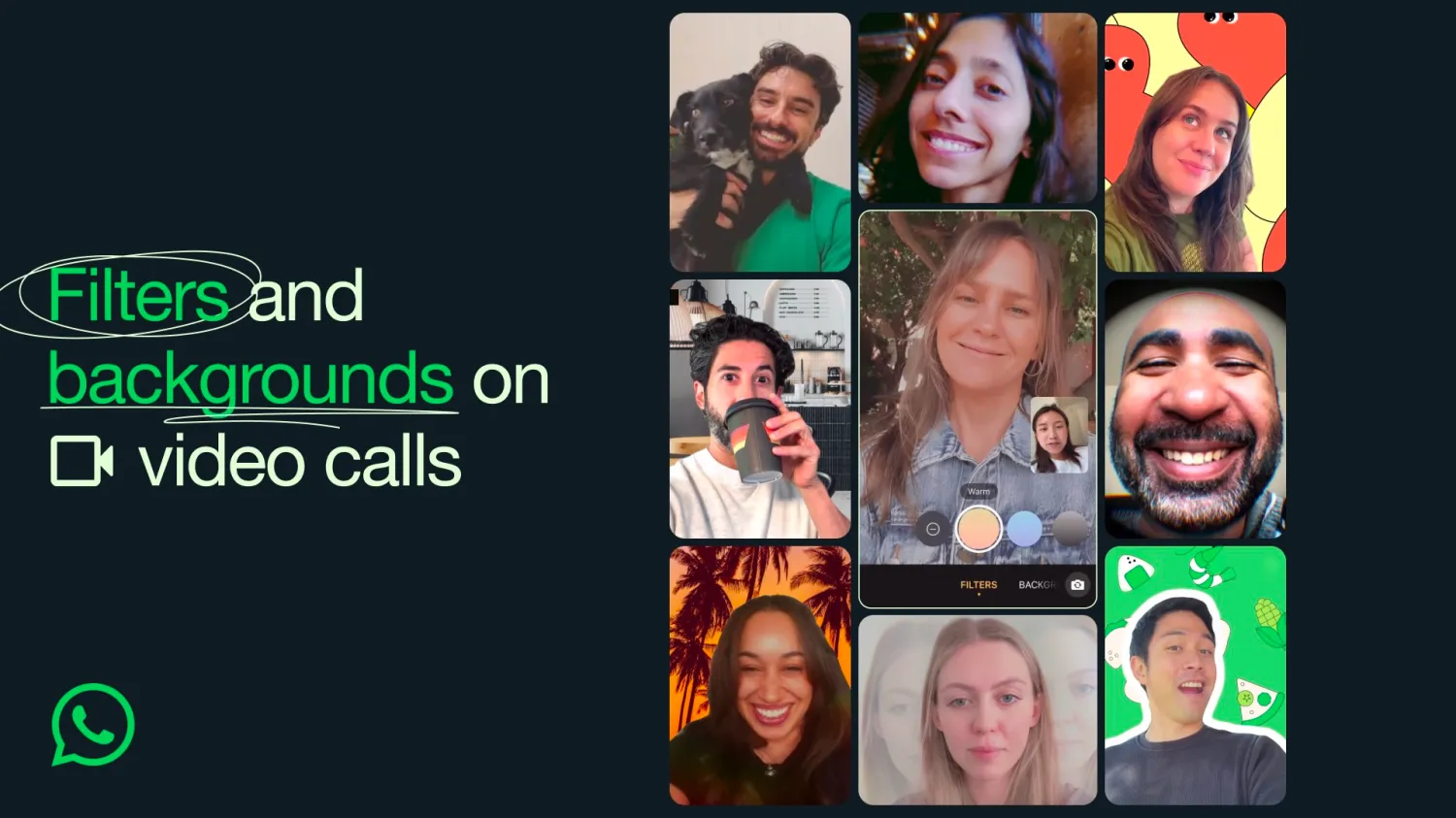
In addition to the pre-set filters and backgrounds, WhatsApp also allows users to adjust the brightness and overall look of their video feed. This provides further customization options to ensure the video call environment suits individual preferences.

Accessing the new filters and backgrounds is simple. During an individual or group video call, users will notice a new icon at the top right of the screen. Tapping this icon will reveal the full range of customization options.

This update comes on the heels of another recent enhancement to WhatsApp’s Channels feature. Users can now explore new channels to follow based on categories like sports, entertainment, news, and more. This makes it easier to discover content and connect with others who share similar interests.


What do you think?
Happy0
Sad0
Love0
Surprise0
Cry0
Angry0
Dead0
TESSAN’s 65W charging station wants to finally declutter your desk
Samsung’s new AED 4,399 screen literally follows you around home
HP ZBook Ultra G3a puts 300B-parameter AI on your desk
Asus Googlebook leaks with a glowing Google logo and mysterious G key
Disney+ changes its ad rules, but what about MENA subscribers?
Fortnite’s Persona 5 crossover finally has a release date
Follow US
Caffeine. Chaos. Content.
© Absolute Geeks Media FZE LLC 2014–2026.
Proudly made in Dubai, UAE ❤️
Contact · About · Editorial Policy · Privacy Policy
Welcome Back!

Sign in to your account

Username or Email Address
Password

Lost your password?