
• Stories
    • Tech
    • Auto
    • Guides
    • Opinions
  • Reviews
    • READERS’ CHOICE
    • ALL REVIEWS
    • ━
    • SMARTPHONES
    • CARS
    • HEADPHONES
    • ACCESSORIES
    • LAPTOPS
    • TABLETS
    • WEARABLES
    • SPEAKERS
    • APPS
  • Entertainment
    • TV & MOVIE REVIEWS
    • SPOTLIGHT
  • GAMING
    • GAMING NEWS
    • GAME REVIEWS
  • Menu Item
Reading: Google Gemini on iPhone: everything you need to Know
Font ResizerAa
Font ResizerAa
  • menu
  • SEARCH
  • STORIES
    • TECH
    • AUTOMOTIVE
    • GUIDES
    • OPINIONS
  • REVIEWS
    • READERS’ CHOICE
    • ALL REVIEWS
    • ━
    • SMARTPHONES
    • CARS
    • HEADPHONES
    • ACCESSORIES
    • LAPTOPS
    • TABLETS
    • WEARABLES
    • SPEAKERS
    • APPS
  • Entertainment
    • TV & MOVIE REVIEWS
    • SPOTLIGHT
  • GAMING
    • GAMING NEWS
    • GAME REVIEWS
  • m
Follow US

Google Gemini on iPhone: everything you need to Know

GEEK DESK
GEEK DESK
Feb 14, 2024

Google recently made some significant changes to its AI platform. The Bard name has been replaced with Google Gemini, which will also be integrated into Google’s productivity apps under the same name. Additionally, Gemini Advanced, a premium tier similar to ChatGPT Plus, has been introduced, offering 2TB of data storage bundled with the Google One cloud service for AED 77 subscription fee.

For Android users, Gemini will replace Google Assistant as the default virtual assistant. Unfortunately, iPhone users don’t have a dedicated Gemini app yet, but it’s already integrated within the Google app itself. Enabling it is a simple process:

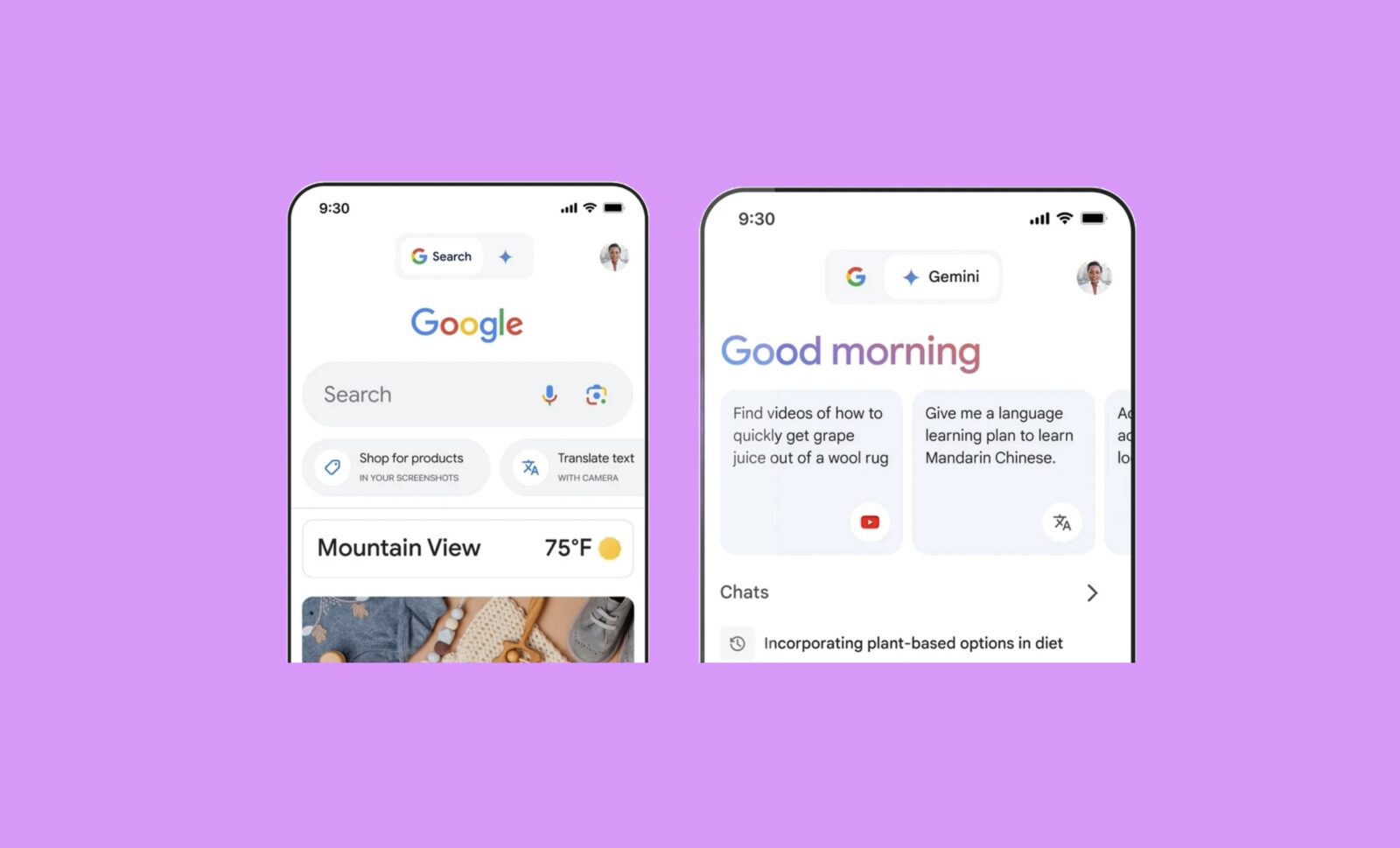
  1. Open the updated Google app on your iPhone. If you have the latest version, you’ll see a new tab with a blue star at the top, labeled “Gemini.”
  2. Toggle between Google Search and Gemini. This allows you to choose between the traditional search experience and the interactive AI assistant.
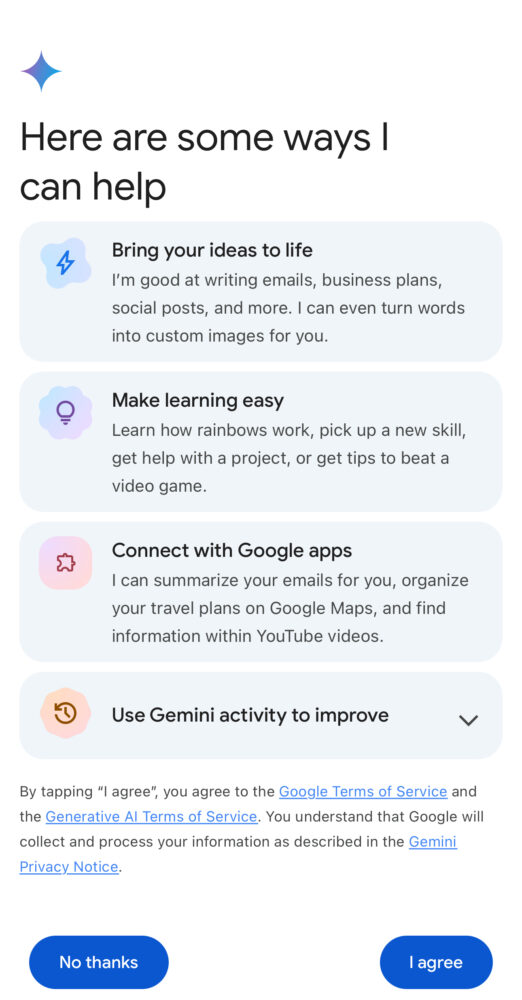
  3. Agree to the terms of service. Be aware that Google collects all Gemini data to improve the AI model.
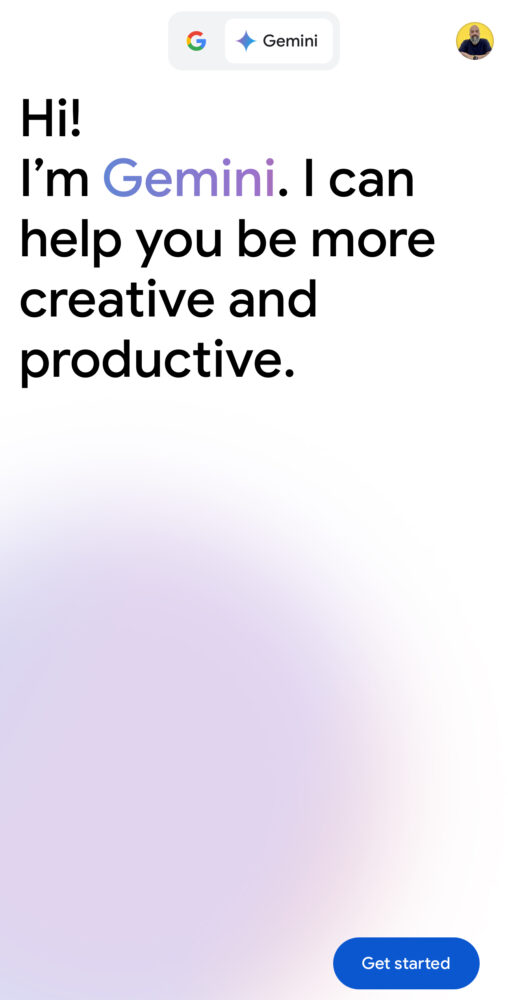
  4. Start interacting with Gemini! You can use text, voice, or even upload images for multimodal chats.
Currently, there’s no way to replace Siri with Gemini on iPhone. However, you can set the Action button on iPhone 15 Pro models to open the Google app, providing quicker access to Gemini if you plan to use it frequently.
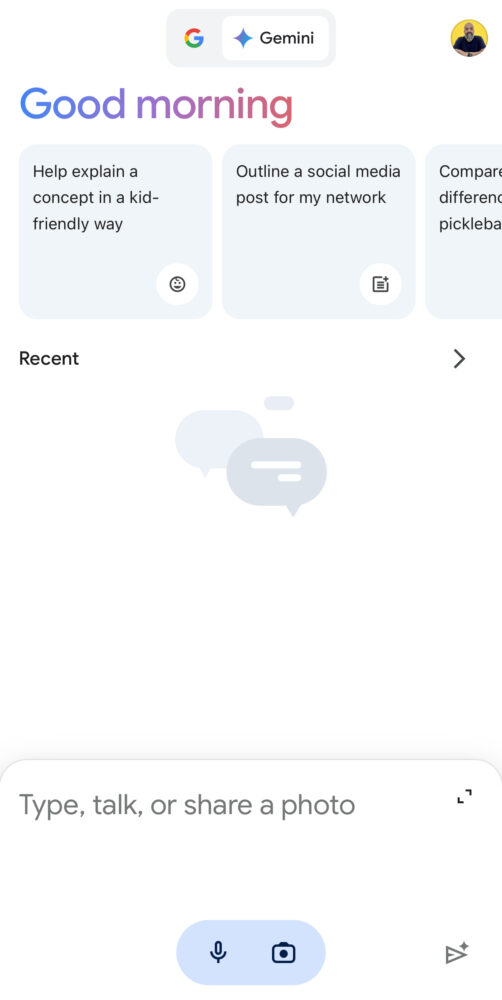
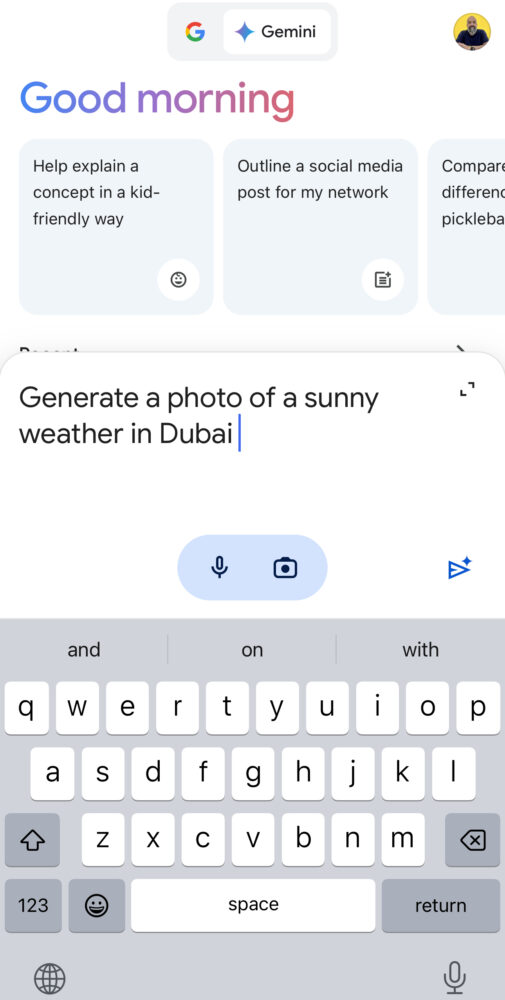
Overall, Google Gemini offers a promising AI assistant experience for both Android and iPhone users, with convenient integration and diverse interaction options. However, its limited availability on iPhone and privacy concerns are important factors to consider.

What do you think?
Happy0
Sad0
Love0
Surprise0
Cry0
Angry1
Dead0
Google Gemini hacked three real companies during an AI security test
Apple Intelligence now eats up 14GB on these newer iPhones
ChatGPT comes to Microsoft Word with a major desktop expansion
Huawei’s new OLED laptop promises 14 hours, but hides one detail
Apple reveals the simple inspiration behind its iPhone Duo
Tesla just gave UAE cars Grok AI — here’s what changes
Follow US
Caffeine. Chaos. Content.
© Absolute Geeks Media FZE LLC 2014–2026.
Proudly made in Dubai, UAE ❤️
Contact · About · Editorial Policy · Privacy Policy
Welcome Back!

Sign in to your account

Username or Email Address
Password

Lost your password?