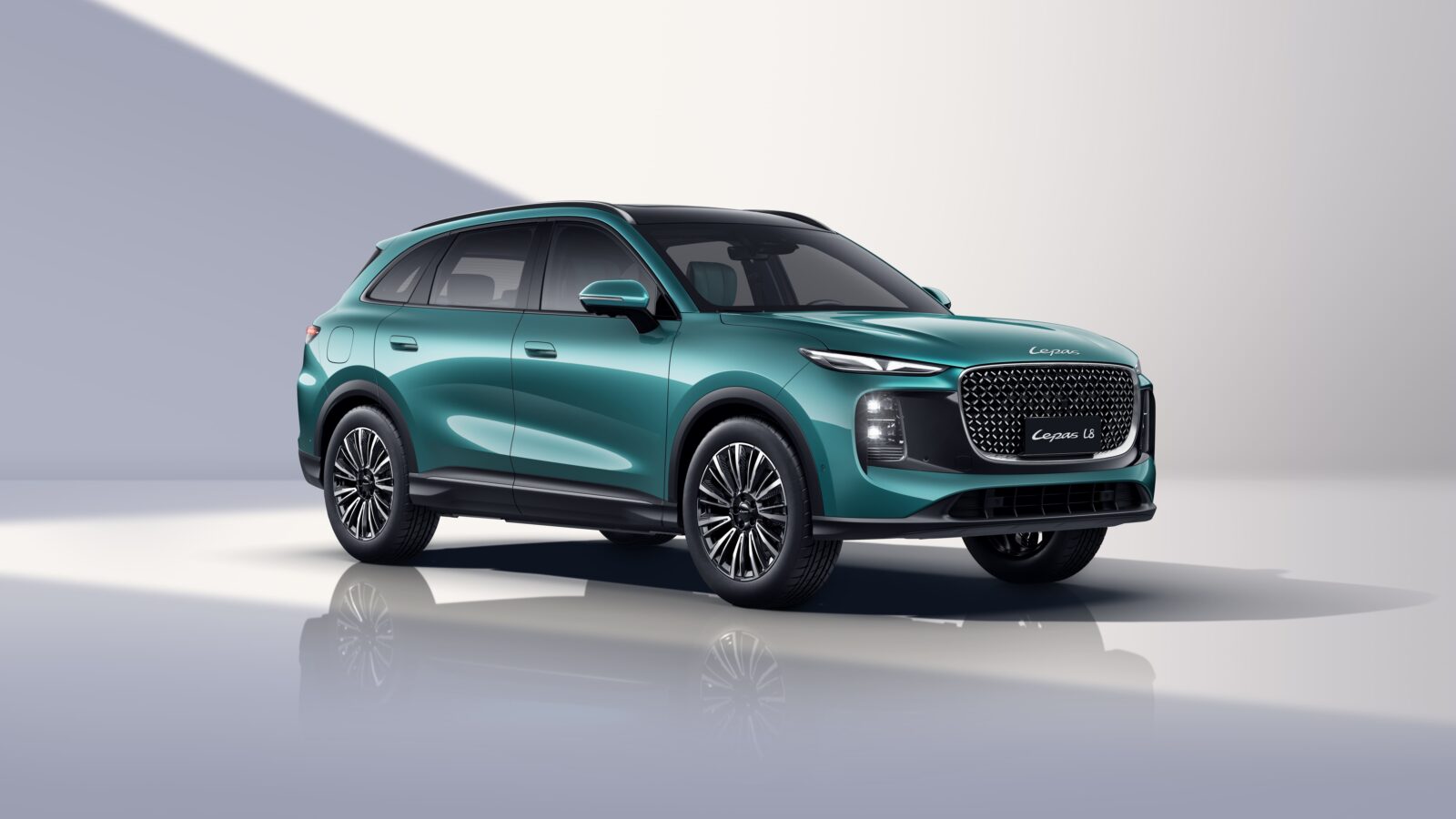
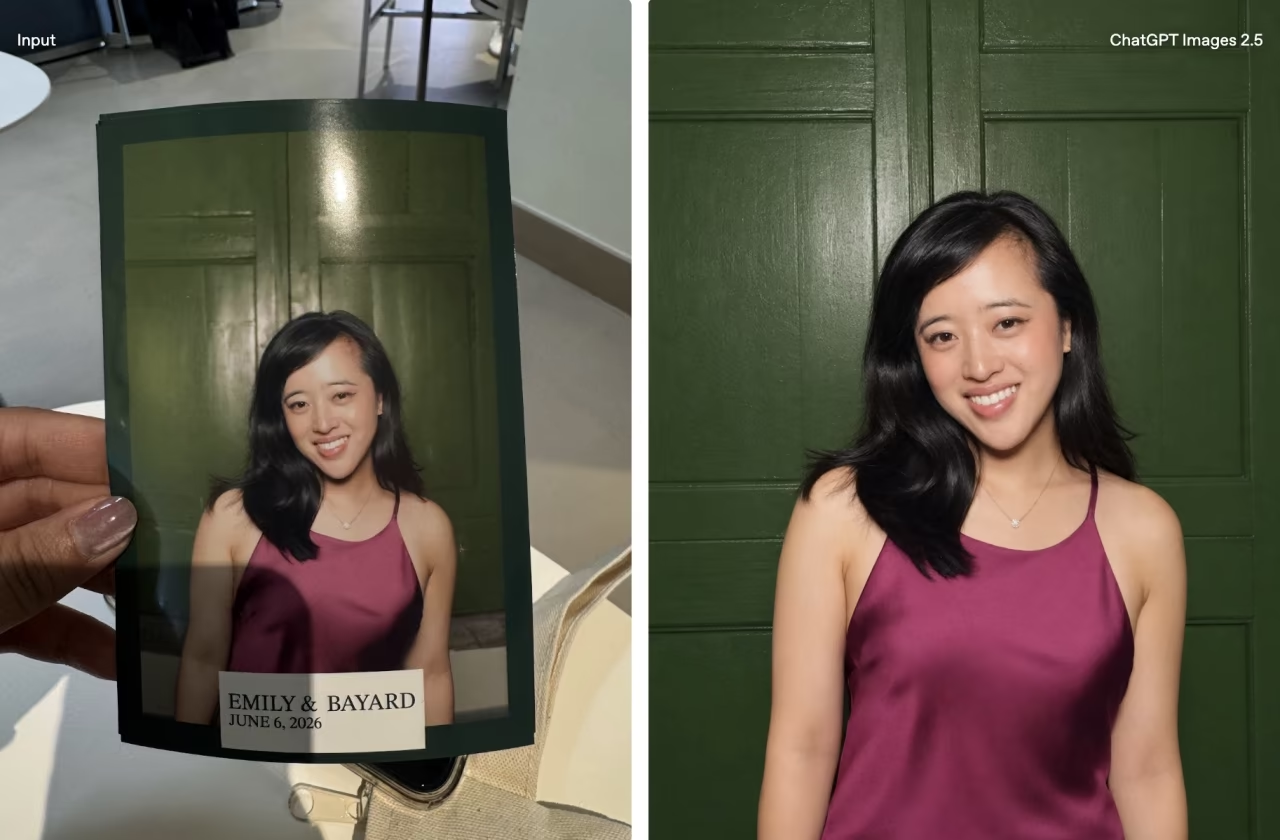
OpenAI is upgrading its image-generation stack with ChatGPT Images 2.5, introducing faster rendering, more controlled editing and new creative tools designed to make image generation feel less dependent on getting a text prompt exactly right.
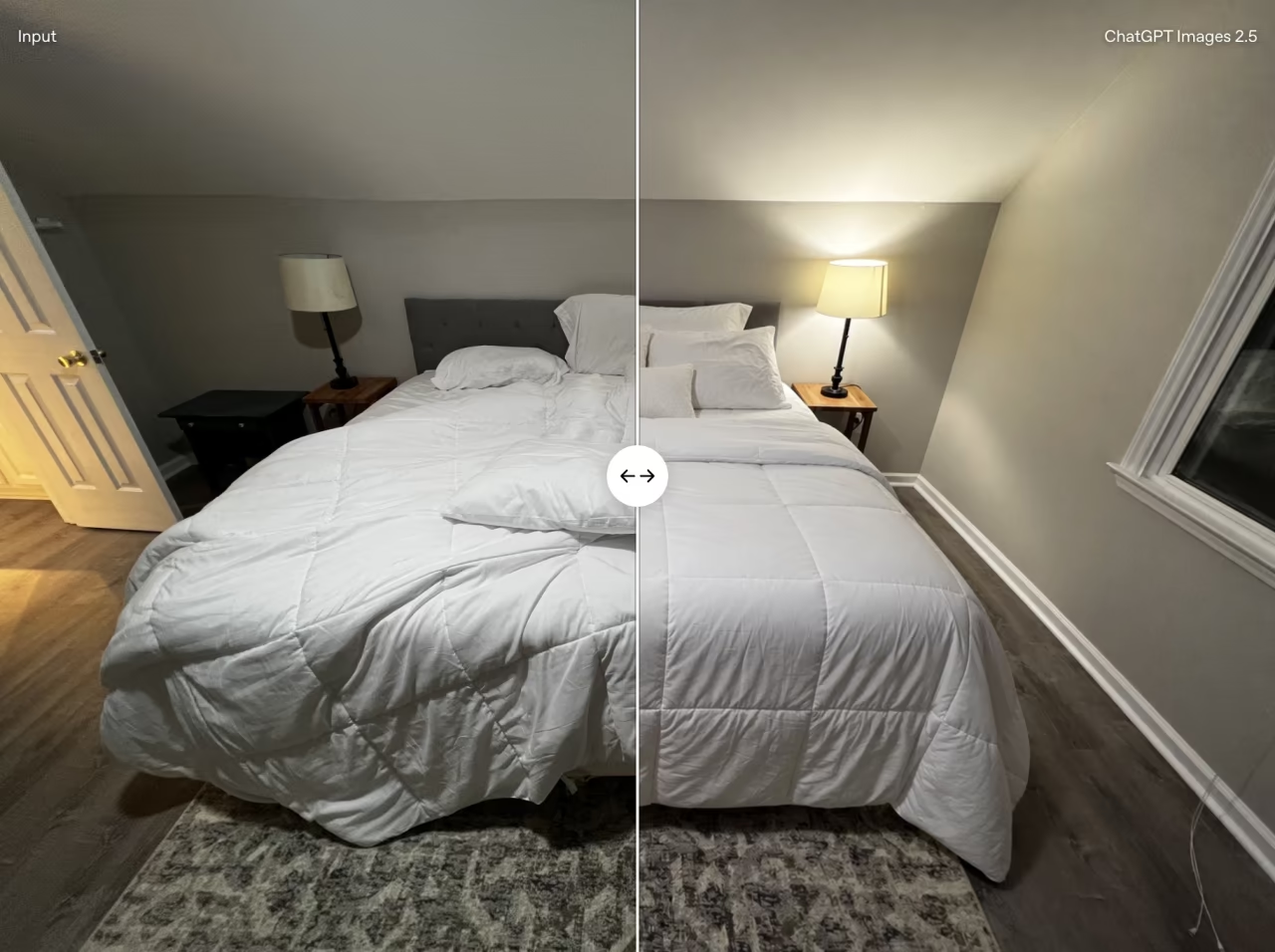
The headline performance claim is speed. OpenAI says Images 2.5 can reduce generation latency by as much as 50% compared with Images 2.0, which arrived in April. The company also claims improvements to lighting, texture and subject consistency when working from reference images.
That last point could matter more than another incremental jump in visual quality. Generative image tools can produce impressive standalone pictures but often become less predictable when asked to repeatedly modify the same image. OpenAI says Images 2.5 is better at changing only the requested elements while preserving everything else, including complicated backgrounds.
The model is also intended to maintain previous instructions more reliably through extended editing conversations. In practical terms, asking ChatGPT to change an outfit, then adjust the lighting and finally modify the background should be less likely to unexpectedly alter details the user wanted preserved.
A new feature called Sketch expands how those instructions can begin. Typing “@Sketch” opens a drawing surface where users can roughly illustrate an idea before combining that sketch with written instructions. That could mean drawing a room layout, tracing the desired shape of clothing or simply producing a crude doodle and letting the model interpret it.
It is a useful acknowledgement that text isn’t always the easiest way to describe something visual. Saying exactly where an object should sit within a composition can require an awkwardly detailed prompt; drawing its approximate position can communicate the same idea almost instantly.
OpenAI is adding templates as well, providing starting points for creations such as posters and merchandise. Users can also attach comments directly to specific areas of generated images when requesting edits. Images can be shared with their original prompts, allowing other users to adapt an existing concept using different photos or instructions.
Developers are getting two Images API models alongside the ChatGPT rollout. GPT-Image-2.5 Flare is positioned as the default option for most applications, with OpenAI claiming higher image quality than GPT-Image-2 alongside 50% lower latency. GPT-Image-2.5 Sunburst prioritises additional precision for more demanding generation and editing jobs, at the cost of longer processing times.
OpenAI says existing safety measures remain in place, including checks intended to block harmful prompts and outputs. Images generated using its technology will continue to use C2PA metadata and invisible watermarking to assist with identification.
ChatGPT Images 2.5 is rolling out across ChatGPT, ChatGPT Work and Codex on desktop, mobile and web, with the new API models available to developers. The bigger change isn’t simply that AI images should arrive faster; it’s that OpenAI is steadily turning image generation from a prompt box into an actual visual editing workflow.