
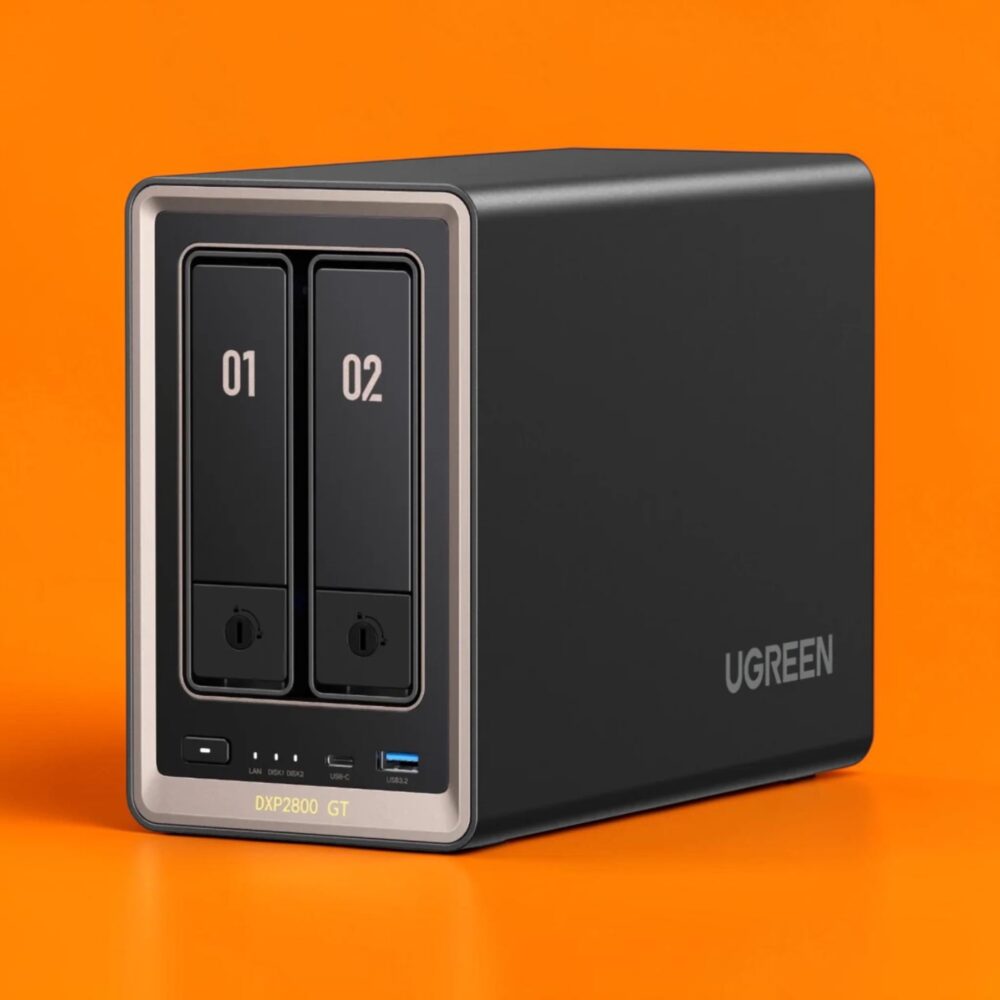
TL;DR: The Ugreen NASync DXP2800 GT is a beautifully over-engineered home server that delivers premium enterprise-grade features like 10GbE networking and ECC memory support on a strict budget. While the locked-down operating system and lack of a native media server application might annoy hardcore software tinkerers, the intuitive interface and flawless Docker integration make it a total steal. If you can afford the slight upfront price bump, you should definitely grab the four-bay model for significantly better long-term storage scalability and data protection.
UGREEN DXP2800 GT NAS
For the longest time, buying a home server felt like paying premium prices for computing hardware that was half a decade out of date. You either bought into an expensive walled garden with a slick interface, or you pieced together a messy homemade rig from spare computer parts.
The Ugreen NASync DXP2800 GT review unit sitting on my desk is aggressively trying to rewrite that tired old narrative from the ground up. This machine offers enterprise-level specifications at a price point that actually makes sense for home lab enthusiasts and small business owners alike. It packs massive hardware features that usually require you to remortgage your house if you buy them from the legacy enterprise server brands.
Built Like a Tank and Styled for Class
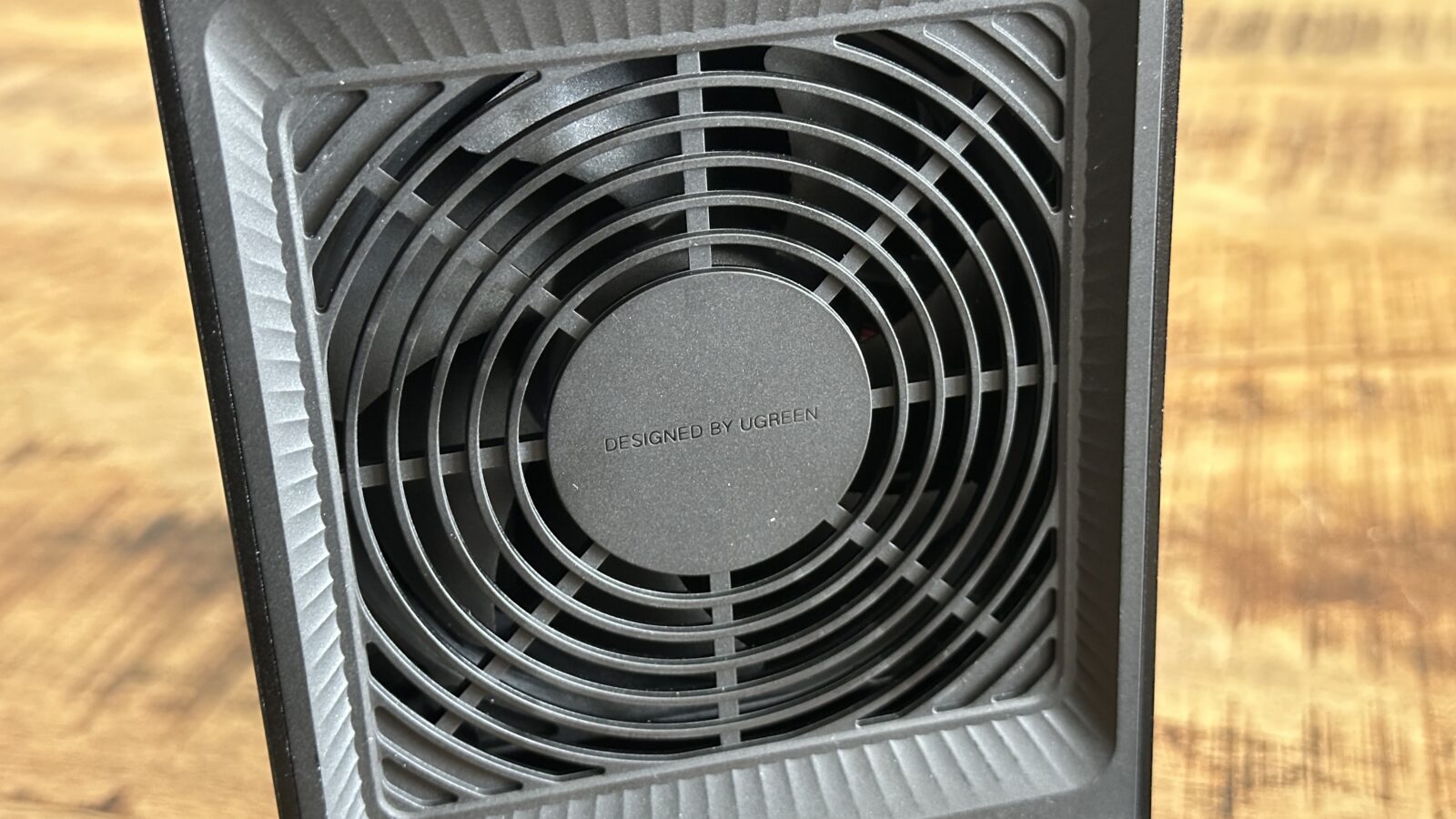
When looking at a network-attached storage device, I am usually greeted by uninspiring black plastic that creaks whenever you handle it. That is absolutely not the case here, because the sheer build quality of this NAS unit is nothing short of amazing. The entire chassis has a premium metal build that feels incredibly sturdy and acts as a giant passive heatsink to keep your mechanical drives cool. It looks less like a boring office appliance and more like a piece of high-end boutique computing gear that you would proudly display right on your desktop.
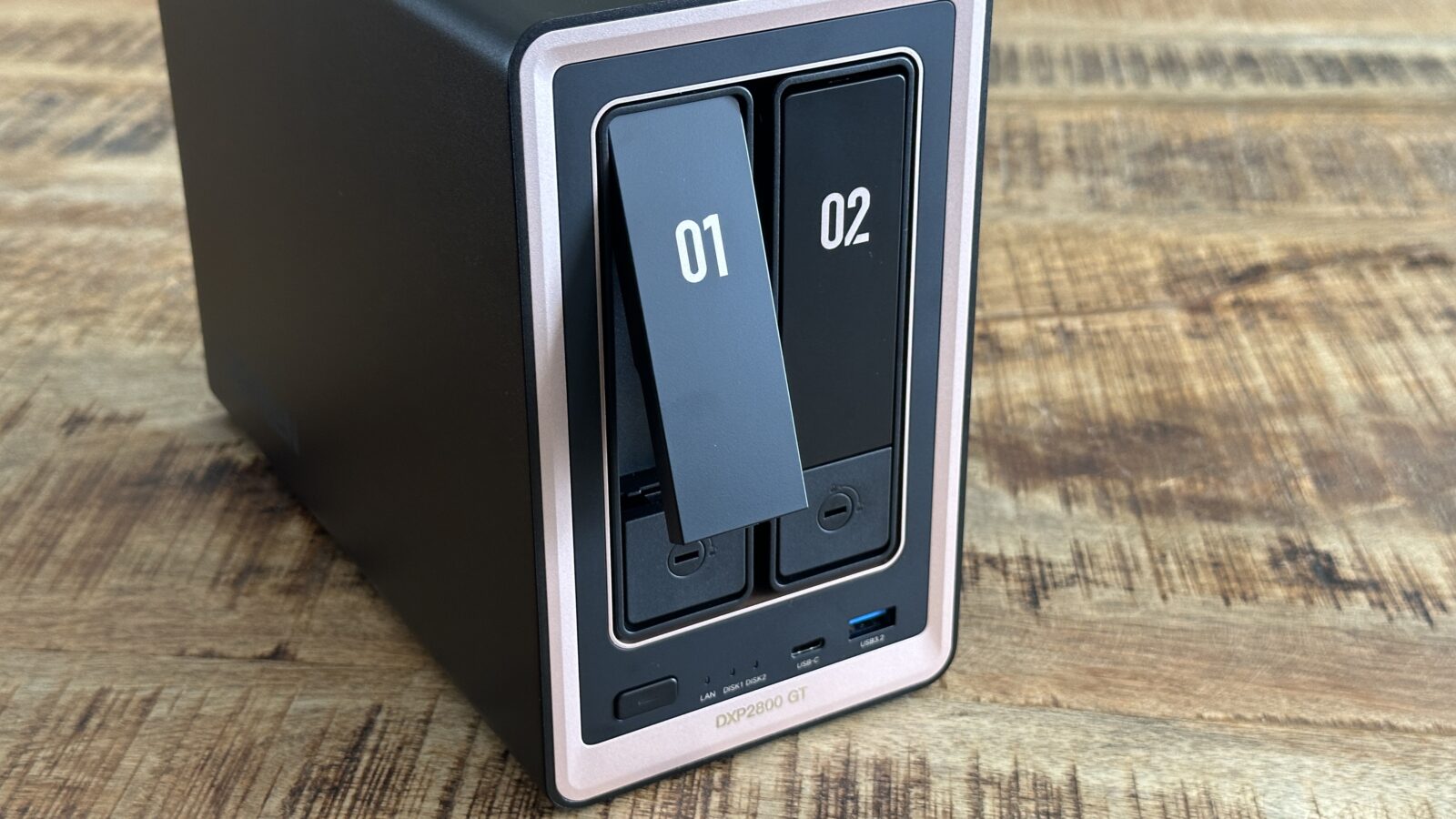
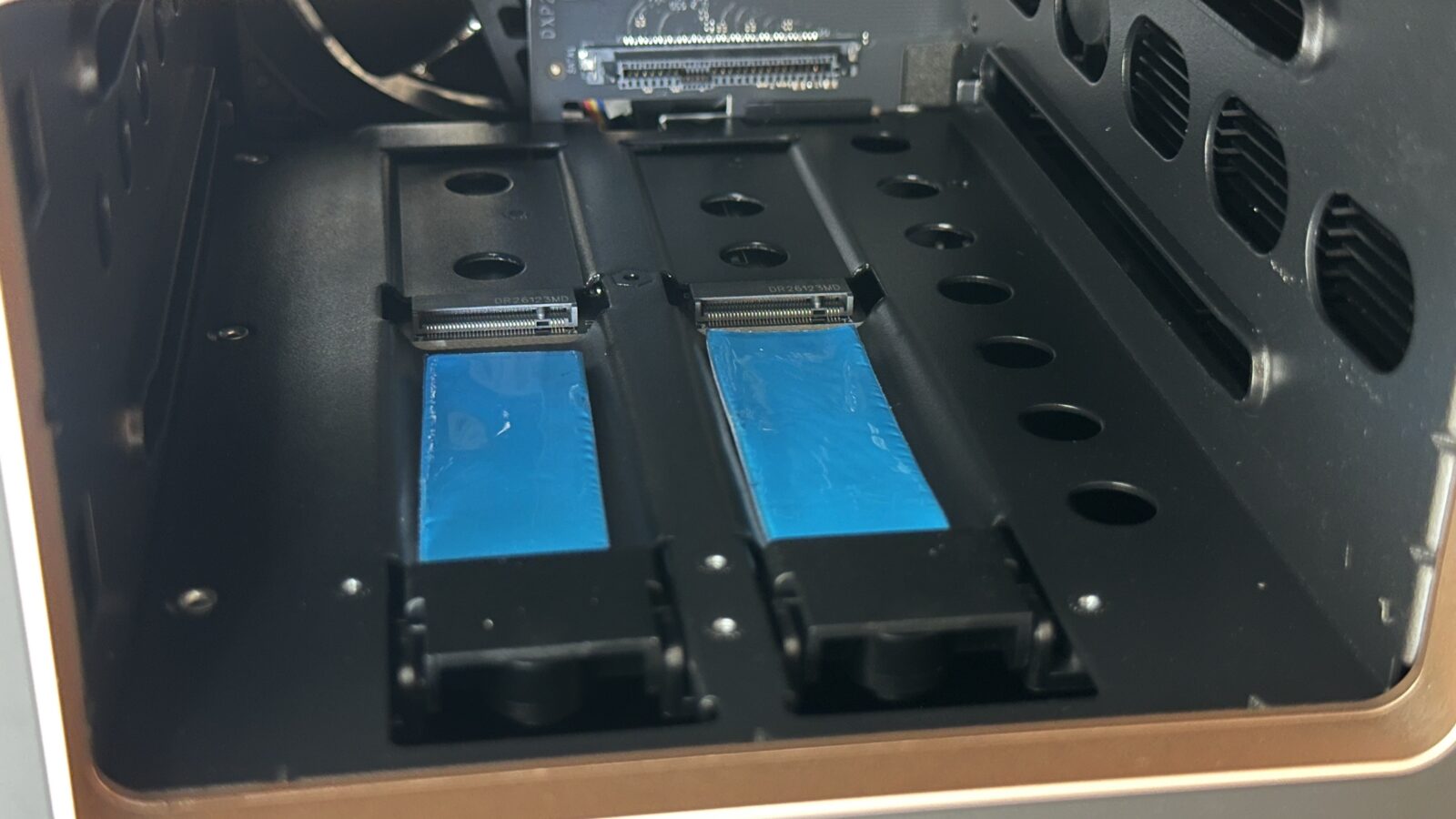
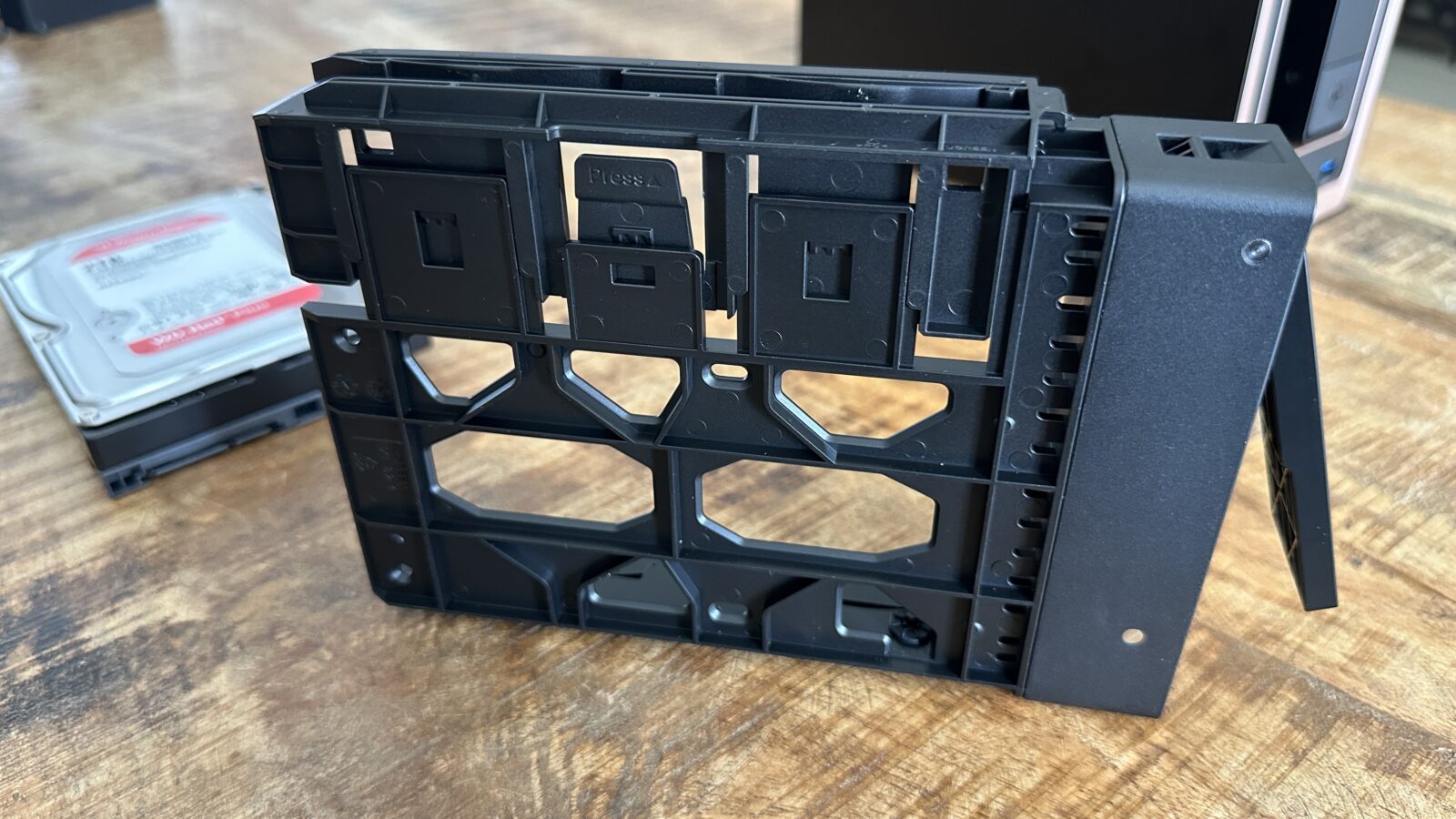
The physical design is also incredibly user-friendly thanks to a completely tool-less drive bay system that makes initial setup an absolute breeze. You simply pop out the front drive sleds, snap your hard drives into place, and slide them back into the chassis without ever needing to reach for a screwdriver. The only time you will ever need tools is when you decide you want to upgrade the internal system memory (or NVME).
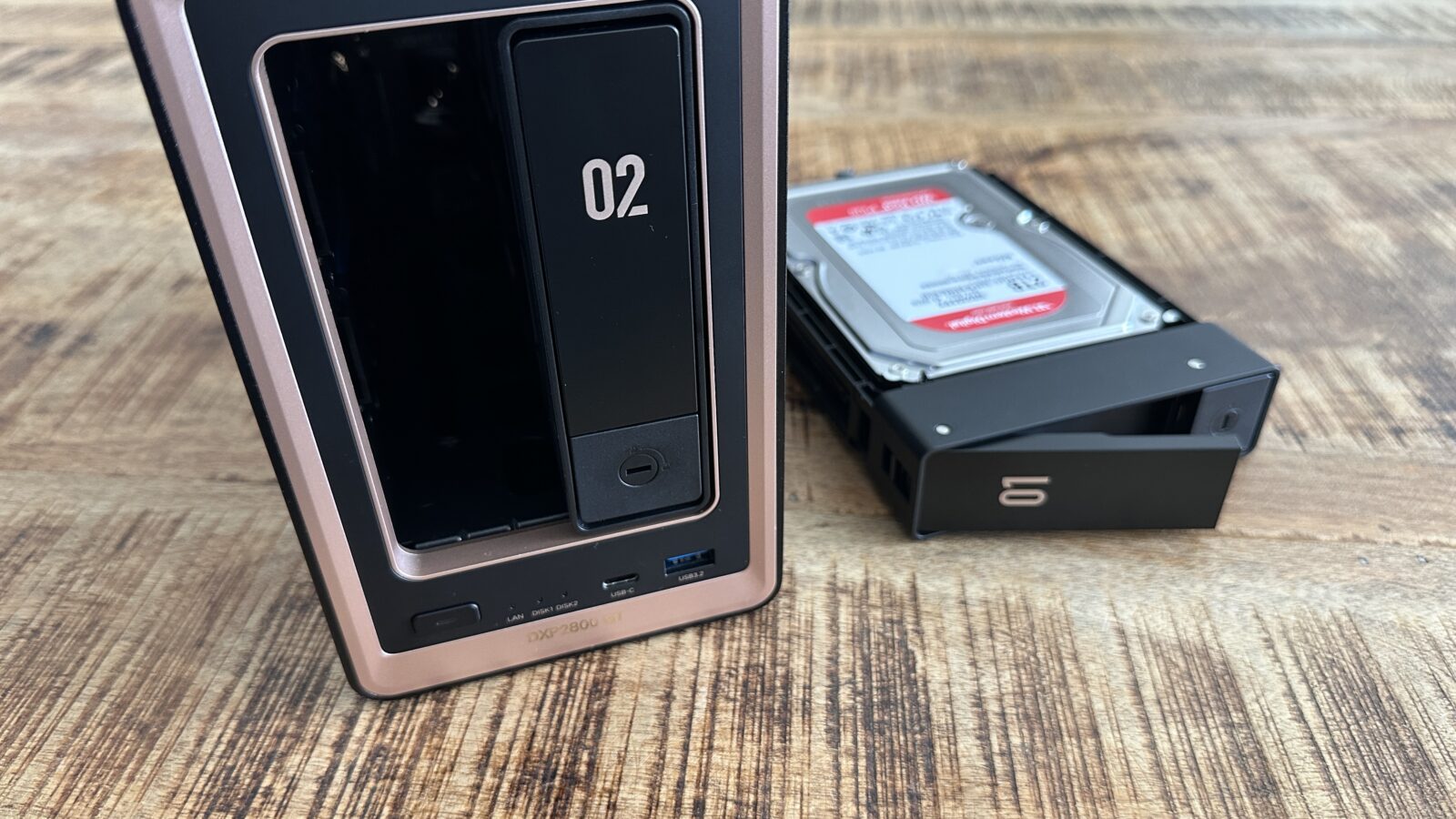
Speaking of hardware upgrades, there is a slight architectural difference between the two-bay and four-bay models that you really should know about before making a purchase.
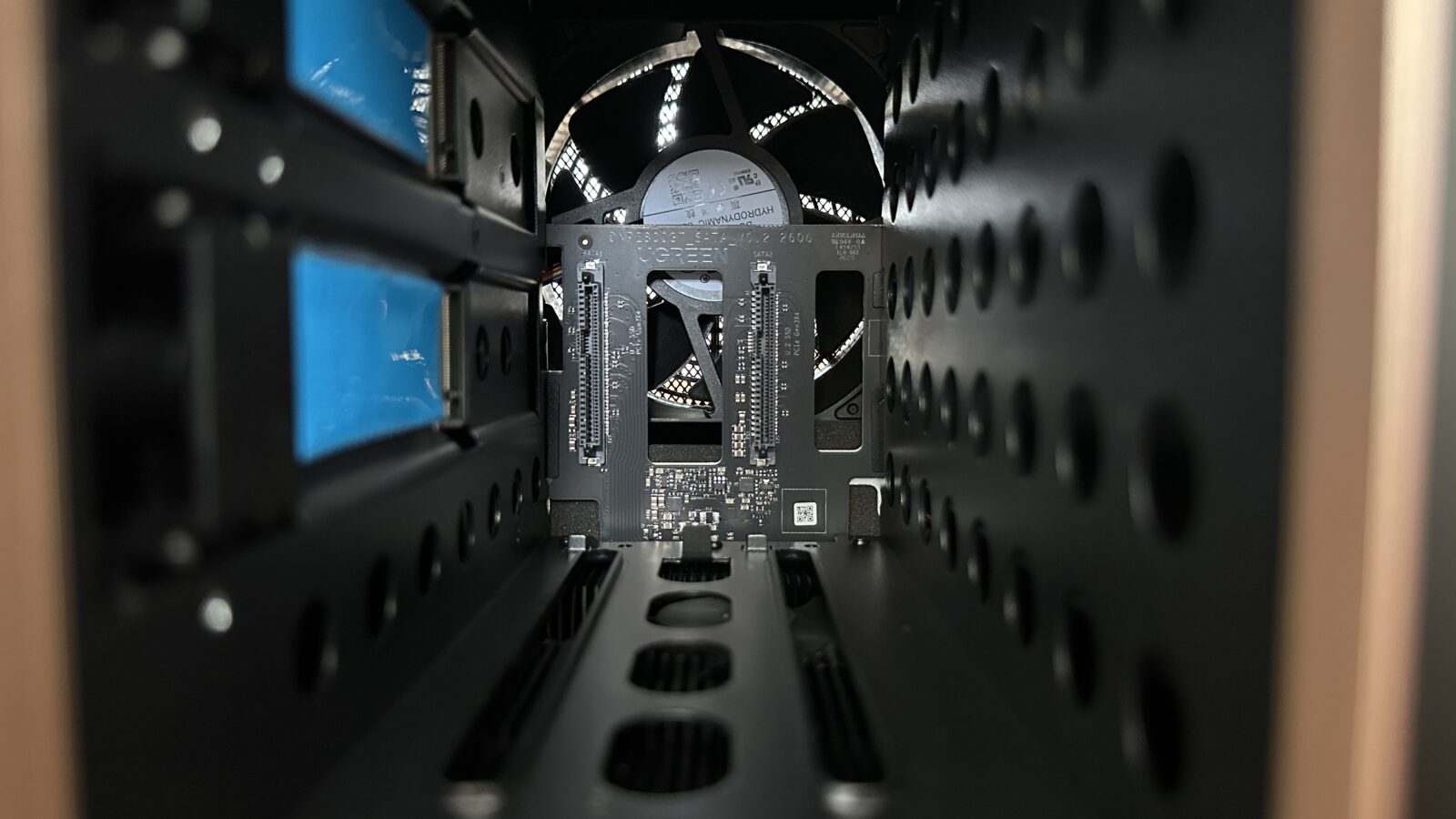
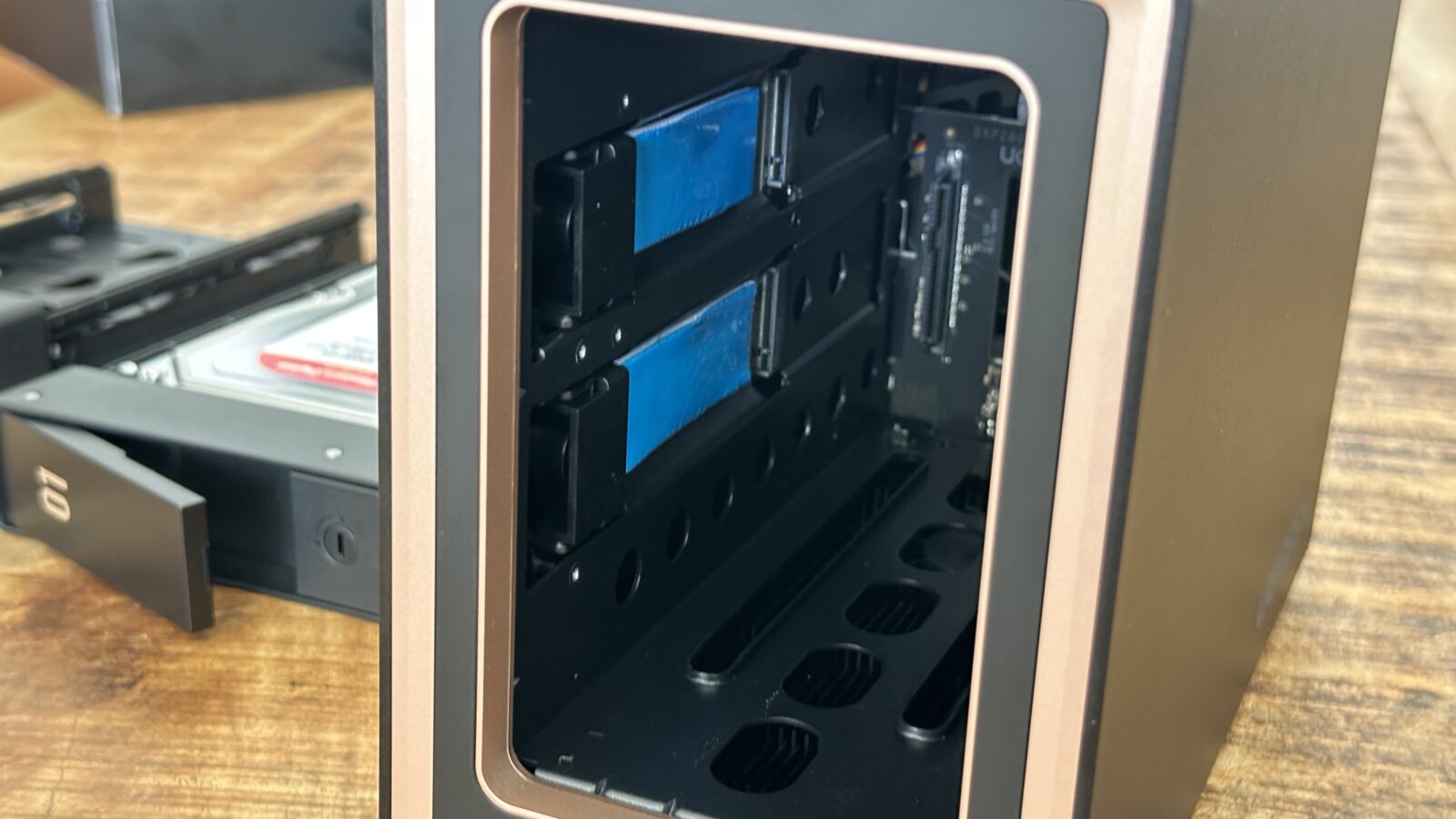
On the standard two-bay device, the NVMe solid-state drive slots are tucked inside the main mechanical drive bay area. This means you have to physically pull the hard drive cages completely out of the machine to access them, which adds a slightly annoying extra step. However, on the larger four-bay DXP4800 GT, the fast solid-state drive slots share the exact same easily accessible housing as the memory modules at the bottom.
Under the Hood: Power, ECC RAM, and the 10GbE Flex
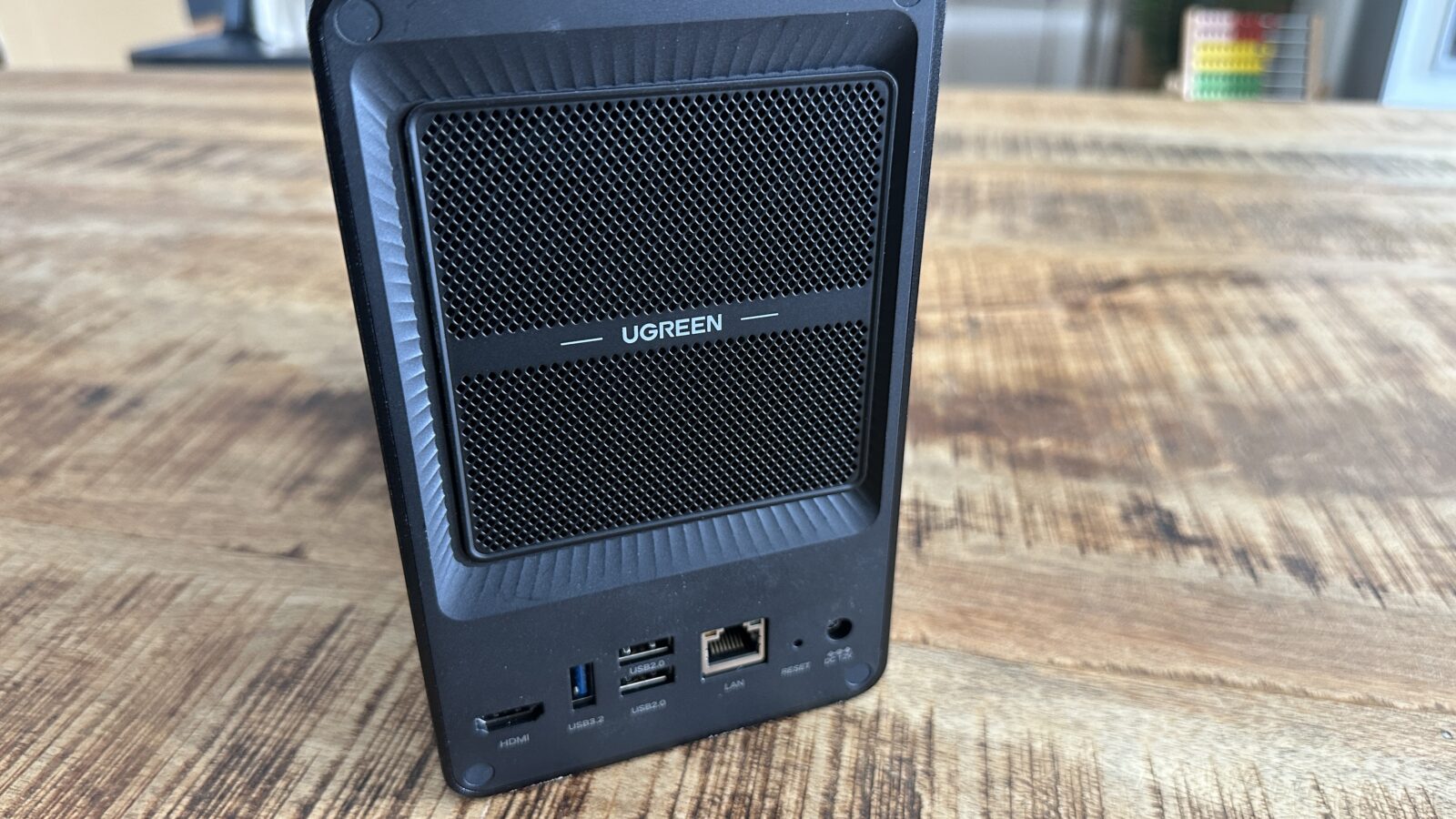
Let us get right into the technical nitty-gritty because the silicon running this network machine is where the value proposition really starts to shine. This system is heavily geared toward small business users who prioritize sensitive data integrity and rapid network transfers over basic casual file hoarding. One of my absolute favorite features is the inclusion of a wildly fast 10Gb ethernet port right out of the box as a standard feature. Having that level of networking bandwidth on a budget-friendly home server is incredibly rare and future-proofs your data workflow for years to come.
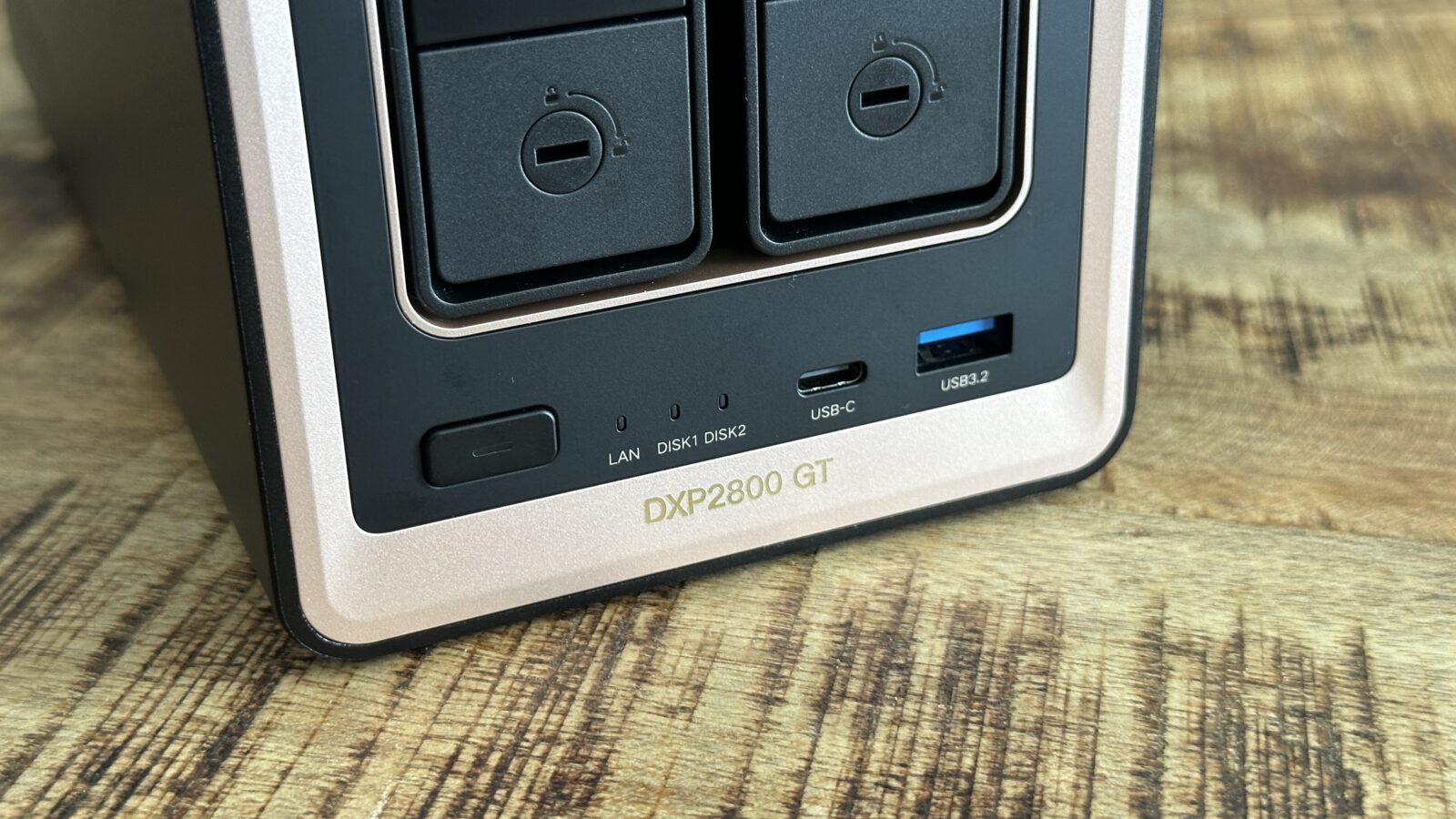
If you decide to step up to the larger four-bay model, the networking situation gets even more ridiculous with dual 10Gb ethernet connections. That larger model also throws in a convenient SD card reader on the front panel, which is an absolute lifesaver for photographers who need to dump raw footage quickly. Internally, both of these machines are powered by a highly capable AMD Ryzen Embedded R2514 processor. This specific central processing unit absolutely chews through daily file management tasks and container deployments without breaking a single sweat.
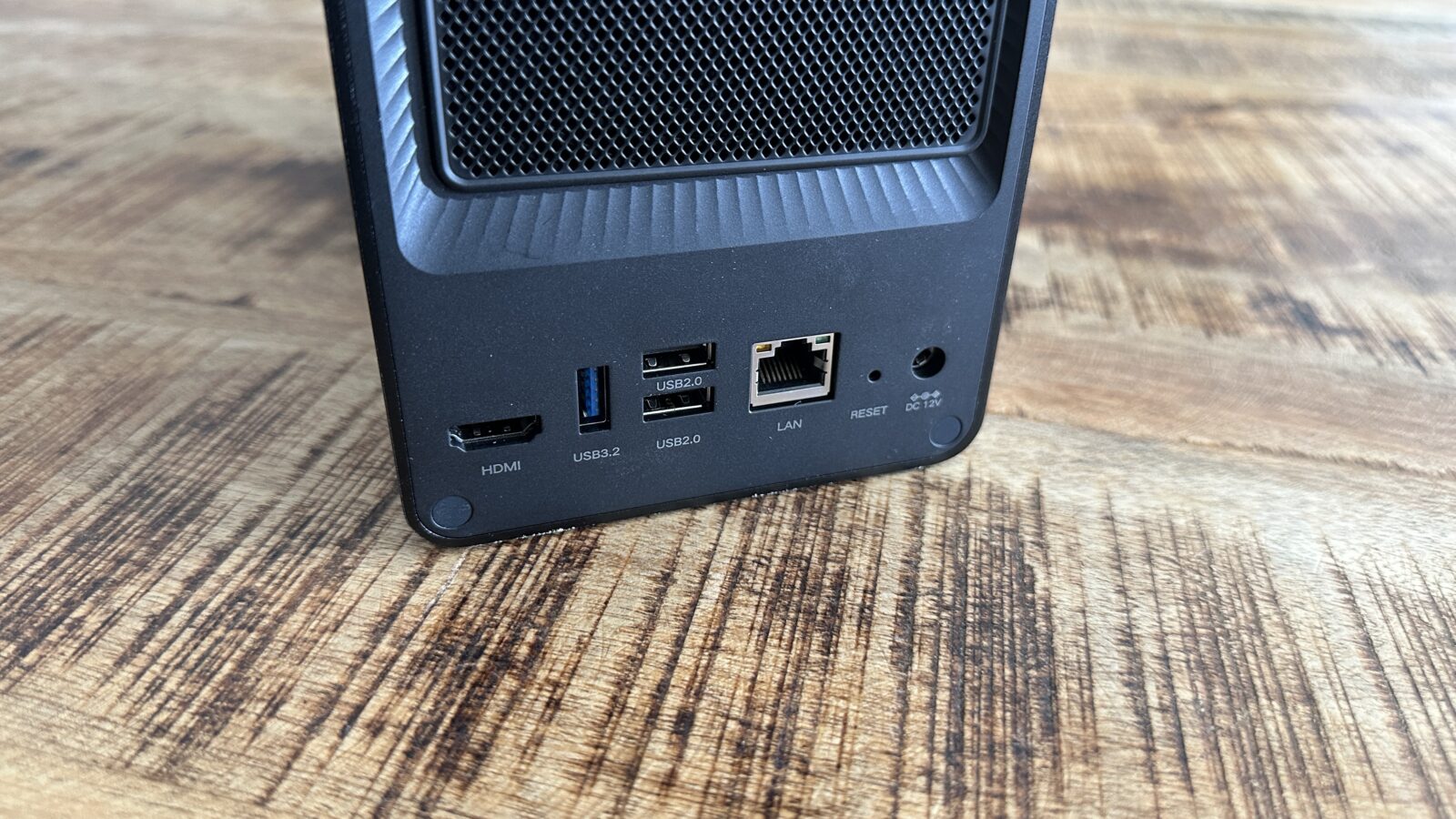
But the real star of the show for paranoid enterprise users and massive data hoarders is the highly flexible system memory configuration. The unit ships from the factory with eight gigabytes of standard non-ECC DDR4 memory, which is honestly plenty for basic backups and simple file serving tasks. However, the motherboard features two SODIMM slots and fully supports Error-Correcting Code memory if you decide to swap the sticks out later on. Allowing users to easily upgrade to ECC RAM at their own pace is a massive win for anyone using this as a reliable backup target for mission-critical business files.
UGOS Pro: Smooth Sailing with a Guiding Hand
I have tested a lot of obscure proprietary operating systems in my time, and I was fully preparing myself for a clunky, poorly translated software experience. Thankfully, the default Ugreen OS setup process is refreshingly straightforward and totally devoid of the headache-inducing terminal commands you might expect from a newcomer. You literally just slide your fresh hard drives in, power the machine on, and navigate to the local web address provided in the handy instruction manual. The clean web interface immediately takes over with a guided step-by-step wizard that holds your hand safely through the entire initialization process.
One specific software detail that I absolutely loved was how the setup wizard explicitly forces you to create your storage volumes before doing anything else. Far too many competitor operating systems simply dump you onto a confusing desktop screen without telling you that you need to configure a storage pool first. By forcing mandatory volume creation upfront, Ugreen ensures that your system is fully usable the very second you finally reach the main dashboard. It is a brilliant piece of user experience design that saves everyday people from having to read through dense documentation just to save a basic text file.
Once you are fully logged in, the operating system remains incredibly snappy, perfectly intuitive, and surprisingly devoid of any unnecessary commercial bloatware. You get a handful of basic native applications right out of the box to handle file management, and that is pretty much the entire list. If you want extra functionality like security surveillance management, cloud syncing, or intelligent photo organization, you have to intentionally download those packages yourself. I infinitely prefer this strict opt-in approach to software because it keeps the base system lean, heavily secure, and focused purely on being a reliable file server.
The UGOS App Store
While the native application library is perfectly decent for office work, we really need to address a somewhat glaring omission for the home theater crowd. If you open the Ugreen App Store right now, you will instantly notice that Plex Media Server is completely missing from the native software lineup. I suspect this comes down to complicated licensing agreements or some tedious backend certification process that just has not been finalized yet. For a device that markets itself heavily to media creators, missing a native one-click Plex install is definitely a noticeable hurdle for casual media fans. While Plex is missing, you do still get easy one click installs for apps like Jellyfin and Home Assistant from the Ugreen App Store.
Fortunately, Ugreen includes highly functional native Docker support baked right into the operating system to save the day for us software tinkerers. The built-in container management tool is surprisingly robust and features an integrated registry where you can quickly pull down popular server images. Setting up your favorite applications takes just a few clicks, and deploying a Dockerized Plex server is relatively painless with a good guide. Once you have your media containers spun up, the AMD processor handles the virtualization overhead beautifully and serves your files without any weird lag spikes.
Transcoding Reality Check: Finding the Right Workload
Since we are already talking about media servers, let us manage some realistic expectations regarding video playback and live hardware transcoding performance. If your digital media library mostly consists of native high-definition video files and high-resolution family photos, this machine will handle everything flawlessly. The integrated AMD graphics are perfectly capable of direct-playing massive files to your smart televisions, tablets, and phones all over your local wireless network. I have personally been running a Plex on the DXP2800 GT with two simultaneous streams, and it never once bogged down.
However, the physical hardware limitations become rapidly apparent the moment you ask this specific AMD processor to perform heavy on-the-fly video transcoding. If you regularly need to downscale massive 4K movie files to play on a remote mobile connection, this particular chipset is simply not rated highly for that heavy workload. Ugreen actually offers other models in their Pro and Plus lineups that feature Intel processors equipped with QuickSync technology specifically for this exact reason. Intel QuickSync is the holy grail for hardware-accelerated transcoding, so you should absolutely look at those Intel variants if you run a heavy media server for lots of remote friends.
But if your media streaming requirements, like mine, are somewhat modest and you rarely have more than two clients connected simultaneously, this AMD-powered unit performs admirably. You really have to weigh your overall computing priorities here because you are trading that Intel media performance for incredible enterprise features. For my specific professional workflow, which involves a lot of direct video editing and local network playback, the GT strikes that balance well.
The OS Lock-In
There is one significant architectural choice on the GT hardware lineup that might severely ruffle the feathers of some enthusiasts who love to experiment. Unlike the Pro and Plus models, the Ugreen operating system on this specific device is permanently baked right onto the underlying motherboard. On the premium models, the bootloader is stored on an easily accessible internal solid-state drive, allowing you to easily swap it out and install third-party operating systems like TrueNAS. On this GT unit, sideloading a totally different operating system is a bit more complicated that simply is not worth the risk of bricking your shiny new hardware.
Honestly, the stock Ugreen operating system is perfectly fine for my requirements, so I do not feel any pressing need to wipe the machine anyway. The native software interface offers all the storage management, container virtualization support, and file sharing tools that ninety-nine percent of regular users will ever actually need. But if your entire purchase justification revolves around using this beautiful metal hardware to run a dedicated Unraid server, you are definitely going to be disappointed. You should absolutely look one of the Intel-based models if complete software freedom is a non-negotiable dealbreaker for your specific home lab environment.
Two Bays or Four: Making the Long-Term Storage Call
If you are currently hovering your mouse over the checkout button, I highly recommend pausing to seriously consider upgrading your cart to the four-bay model. The two-bay version I tested is a remarkably fantastic piece of hardware, but it inherently limits your long-term digital storage potential right out of the gate. To keep your sensitive business data perfectly safe from an inevitable mechanical hardware failure, you really need to configure your drives in a redundant RAID 1 array. Unfortunately, a mirrored configuration on a two-bay unit means you instantly lose exactly half of your total physical storage capacity just to maintain data redundancy.
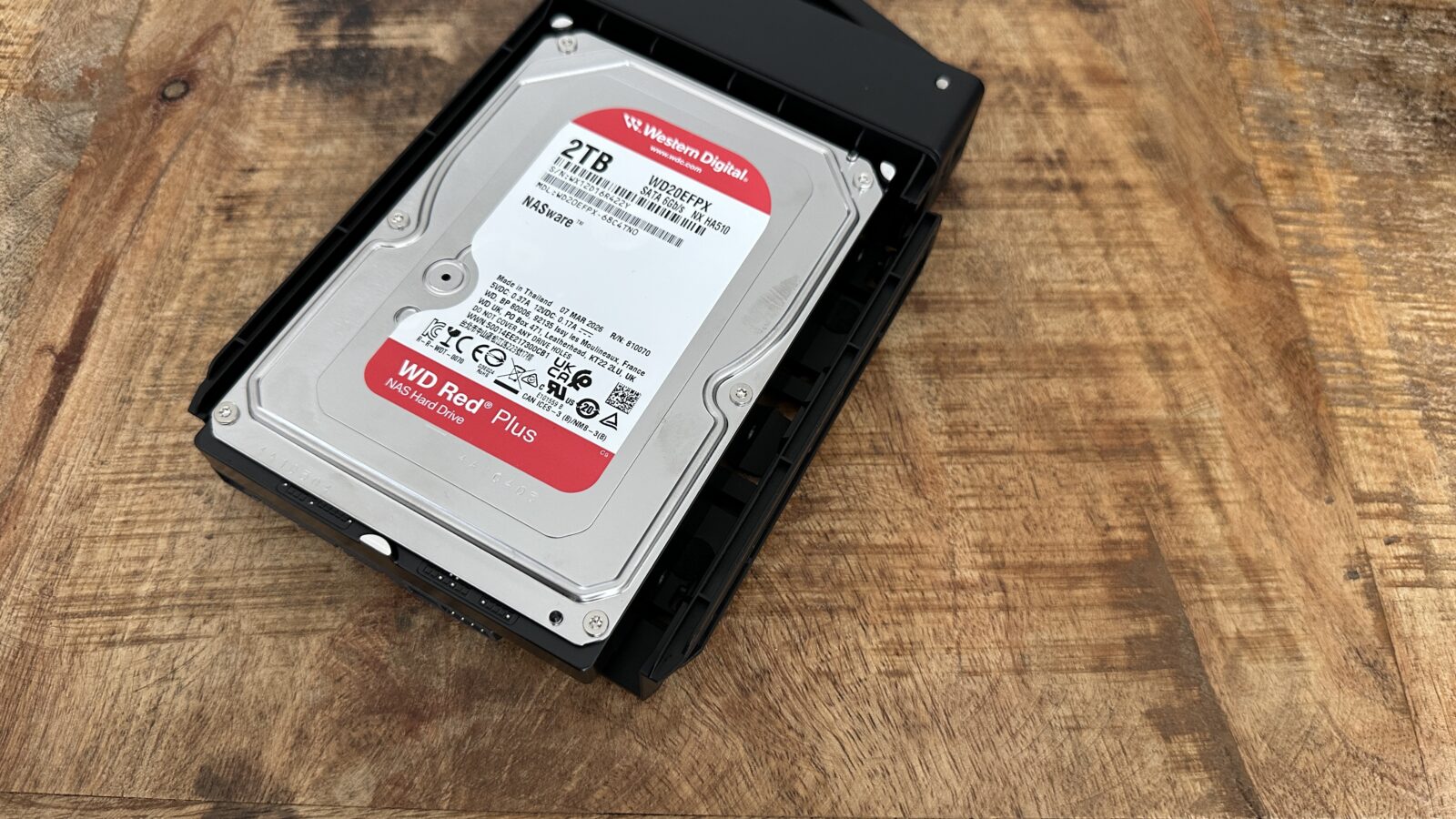
During my rigorous testing period, I populated the dual drive bays with two identical 2TB Western Digital hard drives that I had sitting on my workbench. Because I absolutely demanded drive redundancy to protect my critical project files, my total usable capacity immediately dropped to a rather claustrophobic 1.86 terabytes of actual usable space. A four-bay unit completely changes that mathematical equation by allowing you to utilize RAID 5, which offers failure protection while safely maximizing your overall storage yield. Dropping a little extra cash upfront for the larger heavy-duty chassis will save you a massive headache when you inevitably run out of space in two years.
Verdict
Overall, I am incredibly impressed with what this aggressive newcomer has confidently brought to a historically stagnant and highly overpriced hardware market. You are getting premium build quality, ridiculously fast networking speeds, and a genuinely intuitive software experience at a seriously competitive price point. Legacy server brands like Synology and QNAP have grown entirely too comfortable releasing incremental plastic upgrades that severely lack this kind of modern feature set. Ugreen is clearly listening to what the enthusiast community actually wants, and this beautiful hardware proves they are a highly serious contender in the storage space.