• stories
    • Tech
    • Auto
    • Guides
    • Opinions
  • Reviews
    • READERS’ CHOICE
    • ALL REVIEWS
    • ━
    • SMARTPHONES
    • CARS
    • HEADPHONES
    • ACCESSORIES
    • LAPTOPS
    • TABLETS
    • WEARABLES
    • SPEAKERS
    • APPS
  • screen time
    • TV & MOVIE REVIEWS
    • SPOTLIGHT
  • GAMING
    • GAMING NEWS
    • GAME REVIEWS
  • quick bytes
  • M
Reading: How to use Gmail’s meeting-scheduling feature
Font ResizerAa
Font ResizerAa
  • for you
  • latest
  • picks
  • trends
  • stories
    • TECH
    • AUTOMOTIVE
    • GUIDES
    • OPINIONS
  • REVIEWS
    • READERS’ CHOICE
    • ALL REVIEWS
    • ━
    • SMARTPHONES
    • CARS
    • HEADPHONES
    • ACCESSORIES
    • LAPTOPS
    • TABLETS
    • WEARABLES
    • SPEAKERS
    • APPS
  • screen time
    • TV & MOVIE REVIEWS
    • SPOTLIGHT
  • GAMING
    • GAMING NEWS
    • GAME REVIEWS
  • quick bytes
Follow US

How to use Gmail’s meeting-scheduling feature

GEEK DESK
GEEK DESK
Sep 17, 2023

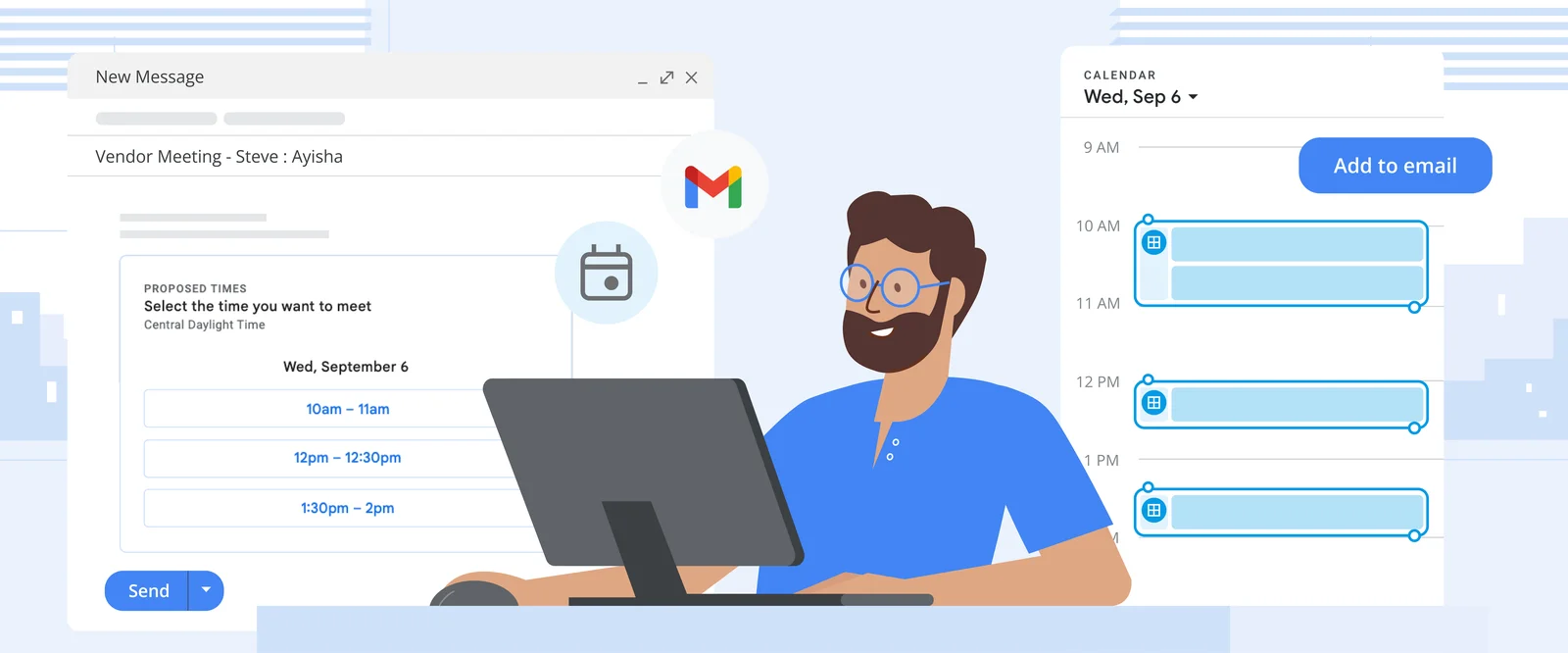
With the latest updates, you can now schedule meetings and find slots to meet directly from your Gmail inbox, without needing to navigate separately to your Google Calendar. You can also create the usual detailed calendar events you’re used to from your inbox.

Here’s how to find time to meet in Gmail

  1. Compose a new email with recipients, or open a reply to an email you’ve received from someone you need to meet with.
  2. Click the Calendar icon at the bottom of your message. If you can’t see this option, click the More options icon (the three dots) and hover over “Set up a time to meet.”
  3. Select “Offer times you’re free.”
  4. Your calendar will open in a pane to the right of the email. Select one or more open time slots that work for you. You can add multiple time slots per day or add time slots on different days.
  5. Click “Next,” then fill out relevant fields (the title of your meeting, duration, location and description).
  6. Click “Add to email” to send your proposed times to your email recipients. From there, they can choose the time that works best for them. Once they choose, the event will appear on both your calendars.
Annihilated is a charming horror deckbuilder that breaks your heart
Developers are already turning Apple’s iPhone Duo into a Walkman
Microsoft’s Nadella wants an AI emergency brake, and here’s why
“Hello, Mark”: Apple’s foldable iPhone launch gets a personal twist
Google just took away free Gemini users’ power to choose models
Nothing’s CMF made a Bluetooth speaker shaped like a milk carton
[the_ad id="88649"]
Follow US
Caffeine. Chaos. Content.
© Absolute Geeks Media FZE LLC 2014–2026.
Proudly made in Dubai, UAE ❤️
Contact · About · Editorial Policy · Privacy Policy
Welcome Back!

Sign in to your account

Username or Email Address
Password

Lost your password?