
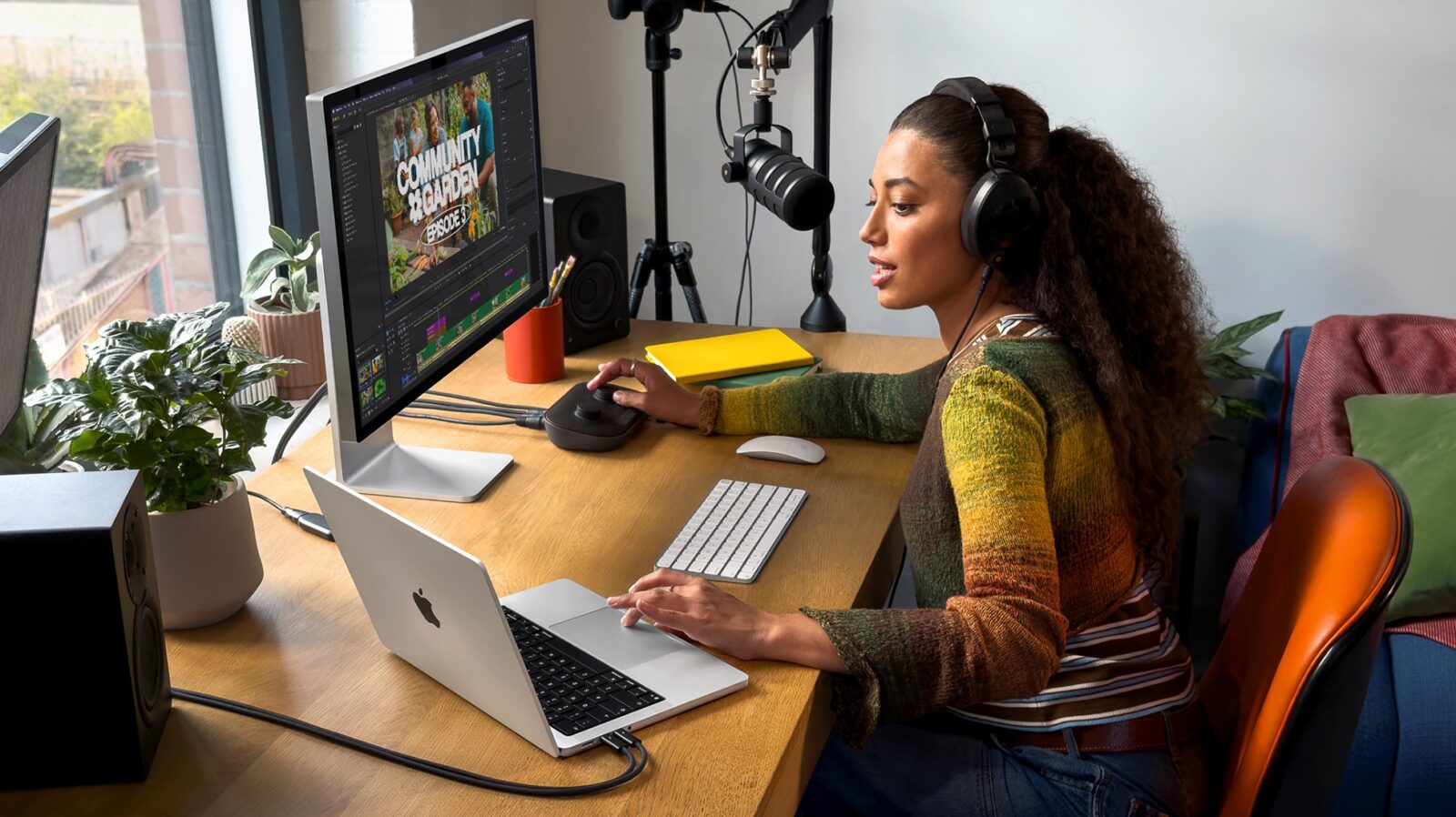
TL;DR: The M6 MacBook Pro brings a 2nm 12-core chip, a dual Neural Engine, 170GB/s bandwidth, Wi-Fi 7 and Bluetooth 6, starting at AED 8,499 in the UAE with 16GB and 1TB. It’s an excellent upgrade for M3, M1 and Intel owners and a strong choice for M4 users with AI-heavy workloads.

Every autumn Apple releases a new MacBook Pro, and most years the honest reaction is a polite nod. The M6 MacBook Pro deserves more than that. A 2nm chip, two Neural Engines, a big jump in memory bandwidth and long-overdue wireless upgrades make it the most capable 14-inch MacBook Pro Apple has built. Owners of M3 and M4 machines, now two or three generations behind, will find meaningful improvements in performance, local AI capability and everyday usability. Here’s what changed, why it matters, and how to tell whether your current MacBook Pro is ready to be replaced.
The best MacBook Pro yet, and the timing is right
Against last year’s M5 model, Apple claims up to 30 percent better GPU performance and up to 25 percent faster AI processing. That’s a strong gain for a single generation, and it builds on several years of large improvements in Apple Silicon. Most buyers don’t replace a laptop every year, though, so the real winners are people who bought in 2023 or 2024. Their M3 and M4 MacBook Pros still feel quick, but the M6 brings enough new capability to make an upgrade feel like a proper level-up rather than a stat refresh. For anyone whose work has grown heavier since they bought, it’s an appealing machine.
For M1 and Intel owners, the M6 is a dramatic improvement. Apple’s comparisons against the M1 MacBook Pro cite up to 13 times faster LLM prompt processing and up to 11.7 times faster ray-traced rendering in Blender. Those are best-case results from carefully chosen workloads, but the direction is clear, and six years of Apple Silicon development show up in every part of the system. If you’re still on an Intel MacBook Pro, the jump is comparable to moving from a previous console generation to a current-gen flagship. For you, the only real question is which configuration to choose.
The M6 chip: more cores, more headroom
The M6 is built on a 2nm process, ahead of the 3nm-class nodes behind the M3, M4 and M5. A smaller process lets Apple fit more transistors into the same space and run them more efficiently, and Apple used that room to add cores. The M6 has a 12-core CPU and a 12-core GPU, two more of each than the M4 and M5 and four more CPU cores than the M3. That extra capacity helps most with sustained, demanding work: compiling code, exporting video, rendering 3D scenes and running many apps at once. For professionals, it means less waiting on progress bars.
For lighter tasks, the M6 gives you room to grow rather than an instant speedup. Browsing, email and video calls already run smoothly on recent Macs, so the extra cores won’t transform them. What you get is headroom: a laptop that should keep handling heavier apps and bigger projects for years. I think of it like a stronger character build in an RPG, which you mainly notice when the boss fights get harder. For a $2,000 machine you plan to keep for several years, that future-proofing has real value.
Neural Engine and memory bandwidth: the M6’s standout feature
The M6’s most exciting change is its AI hardware. It uses a dual 16-core Neural Engine, where the M3 and M4 each have a single 16-core unit, and memory bandwidth rises to as much as 170GB/s, up from 100GB/s on the M3 and 120GB/s on the M4. That bandwidth matters a lot for local AI, because large language models often depend on how quickly the chip can move model weights through memory as much as on raw compute. A wider path can make locally run models noticeably more responsive. Of all the M6’s improvements, this is the one most likely to change how you work rather than just making the same tasks a bit faster.
If you run local LLMs, experiment with on-device image generation, or rely on apps that are rapidly adding AI features, the M6 is a significant upgrade over both older chips. The one thing to check first is software support, since apps have to be built to use Apple’s Neural Engine and GPU and that varies by tool. As more creative and developer apps add on-device AI, that support is spreading quickly. Buying the M6 now puts you ahead of those changes instead of waiting for older hardware to catch up.
The same excellent design, with a brighter screen and better camera for M3 owners
Apple kept the parts of the MacBook Pro that already worked. The 14-inch M6 model retains the aluminum unibody and the same dimensions as the M3 and M4 versions, so your sleeves, stands and bags still fit. It also keeps the 120Hz Mini LED Liquid Retina XDR display, the six-speaker system and the three-mic array, all of which remain among the best in any laptop. The M6 comes in Space Black, a finish the base M3 configuration never offered. Apple didn’t need to redesign anything, and its decision to put the effort into performance was the right one.
M3 owners in particular get a much better daily experience. Starting with the M4 generation, SDR brightness rose from 600 to 1,000 nits, which makes a clear difference in bright rooms and outdoors. The 12-megapixel Center Stage camera is also a major step up from the M3’s 1080p FaceTime HD camera, and you’ll notice it on every video call. M4 owners already have both features, which shows how well that generation has aged. For M3 owners moving to the M6, the screen and camera improvements alone are a good reason to upgrade.
Wi-Fi 7, Bluetooth 6 and a better desk setup
Wireless connectivity is a clear upgrade over all three previous generations. The M6 MacBook Pro supports Wi-Fi 7 and Bluetooth 6, while the M3, M4 and M5 used Wi-Fi 6E and Bluetooth 5.3. Paired with a Wi-Fi 7 router, the new standard can deliver higher throughput and lower latency, which helps with large file transfers and cloud-based work. Even if you haven’t upgraded your router yet, buying the M6 means you won’t need to replace the laptop when you do. A machine that’s ready for the next few years of networking is a welcome change.
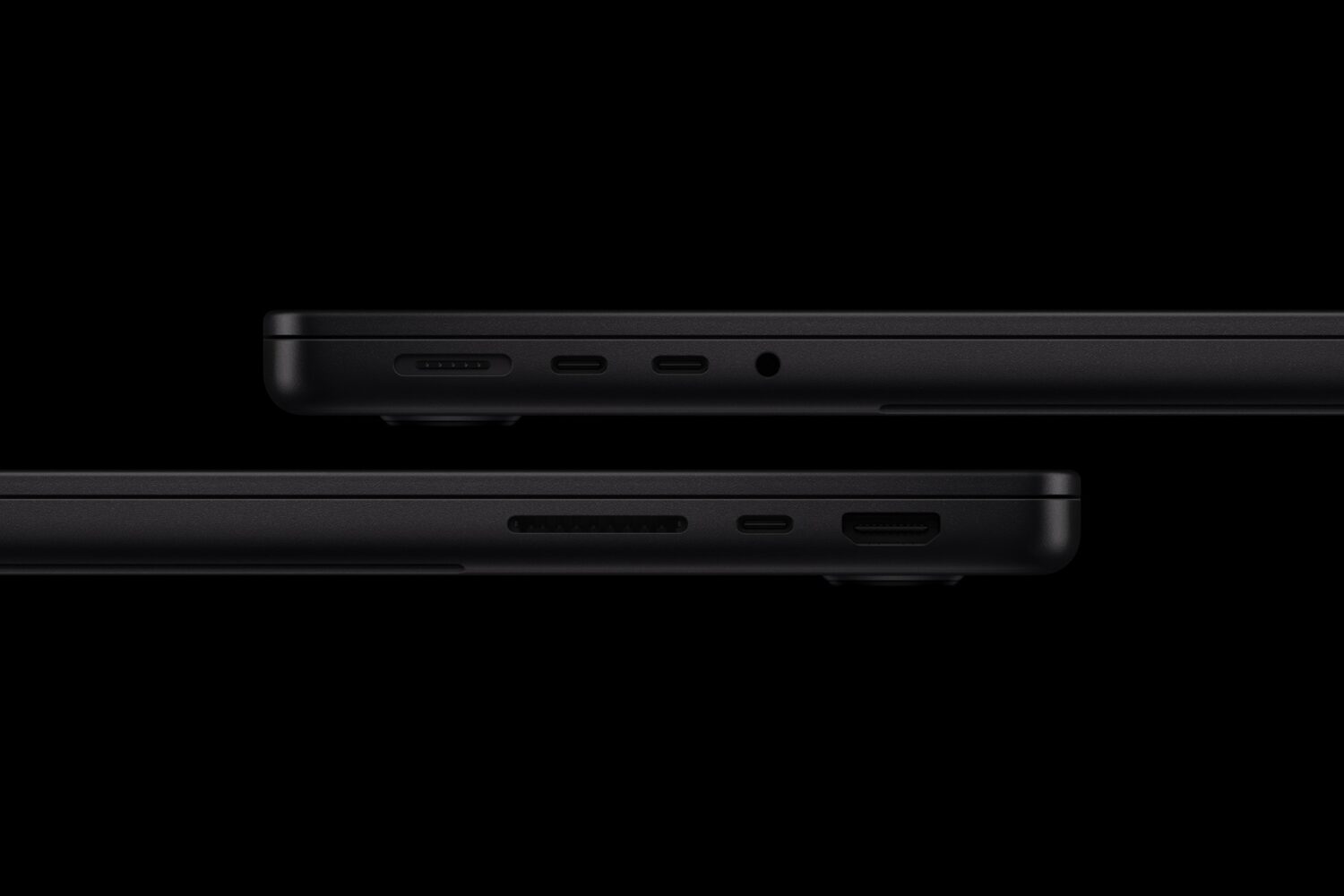
Desk setups improve too. The base M3 MacBook Pro has two USB-C ports, while the M6 has three, so you’ll need fewer adapters. The M6 can drive two external monitors with its built-in display still on, which the M4 and M5 also support, but the base M3 can only run two external screens with its lid closed. For anyone using a multi-monitor setup, that limitation was a daily irritation. The M6 removes it and gives you three usable screens.
Battery life: more power without the penalty
The M6 MacBook Pro has a 72.4Wh battery, compared with 70Wh in the M3 model, and Apple rates it at up to 24 hours, up from the M3’s 22 hours. It matches the M4’s 24-hour rating while delivering considerably more performance, which shows the efficiency gains of the 2nm chip. Like all manufacturer figures, Apple’s ratings come from relatively light test conditions, so demanding work will use power faster. Still, a much faster chip with no loss in battery life is exactly what you want from a new generation.
M3 owners get a little more endurance, and M4 owners keep the same excellent battery life with a more capable chip. For anyone moving from an older model whose battery has worn down after years of daily charging, the M6 will feel especially good. You get full-day endurance, a new battery and far more performance in one purchase. It’s a strong combination for people who work away from a desk.
Price: better value than the sticker suggests
In the UAE, the 14-inch M6 MacBook Pro starts at AED 8,499, or AED 8,099 with education pricing. Pre-orders open on October 28, with deliveries and in-store availability from Friday, November 6. The base model comes with 16GB of unified memory and 1TB of storage, which is a more complete starting point than the base M3 model’s 8GB of RAM and 512GB of storage. For professional work, 16GB is a realistic baseline, and 1TB means you won’t be managing a full drive in the first month. If your projects need more memory, the M6 can be configured with up to 32GB, which is worth considering for large local AI models or complex creative work.
For M3 owners with 8GB of RAM, the extra memory makes the upgrade especially compelling. Running out of memory hurts performance more than almost any chip difference, because the system ends up swapping to storage instead of doing your work. The M6 fixes that while also adding more cores, the dual Neural Engine and much higher bandwidth. M4 owners, who usually already have 16GB, are paying mainly for the M6’s AI and rendering capability. For creators and developers who rely on that work, AED 8,499 is easy to justify.
Who should upgrade to the M6 MacBook Pro
M3 owners have the strongest case, and for most of them the M6 is a clear recommendation. You gain four more CPU cores, roughly 70 percent more memory bandwidth on paper, a brighter display, a far better webcam, a third USB-C port, two external monitors with the lid open, Wi-Fi 7 and a base configuration that solves the 8GB problem. If you’ve been running into slowdowns, full storage or monitor limits, this is the right upgrade. Even light users will appreciate the screen and camera improvements every day.
M4 owners using local AI, 3D rendering or GPU-heavy creative apps will get real benefit from the second Neural Engine, the higher bandwidth and the extra GPU cores. If your M4 mainly handles writing, browsing and meetings, it already shares the M6’s display, camera, battery rating and monitor support, so you can keep it a little longer. M5 owners have a recent machine and can comfortably skip this year. For anyone still on an M1 or Intel MacBook Pro, the M6 is an easy recommendation and one of the biggest upgrades you can make to your setup.
Bottom Line
The M6 MacBook Pro is Apple’s most capable 14-inch laptop so far, and it improves on an already excellent design in the areas that will matter over the next few years. The 2nm chip, dual Neural Engine and 170GB/s memory bandwidth make it especially strong for local AI and heavy creative work, while Wi-Fi 7, Bluetooth 6 and the improved base configuration help it stay current. M3 owners get enough improvements, from performance and memory to display, camera, ports and monitor support, to make it an excellent upgrade. M4 owners with AI or rendering-heavy workflows will feel the difference, and M1 and Intel owners will find it a major step forward. M5 owners can wait. For most people with an older MacBook Pro, the M6 is the one to buy.