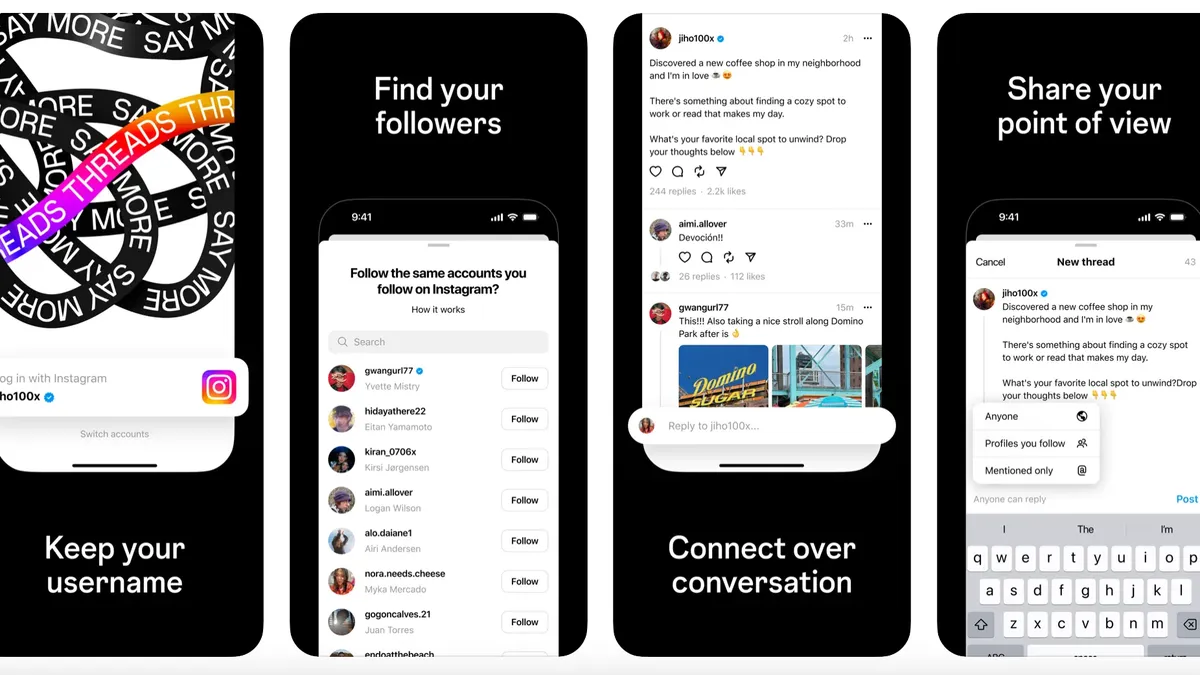
Threads have update their app, and have rolled out the Following tab on the feeds page. The feature was one of the main ask from users since the launch.
The new Following tab for Threads ( on both iOS and Android) allows users to see a chronological feed of posts from their followers, as opposed to the launch option where we had to scroll through endless random posts from people.

How to activate the feature?
After updating to the latest version, all you need to do is double tap the Threads logo on the top of the page, or the home button on the bottom. note if you close the app, and reopen, the “For You” will be back as default for now, but this might change with future updates.
If tapping the icon doesn’t change your feed layout, then the feature hasn’t been rolled out to your account yet, and will be coming soon.