
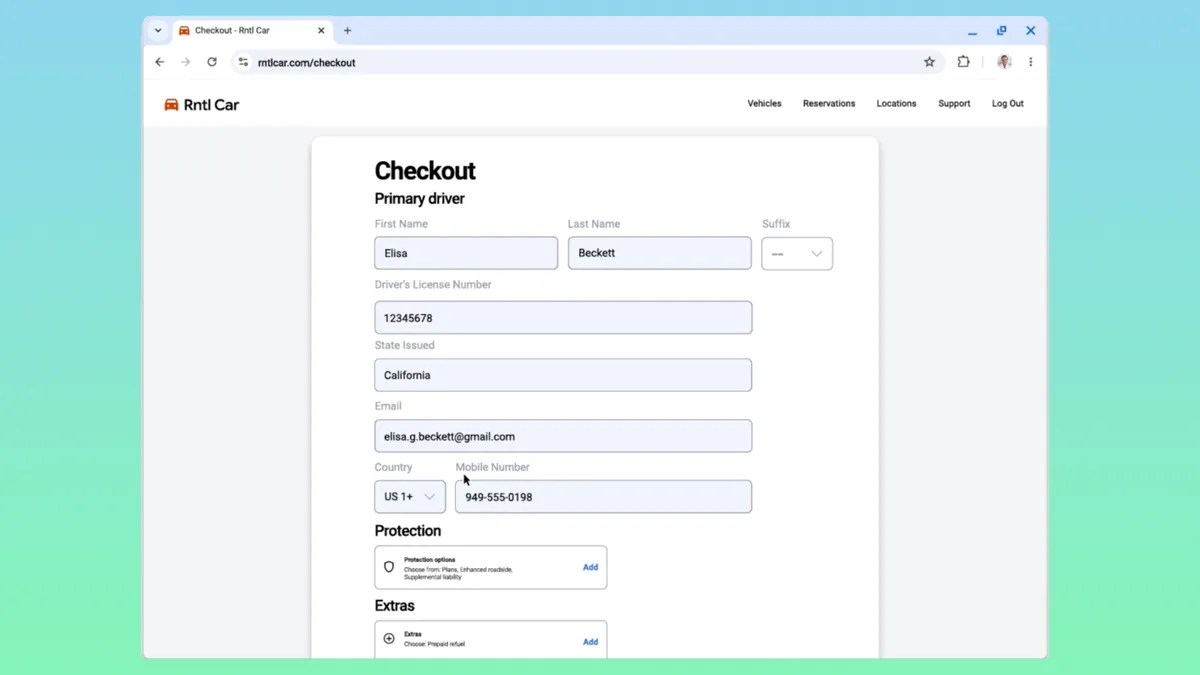
Google is expanding Chrome’s autofill capabilities with a new feature that remembers more than just passwords and credit card numbers. The browser can now securely store government and vehicle identification details — including driver’s license numbers, passport numbers, license plates, and VINs — to make filling out online forms faster and more convenient.
The update, known as “enhanced autofill,” began rolling out globally on November 3 across all regions and languages. It builds on Chrome’s existing autofill system, which already handles passwords, payment methods, and addresses. With this new addition, users can now save and automatically complete identification fields on websites that request personal or vehicle information.
When users enter one of these details for the first time, Chrome will prompt them to save it under enhanced autofill. Once stored, the browser can populate these fields automatically — for example, when booking a rental car, filling out government forms, or renewing a passport online. The process is similar to Chrome’s existing autofill pop-ups for saved addresses or payment details.
Enhanced autofill is turned off by default, meaning users must enable it manually. To do so, users can open Chrome’s three-dot menu, select Settings > Autofill and passwords > Enhanced autofill, and switch on the toggle. From that menu, it’s also possible to manually add, delete, or edit stored information.
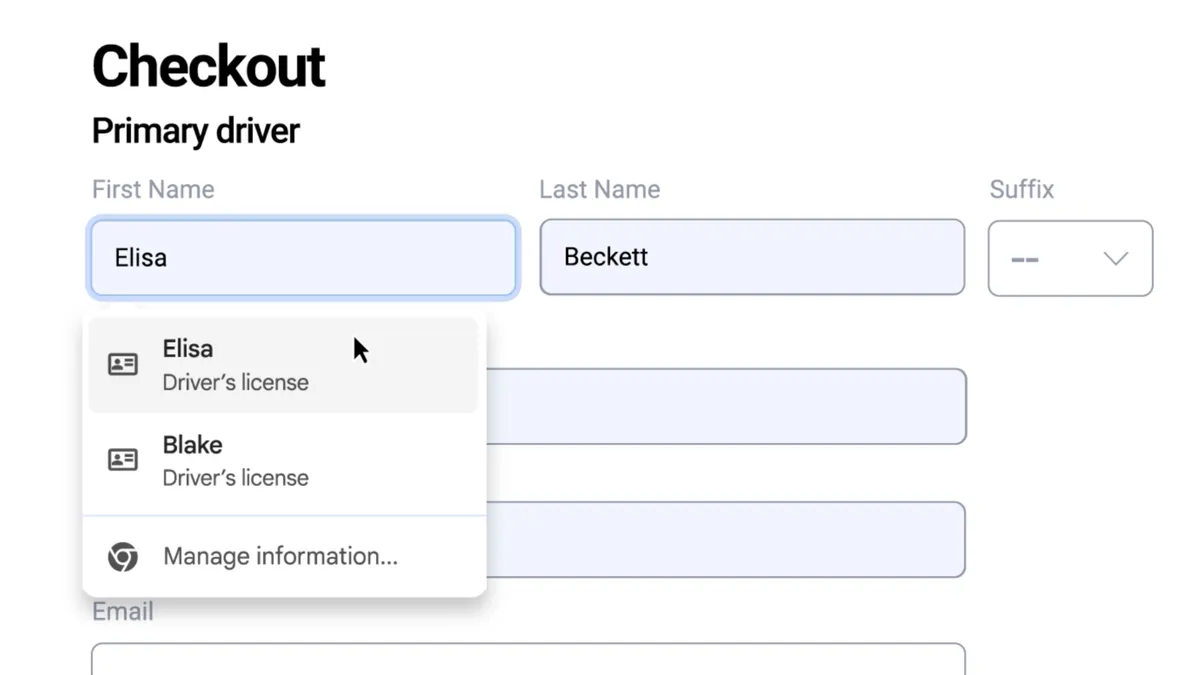
According to Google, all data saved through enhanced autofill is encrypted and remains private to the user. The company notes that Chrome may share limited page information — such as URLs and form structure — with Google servers to improve autofill accuracy and suggestions, though the contents of the saved data itself are not shared. The feature only activates after users explicitly turn it on and confirm which details to store.
Google emphasizes that the tool is designed for both convenience and security, aiming to reduce the need to retrieve physical documents for routine online tasks. For users who frequently fill out registration or verification forms, enhanced autofill eliminates the repetitive process of looking up IDs or car details.
The update marks another step in Google’s broader push to make Chrome a more comprehensive identity and data manager. Future updates are expected to expand the range of supported information types beyond identification and vehicle data, further blending browser functionality with secure personal recordkeeping.