ChatGPT, the popular AI chatbot, is making waves again with significant enhancements to its data analysis capabilities.This time, the focus is on seamless integration with cloud storage platforms and interactive visualization tools.
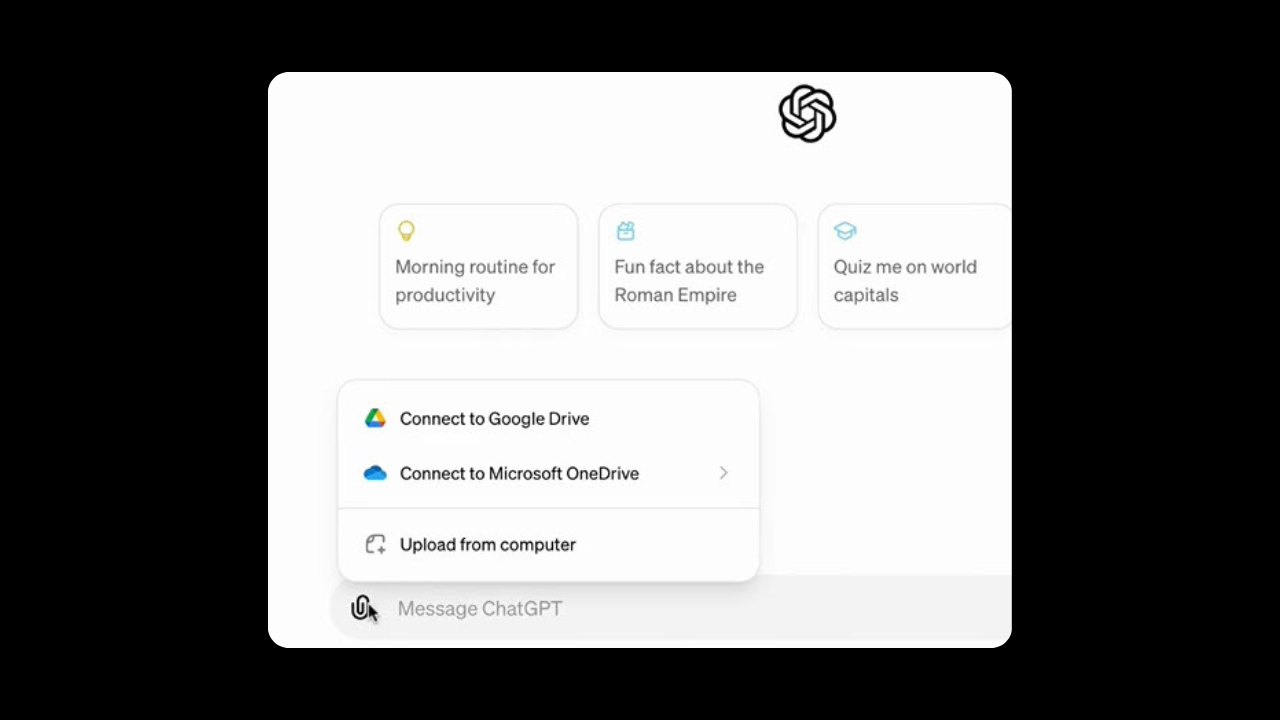
ChatGPT Plus, Team, and Enterprise users can now rejoice as they can directly access and analyze data files stored in Google Drive (Sheets, Docs, Slides) and Microsoft OneDrive (Excel, Word, PowerPoint). This eliminates the tedious process of manual downloads and uploads, streamlining the data analysis workflow.
But that’s not all! Static reports are a thing of the past. ChatGPT now presents data in interactive tables that can be expanded for a more comprehensive view. Users can also click on specific areas to ask follow-up questions, fostering a deeper understanding of the data.
Imagine you’ve uploaded a dataset containing monthly expenses. ChatGPT will automatically generate an interactive table that expands to a full-screen view, allowing you to track changes in real time during your analysis. You can then click on specific cells to ask questions like, “Which expense category increased the most in the last quarter?” or choose from ChatGPT’s suggested prompts to further explore the data.
Furthermore, ChatGPT now offers customizable chart options such as bar, line, pie, and scatter plots. You can hover over elements to explore data points, ask for clarifications, and adjust colors to create visually appealing charts ready for presentations or reports.
These innovative features are powered by the new GPT-4 model and are exclusively available to ChatGPT Plus, Team,and Enterprise subscribers.