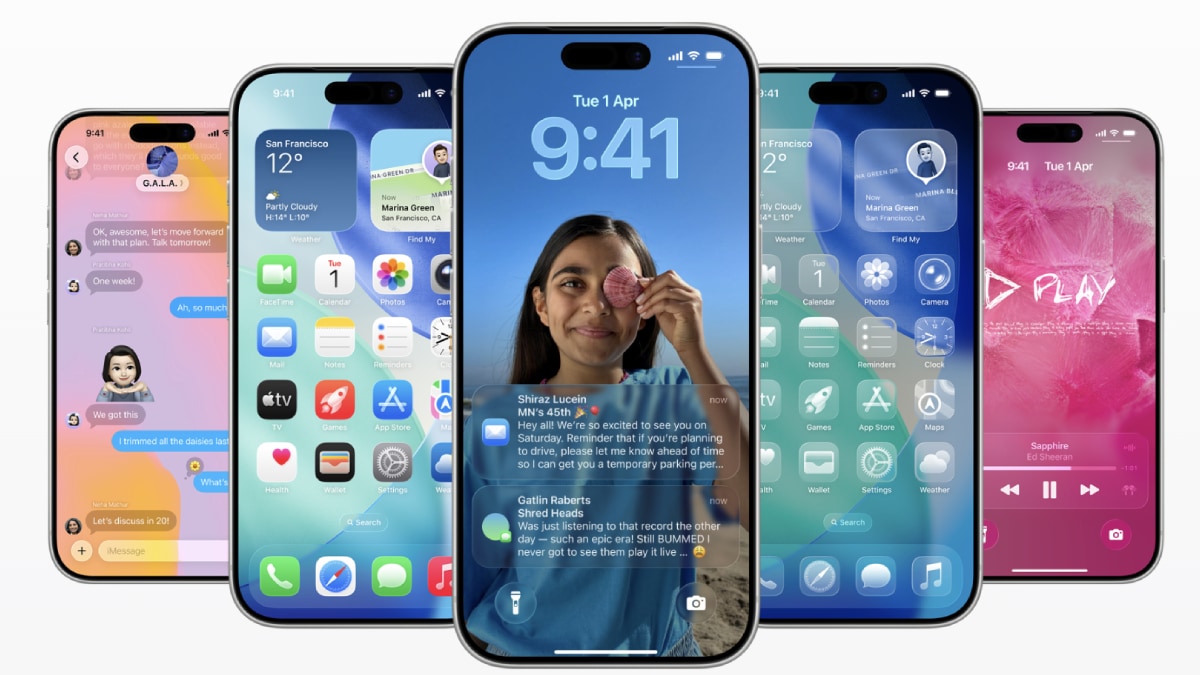
Long-press the home screen on an iphone today and a small menu appears with basic tools for rearranging icons, adding widgets, or tweaking the wallpaper. according to bloomberg’s mark gurman, apple is preparing to expand that menu in ios 27 by adding simple undo and redo buttons. the change aims to make it easier to recover from accidental drags, deletions, or layout experiments that go wrong.
right now, once you jostle an app icon out of place or remove a widget, there is no quick way to step backward. many users end up manually restoring their preferred arrangement or simply living with the result. an undo function would address one of the more persistent frustrations with home screen editing, especially for those who occasionally slip into jiggle mode and watch their carefully organized pages unravel. it is a modest quality-of-life improvement rather than a headline feature, yet one that could reduce the low-level irritation that builds up over years of daily use.
the rumor fits a broader pattern for ios 27. multiple reports describe the update as a stability-focused release, drawing comparisons to mac os x snow leopard more than a decade ago. instead of loading the software with flashy new capabilities, apple appears to be concentrating on polishing existing experiences, fixing longstanding bugs, and laying groundwork for future hardware. other rumored elements include further refinements to apple intelligence and the possible introduction of a dedicated siri app, though details remain thin.
beta testing for ios 27 is expected to open in june at wwdc, with the public release following in september. that timeline gives apple several months to iterate on these small but practical changes before they reach millions of devices.
of course, undo and redo will not solve every home screen complaint. users still point out the lack of automatic alphabetizing inside folders, the occasional stubbornness of icon placement after deletions, and the absence of more advanced layout tools that android has offered for years. still, adding a basic safety net for edits feels like a sensible, low-risk step. it acknowledges that even simple tasks can occasionally go sideways and provides an immediate way to correct them without starting from scratch.
in the wider context of ios development, this kind of incremental refinement highlights apple’s current priorities. after several years of rapid feature expansion tied to apple intelligence and new hardware designs, the company seems to be shifting toward making the everyday experience feel more reliable and less fiddly. whether undo and redo make the final cut remains to be seen, but the direction suggests a version of ios that values everyday usability over spectacle.
for users who have grown tired of manually fixing accidental home screen chaos, the change cannot arrive soon enough. it may not redefine the iphone experience, but it could quietly remove one small source of friction that has lingered for far too long.