TL;DR: Apple’s most affordable MacBook ever combines gorgeous durable aluminum design in fun colors, strong everyday performance from the A18 Pro chip with 6-core CPU and 5-core GPU, a crisp 13-inch 500-nit Liquid Retina display, up to 16 hours claimed battery life, and premium touches like a mechanical trackpad at a breakthrough price. 8GB unified memory limits heavier multitasking, ports aren’t equal, and storage starts modest, but for students, freelancers, and everyday users it’s a fantastic no-brainer that feels far more premium than its cost suggests.
MacBook Neo
I’ll admit it upfront. After spending months spoiled by the raw power of higher-end Macs, the idea of diving into Apple’s most affordable laptop felt a bit like stepping back in time. But I committed fully this time. I made the MacBook Neo my sole machine for an extended run of ordinary days filled with writing marathons, endless browser tabs, photo tweaks, video calls, and the occasional creative rabbit hole. No hand-holding. No special treatment. Just real life.
And somehow, this little machine didn’t just survive the experiment. It quietly won me over in ways I never saw coming.
The Design That Feels Like Premium Apple Magic Without the Premium Price Tag
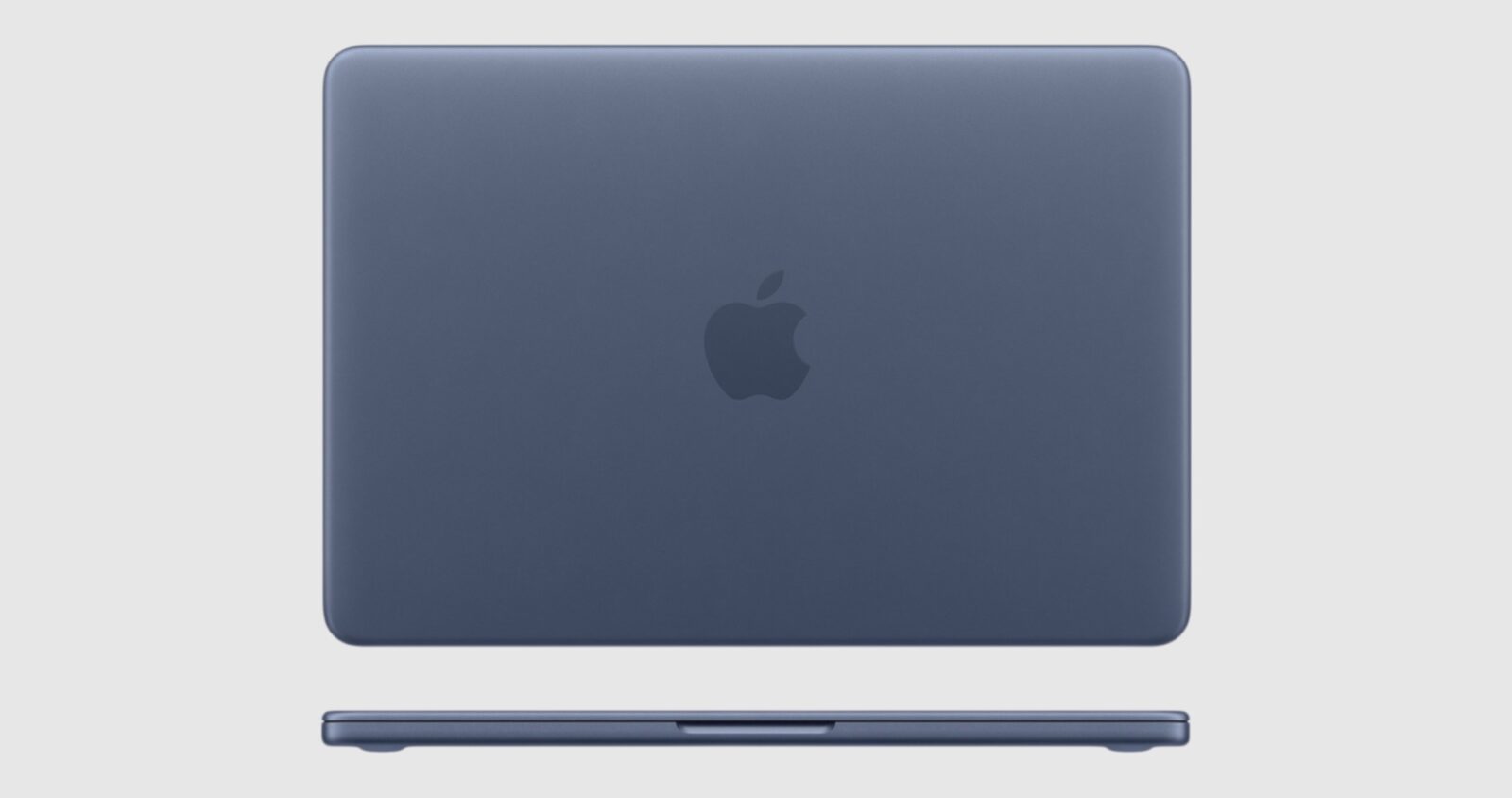
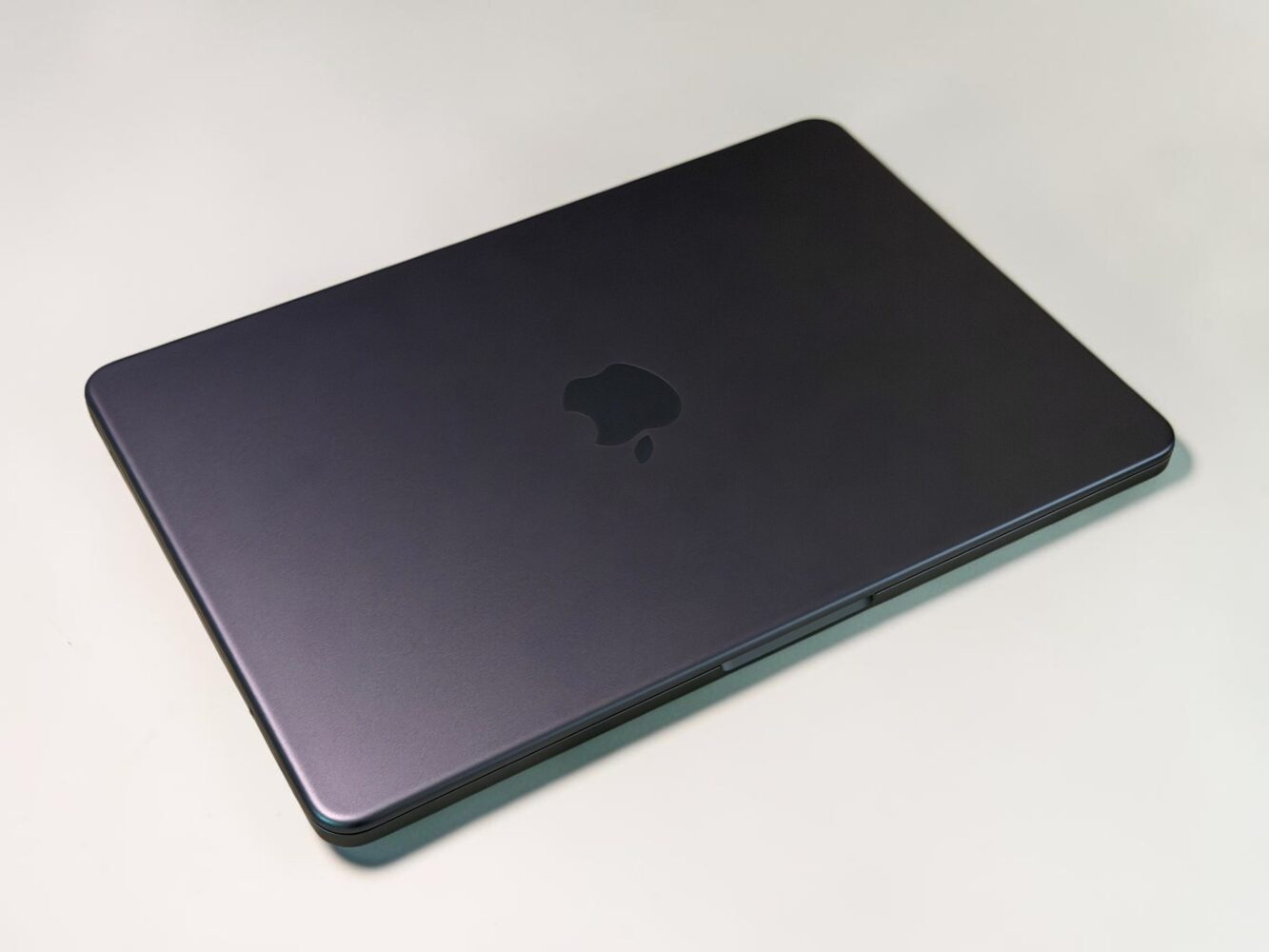
From the very first lift out of the box, the MacBook Neo radiates that unmistakable Apple polish. The durable aluminum unibody feels solid and cool to the touch, with a refined finish that makes it hard to believe this is the entry-level model. It comes in a gorgeous lineup of colors: blush, indigo, silver, and that vibrant new citrus I ended up living with for most of my testing. The citrus option brings a fresh, energetic pop that brightened my desk on gloomy mornings, while indigo offers a deeper, more distinctive vibe that stands out without shouting. Silver remains the classic safe bet, and blush adds a soft warmth that feels surprisingly inviting.
At just 1.23 kg and measuring a slim 1.27 cm thick, the Neo slips effortlessly into any bag or even a large coat pocket if you’re traveling light. I’ve lugged around much heavier Windows laptops that left my shoulder aching after a single afternoon, but this one feels liberating. You forget you’re carrying it until you need it, which is exactly the kind of freedom a portable laptop should deliver. The slightly thicker bezels around the display give it a charming, almost nostalgic silhouette reminiscent of older Apple laptops I fell in love with during my student years, when machines had more personality and less razor-thin minimalism.
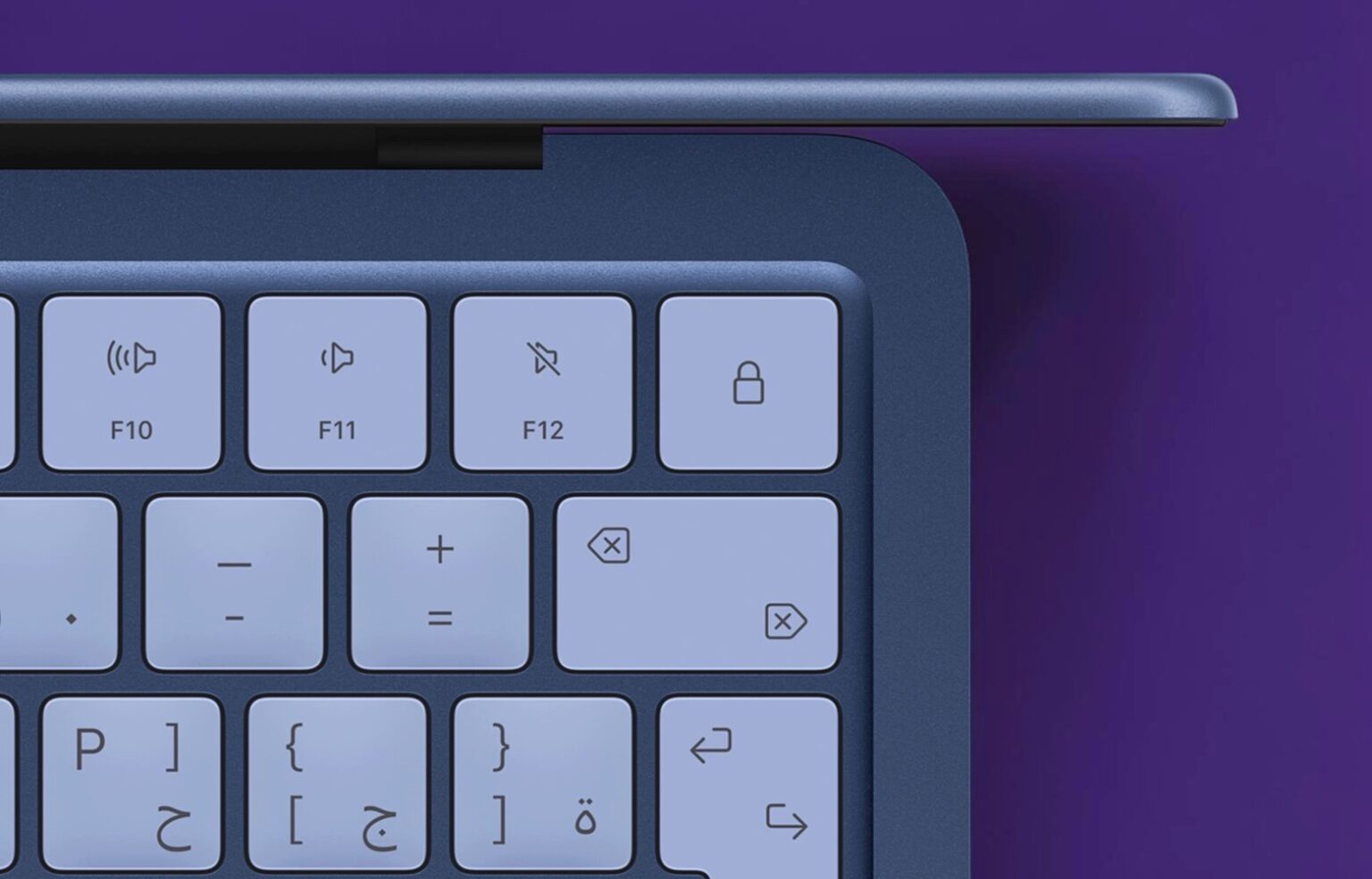
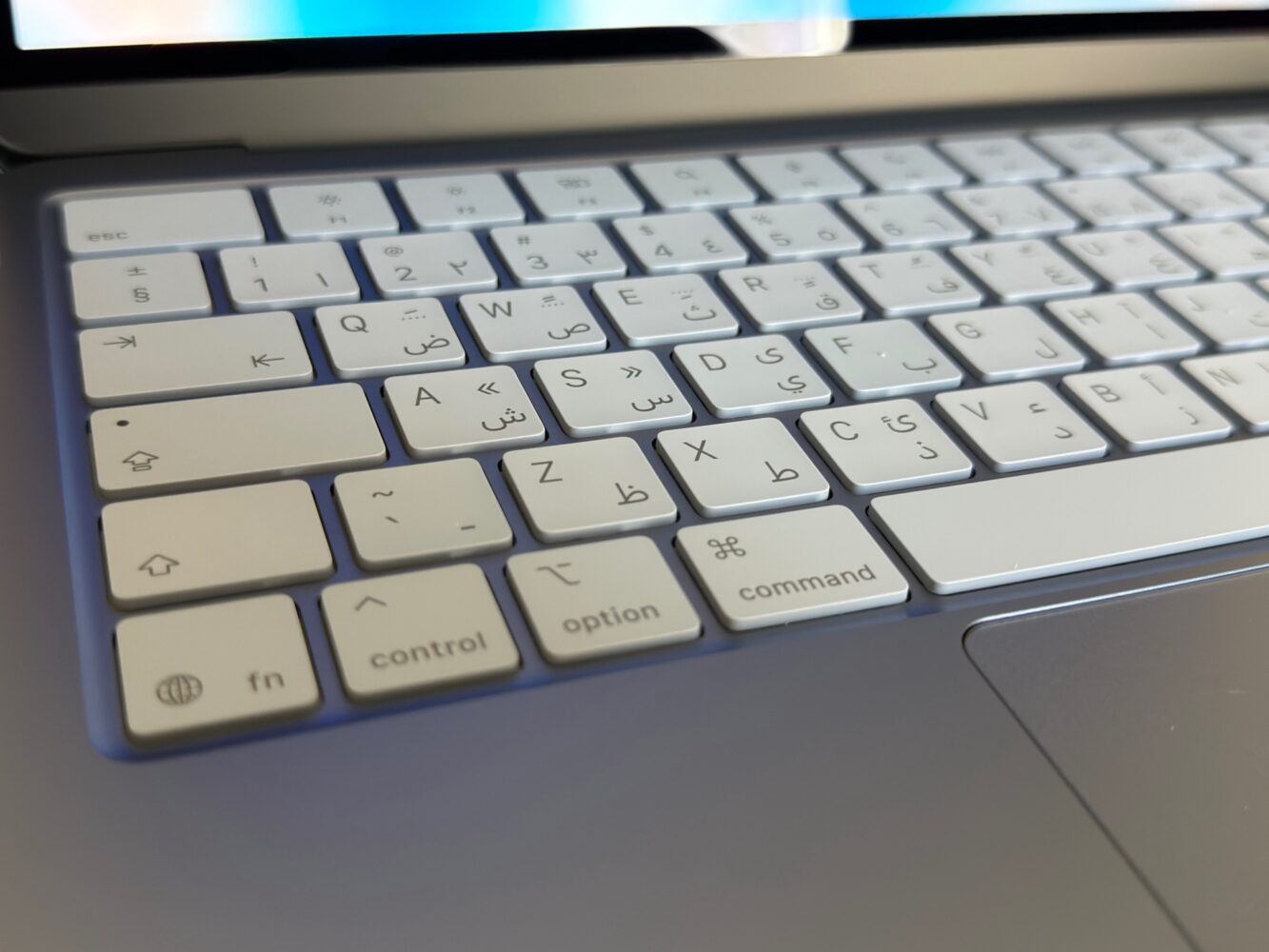
Open it up and the thoughtful details keep coming. The Magic Keyboard offers comfortable, precise typing with a softer, more forgiving action than the crisp scissor switches on flagship models. I pounded out thousands of words across long writing sessions, late-night emails, and random idea dumps, and my wrists stayed happy throughout. The keys even carry a subtle hue that perfectly matches the body color, creating a cohesive look that feels intentional rather than pieced together. It’s the kind of small refinement that turns typing from a chore into something quietly enjoyable.
The large Multi-Touch trackpad is another highlight that brought a genuine smile every time I used it. Unlike the haptic-only pads on Air and Pro models, this one delivers real mechanical travel with a satisfying physical click you can trigger anywhere on the surface. It instantly took me back to late-night study sessions on classic MacBooks, where that tactile feedback made even tedious assignments feel a little more engaging. Gestures flow smoothly, and the overall responsiveness makes navigating macOS feel intuitive and fun. Even the color-matched feet on the bottom suggest Apple designed this for shared use in classrooms, coffee shops, or collaborative workspaces. It’s those tiny human touches that make the Neo feel far more expensive than its accessible price.
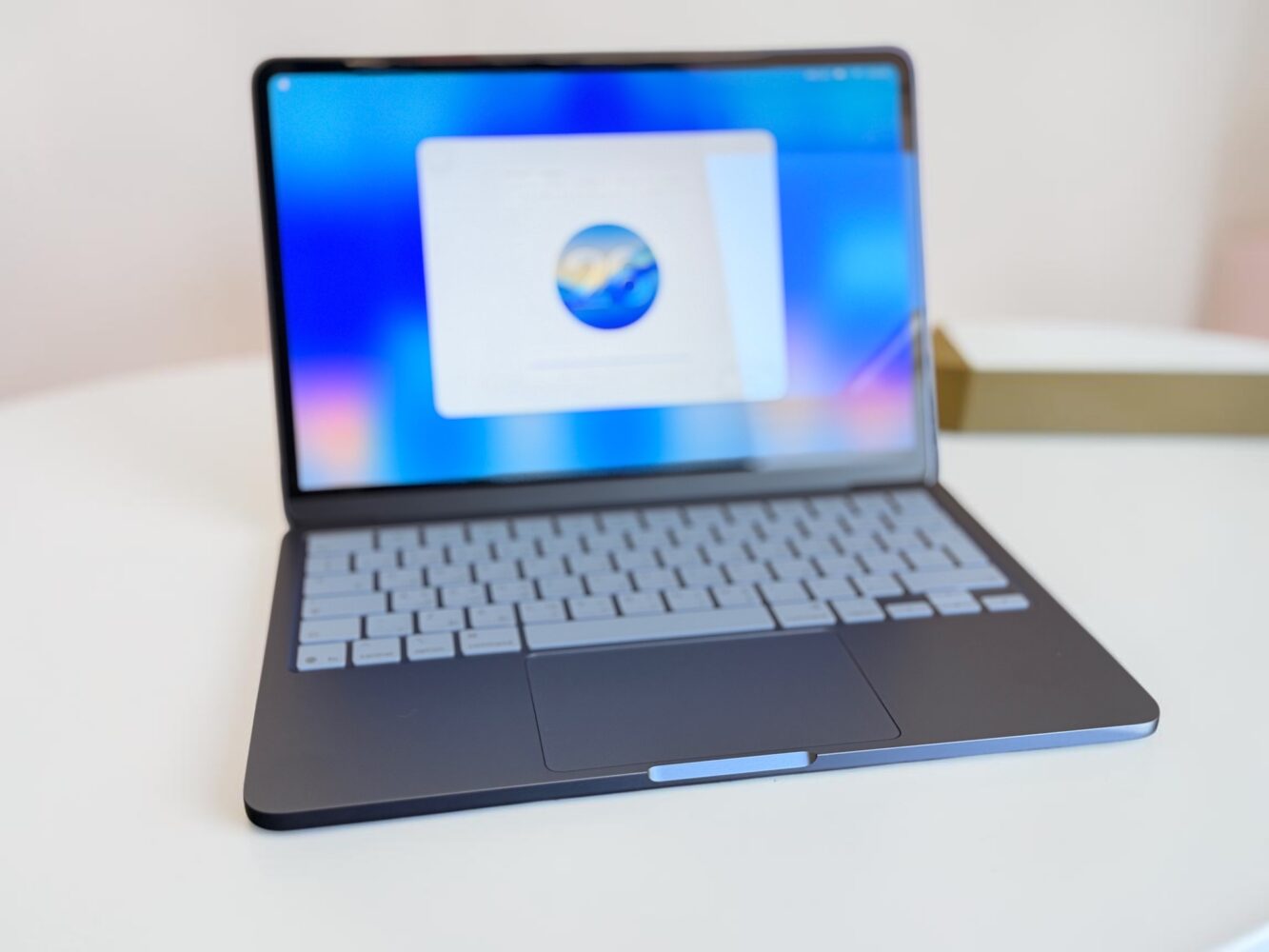
Overall build quality is exceptional. The aluminum enclosure looks and feels durable enough to handle the bumps of daily life, yet it remains elegantly thin and light. No other laptop in this price range comes close to matching this level of fit, finish, and visual appeal. It doesn’t just look good on paper. It makes you want to pick it up and show it off.
Performance With the A18 Pro Chip: Capable Enough for Real Life, With Clear Limits When You Push
At the heart of the MacBook Neo sits the A18 Pro chip, the same powerful silicon that drives the iPhone 16 Pro. It features a 6-core CPU split into 2 performance cores and 4 efficiency cores, paired with a 5-core GPU that includes hardware-accelerated ray tracing, plus a speedy 16-core Neural Engine for on-device AI tasks. On paper it sounds like Apple raided the phone parts bin, but in daily use it tells a smarter story.
For the vast majority of what fills an ordinary day, this combination feels responsive and effortless. Web browsing with dozens of tabs flies along, often feeling up to 50 percent faster than comparable Intel-based PCs according to Apple’s claims. Streaming content, editing photos with quick filters or effects, creating documents in Pages or Word, and jumping between apps all happen without hesitation. The Neural Engine shines when applying advanced AI features across apps, delivering up to 3x faster performance on those workloads compared to rival PCs. And because there’s no fan, the whole machine stays completely silent even during extended sessions, a luxury I’ve missed on noisier budget Windows laptops that start sounding like tiny vacuums under load.
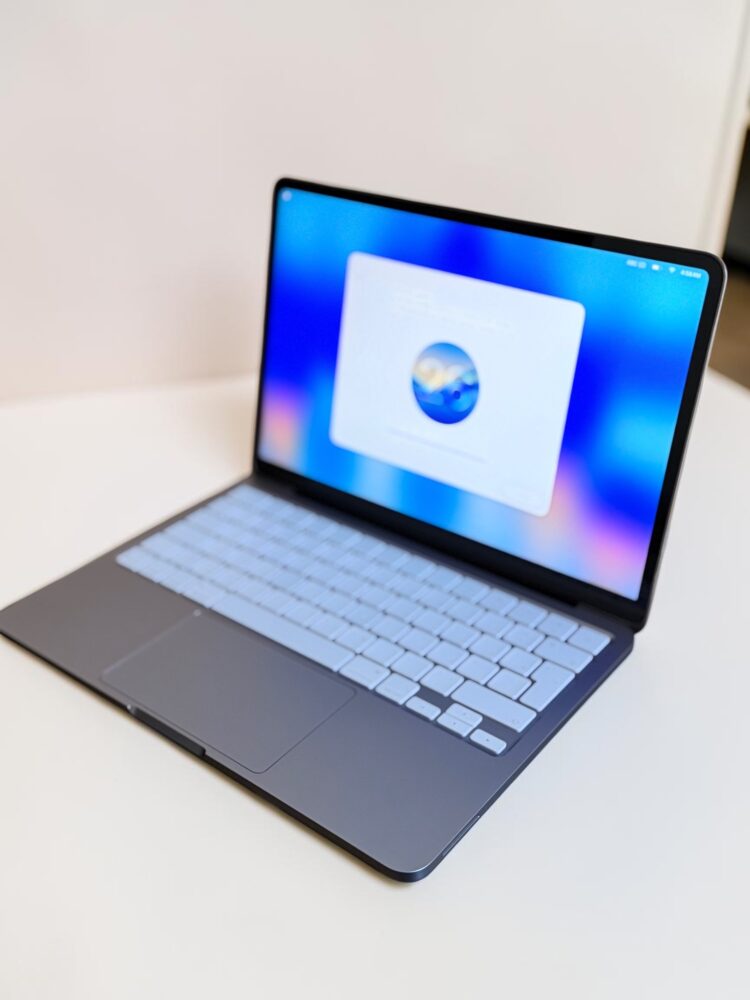
I pushed it through my usual mix of tasks and some benchmarks for context. Single-core performance feels particularly strong, translating to snappy app launches and quick responses that keep up with the pace of my thoughts. Multi-core handling is solid for moderate workloads, and the GPU manages casual gaming through Apple Arcade, light video editing for social clips, or basic creative previews without drama. The 16-core Neural Engine makes Apple Intelligence features feel integrated and fast, whether it’s smart text suggestions, photo enhancements, or other on-device magic.
The sticking point remains the fixed 8GB of unified memory. In normal, human-scale use it rarely complains. I could comfortably run multiple productivity apps, a sea of browser tabs, and still have breathing room for background tasks. But when I layered on heavier multitasking, larger photo libraries, or longer video timelines, the memory ceiling became noticeable. Apps would occasionally pause briefly while the system caught up, or I’d hit that familiar spinning indicator on more demanding work. It’s the same memory conversation Apple has had before with early M-series machines, and it feels dated in 2026 when 16GB has become the practical minimum for comfort on higher models.
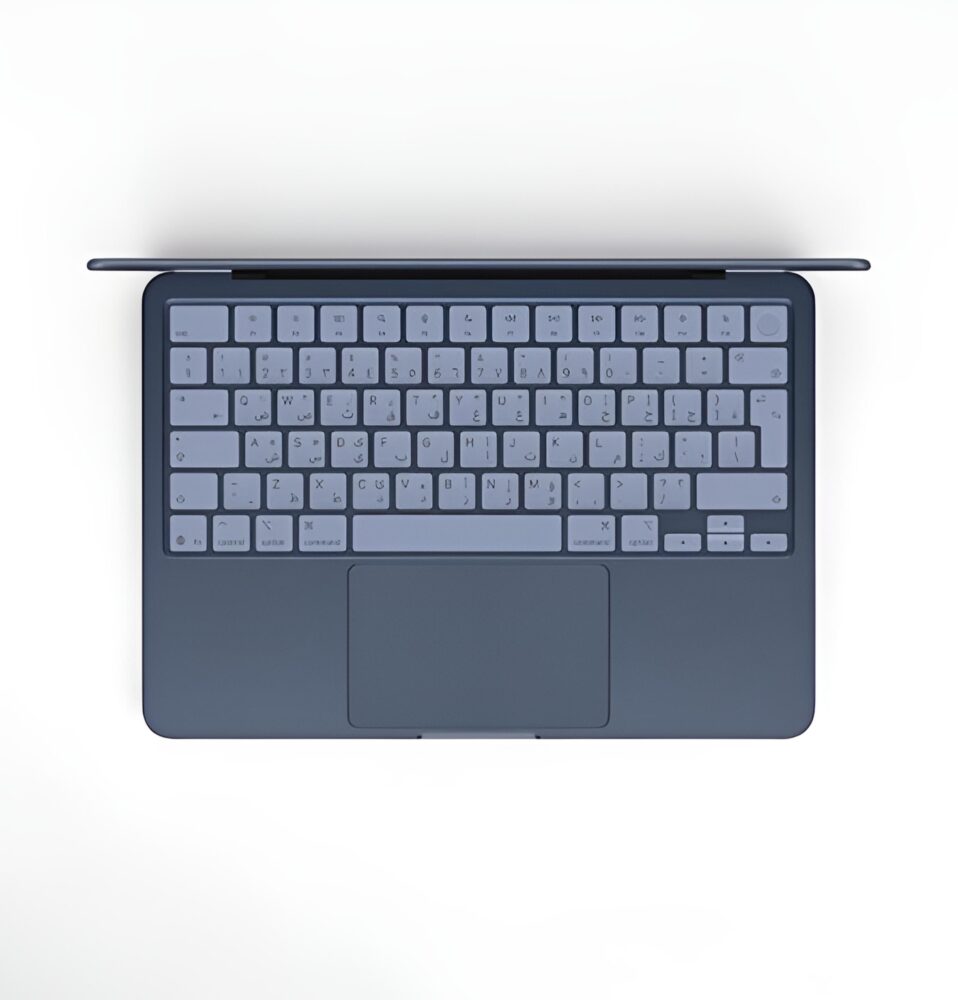
Storage starts at 256GB on the base model, which fills quicker than you might expect if you keep local files, raw photos, or downloads handy. The step-up to 512GB not only gives more space but also adds Touch ID on the keyboard, making it the smarter choice for most people. Neither RAM nor storage can be upgraded later, so choosing wisely at purchase matters.
Screen, Sound, Camera, and Battery: How They Perform in Messy Real-World Days
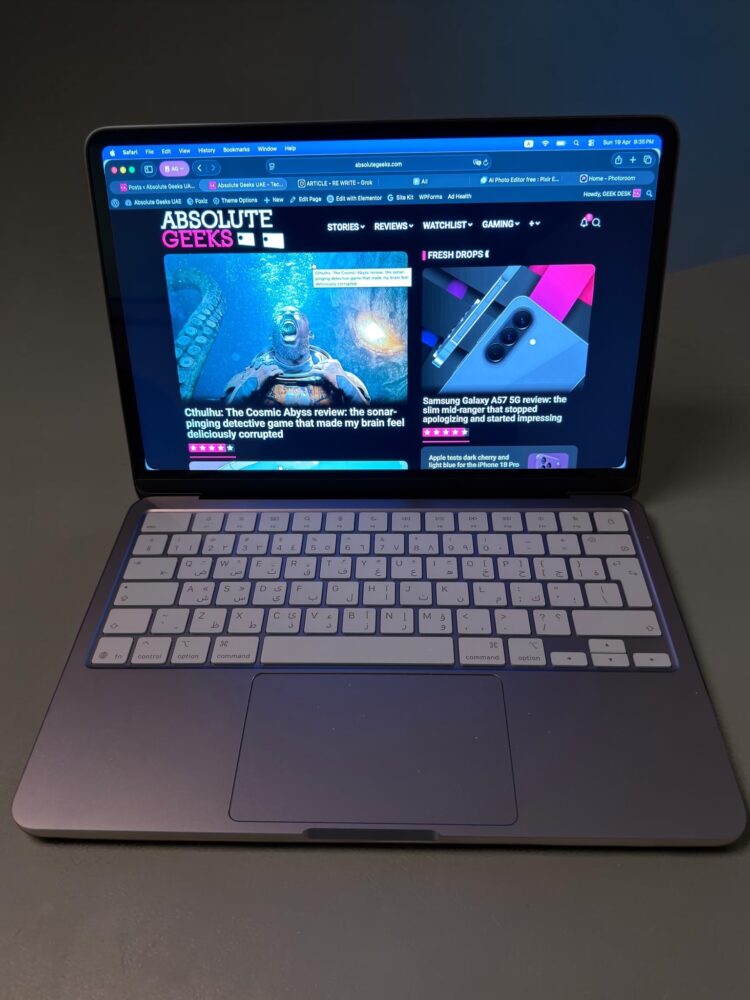
The 13-inch Liquid Retina display is a genuine highlight. It uses LED-backlit IPS technology with a 2408-by-1506 native resolution at 219 pixels per inch, delivering sharp, crisp text and vibrant images that support 1 billion colors. Brightness reaches 500 nits, which proved plenty capable once I cranked it near the top for varying room conditions, though it lacks True Tone for automatic white balance adjustment. Colors look lively for everyday viewing, streaming, and casual editing, making websites, photos, and videos pop without feeling washed out. The size strikes a nice balance for portability while still offering enough real estate for comfortable work.
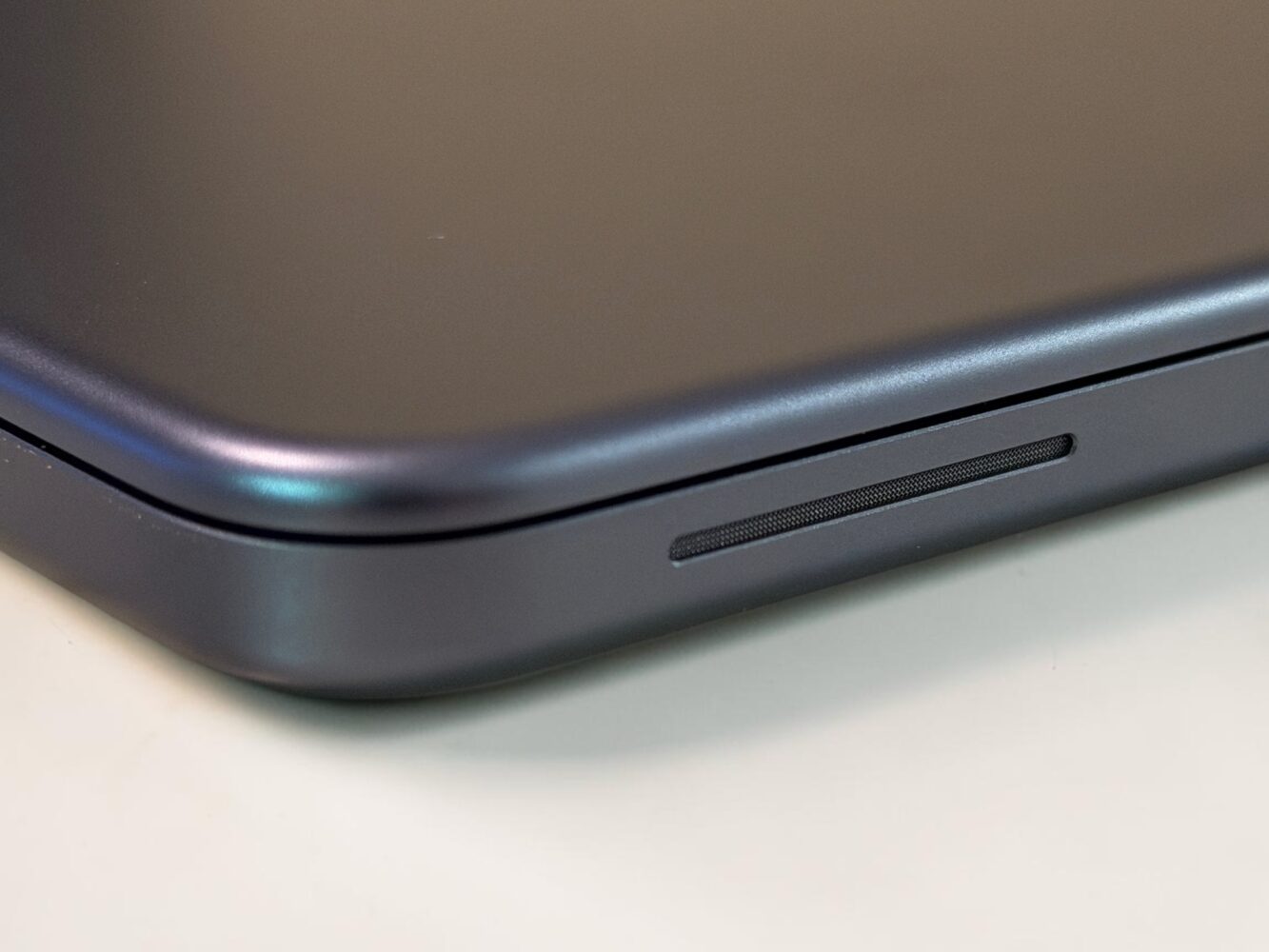
Audio comes from dual side-firing speakers that support Spatial Audio. They deliver crisp, immersive sound that works well for video calls, podcasts, music streaming, and casual movie watching. Volume is surprisingly robust for the form factor, though bass and depth won’t satisfy audiophiles. Paired with the 1080p FaceTime HD camera and dual microphones, video calls look and sound clear and professional, even in less-than-ideal lighting.
Battery life is one of the more honest aspects of the experience. Apple claims up to 16 hours of video streaming and up to 11 hours of wireless web browsing, powered by a 36.5-watt-hour lithium-ion battery. In my lighter usage, I regularly saw around 10 hours with the screen at higher brightness. Heavier days involving continuous video playback or more demanding tasks settled closer to 8 hours. That’s still enough to power through a full workday or school day without constant outlet anxiety, though the official numbers feel optimistic and best-case. The included 20W USB-C power adapter and 1.5-meter cable get the job done, but I quickly preferred a stronger compatible charger for noticeably quicker top-ups. No blazing fast charging, but steady reliability wins for most people.
The Small Quirks That Added Character Instead of Major Headaches
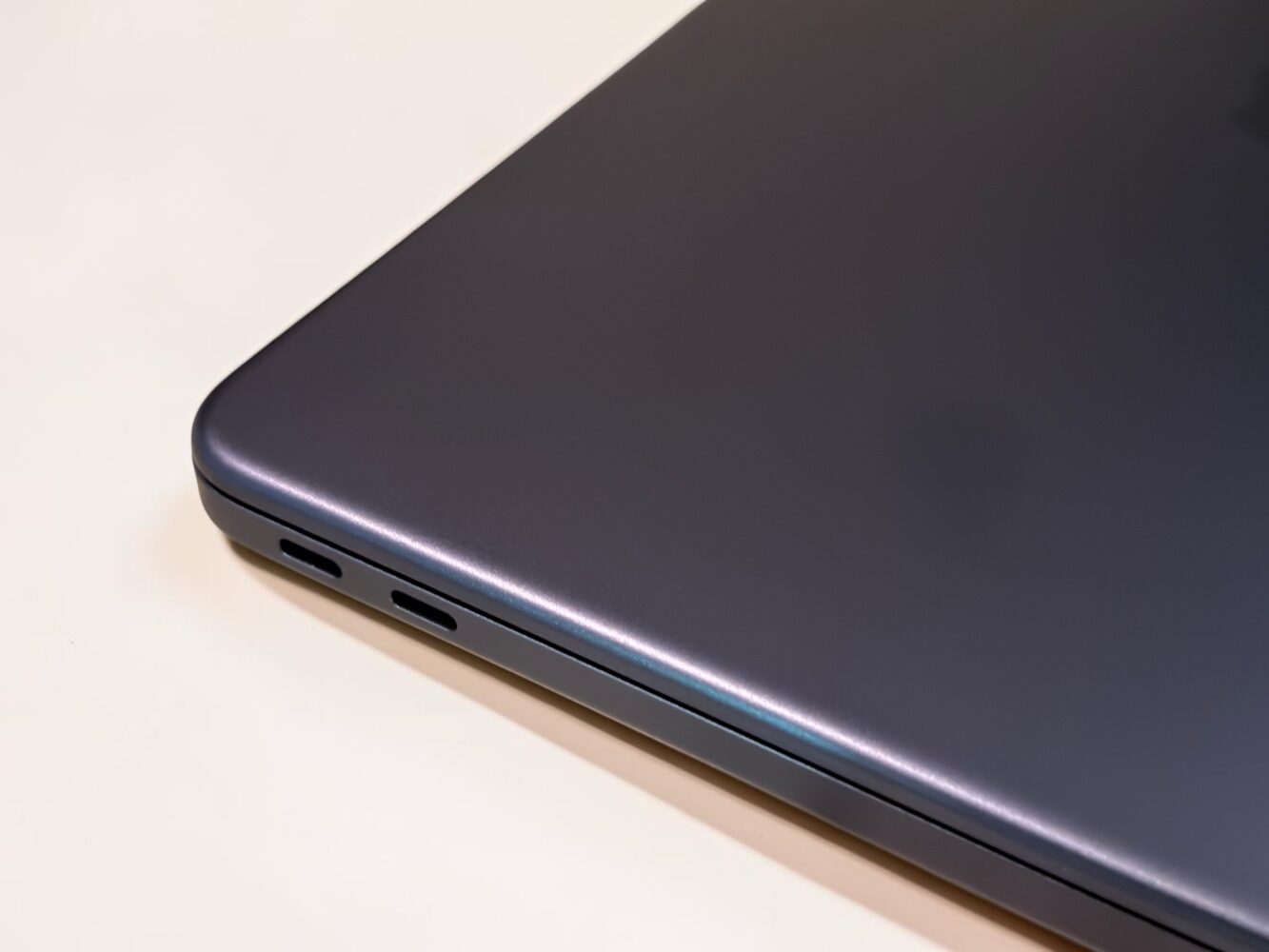
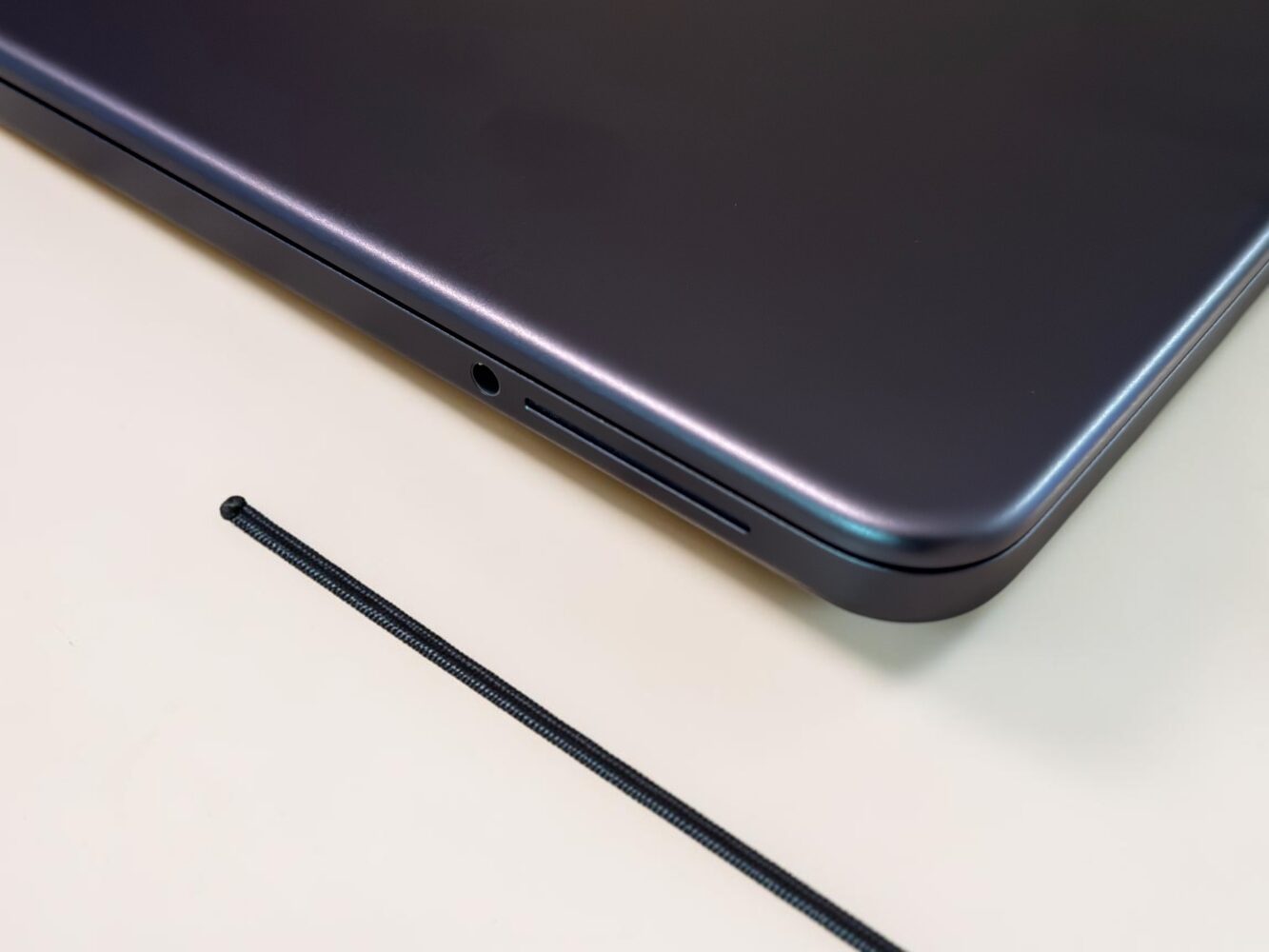
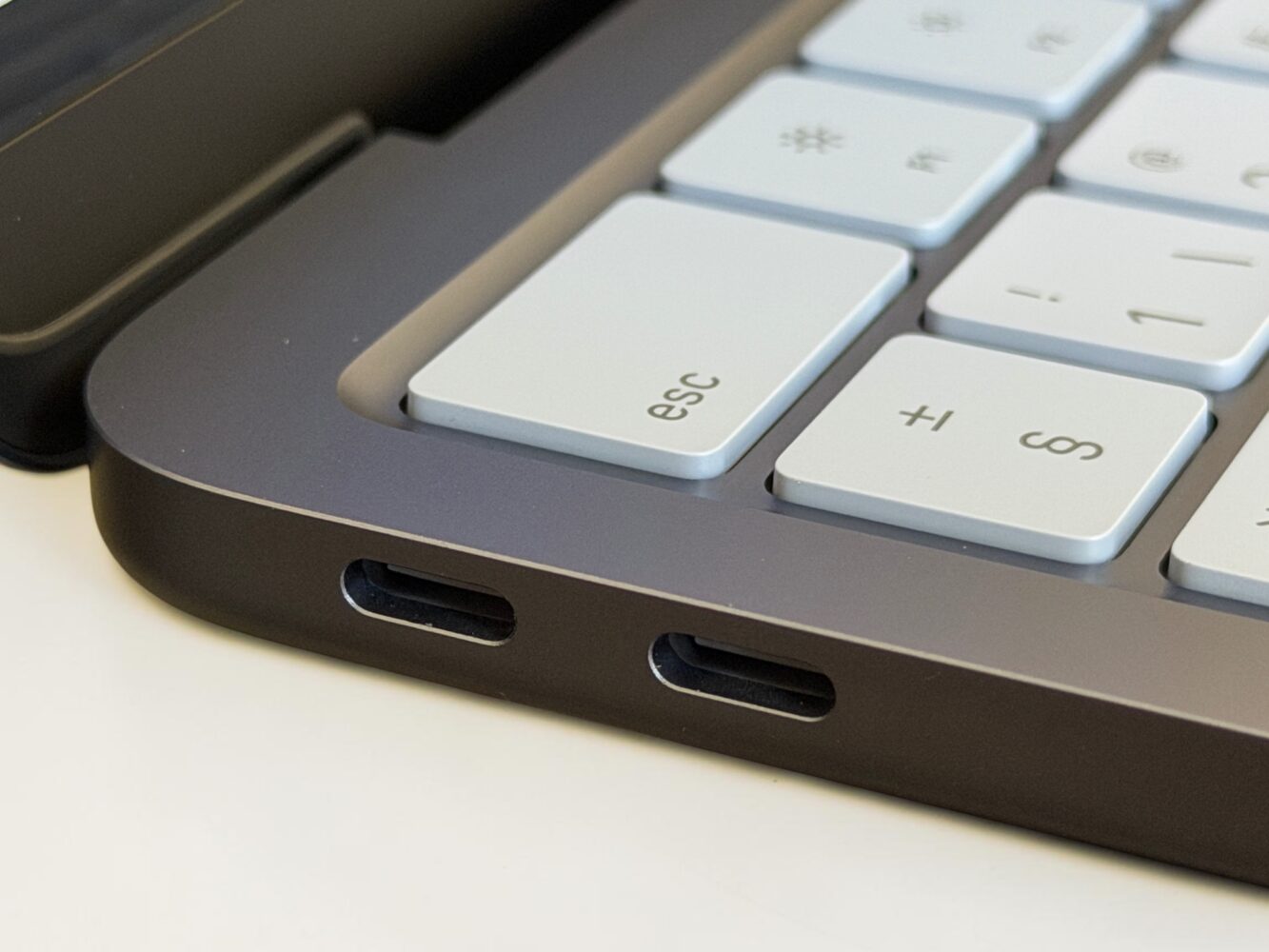
A few practical compromises remind you this is the accessible Mac. The two USB-C ports differ in speed: one supports full USB 3 at 10Gb/s with DisplayPort 1.4 for driving a 4K display at 60Hz, while the other is limited to USB 2 speeds at 480Mb/s. I adapted by learning their personalities, but the lack of clear labeling feels like an odd corner cut. The base 256GB model skips Touch ID in favor of a simple lock button, though Apple Watch unlocking made that nearly invisible for me. Wi-Fi 6E and Bluetooth 6 keep connectivity modern, and the trusty headphone jack remains welcome. Running macOS Tahoe brings seamless integration with iPhone, broad app compatibility, and built-in Apple Intelligence features that feel natural rather than tacked on.
None of these quirks ruined the daily flow. They simply reinforced that the Neo targets real humans who want quality without needing every flagship bell and whistle.
Why the MacBook Neo Feels Like the Most Approachable Mac Apple Has Offered in Years
After forcing myself to live exclusively with the MacBook Neo, one realization kept surfacing: most of us don’t need flagship-level power every single day. We need something beautiful, reliable, efficient, and responsive enough that it fades into the background while we actually get things done and enjoy life.
This budget MacBook Neo nails that balance beautifully. It brings premium aluminum design, smooth macOS performance, capable everyday speed from the A18 Pro, and thoughtful details to a starting price that feels genuinely fair and accessible. It won’t satisfy heavy creative pros who live in complex timelines or massive projects, but for students cranking out assignments, freelancers juggling gigs, small business owners managing spreadsheets, or anyone tired of clunky alternatives, it delivers surprising joy and capability.
If your days revolve around browsing, creating documents, editing photos, streaming content, light creative hobbies, and taking advantage of Apple’s ecosystem, the MacBook Neo might just be the perfect everyday companion you’ve been waiting for. It’s not trying to be everything to everyone, and in staying true to that focused vision, it ends up delivering more genuine satisfaction than many far more expensive machines.
Verdict
The MacBook Neo stands as a delightful achievement in accessible computing. With its stunning aluminum design in vibrant colors, capable A18 Pro performance for daily tasks, sharp Liquid Retina display, solid battery for real-world use, and premium-feeling details throughout, it offers incredible value that makes the Mac experience available to far more people. The fixed 8GB memory and a couple of port quirks are the primary limitations, but they rarely interfere with the joyful, efficient experience most users will have.