

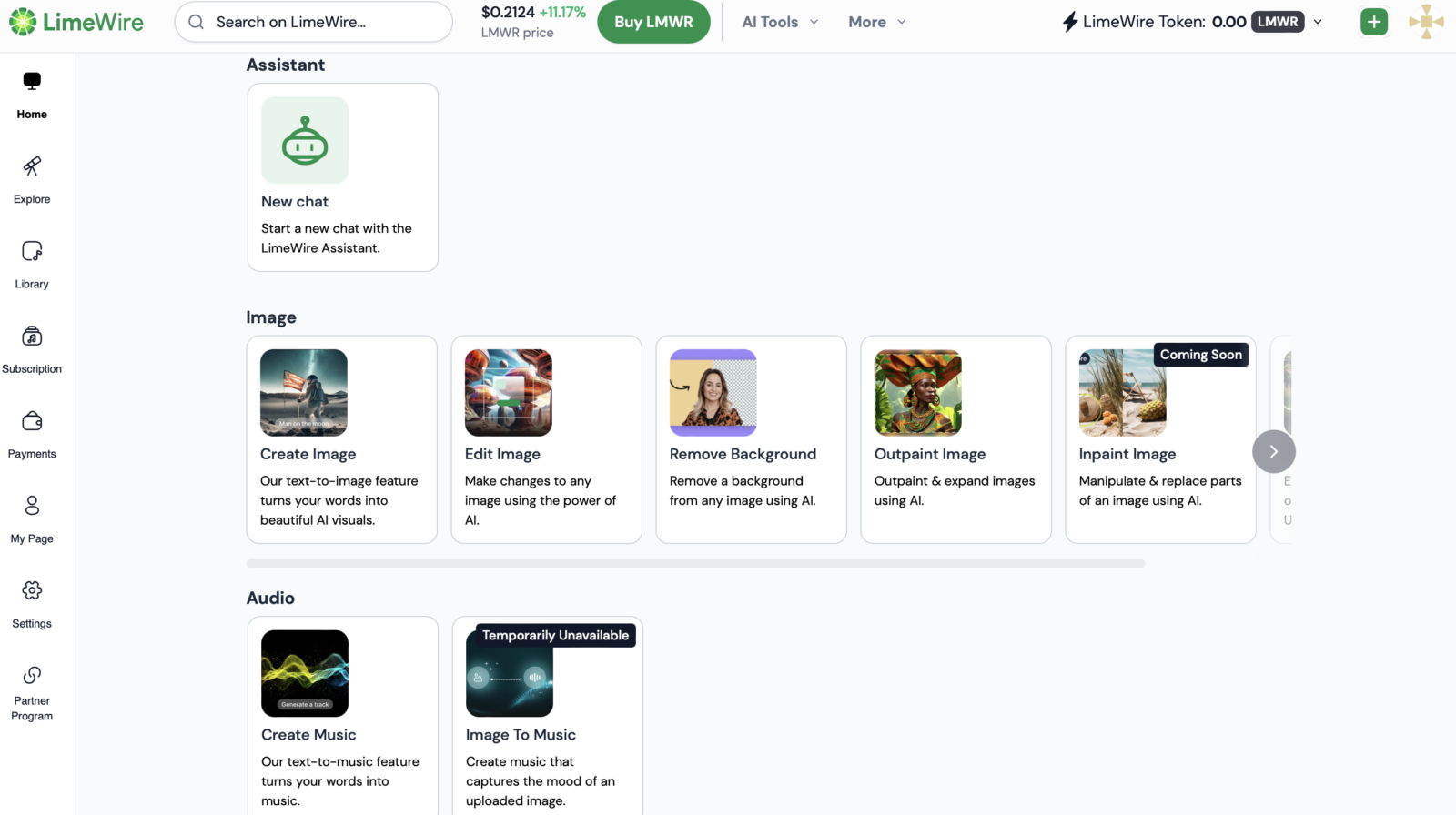
LimeWire, the once-popular peer-to-peer file-sharing service, has made a surprising comeback, this time as an AI image and audio generator tool. Sporting a sleek new look and functionality similar to other AI image tools like Adobe Firefly,LimeWire allows users to create images and audio from text prompts. Additionally, it features an AI assistant for generating content and information, mirroring many of ChatGPT’s capabilities.
LimeWire’s Pricing and Features
LimeWire offers both free and paid plans, catering to various user needs. The free plan allows 20 daily images and 4 audio tracks, while paid plans offer more generous allowances ranging from 2,000 to 22,500 images and 400 to 4,500 audio tracks per month, along with access to all AI models.

Using LimeWire
Using LimeWire is straightforward:
- Image Generation:
- Select “Image” on the homepage.
- Enter your prompt and hit Enter or the send button.
- Choose your desired generative model (optional).
- Customize negative prompts, dimensions, and image quality. Note that adjustments beyond the original require spending credits.
- Audio Generation:
- Select the “Audio” tab.
- Enter your music prompt.
- Choose your song duration (up to 45 seconds, depending on credits).
- Select “Generate.”
- AI Assistant:
- Select “Assistant” on the homepage.
- Enter your prompt.
- Wait for LimeWire to generate a response.
- Adjust your prompt if needed (additional edits may cost credits).
Overall Impression
While LimeWire’s AI tool marks an interesting pivot from its file-sharing past, it still has room for improvement. It tends to be slower than ChatGPT and may not provide equally refined responses. However, the free credits offer a great opportunity to experiment and explore its capabilities.
LimeWire’s transformation is a noteworthy development in the AI landscape. It’s worth trying out, especially for users interested in exploring AI image and audio generation.