
• the feed
    • Tech
    • Auto
    • Guides
    • Opinions
  • Reviews
    • READERS’ CHOICE
    • ALL REVIEWS
    • ━
    • SMARTPHONES
    • CARS
    • HEADPHONES
    • ACCESSORIES
    • LAPTOPS
    • TABLETS
    • WEARABLES
    • SPEAKERS
    • APPS
  • screen time
    • TV & MOVIE REVIEWS
    • SPOTLIGHT
  • GAMING
    • GAMING NEWS
    • GAME REVIEWS
  • quick bytes
Reading: Microsoft Teams simplifies with unified app for personal and work
Font ResizerAa
Font ResizerAa
  • menu
  • SEARCH
  • the feed
    • TECH
    • AUTOMOTIVE
    • GUIDES
    • OPINIONS
  • REVIEWS
    • READERS’ CHOICE
    • ALL REVIEWS
    • ━
    • SMARTPHONES
    • CARS
    • HEADPHONES
    • ACCESSORIES
    • LAPTOPS
    • TABLETS
    • WEARABLES
    • SPEAKERS
    • APPS
  • screen time
    • TV & MOVIE REVIEWS
    • SPOTLIGHT
  • GAMING
    • GAMING NEWS
    • GAME REVIEWS
  • quick bytes
Follow US

Microsoft Teams simplifies with unified app for personal and work

GEEK DESK
GEEK DESK
Aug 21, 2024

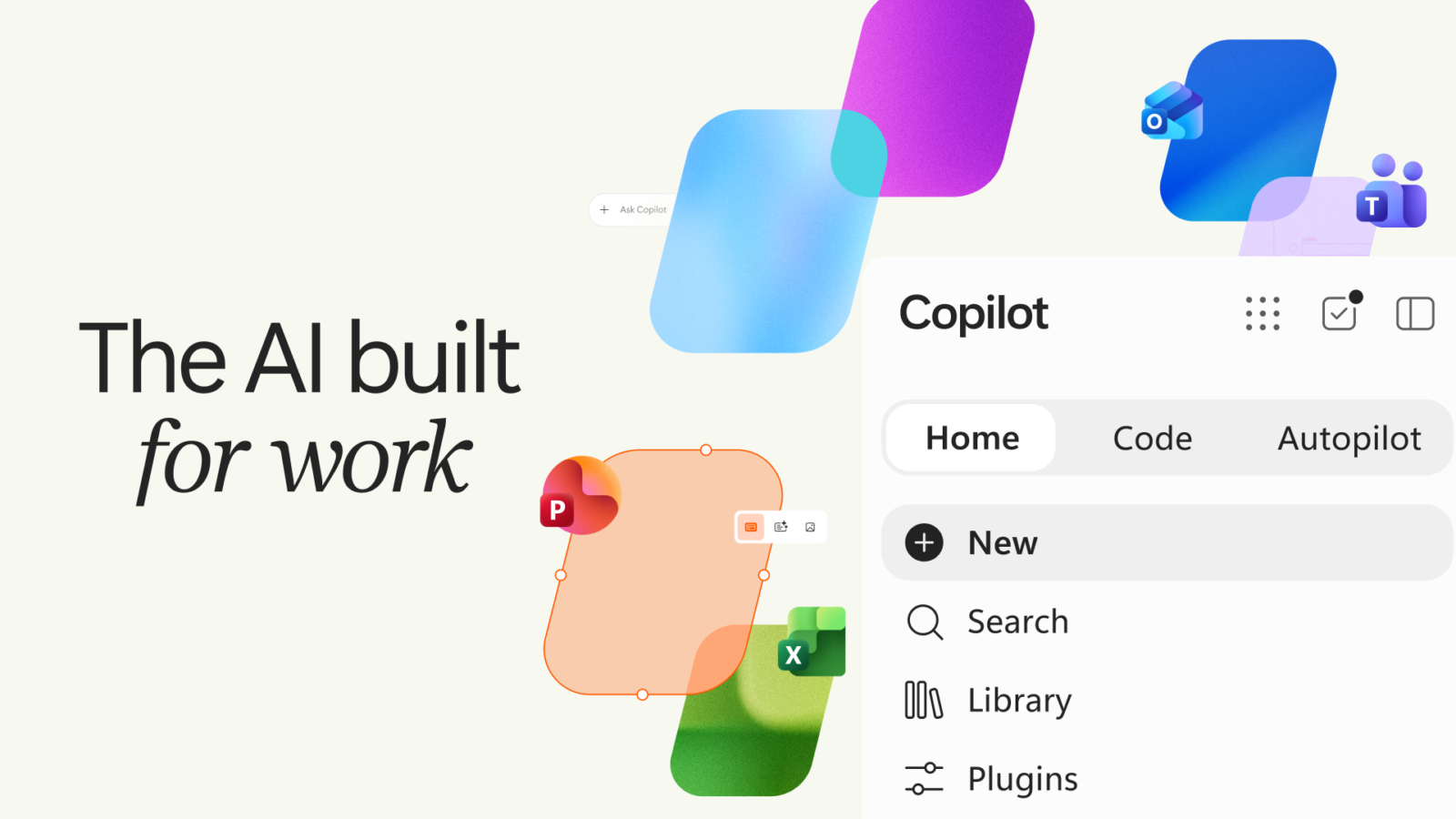
Microsoft has finally released a single Microsoft Teams app that allows users to seamlessly switch between personal and work accounts. This new app, which has been in testing for most of the year, is now available for Windows and Mac users.

The updated app not only supports work, personal, and education accounts in a single interface, but it also enhances the experience of switching between different Teams tenants. Users can even join meetings as a guest without signing in.

Previously, Windows users had to install two separate Teams apps for personal and work accounts, which was confusing and inconvenient. With this update, the double app situation is eliminated, and users can see both personal and work accounts side-by-side. Notifications have also been improved to clearly indicate which team a notification is from.

If you’re an existing Microsoft Teams user on Windows or Mac, your app will be automatically updated. New users can download the new app from Microsoft’s website.

Key Highlights:

  • Single Teams app for personal and work accounts
  • Supports work, personal, and education accounts
  • Improved switching between different Teams tenants
  • Join meetings as a guest without signing in
  • Eliminates the need for two separate Teams apps
  • Clearer notifications indicating the source team
  • Automatic update for existing users
  • New users can download from Microsoft’s website
What do you think?
Happy0
Sad0
Love0
Surprise0
Cry0
Angry0
Dead0
Microsoft’s new Copilot Autopilot keeps working after you log off
Why is OpenAI racing to launch a security AI it just warned the world about
Xiaomi’s transparent red 18 Pro might be its wildest phone yet
GTA 6 gets a $400 collector’s box without the game
Your Pixel 11 can now make awkward phone calls for you
Google just gave Gemini 3.8 a face that talks back
Follow US
Caffeine. Chaos. Content.
© Absolute Geeks Media FZE LLC 2014–2026.
Proudly made in Dubai, UAE ❤️
Contact · About · Editorial Policy · Privacy Policy
Welcome Back!

Sign in to your account

Username or Email Address
Password

Lost your password?