
• the feed
    • Tech
    • Auto
    • Guides
    • Opinions
  • Reviews
    • READERS’ CHOICE
    • ALL REVIEWS
    • ━
    • SMARTPHONES
    • CARS
    • HEADPHONES
    • ACCESSORIES
    • LAPTOPS
    • TABLETS
    • WEARABLES
    • SPEAKERS
    • APPS
  • screen time
    • TV & MOVIE REVIEWS
    • SPOTLIGHT
  • GAMING
    • GAMING NEWS
    • GAME REVIEWS
  • quick bytes
Reading: Google Photos ditches ‘Library’ for new ‘Collections’ hub
Font ResizerAa
Font ResizerAa
  • Menu Item
  • Menu Item
  • the feed
    • TECH
    • AUTOMOTIVE
    • GUIDES
    • OPINIONS
  • REVIEWS
    • READERS’ CHOICE
    • ALL REVIEWS
    • ━
    • SMARTPHONES
    • CARS
    • HEADPHONES
    • ACCESSORIES
    • LAPTOPS
    • TABLETS
    • WEARABLES
    • SPEAKERS
    • APPS
  • screen time
    • TV & MOVIE REVIEWS
    • SPOTLIGHT
  • GAMING
    • GAMING NEWS
    • GAME REVIEWS
  • quick bytes
Follow US

Google Photos ditches ‘Library’ for new ‘Collections’ hub

GEEK DESK
GEEK DESK
Aug 9, 2024

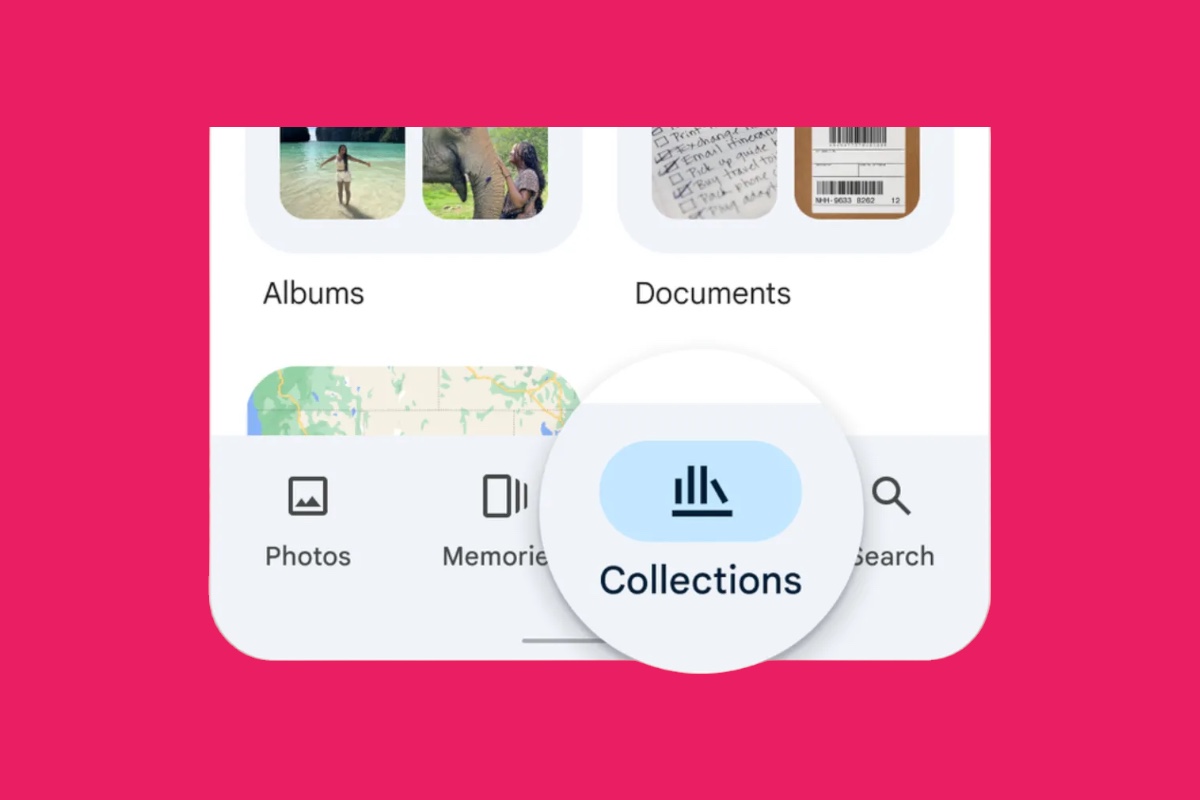
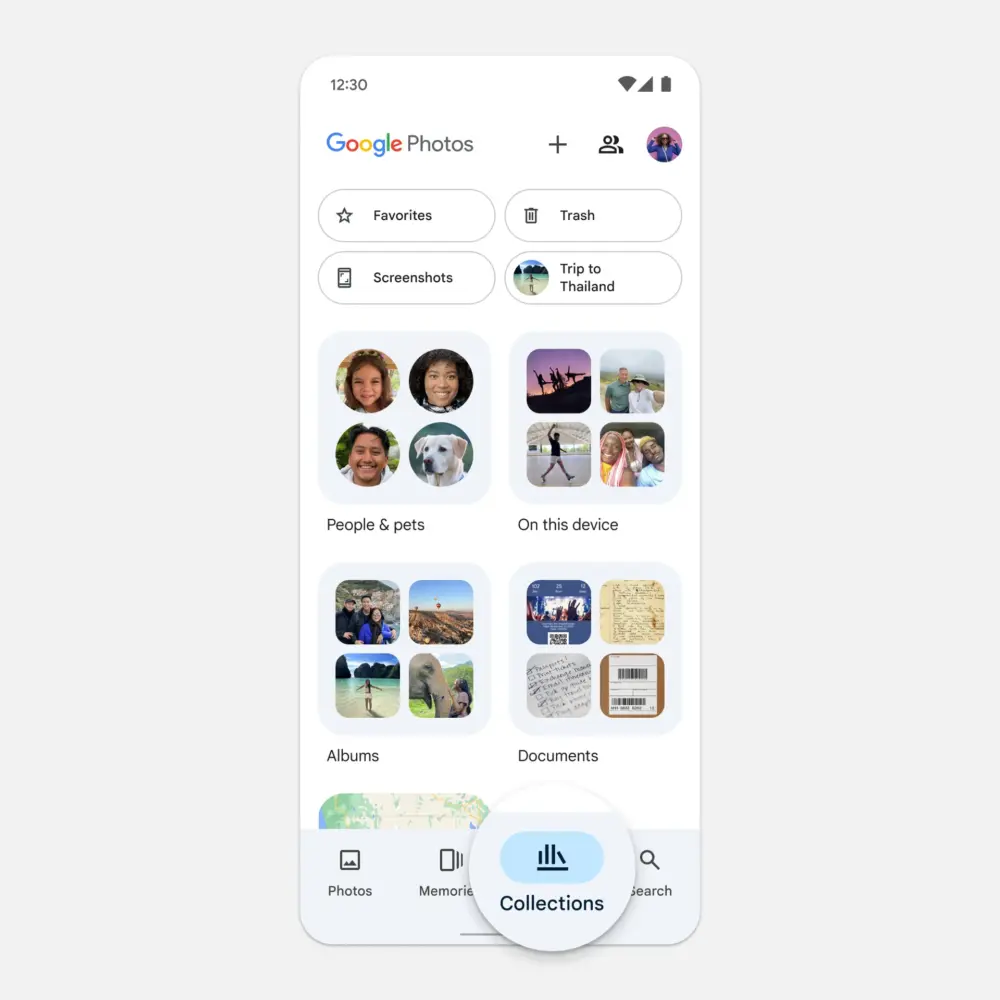
Google Photos is getting a makeover! The familiar ‘Library’ tab is being replaced with ‘Collections’, a central hub for all your albums, shared photos, and even automatically organized folders for people, pets, and places.

This change seems to pave the way for Google’s much-anticipated AI search feature, ‘Ask Photos’, powered by its advanced Gemini model. The search tab itself has also been streamlined, offering suggested search categories like ‘Screenshots’ and ‘Selfies’.

‘Collections’ is rolling out now to Android and iOS users, keeping the same bookshelf icon but with a fresh look and layout. The ‘Utilities’ folder is gone, but its tools have been relocated within the app.

The new ‘Collections’ view offers a more intuitive way to navigate your photos. Instead of digging through multiple tabs, you can now find everything in one place. The app also automatically creates folders for people, pets, and places, making it easy to find specific photos.

For example, if you want to find all the photos of your dog, you can simply go to the ‘Pets’ folder. Or, if you want to find all the photos from your last vacation, you can go to the ‘Places’ folder.
Google Photos is also making it easier to share photos with others. You can now create shared albums and invite people to view or add photos. You can also share individual photos with specific people.

These changes are part of Google’s ongoing effort to make Photos a more user-friendly and helpful app. By simplifying the interface and adding new features, Google is making it easier for people to find, share, and enjoy their photos.


What do you think?
Happy0
Sad0
Love0
Surprise0
Cry0
Angry0
Dead0
Meta and YouTube reverse course on banned Elon Musk documentary ads
Minecraft’s first new dimension in 14 years is finally coming
watchOS 27 features explained: what’s actually worth your attention
Xiaomi just turned its flagship phone into a guitar, seriously
Nothing Headphone 1 Pro leak reveals a bold bet beyond design
New Apple TV 4K leak hints Siri AI is coming to your living room
Follow US
Caffeine. Chaos. Content.
© Absolute Geeks Media FZE LLC 2014–2026.
Proudly made in Dubai, UAE ❤️
Contact · About · Editorial Policy · Privacy Policy
Welcome Back!

Sign in to your account

Username or Email Address
Password

Lost your password?