
• the feed
    • Tech
    • Auto
    • Guides
    • Opinions
  • Reviews
    • READERS’ CHOICE
    • ALL REVIEWS
    • ━
    • SMARTPHONES
    • CARS
    • HEADPHONES
    • ACCESSORIES
    • LAPTOPS
    • TABLETS
    • WEARABLES
    • SPEAKERS
    • APPS
  • screen time
    • TV & MOVIE REVIEWS
    • SPOTLIGHT
  • GAMING
    • GAMING NEWS
    • GAME REVIEWS
  • quick bytes
Reading: Google Maps will soon know your destination automatically
Font ResizerAa
Font ResizerAa
  • menu
  • SEARCH
  • the feed
    • TECH
    • AUTOMOTIVE
    • GUIDES
    • OPINIONS
  • REVIEWS
    • READERS’ CHOICE
    • ALL REVIEWS
    • ━
    • SMARTPHONES
    • CARS
    • HEADPHONES
    • ACCESSORIES
    • LAPTOPS
    • TABLETS
    • WEARABLES
    • SPEAKERS
    • APPS
  • screen time
    • TV & MOVIE REVIEWS
    • SPOTLIGHT
  • GAMING
    • GAMING NEWS
    • GAME REVIEWS
  • quick bytes
Follow US

Google Maps will soon know your destination automatically

GEEK DESK
GEEK DESK
Jan 13, 2016

The APK for Google Maps version 9.19 was recently released and with it came a whole some new features, the most prominent being the “Driving Mode” a new navigation type that will scan your history, previous destinations and current locations to infer your destination, without you typing it in.

Activating it can be a pain as I found out when I installed the APK, you’ll have to dig through the settings to find it nested under the navigation settings. I assume this will me made relatively easier when the general release version of the app releases on the store in a few days, this is after all an APK early release version.

Once you’ve finally managed to activate Driving Mode however, Google Maps will then use your location history and web searches to figure out where you’re driving to, touting out relevant information such as your ETA and traffic on your journey. For the person who’s heading to a few destinations in quick succession it can prove quite useful. For instance, if you were to search for a few restaurants dotted around Jumeirah, Google Maps would then show you how to get to one of those, and once you leave that will navigate you to another one.

Another small feature that’s been implemented is an audio switch on the foreground, which allows you to mute the, at times, annoying monotone dictation. Now you can choose between, Muted, Alerts only and Unmuted as the three modes for your binary travel companion.

You can download the APK here.

What do you think?
Happy0
Sad0
Love0
Surprise0
Cry0
Angry0
Dead0
Spotify may finally let users cap how much storage its cache uses
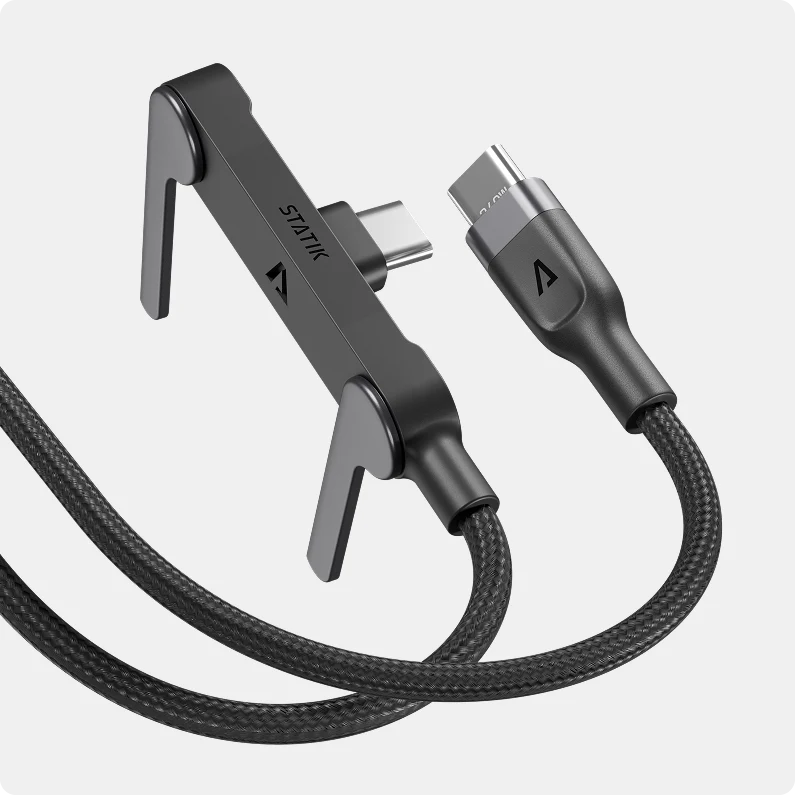
Statik PowerStand makes your boring USB-C cable surprisingly useful
Motorola Signature 27 Extreme packs a ridiculous 200MP zoom camera
Huawei Watch GT 7 hits UAE with massive 21-day battery
Honor of Kings just turned its MOBA into battle royale
Adidas drops massive 67-piece Pokémon collection for its 30th anniversary
Follow US
Caffeine. Chaos. Content.
© Absolute Geeks Media FZE LLC 2014–2026.
Proudly made in Dubai, UAE ❤️
Contact · About · Editorial Policy · Privacy Policy
Welcome Back!

Sign in to your account

Username or Email Address
Password

Lost your password?