
• the feed
    • Tech
    • Auto
    • Guides
    • Opinions
  • Reviews
    • READERS’ CHOICE
    • ALL REVIEWS
    • ━
    • SMARTPHONES
    • CARS
    • HEADPHONES
    • ACCESSORIES
    • LAPTOPS
    • TABLETS
    • WEARABLES
    • SPEAKERS
    • APPS
  • screen time
    • TV & MOVIE REVIEWS
    • SPOTLIGHT
  • GAMING
    • GAMING NEWS
    • GAME REVIEWS
  • quick bytes
Reading: It’s now easier to take screenshots on Android Marshmallow
Font ResizerAa
Font ResizerAa
  • menu
  • SEARCH
  • the feed
    • TECH
    • AUTOMOTIVE
    • GUIDES
    • OPINIONS
  • REVIEWS
    • READERS’ CHOICE
    • ALL REVIEWS
    • ━
    • SMARTPHONES
    • CARS
    • HEADPHONES
    • ACCESSORIES
    • LAPTOPS
    • TABLETS
    • WEARABLES
    • SPEAKERS
    • APPS
  • screen time
    • TV & MOVIE REVIEWS
    • SPOTLIGHT
  • GAMING
    • GAMING NEWS
    • GAME REVIEWS
  • quick bytes
Follow US

It’s now easier to take screenshots on Android Marshmallow

GEEK DESK
GEEK DESK
Dec 12, 2015

Android users have always been hamstrung when it comes to taking screenshots to the point that I assume we’ve never been measured in Snapchat screenshot demographics. Alas we’ve never been able to blackmail people with silly pictures our friends snap us with but now the tables have turned.

Google has finally come up with a simpler way of snapping a screenshot of your Android phone — at least if you’re lucky enough to be running Marshmallow.The Alphabet owned company has updated Android 6.0’s Now on Tap feature with a new icon that will take a screenshot and let you share it instantly. The update makes the Now in Tap feature far more convenient than clumsily pressing down the button combinations (usually volume down and power, with the Honor 7 I can luckily bind the special button to it) that most Android devices require for screenshots.

The small but clever addition should prove particularly useful for owners of the new Nexus 6P and Google’s official case; one of the leading complaints about Google’s accessory is that it makes screenshots frustratingly difficult since the sides are a bit loose.

However Android 6.0 isn’t fast in making its way to other mobile devices, such as the Honor brand by Huawei, meaning it may take quite a while before every Android user gets a chance to use the new convenient feature. If you’ve already got a smartphone that’s running Android 6, you’ll need to update the Google App to the latest version.

Rather than awkwardly placing your fingers to hold down a pair of buttons (and possibly have them stuck), now you’ll just be holding down Android’s home button to take that screenshot you’ve always wanted to. Thanks Google.

What do you think?
Happy0
Sad0
Love0
Surprise0
Cry0
Angry0
Dead0
Spotify may finally let users cap how much storage its cache uses
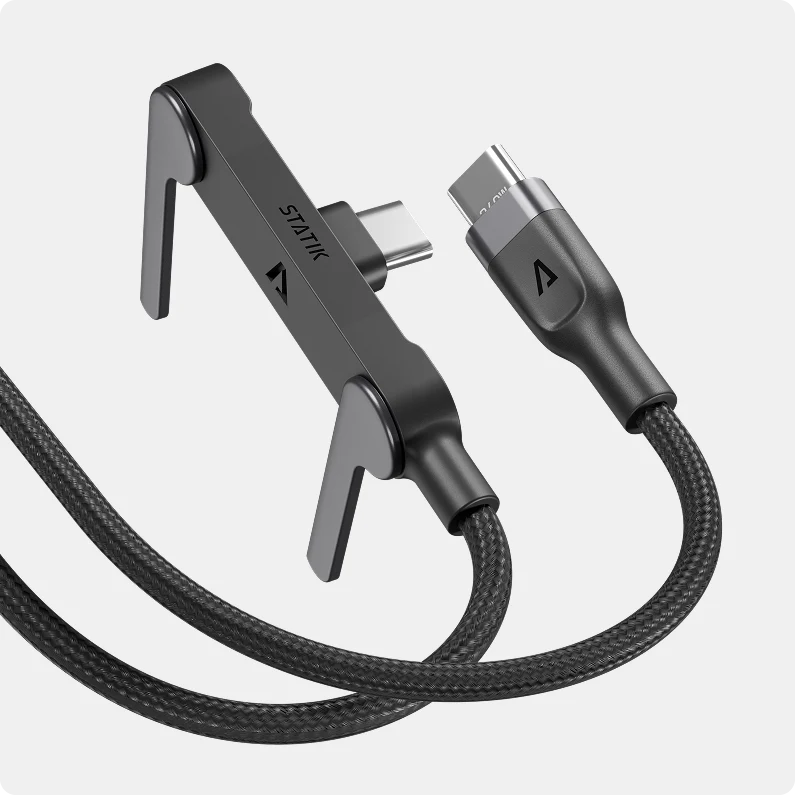
Statik PowerStand makes your boring USB-C cable surprisingly useful
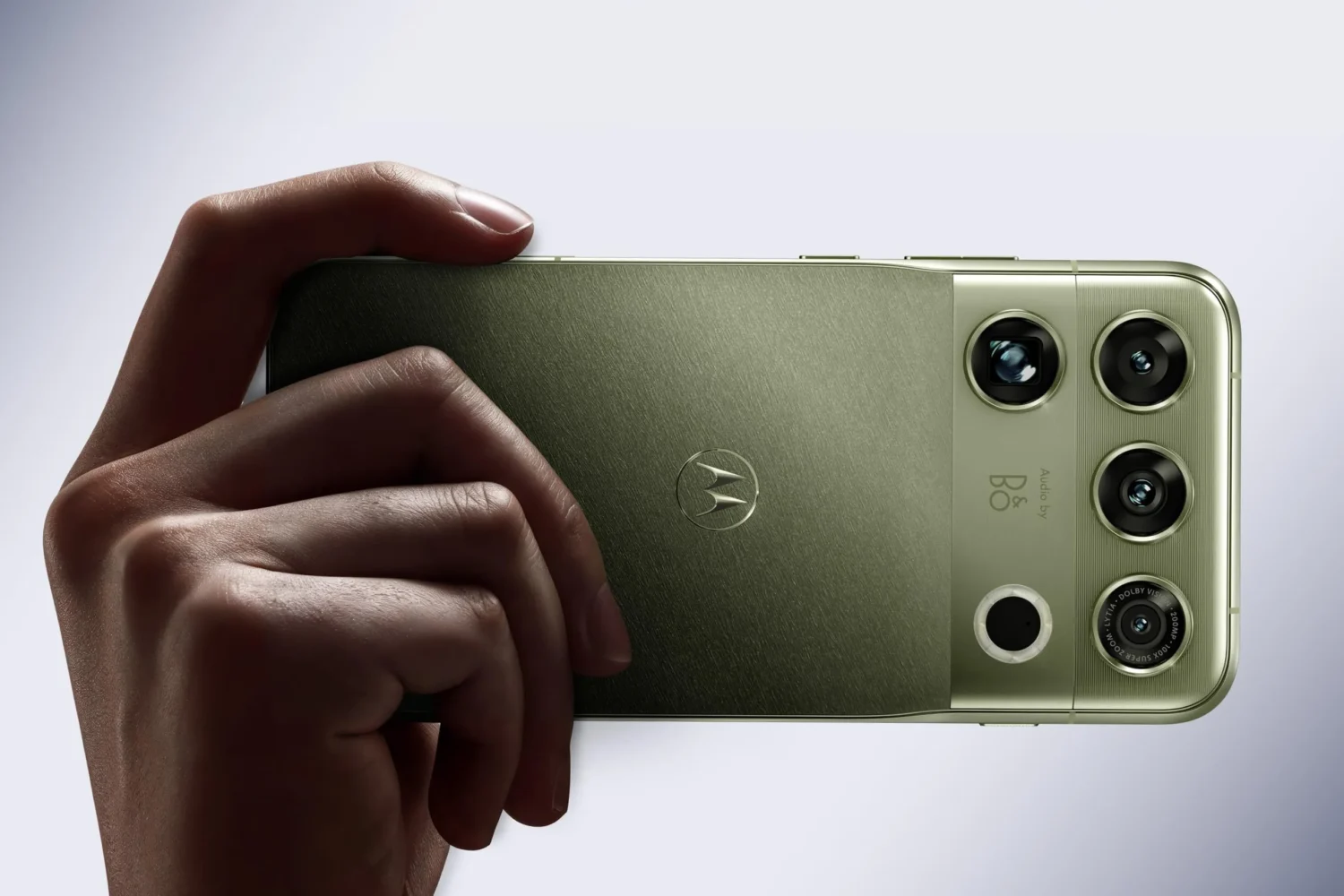
Motorola Signature 27 Extreme packs a ridiculous 200MP zoom camera
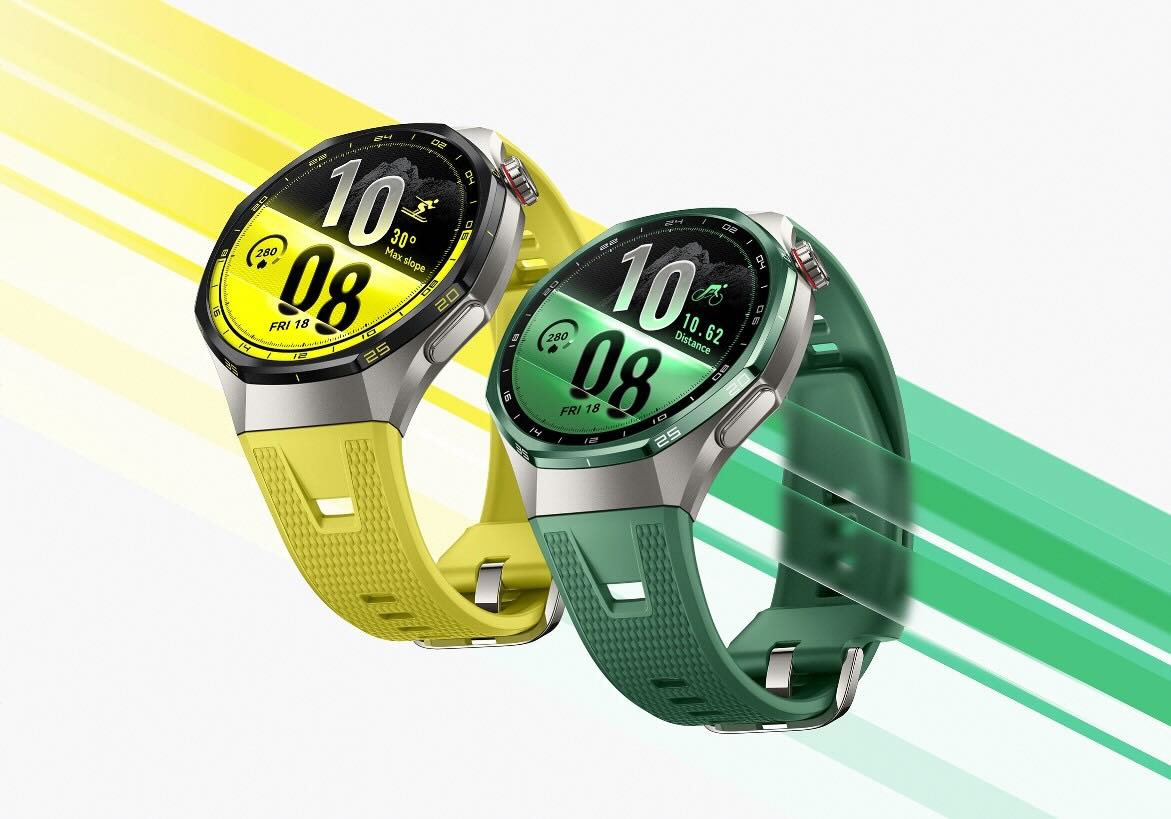
Huawei Watch GT 7 hits UAE with massive 21-day battery
Honor of Kings just turned its MOBA into battle royale
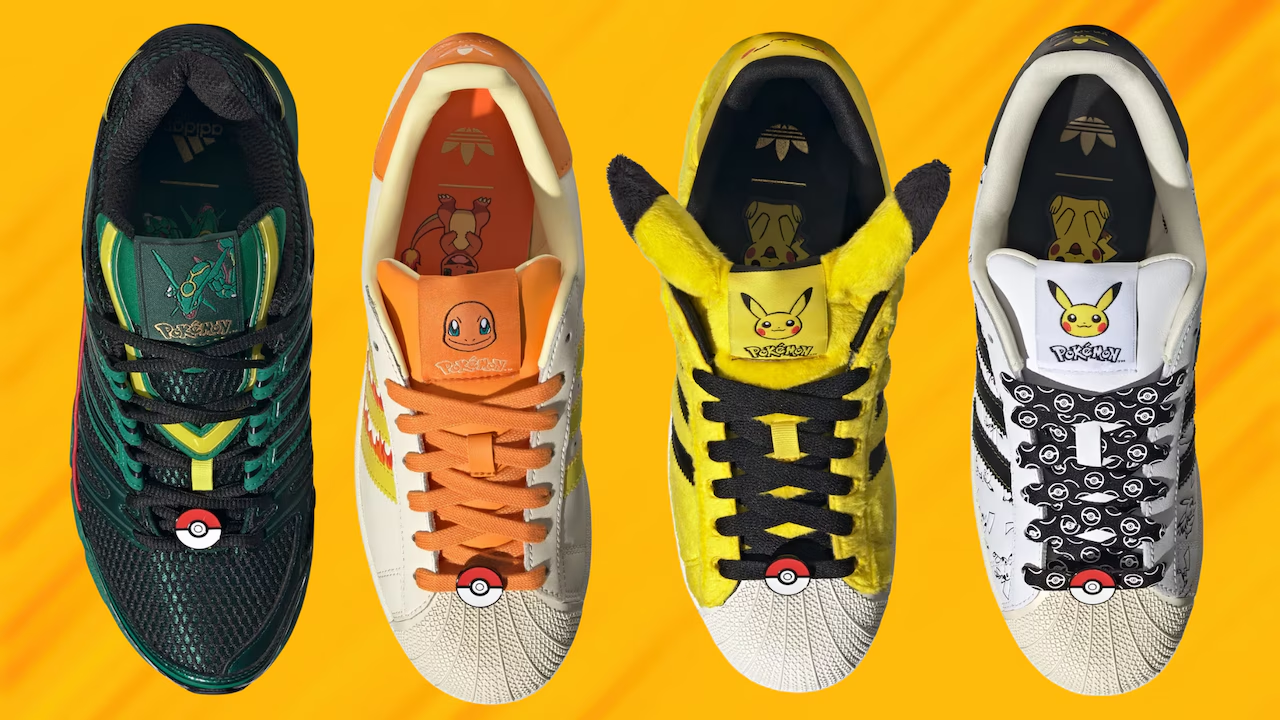
Adidas drops massive 67-piece Pokémon collection for its 30th anniversary
Follow US
Caffeine. Chaos. Content.
© Absolute Geeks Media FZE LLC 2014–2026.
Proudly made in Dubai, UAE ❤️
Contact · About · Editorial Policy · Privacy Policy
Welcome Back!

Sign in to your account

Username or Email Address
Password

Lost your password?