
TL;DR: Revisiting the WD My Passport for Mac 2TB in 2026 shows it is still a capable portable HDD for Mac users who prioritize capacity, easy Time Machine backups, and solid security features over raw speed. The slim design and reliable performance hold up well for most workflows, making it a smart, budget friendly choice even years later, though mechanical limitations mean pairing it with other solutions for critical data. Highly recommended for practical geeks who need dependable storage that travels light.
WD My Passport for Mac 2TB
It’s 2026 and somehow I find myself digging through my tech shelf like an archaeologist unearthing forgotten relics from the spinning rust era. There it was, that trusty blue WD My Passport for Mac 2TB, quietly sitting among the shiny new NVMe drives and thunderbolt docks that dominate my current setup. With all the SSD hype flooding the market these days, I decided it was time for a proper revisit. Is this portable hard drive still worth it for Mac users in a world obsessed with speed, or has it become digital nostalgia best left in the drawer?
As someone who has tested more storage solutions than I care to admit across Dubai’s blistering heat and endless creative deadlines, I have a soft spot for devices that quietly deliver without chasing every flashy trend. Back when I first grabbed this My Passport for Mac, it felt like the perfect companion for my MacBook workflow. Now, years later, I am plugging it in again to see if it holds up against the relentless march of technology. Spoiler? It mostly does, in ways that surprised even this jaded reviewer.
That Enduring Slim Design That Travels Everywhere
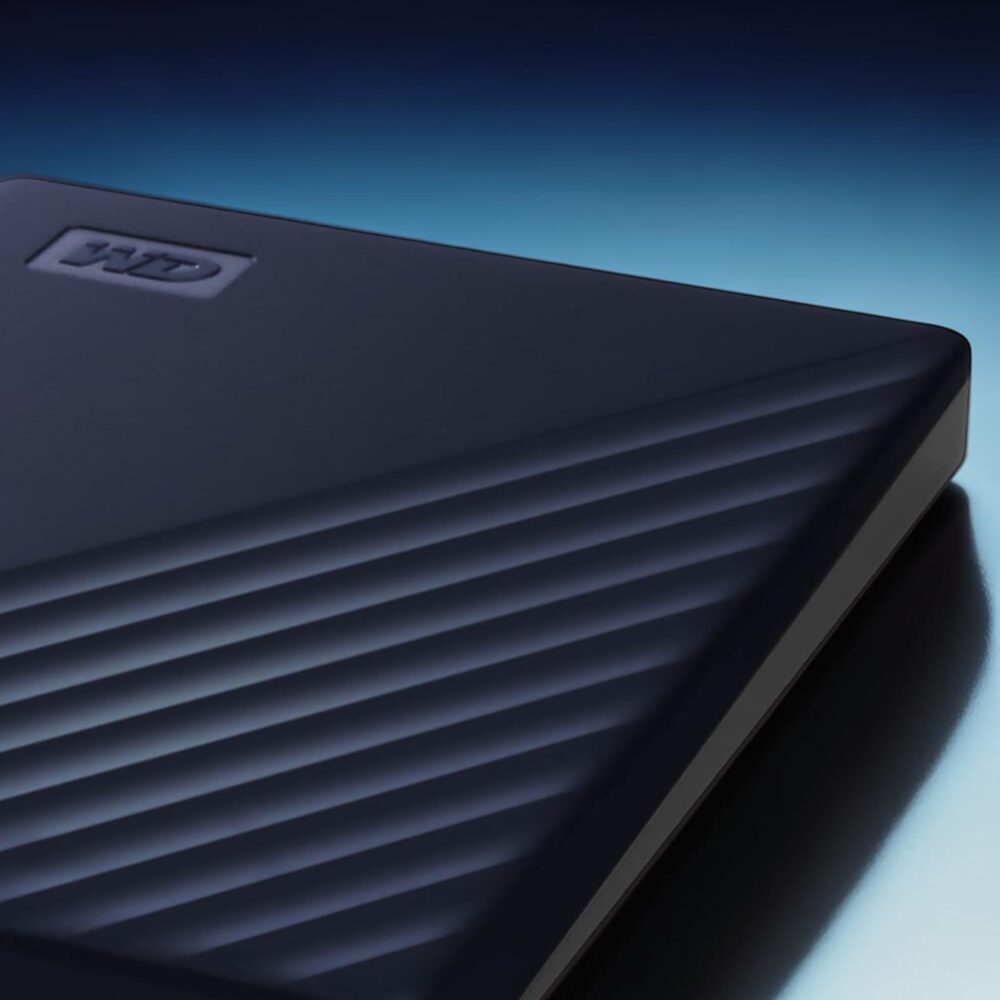
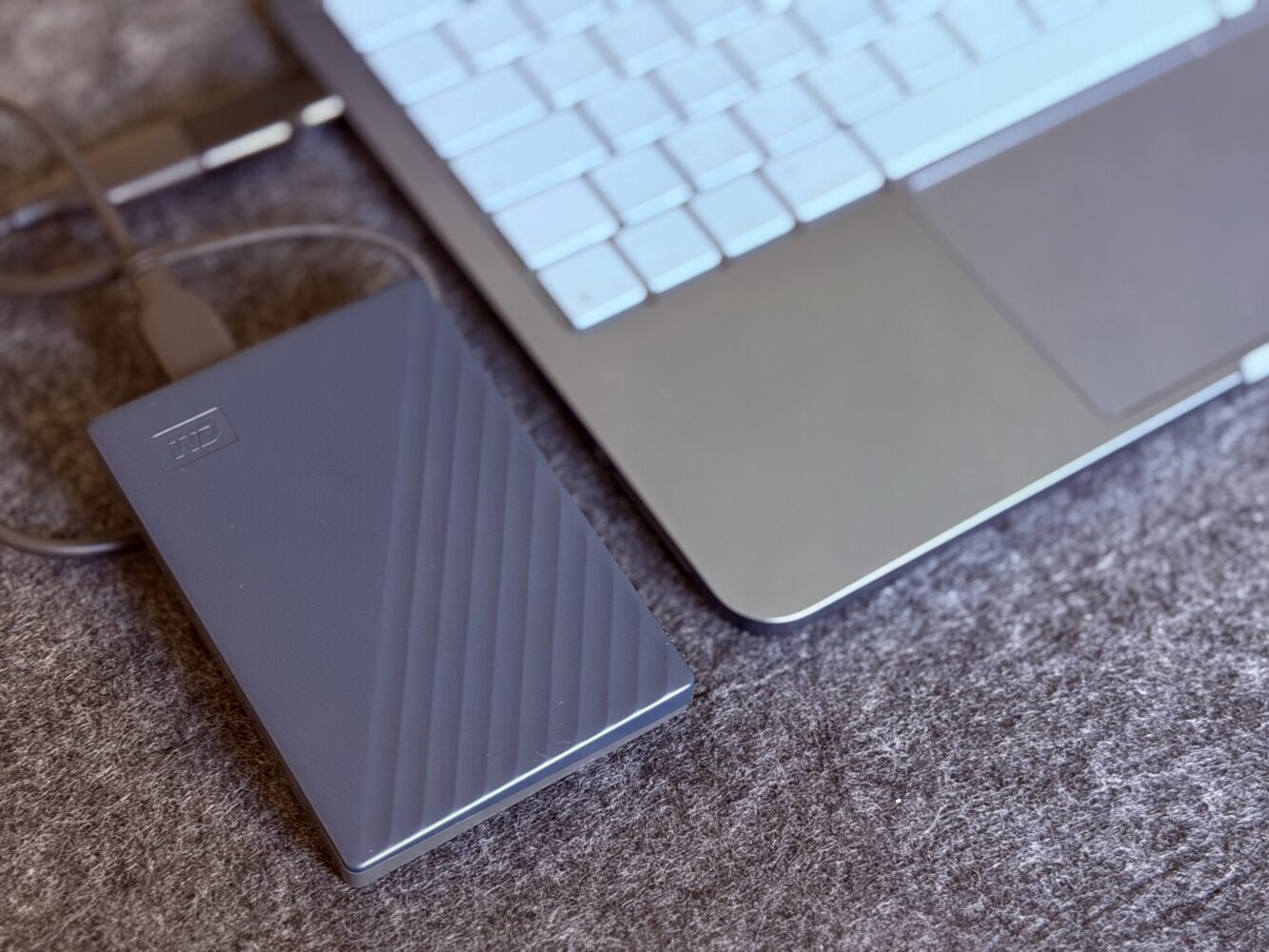
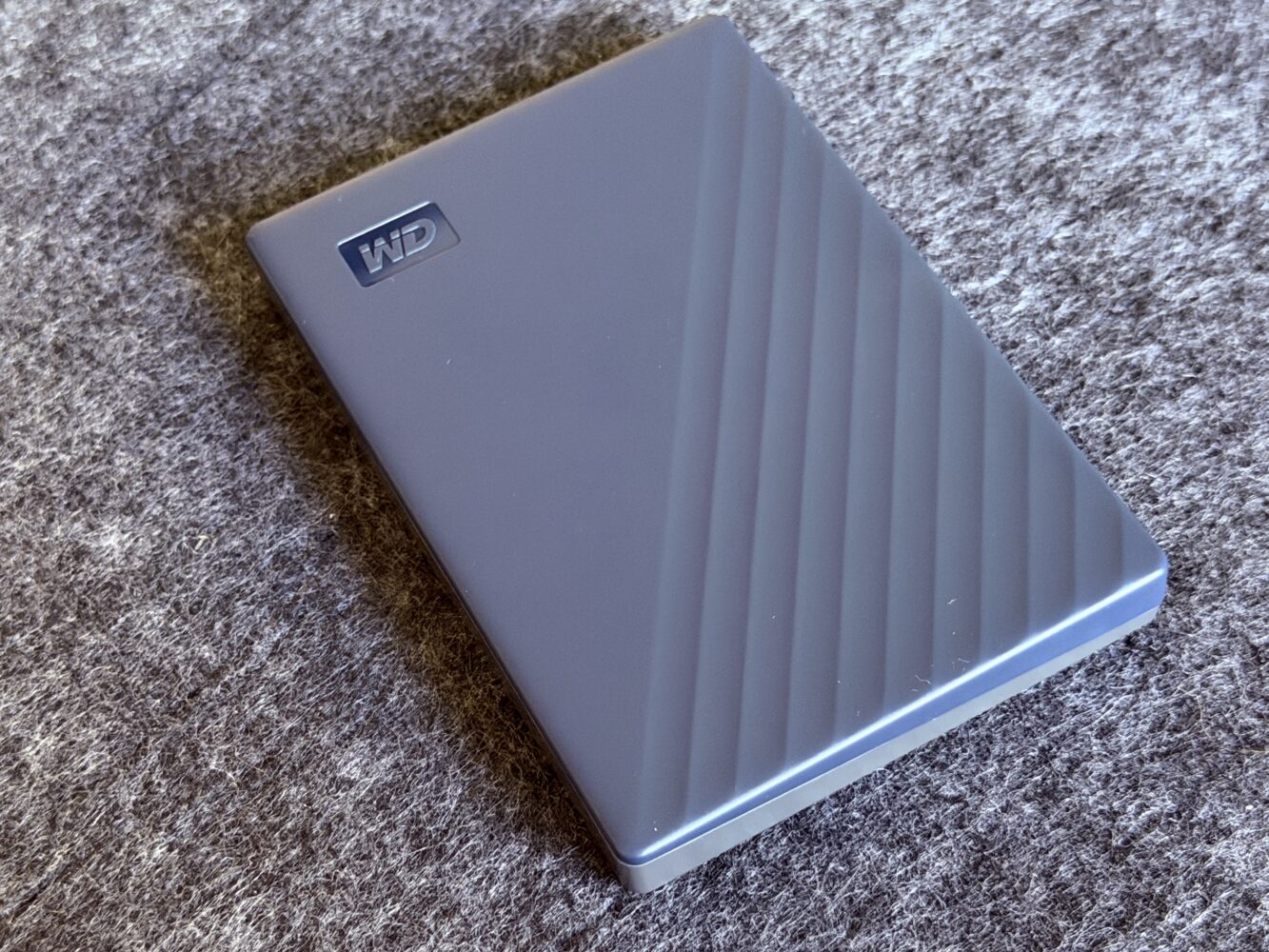
Unboxing it again felt oddly comforting, like reconnecting with an old friend who never changed their style. The vibrant blue finish still looks fresh, with that matte texture shrugging off fingerprints and minor scuffs from years of pocket duty. Measuring slim enough to disappear into a backpack or even a jacket pocket, it remains one of the more travel friendly mechanical drives I have used.
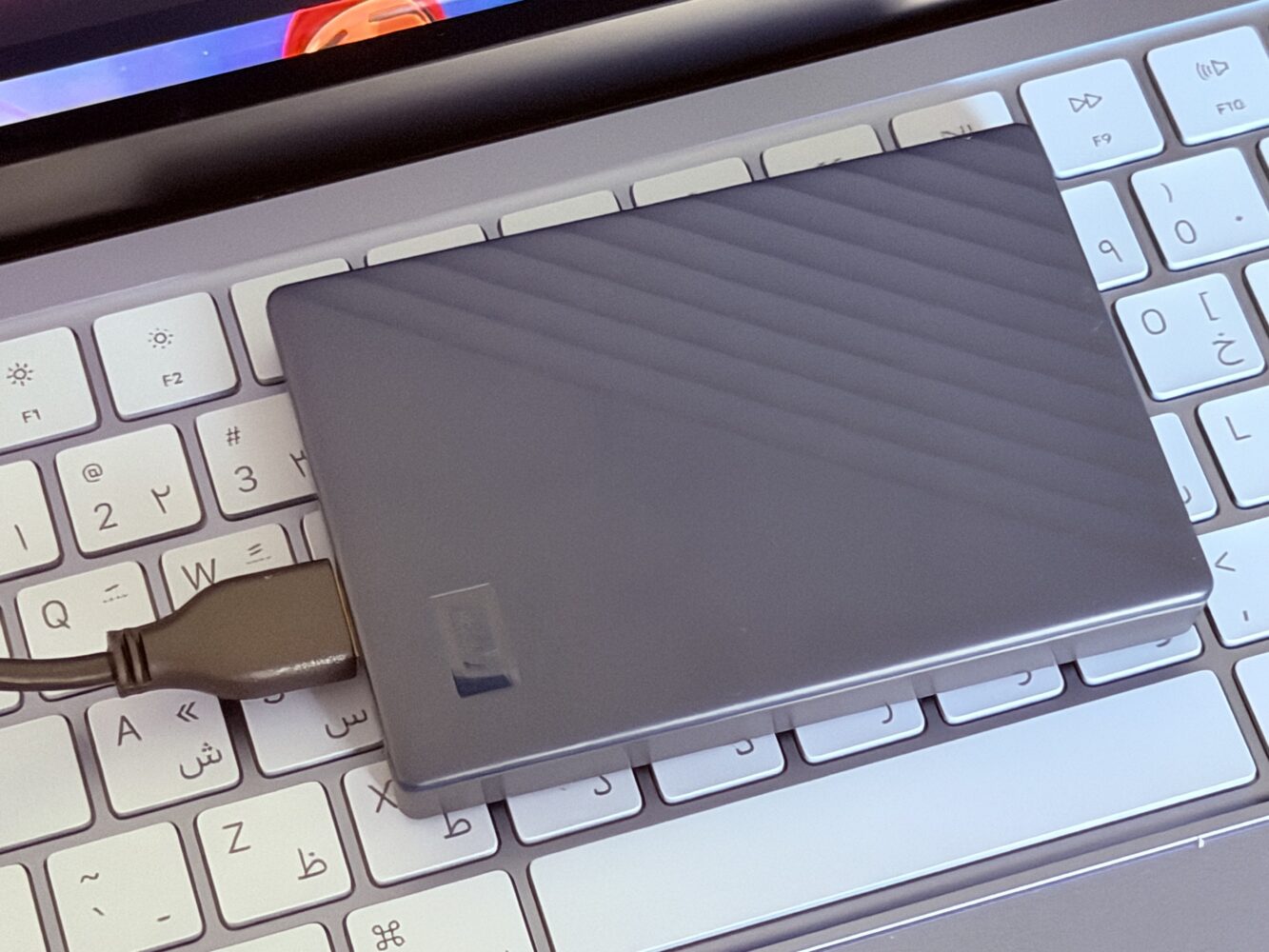
In 2026, with my bag already stuffed with the latest gadgets, its lightweight build continues to earn points. It is not competing with ultra thin SSDs in the slimness Olympics, but that subtle thickness gives it a reassuring durability that has survived more accidental drops than I would publicly admit.
Compared to some modern alternatives that feel like they might shatter if you look at them wrong, this WD My Passport for Mac carries itself with quiet confidence. It is the kind of device that reminds you storage does not always need to be paper thin to be practical. Whether I am editing footage on the go or archiving massive photo libraries from desert shoots, the form factor still wins for everyday portability.
Real World Performance That Holds Its Own
Firing it up in 2026, I expected the age to show immediately in transfer speeds. USB 3.2 Gen 1 tops out around 5Gbps on paper, and real world tests with my hefty 4K video libraries confirmed transfers in the 110 to 140 MB per second range. Not exactly the warp speed of current SSDs, but for bulk backups and archival work, it gets the job done without drama.
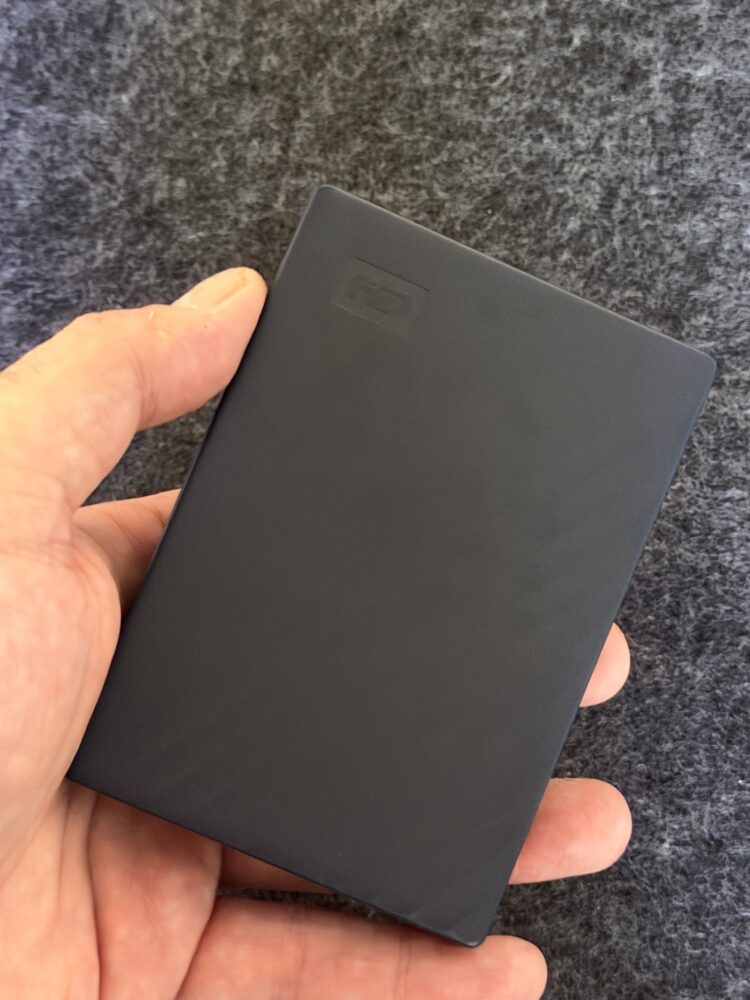
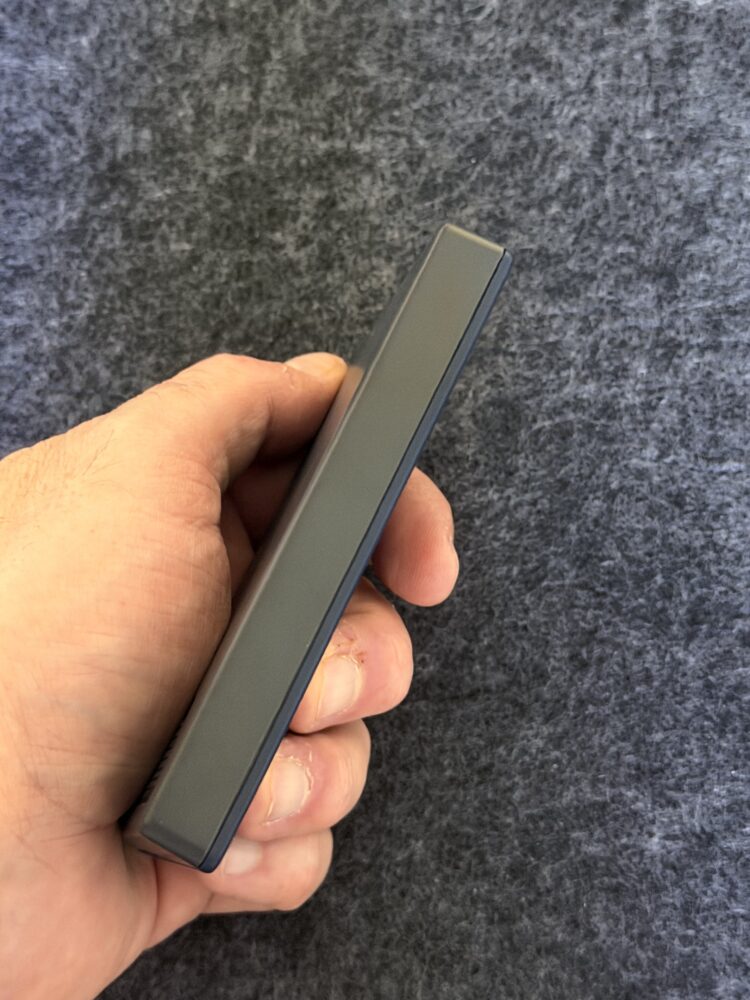
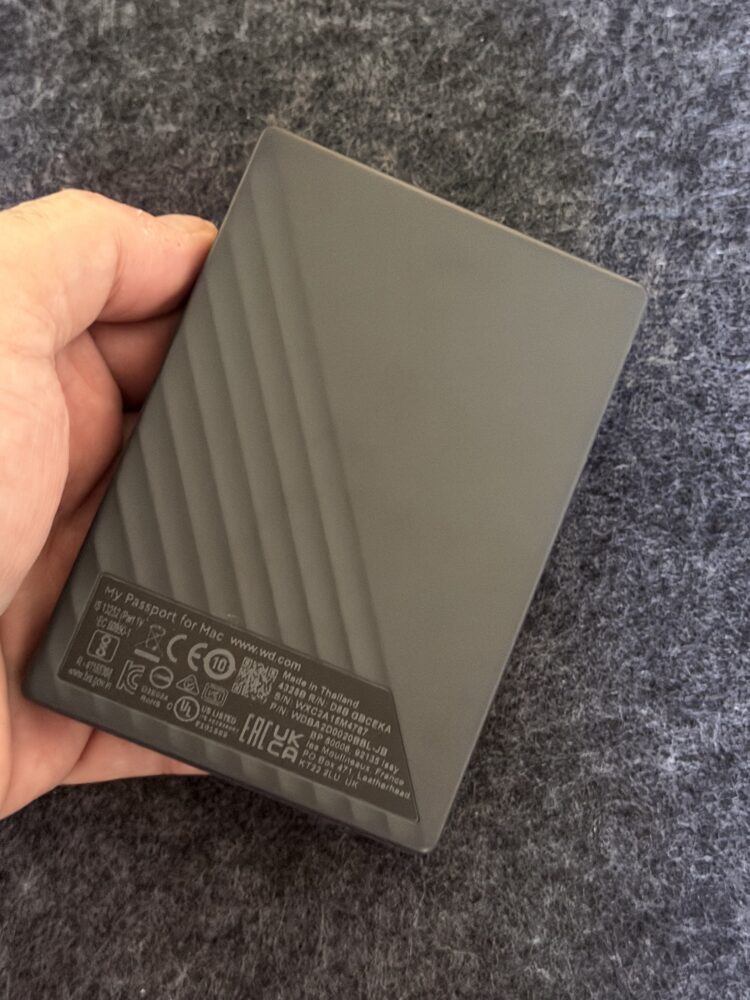
During a recent marathon session migrating old project files while juggling multiple browser tabs and a Star Trek rerun in the background, the drive stayed remarkably cool and silent. No annoying clicks or vibrations that make you wonder if your data is about to take an unplanned vacation. For Time Machine backups on my Mac, it still integrates like it was built for the ecosystem, quietly handling incremental saves in the background.
I have been spoiled by faster solid state options lately, yet there is something satisfying about this mechanical workhorse when you need raw capacity over blazing speed. Moving hundreds of gigabytes of raw footage took a couple hours, but I could keep working on other tasks without the system breaking a sweat. In a world where we hoard more data than ever, that kind of reliable throughput still matters.
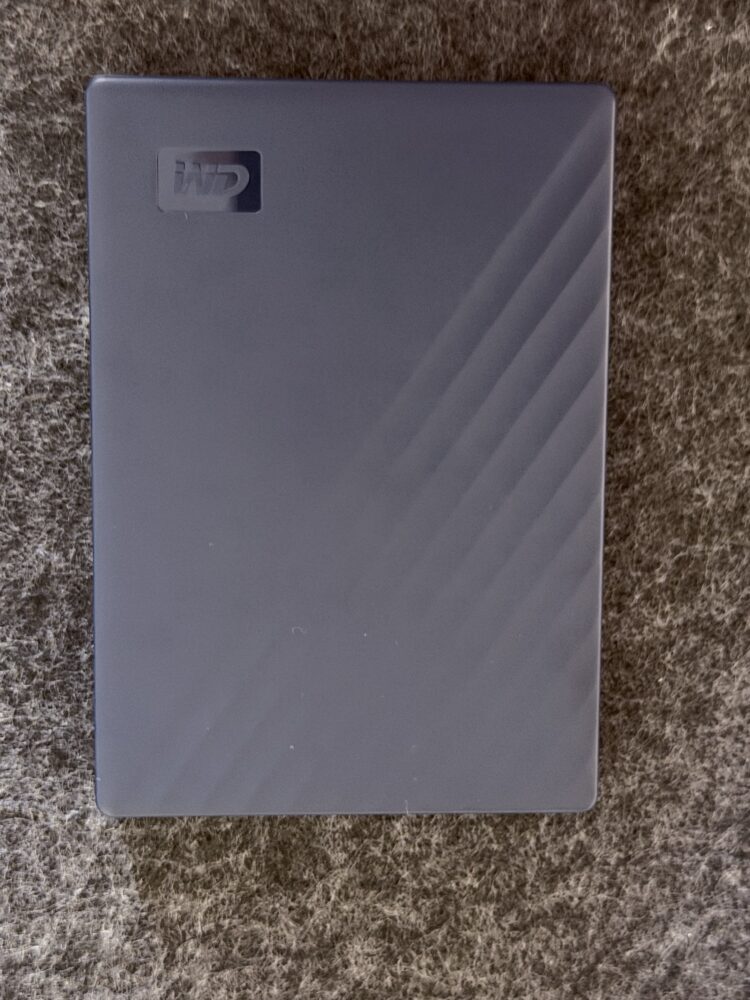
Another test involved stress loading it while rendering in Final Cut. The My Passport for Mac handled the workload without hiccups, proving that sometimes the old reliable choice beats chasing benchmark numbers. It will not set any land speed records, but for most Mac users who value consistency over flash, it continues delivering.
Security and Software That Still Impress
The password protection and 256 bit AES hardware encryption features feel just as relevant today as they did on day one. Setting it up again gave me that same sense of locking down a personal vault for sensitive client files and personal memories. In our always connected world, having that extra layer against unauthorized access provides genuine peace of mind.
The included backup tools made scheduling effortless once more. I set it to run during my morning routine, and it chugged along without nagging interruptions or complicated menus. For anyone worried about ransomware or accidental data loss, these features turn what could be a basic drive into something smarter.
Cross platform compatibility remains handy too. While optimized for macOS, the downloadable driver lets it play nice with Windows machines when needed. No reformatting battles or compatibility headaches that plagued older externals I have owned. It just works, which in 2026 still feels like a small miracle.
How It Fits Into Modern Mac Workflows
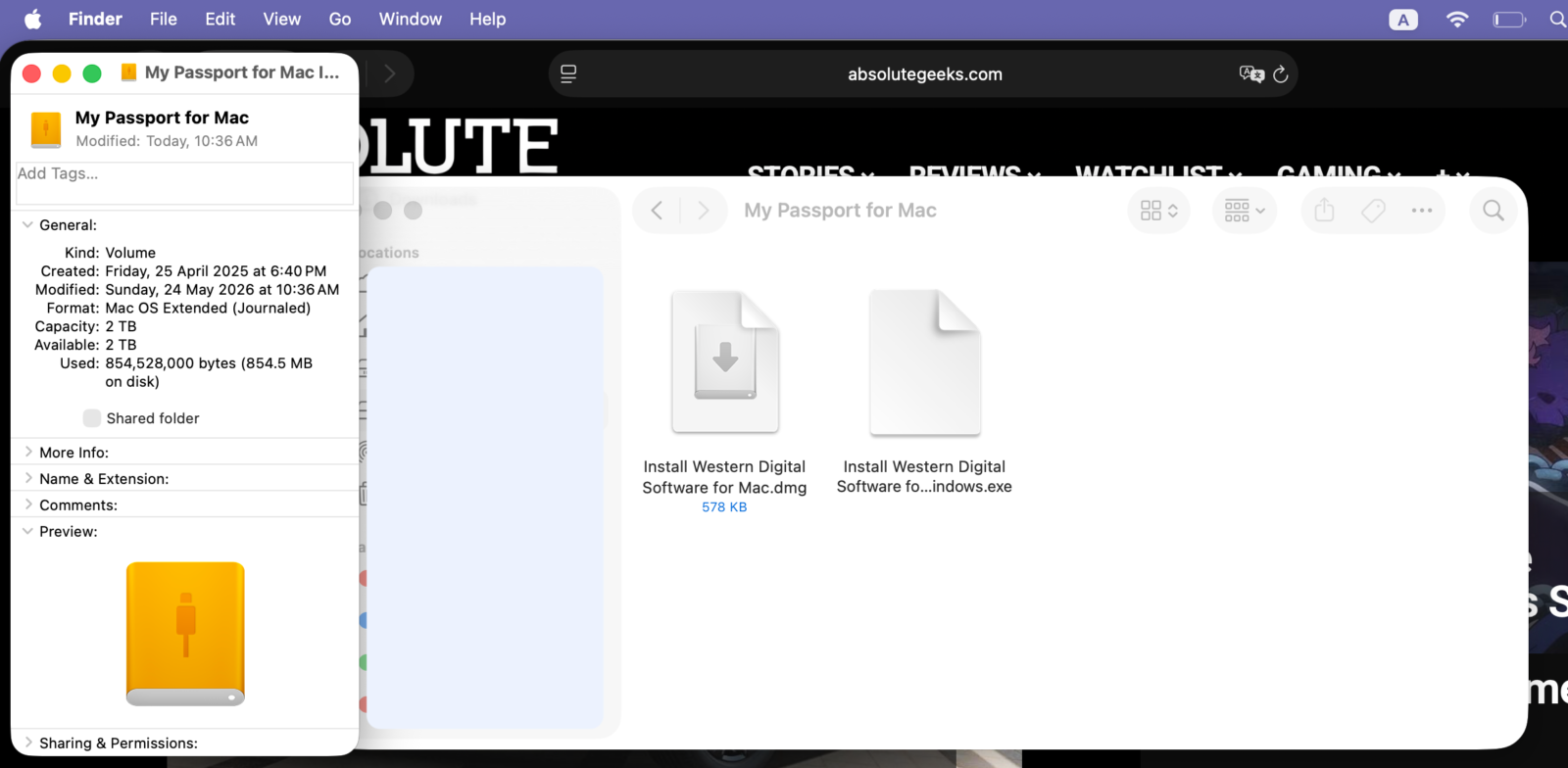
Plugging this My Passport for Mac into my current MacBook setup reminded me why it earned a spot in my collection originally. Native Time Machine support means automatic backups happen without any fuss, creating that safety net every creative professional secretly relies on. The drive showed up immediately in Finder, ready for action.
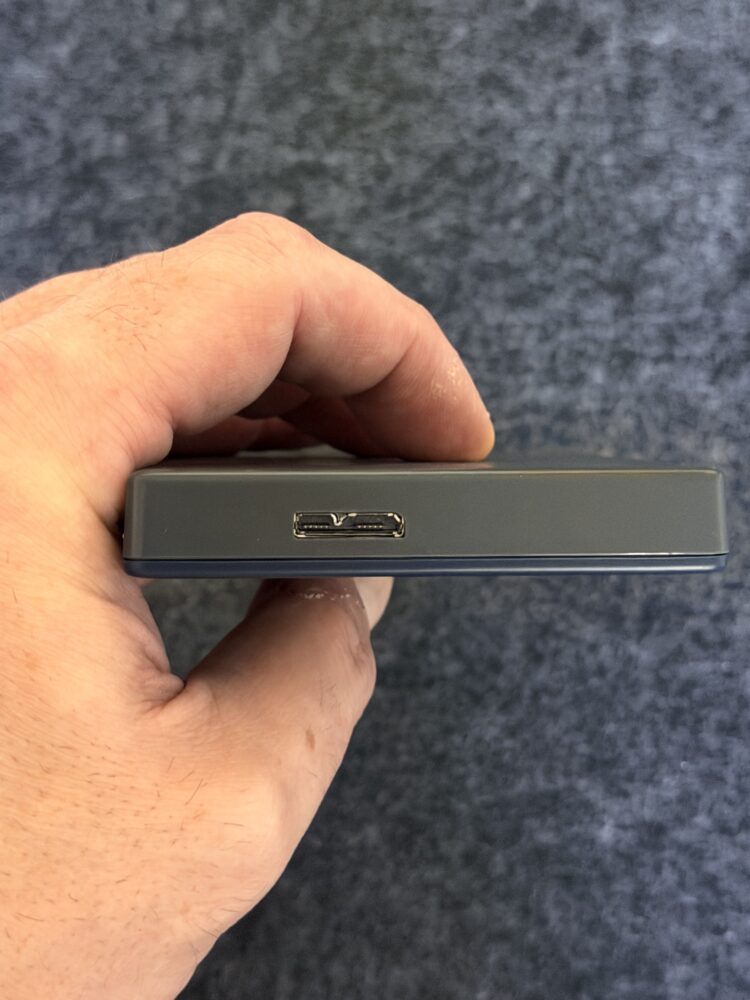
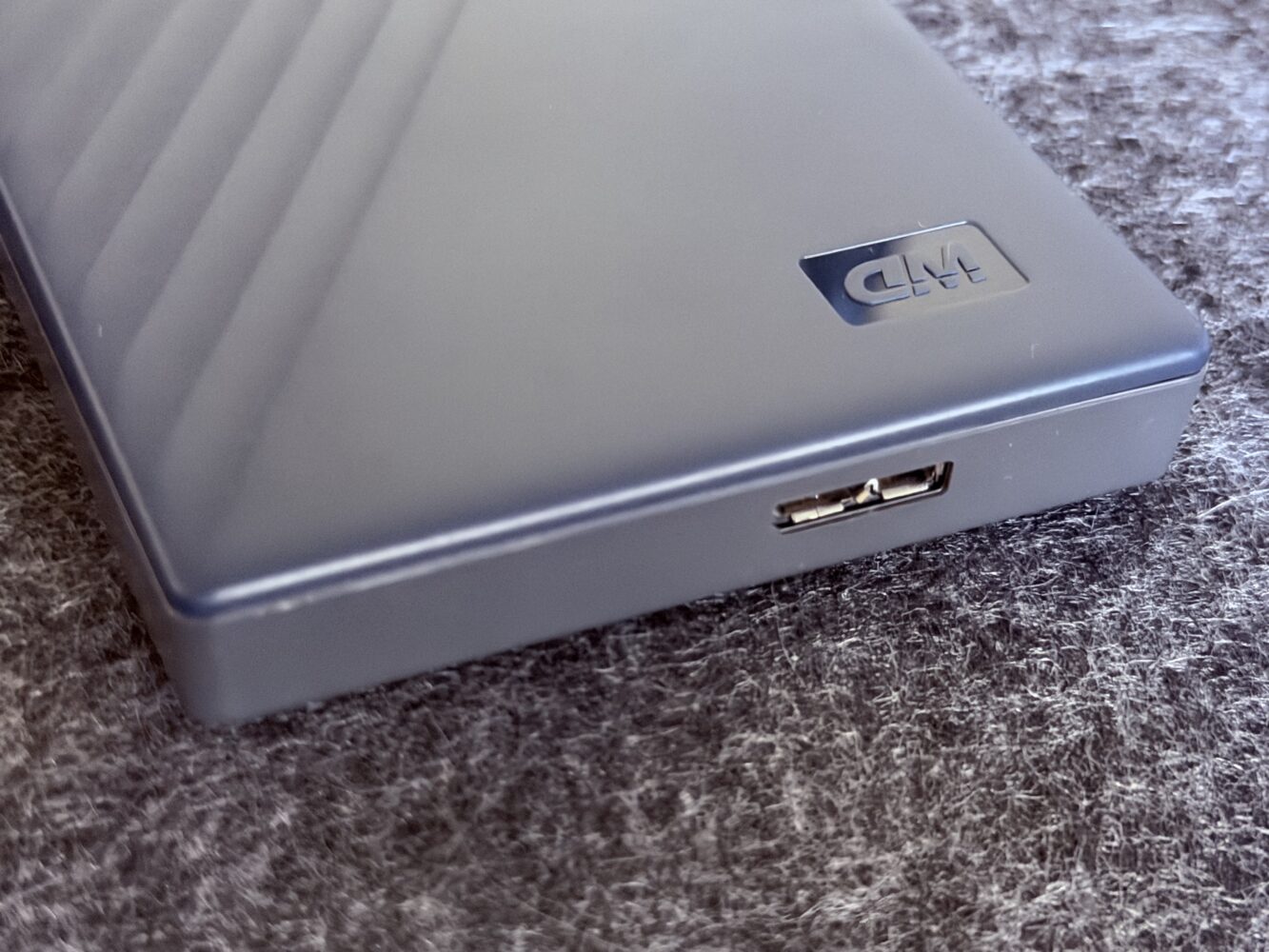
I have tested it alongside newer USB C native drives, and while the included cable with adapter is not the most elegant solution by today’s standards, it gets the job done across different ports. Power draw stays reasonable, preserving laptop battery life during extended field work in places where outlets are scarce.
For content creators managing large media libraries, the 2TB capacity still offers breathing room without constant spring cleaning. I loaded it with years of photos, videos, and documents, and it handled everything smoothly. In an era of cloud everything, having a local portable option that travels with you feels refreshingly independent.
Of course, being a mechanical drive, it comes with the usual caveats around long term reliability compared to solid state alternatives. My unit has held up remarkably well over time, but I always recommend multiple backup layers because no single drive should be your only lifeline.
Why This Classic Still Deserves Consideration
Re visiting the WD My Passport for Mac 2TB has been an enlightening trip down memory lane with some unexpected appreciation. In a market saturated with faster and flashier options, this portable hard drive stands out for its reliability, thoughtful Mac integration, and no nonsense approach to protecting your data.
It might not be the hero of benchmark charts anymore, but for everyday backups, media archiving, and on the go storage, it continues punching above expectations. If you are a Mac user seeking affordable, high capacity portable storage that just works, this blue companion remains surprisingly relevant.