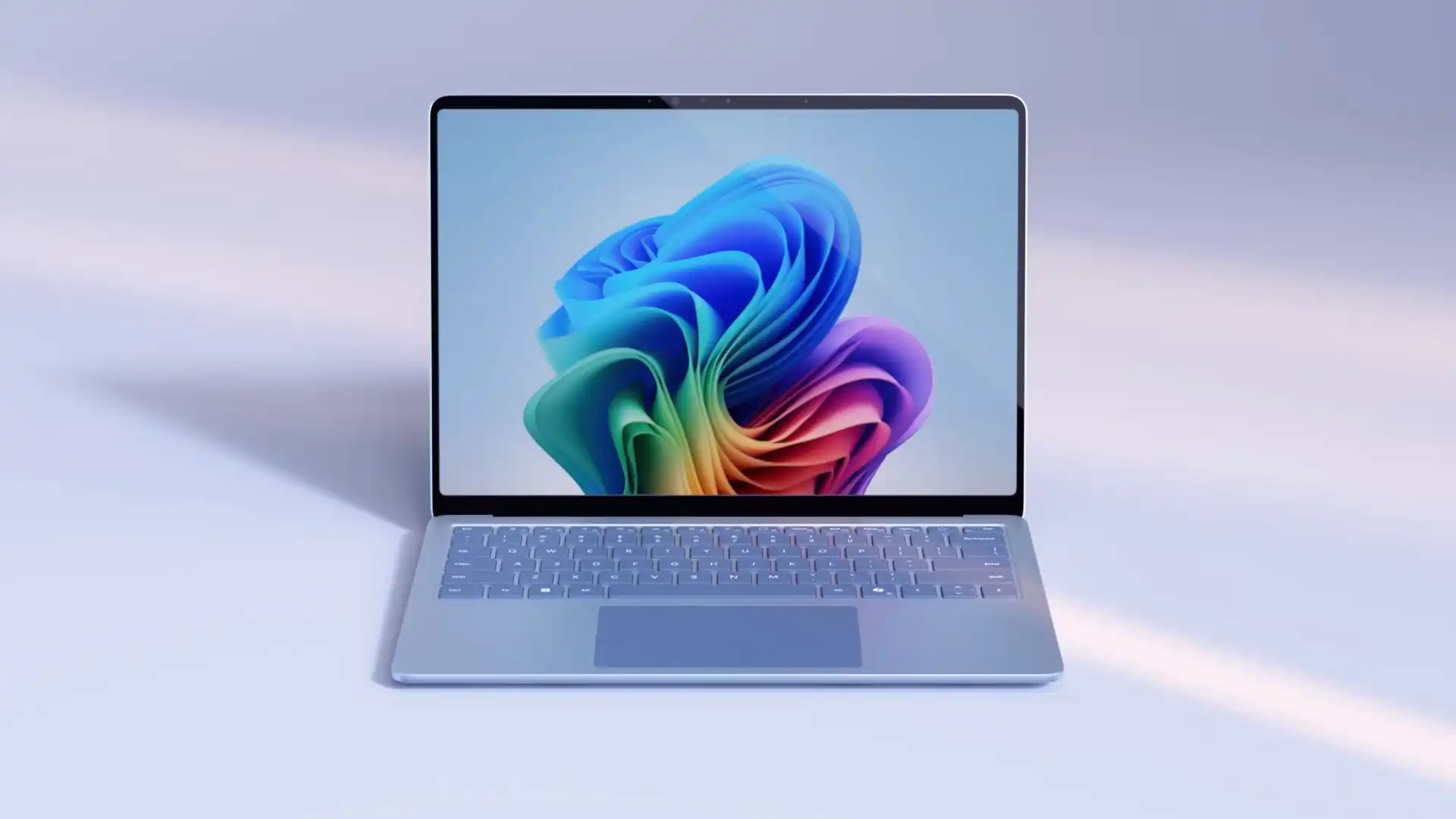
Microsoft is rolling out new Windows 11 features that leverage artificial intelligence to improve usability, accessibility, and productivity. These additions are currently available through preview builds for Windows Insiders, but many of the headline upgrades will be limited to a new class of devices known as Copilot+ PCs—AI-enabled laptops and desktops powered by ARM-based Snapdragon chips.
Among the most anticipated features is the integration of Reading Coach with the Click to Do feature in Windows 11. This AI-assisted tool is designed to help users improve reading fluency and pronunciation by analyzing highlighted text and offering tailored feedback. While it may seem geared toward students, it’s a useful utility for anyone looking to build confidence in reading or language comprehension without external assistance.
Immersive Reader, another returning feature with upgrades, is also being emphasized in this rollout. Originally created to assist users with dyslexia or dysgraphia, Immersive Reader now offers broader functionality that benefits all users. With customizable fonts, spacing, and background themes, along with tools like syllable separation and part-of-speech highlighting, it’s a thoughtful addition to the accessibility toolkit. The picture dictionary feature, which visually represents words, is especially valuable for visual learners who benefit from contextual imagery.
On the AI side, Microsoft is enhancing how users search through their cloud-stored photos. Those with eligible Copilot+ PCs can now use natural language queries like “dog on the beach” in the Windows Search bar to locate specific images. The system uses a combination of lexical and semantic indexing to interpret and return relevant results. For now, this functionality is limited to Snapdragon-powered systems and is being piloted in the European Economic Area. Microsoft has confirmed support for AMD and Intel devices is on the way, though it hasn’t shared an exact release timeline.
Another useful update is coming to Voice Access, which is gaining the ability to personalize its dictionary. This allows users to add custom words or difficult-to-pronounce terms to improve dictation accuracy. The feature will be available across several languages, including English, Spanish, French, German, and Chinese, and is designed to support more accurate voice-to-text performance for a broader range of users.
One of the more controversial additions, known as Recall, is also moving closer to general availability. This feature automatically tracks past activity to help users retrieve files, websites, and messages they’ve previously interacted with. It’s arriving soon via build 26100.3902 for Copilot+ devices but has already raised privacy concerns among observers.
While these AI features represent a significant step forward for Windows 11, they come with an important caveat: many are exclusive to Copilot+ PCs. That means existing Windows 11 users with traditional Intel or AMD hardware may not gain access right away. Microsoft is likely using the Copilot+ designation to highlight systems optimized for AI workloads, but it’s also fragmenting the user experience depending on hardware.
To see whether your device qualifies for these features, make sure your system is running the latest Windows 11 preview build and check if your PC meets the Copilot+ criteria—currently limited to newer Snapdragon-powered machines. As Microsoft continues its push toward AI-native computing, users on older or unsupported hardware may find themselves waiting longer to benefit from these upgrades.