• Stories
    • Tech
    • Auto
    • Guides
    • Opinions
  • Reviews
    • READERS’ CHOICE
    • ALL REVIEWS
    • ━
    • SMARTPHONES
    • CARS
    • HEADPHONES
    • ACCESSORIES
    • LAPTOPS
    • TABLETS
    • WEARABLES
    • SPEAKERS
    • APPS
  • Entertainment
    • TV & MOVIE REVIEWS
    • SPOTLIGHT
  • GAMING
    • GAMING NEWS
    • GAME REVIEWS
  • m
Reading: WhatsApp introduces chat themes for personalized conversations
Font ResizerAa
Font ResizerAa
  • menu
  • SEARCH
  • STORIES
    • TECH
    • AUTOMOTIVE
    • GUIDES
    • OPINIONS
  • REVIEWS
    • READERS’ CHOICE
    • ALL REVIEWS
    • ━
    • SMARTPHONES
    • CARS
    • HEADPHONES
    • ACCESSORIES
    • LAPTOPS
    • TABLETS
    • WEARABLES
    • SPEAKERS
    • APPS
  • Entertainment
    • TV & MOVIE REVIEWS
    • SPOTLIGHT
  • GAMING
    • GAMING NEWS
    • GAME REVIEWS
  • m
Follow US

WhatsApp introduces chat themes for personalized conversations

GEEK DESK
GEEK DESK
Feb 14, 2025

WhatsApp has rolled out a new feature that allows users to personalize their chats with custom themes. The update, available for both iOS and Android users, introduces a range of colorful chat bubbles and wallpapers, enabling users to create unique visual styles for their conversations.

While changing the chat wallpaper was already possible, the new update expands customization options significantly. Users can now choose from a variety of colors for their chat bubbles, and there are also pre-set themes that change both the background and bubbles. For those who prefer a more personalized touch, individual customization of backgrounds and bubbles is also possible.

The update also introduces 30 new wallpaper options, and users can still upload their own backgrounds from their photo library. Themes can be applied to all chats or set individually for specific conversations. It’s worth noting that themes are only visible to the user who applies them, not to the other participants in the chat. This feature is available for both chats and channels.

To change the WhatsApp theme, users can navigate to Settings > Chats > Default Chat Theme within the app. The feature is currently being rolled out globally and will be available to all users in the coming weeks. To access the new chat themes, ensure that you have updated to the latest version of the WhatsApp app.

What do you think?
Happy0
Sad0
Love0
Surprise0
Cry0
Angry0
Dead0
Apple Intelligence won’t be unlimited forever, Apple confirms
The new Disney+ app starts rolling out across MENA on October 6
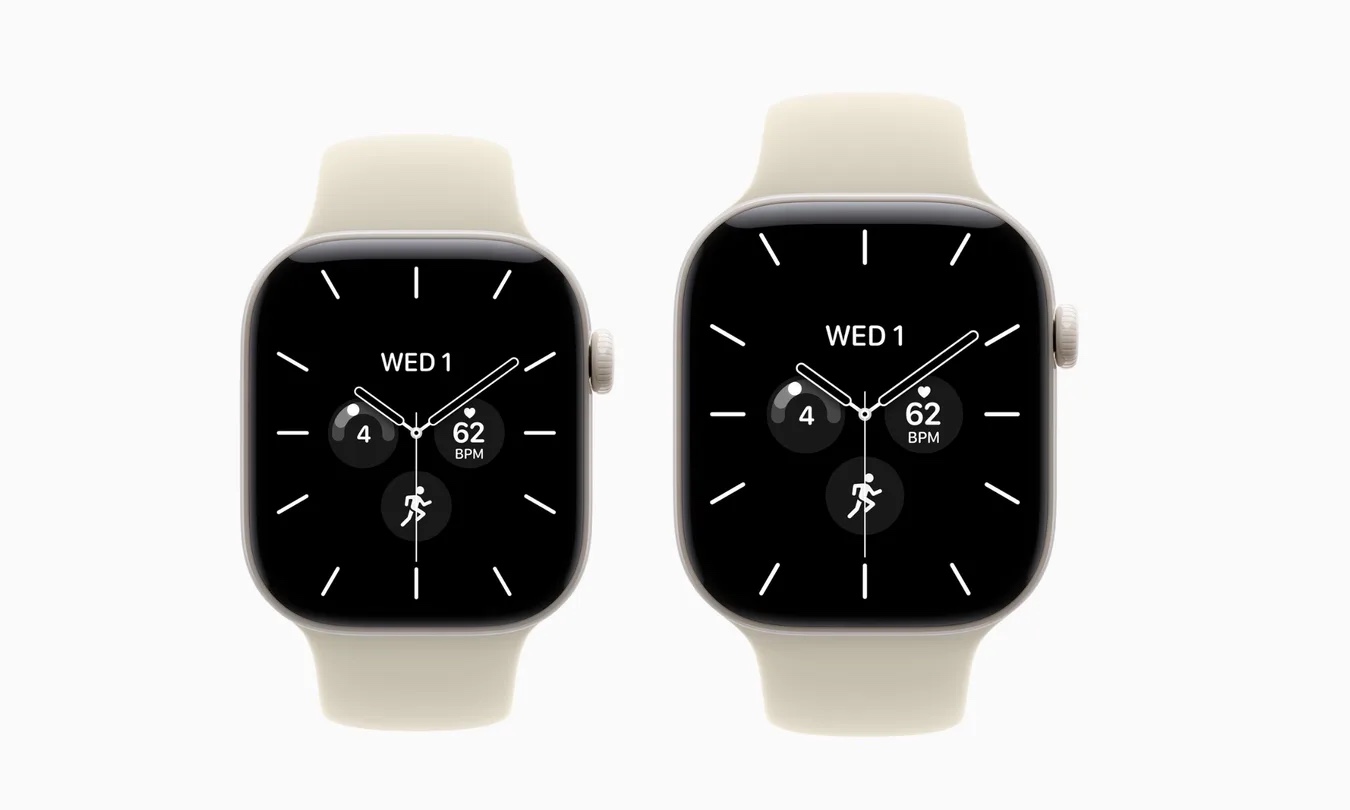
Apple’s stunning ceramic Watch is back after a long absence
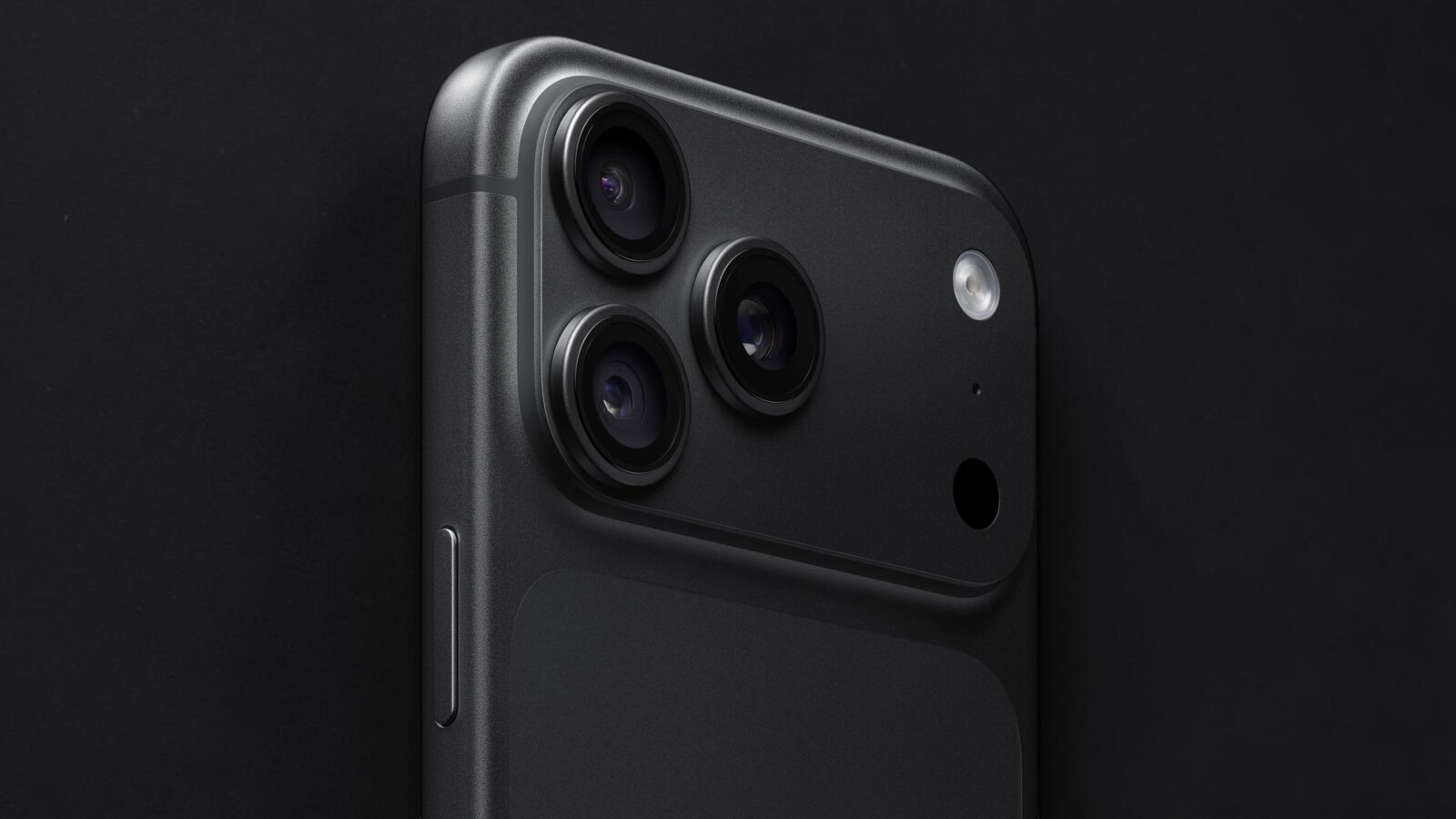
Black iPhone 18 Pro is back and looks ridiculously good
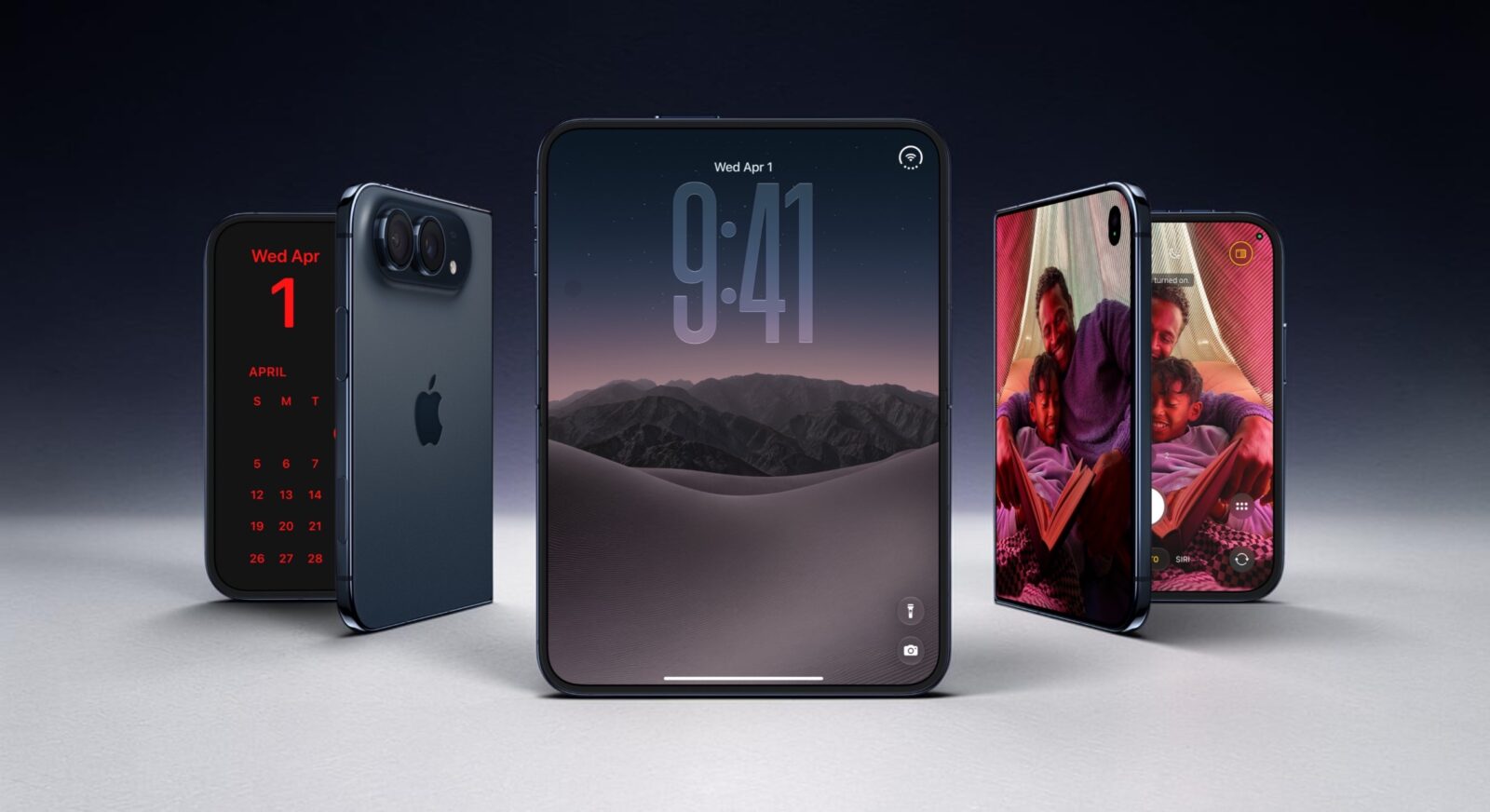
iPhone Duo hides some seriously clever tricks beyond its folding screen
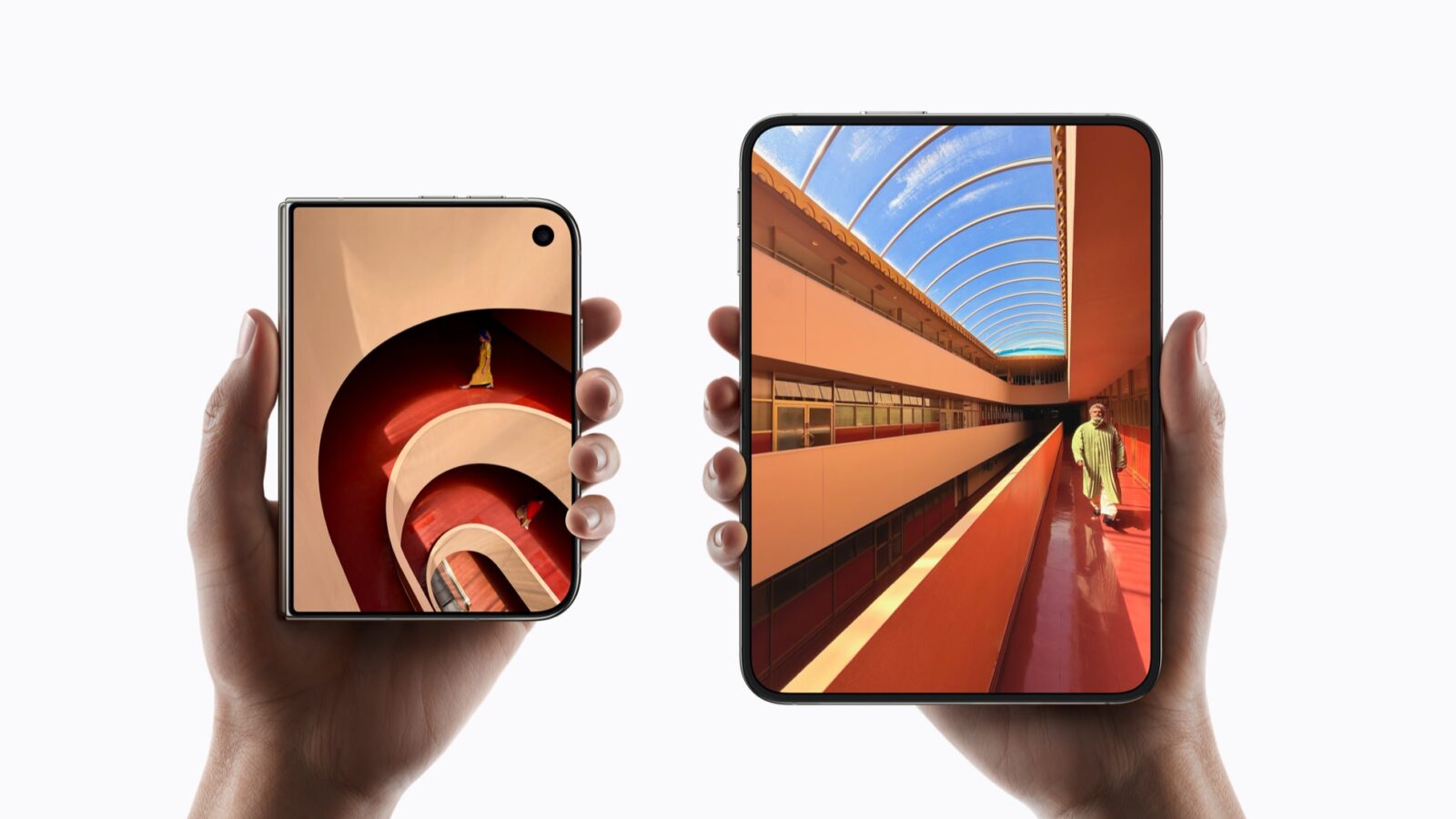
iPhone Duo just beat Galaxy Z Fold8 where durability matters most
Follow US
Caffeine. Chaos. Content.
© Absolute Geeks Media FZE LLC 2014–2026.
Proudly made in Dubai, UAE ❤️
Contact · About · Editorial Policy · Privacy Policy
Welcome Back!

Sign in to your account

Username or Email Address
Password

Lost your password?