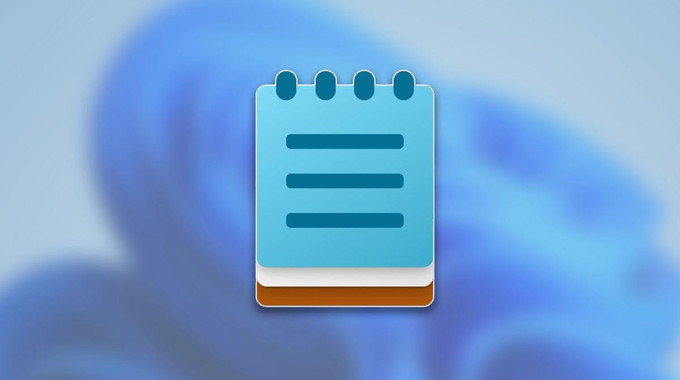
Microsoft is adding AI-powered features to some of its most basic Windows apps, including Notepad — a tool long known for its simplicity. As part of the broader Copilot Plus initiative on Windows 11, Notepad is getting a new feature called “Write” that allows users to generate or refine text using AI prompts.
The new capability is currently being tested with Windows Insiders. It builds on recent additions like Summarize and Rewrite, but marks the most significant shift yet in how users interact with Notepad. With Write, users can now right-click within a document, input a prompt via Windows Copilot, and generate new content or modify existing text. Whether you’re drafting from scratch, shortening a paragraph, or adjusting the tone of your writing, the tool acts as a built-in assistant within the traditionally minimalist app.
The feature effectively transforms Notepad from a passive text field into a more interactive writing assistant, one that leans on Microsoft’s growing AI infrastructure to support day-to-day writing tasks. Users can accept, refine, or discard suggestions as needed — keeping control of the final output.
The updates don’t stop with Notepad. Microsoft is also rolling out AI enhancements to other core apps. Paint now includes a sticker generator that can turn text prompts into images and a new object selection tool that uses AI to distinguish between foreground and background elements in a composition. The Snipping Tool, often used for screenshots, has been upgraded with smart cropping that automatically detects areas of focus and adjusts captures accordingly.
However, these features are not universally available. Access to the AI-powered versions of Notepad, Paint, and the Snipping Tool requires a Microsoft account and a Copilot Plus PC running Windows 11. In addition, Microsoft is introducing a credit-based system for these AI tools, although pricing and usage limits have not yet been disclosed.
The enhancements represent Microsoft’s continuing push to bring generative AI to everyday applications, following earlier integrations in tools like Word and Excel. But by linking functionality to specific hardware and account requirements, Microsoft is also drawing a clearer line between standard and premium user experiences on Windows.
Whether these changes improve productivity or add unnecessary complexity will depend on how users respond — and how Microsoft manages cost and access as the rollout continues.
Microsoft brings AI to Notepad with new ‘Write’ Tool — but it comes with conditions