

Apple’s fifth developer beta for iOS 18.1 has arrived, bringing a series of subtle yet impactful changes to the user experience. The update focuses on enhancing Control Center customization, refining the Camera Control functionality,and even introduces a hidden accessibility feature for AirPods Pro 2.
Control Center Gets a Reset Button and New Toggles
iOS users who enjoy personalizing their Control Center will appreciate the new “Reset Control Center” option, allowing them to easily revert to the default layout. This eliminates the need to manually rearrange toggles back to their original positions.
Additionally, the update introduces dedicated toggles for Wi-Fi and VPN connectivity, offering a more streamlined way to manage these settings. While these new toggles cannot be added to the Lock Screen, a Quick Note toggle has been added for convenient access from the Lock Screen.
iPhone Mirroring Now Supports Drag-and-Drop
A notable improvement in this beta is the addition of drag-and-drop functionality to iPhone Mirroring. This feature,available when both the iPhone and Mac are running the latest betas, allows for seamless file transfers between the two devices. Whether it’s images, PDFs, or other files, users can now effortlessly move them from one device to another.
Camera Control Gains a Selfie Option
iPhone 16 users will find a new “selfie” option within the Camera Control button. This allows for quick and easy access to the front-facing camera, simplifying the process of capturing those perfect self-portraits.
Hidden Hearing Assistance Settings for AirPods Pro 2
Although not yet officially enabled, this beta includes hidden options for the upcoming Hearing Assistance feature on AirPods Pro 2. Once activated, this feature will allow users to take a hearing test or upload an audiogram to personalize their listening experience, potentially improving audio clarity for those with mild to moderate hearing loss.
Other Enhancements and Visual Tweaks
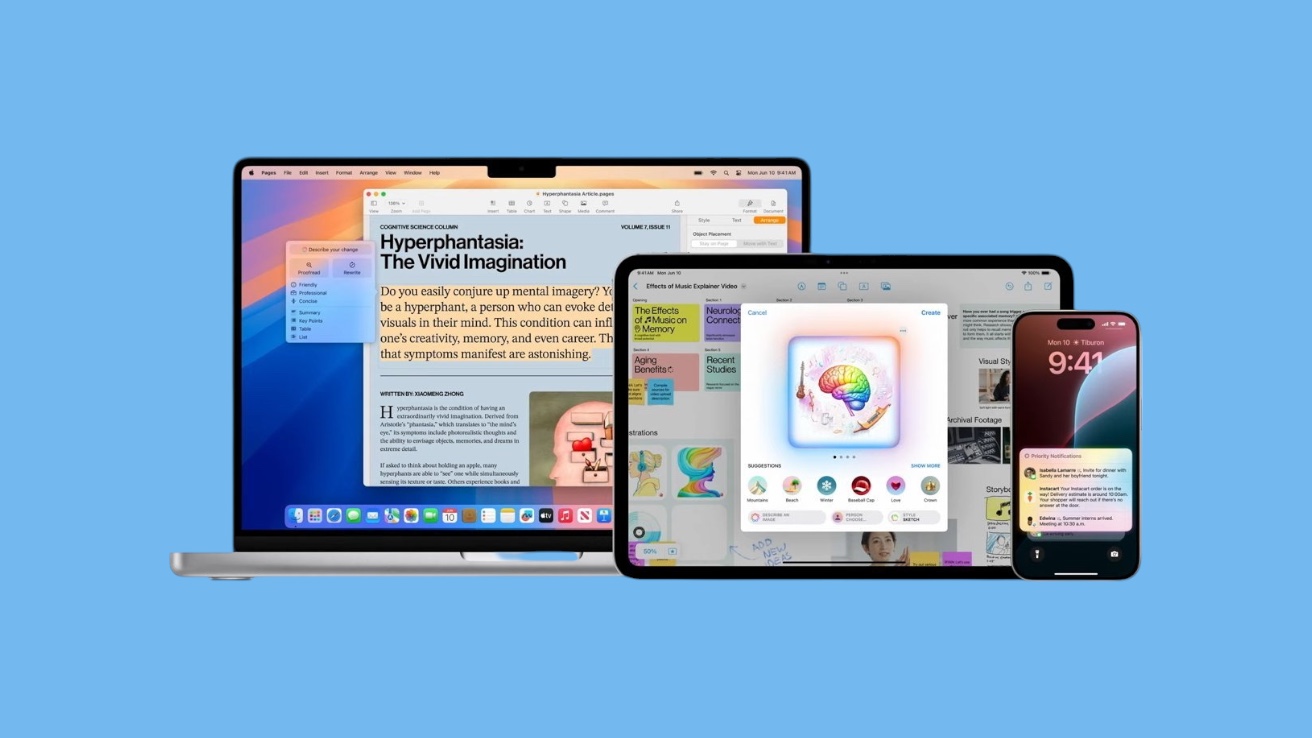
The update also brings minor refinements to Apple Intelligence, including a new splash screen in Messages and a dedicated button in Notes. Visual improvements include a new dark mode icon for Apple Intelligence in Settings and an updated wallpaper icon in Display Settings.
Overall, the fifth developer beta of iOS 18.1 delivers a collection of practical enhancements and refinements. While not groundbreaking, these changes demonstrate Apple’s commitment to continually improving the user experience, making iOS even more intuitive and user-friendly.