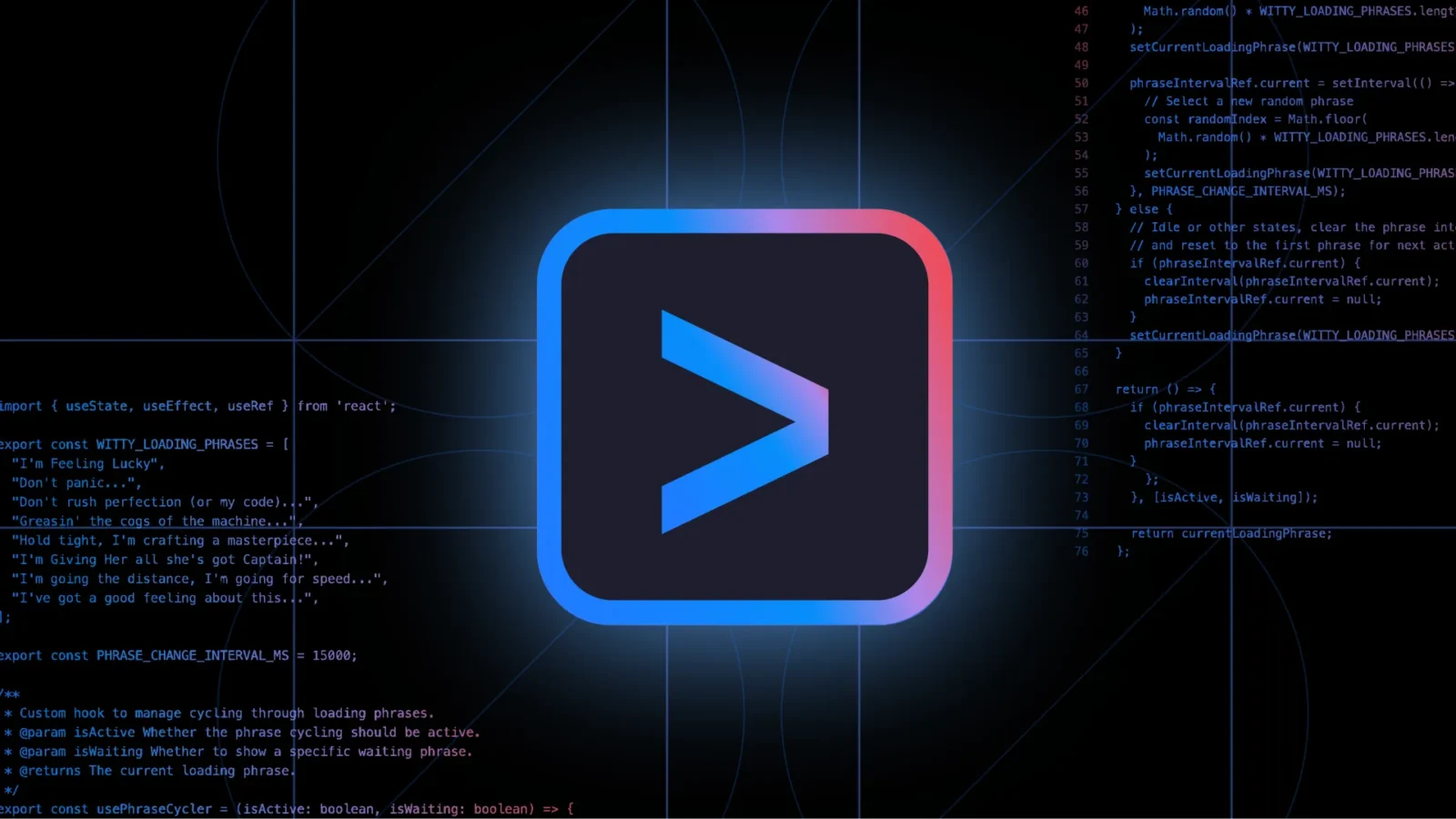
Google has launched Gemini CLI, an open-source command line interface that brings its Gemini 2.5 Pro AI model directly into developers’ terminals. The tool aims to streamline development workflows by integrating powerful AI assistance natively into command-line environments. While similar tools exist from other major AI firms, such as OpenAI’s Codex CLI and Anthropic’s Claude Code, Google appears to be leaning on generous usage terms and integration flexibility as its competitive edge.
Gemini CLI connects users to Gemini 2.5 Pro, a model known for its 1 million-token context window, enabling deep and sustained AI interactions. The free tier allows up to 60 model requests per minute and a daily total of 1,000 requests—an unusually high allowance that lowers the barrier for developers to test, iterate, and integrate AI into their workflows.

For those needing more power or specific configurations, Google provides alternatives through pay-as-you-go access via Google AI Studio or Vertex AI, as well as subscription options like Gemini Code Assist for more demanding enterprise or multi-agent use cases.
Gemini CLI is more than just a text-generation tool. It supports web-grounded prompts via Google Search for real-time context retrieval, built-in extensibility through the Model Context Protocol (MCP), and custom prompt configurations tailored to specific workflows. Developers can also automate interactions by embedding the CLI within scripts, making it suitable for both interactive and programmatic use.
The tool is built using Node.js (requires version 18 or later) and can be launched with a simple npx command or installed globally via npm. Being open-source under the Apache 2.0 license and based on the Yargs framework, Gemini CLI invites developer contributions and transparent inspection.
Notably, the CLI shares core functionality with Google’s IDE extension, Code Assist, providing a unified experience across environments like VS Code and terminal-based development. This release solidifies Google’s push into AI-integrated developer tooling by making its models more accessible, customizable, and practical for everyday coding tasks.