
• stories
    • Tech
    • Auto
    • Guides
    • Opinions
  • Reviews
    • READERS’ CHOICE
    • ALL REVIEWS
    • ━
    • SMARTPHONES
    • CARS
    • HEADPHONES
    • ACCESSORIES
    • LAPTOPS
    • TABLETS
    • WEARABLES
    • SPEAKERS
    • APPS
  • screen time
    • TV & MOVIE REVIEWS
    • SPOTLIGHT
  • GAMING
    • GAMING NEWS
    • GAME REVIEWS
  • quick bytes
Reading: Chrome for Android rolls out “Listen to this Page” text-to-speech
Font ResizerAa
Font ResizerAa
  • Menu Item
  • Menu Item
  • stories
    • TECH
    • AUTOMOTIVE
    • GUIDES
    • OPINIONS
  • REVIEWS
    • READERS’ CHOICE
    • ALL REVIEWS
    • ━
    • SMARTPHONES
    • CARS
    • HEADPHONES
    • ACCESSORIES
    • LAPTOPS
    • TABLETS
    • WEARABLES
    • SPEAKERS
    • APPS
  • screen time
    • TV & MOVIE REVIEWS
    • SPOTLIGHT
  • GAMING
    • GAMING NEWS
    • GAME REVIEWS
  • quick bytes
Follow US

Chrome for Android rolls out “Listen to this Page” text-to-speech

GEEK DESK
GEEK DESK
Jun 17, 2024

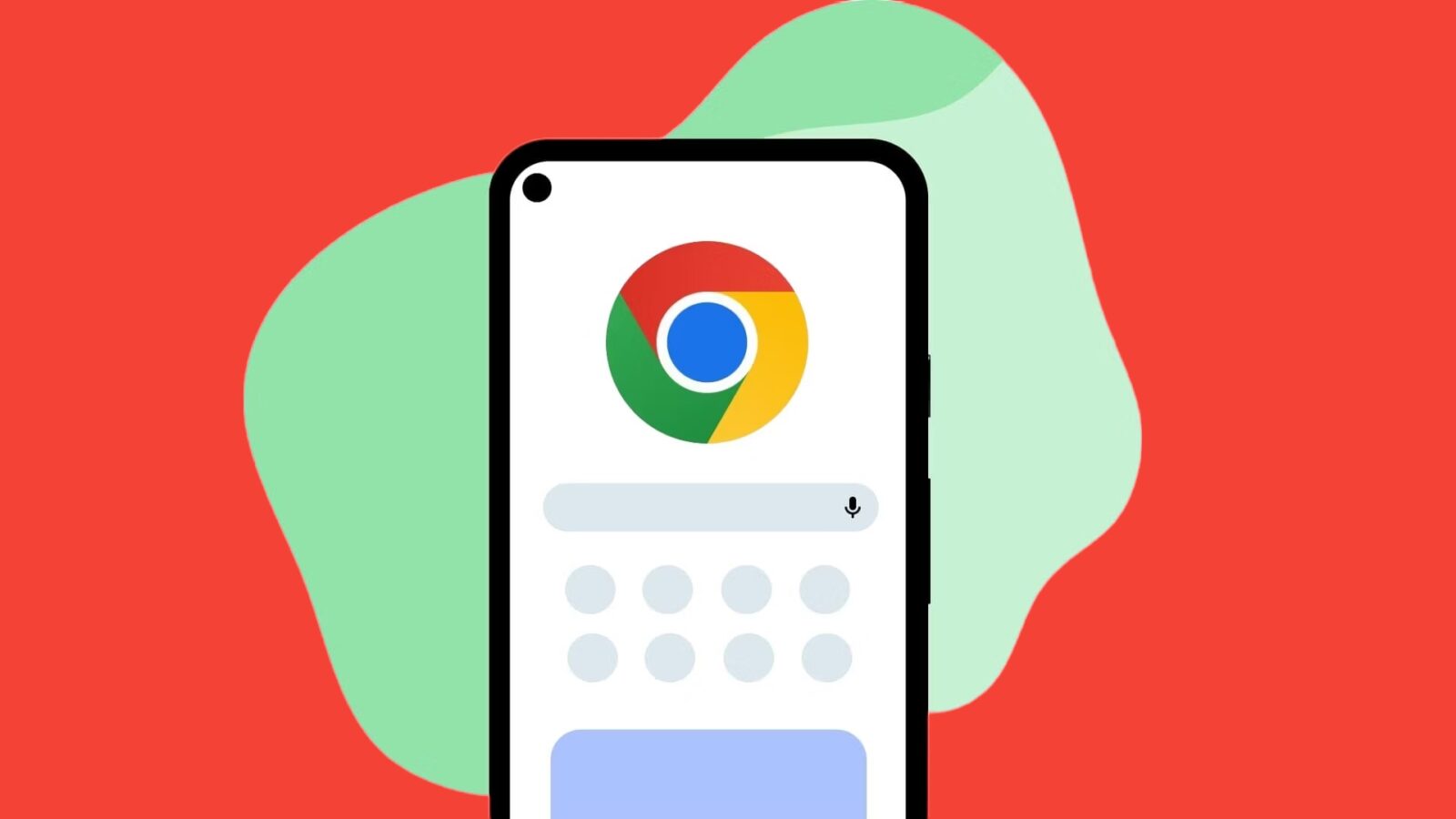
Google is rolling out a new “Listen to this page” feature for Chrome on Android, allowing users to have most text-heavy web pages read aloud to them.

To access this feature, simply open a compatible web page and tap the three-dot overflow menu in Chrome. The “Listen to this page” option will appear alongside other features like “Translate” and “Add to Home screen.”

When activated, a miniplayer will appear at the bottom of your screen, allowing you to control playback, adjust the reading speed, rewind or fast forward, and toggle text highlighting. You can also customize the voice used for the text-to-speech from a variety of options across different English accents.

The playback will continue even if you switch tabs or lock your device, but it will stop if you close Chrome. However, the browser will remember your last position when you reopen it.

For quicker access, you can set “Listen to this page” as your Toolbar shortcut. It’s also available in Chrome Custom Tabs.

Google has been developing this feature for some time, and it’s gradually being rolled out to users with Chrome 125. Although not yet fully available to everyone, you can check its availability by enabling the flag “chrome://flags/#read-aloud.”

What do you think?
Happy0
Sad0
Love0
Surprise0
Cry0
Angry0
Dead0
Shokz OpenDots 2 hits UAE shelves promising all-day open-ear listening
Bose just brought back wired earbuds after 11 years, blame teens
WhatsApp’s Android app is getting a floating bar
Dyson Airsmooth lands in UAE to fix your hot brush problem
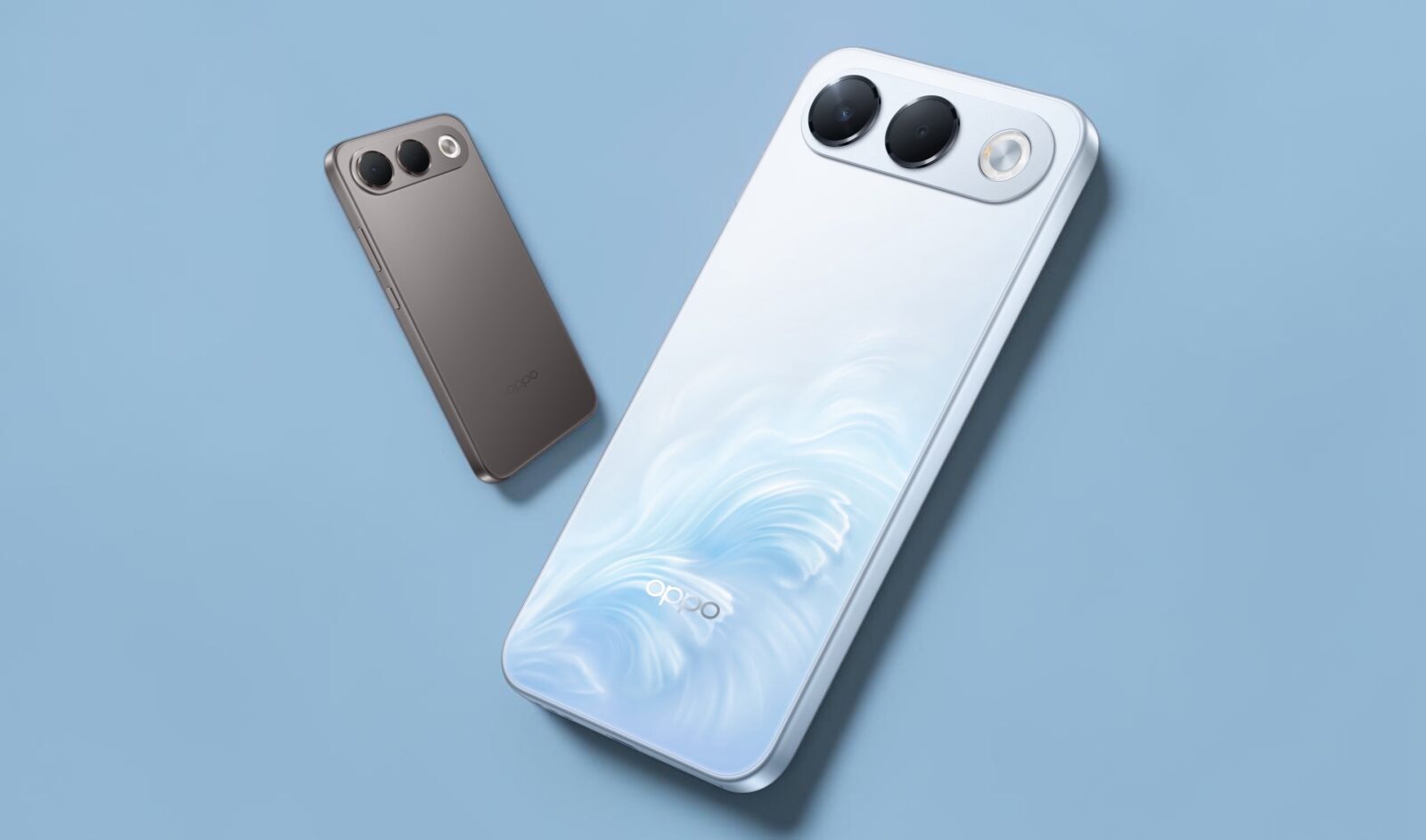
OPPO A7 Pro 5G hits UAE shelves with a battery that won’t quit
HONOR is now the Middle East’s number two smartphone brand
Follow US
Caffeine. Chaos. Content.
© Absolute Geeks Media FZE LLC 2014–2026.
Proudly made in Dubai, UAE ❤️
Contact · About · Editorial Policy · Privacy Policy
Welcome Back!

Sign in to your account

Username or Email Address
Password

Lost your password?