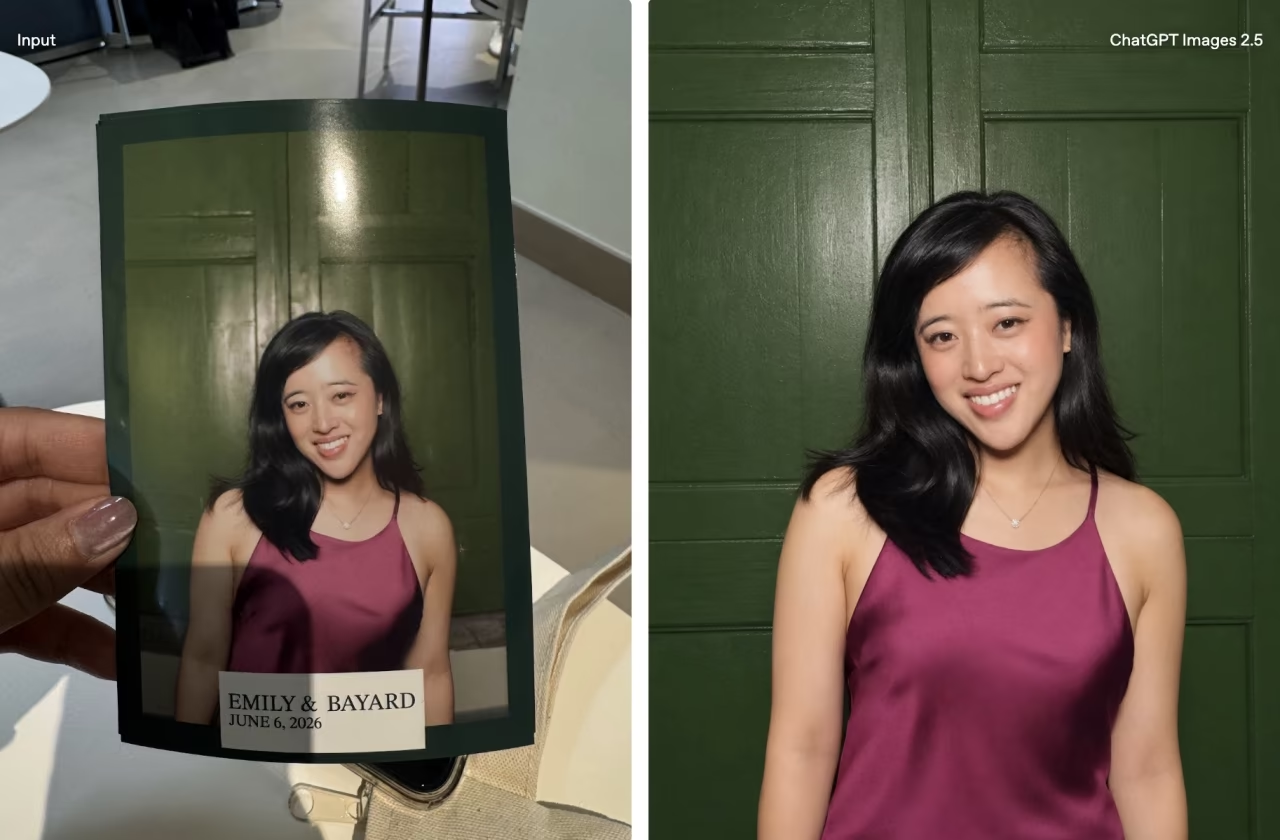
ChatGPT now includes an image library feature, giving users an easier way to view, manage, and edit the images created within the platform. The update introduces a central place to keep track of all visuals generated through ChatGPT’s latest image model, making it more convenient to revisit or rework your past prompts without starting from scratch.

You can access the new image library through the left-hand sidebar in the ChatGPT interface, just beneath the “Explore GPTs” section. There, a small counter displays how many images you’ve generated. Once inside the library, your images appear in reverse chronological order. Clicking on any image opens a full-size view and allows you to browse your collection using arrow controls.
Each image is automatically labeled with a title, though these titles don’t always reflect your original prompt. Instead, they seem to be based on the AI’s interpretation of the visual content. This may help in some cases, but it can also be confusing if you’re trying to track down an image based on the wording of your original request.

An “Edit image” button is also included, allowing you to iterate on an image without generating something entirely new. However, there’s currently no way to trace an image back to the exact conversation it came from. For users who work with iterative prompting or long-term projects, this missing link can be a drawback.
Images generated using the ChatGPT 4o model are automatically added to your library. However, visuals created using older versions of the DALL·E engine or through custom GPTs are excluded from this library. This distinction means that not all your previously created AI images will be visible in the new interface.

Removing an image is less intuitive than it could be. There’s no direct delete option within the image library itself. To get rid of an image, you’ll need to delete the entire conversation it came from. Simply archiving the chat won’t remove the image from your gallery.
At the time of writing, the feature is being rolled out gradually. Some users have access across both desktop and mobile platforms, while others may have to wait a bit longer. The update is set to reach users across Free, Pro, and Plus plans over time.

With image quality and realism steadily improving, this new image library feature is a practical addition for anyone creating visuals regularly. While there’s room for improvement—especially in navigation and content traceability—the feature brings much-needed organization to the AI image generation process.